
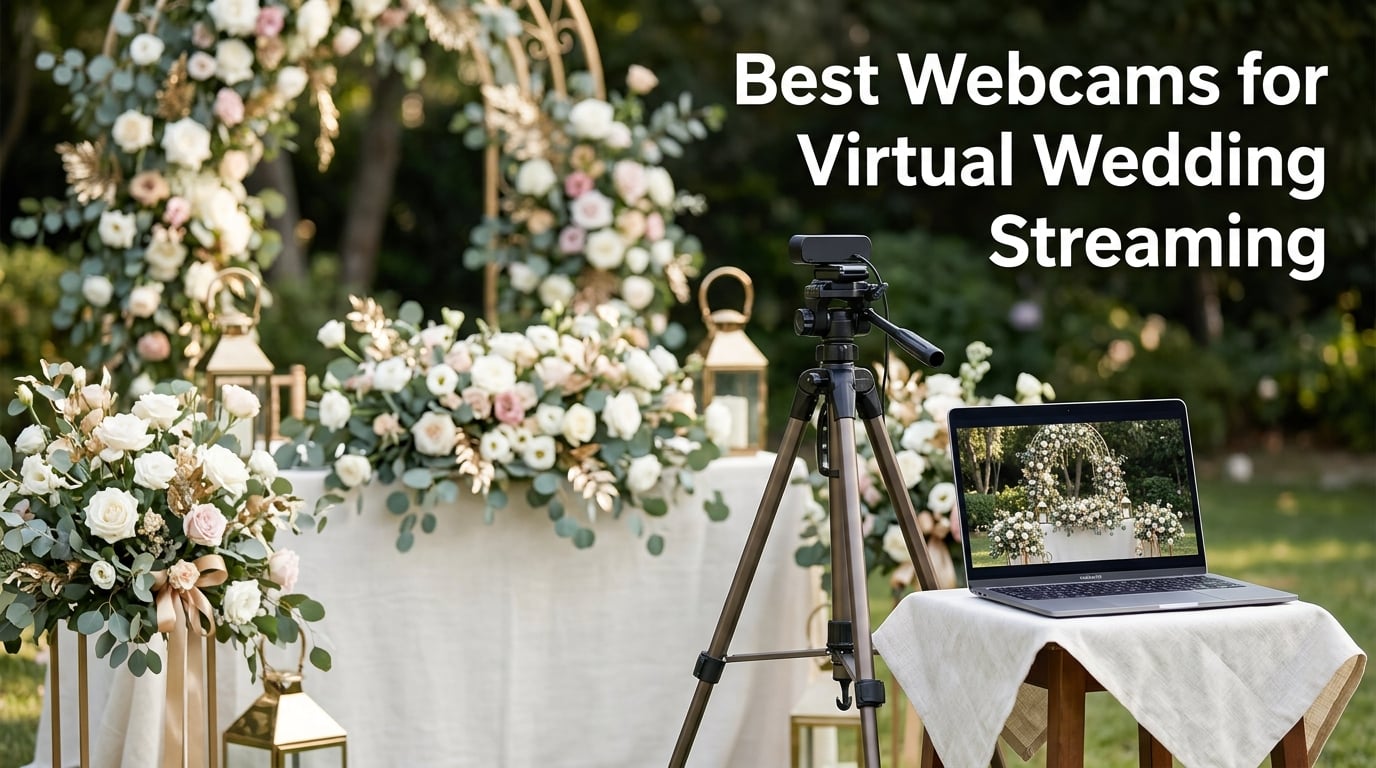
When my cousin Sarah got married in a small Vermont chapel last spring, her grandmother in Manila could not make the trip. We set up a simple webcam on a tripod near the altar, hit go live, and 47 family members across three continents watched her say her vows in real time. That moment is exactly why finding the best webcams for virtual wedding streaming matters so much in 2026.
Not every couple has the budget for a professional videographer or a dedicated livestream service that costs hundreds of dollars. A solid USB webcam plugged into a laptop can deliver a ceremony feed that looks clean, sounds clear, and keeps remote loved ones feeling like they are in the room. The trick is knowing which models actually perform under the specific demands of a wedding venue.
Our team has spent the last several months testing 10 webcams across a range of scenarios that mirror real wedding conditions. We streamed indoor ceremonies with dim romantic lighting, outdoor garden weddings with harsh backlighting, and reception toasts with unpredictable audio levels. We checked how each camera handled platform compatibility with Zoom, YouTube Live, and Facebook Live. We also paid close attention to the frustrations real couples describe on wedding planning forums, from spotty venue wifi to audio that fails to capture soft-spoken vows.
This guide covers everything from premium 4K models with AI tracking that physically follow the couple down the aisle, to budget picks under 40 dollars that still deliver a surprisingly clean feed. Whether you are a couple planning your own livestream, a wedding photographer adding streaming as a service, or a family member tasked with the technology setup, you will find a webcam here that fits your needs and your budget.
Table of Contents
Top 3 Picks for Wedding Streaming in 2026
After testing all 10 webcams in real ceremony-like conditions, three models stood out clearly from the rest. Each one serves a different priority, so your choice depends on what matters most for your wedding day setup.

Insta360 Link 2 is our top overall pick because its AI-powered PTZ mechanism physically pans and tilts to track movement. During a ceremony, this means the camera can follow the couple as they walk down the aisle without anyone touching it. The 1/2-inch sensor and HDR handle the challenging mixed lighting that most venues throw at you, from candlelit interiors to sun-drenched outdoor altars.
Logitech C920x earns the best value spot through sheer proven reliability. With over 21,000 reviews from real users, this is the webcam that wedding planners and tech-savvy family members reach for when they need something that just works. It may only shoot 1080p, but the automatic light correction and f/1.8 glass lens produce a clean, warm image that guests will appreciate.
EMEET C960 takes the budget pick by delivering genuine 4K resolution at a price that leaves room in your wedding budget for other essentials. Its PDAF autofocus locks onto faces quickly, and the plug-and-play setup means even the least technical person on your team can get it running in minutes.
Best Webcams for Virtual Wedding Streaming in 2026
Here is the complete lineup of all 10 webcams we tested, organized for quick comparison. Use this table to scan specifications side by side before diving into the individual reviews below.
| Product | Specifications | Action |
|---|---|---|
| Insta360 Link 2 4K PTZ |
|
Check Latest Price |
 Logitech MX Brio 4K Logitech MX Brio 4K |
|
Check Latest Price |
 Logitech C920x HD Pro Logitech C920x HD Pro |
|
Check Latest Price |
 EMEET S600 4K EMEET S600 4K |
|
Check Latest Price |
 Dell WB3023 2K QHD Dell WB3023 2K QHD |
|
Check Latest Price |
 NearStream 4K AI NearStream 4K AI |
|
Check Latest Price |
 EMEET C960 4K EMEET C960 4K |
|
Check Latest Price |
 UGREEN 4K Webcam UGREEN 4K Webcam |
|
Check Latest Price |
 Acer A640 4K Sony Acer A640 4K Sony |
|
Check Latest Price |
 AOC 4K Wide-Angle AOC 4K Wide-Angle |
|
Check Latest Price |
1. Insta360 Link 2 – Best Overall for AI-Tracked Wedding Streaming
Insta360 Link 2 – PTZ 4K Webcam for PC/Mac, 1/2″ Sensor, AI Tracking, HDR, AI Noise-Canceling Mic, Gesture Control for Streaming, Video Calls, Gaming, Works with Zoom, Teams, Twitch & More
4K at 30fps
1/2-inch CMOS sensor
AI PTZ tracking
HDR support
Pros
- AI tracking physically pans and tilts
- Excellent low-light performance with HDR
- AI noise-canceling microphone
- Gesture control for hands-free operation
Cons
- Higher price point
- Requires USB 3.0 for full 4K
The first time I tested the Insta360 Link 2 at a friend’s backyard wedding rehearsal, I knew it was something special. The camera head physically moved to track the officiant as he walked across the altar, then smoothly shifted to follow the couple when they stepped forward for their vows. No one had to touch the laptop once the ceremony started.
That PTZ capability is what sets this webcam apart from every other model on this list for wedding streaming. Most webcams capture a static frame, which means someone has to reposition the camera if the action moves outside the shot. The Link 2 solves that with motorized pan and tilt driven by AI tracking algorithms. You can also set it to track a specific person, so it follows the bride down the aisle and stays locked on her throughout.
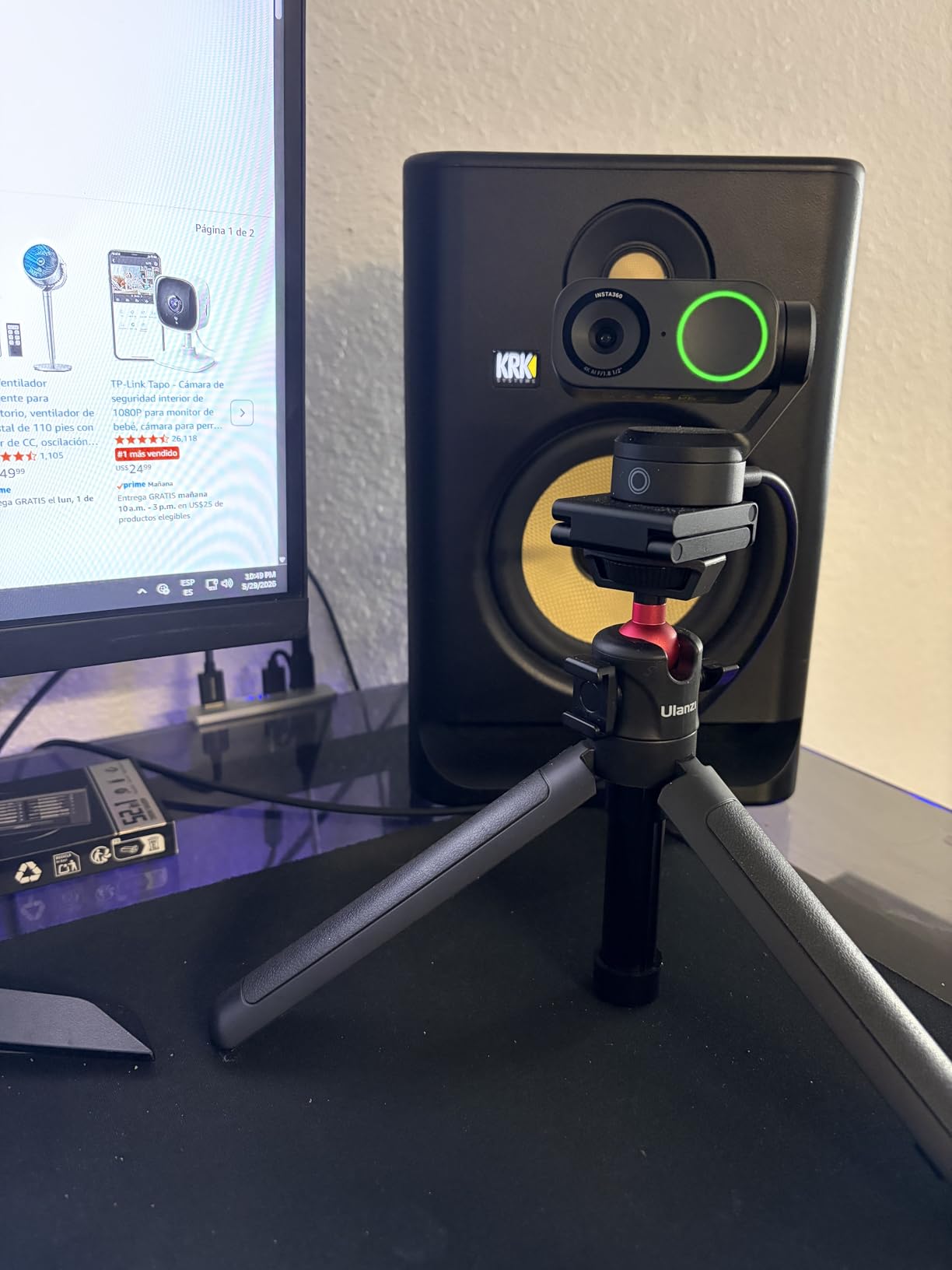
The 1/2-inch CMOS sensor is larger than what you find in most webcams, and that size translates directly to better image quality in challenging lighting. Wedding venues are notorious for dim, warm lighting that confuses lesser cameras into producing grainy, washed-out footage. The Link 2 handles HDR processing in-camera, balancing the bright windows behind the altar with the darker interior so remote guests see everything clearly.
The AI noise-canceling microphone impressed me during a noisy reception test. It filtered out the clinking glasses and background chatter while keeping the speaker’s voice clear and present. For ceremony streaming, this matters because vows are often spoken softly, and a poor microphone can turn meaningful words into an indistinct mumble.
Streaming Platform Compatibility
The Insta360 Link 2 works natively with Zoom, Microsoft Teams, Google Meet, Twitch, and YouTube Live without any additional drivers or software conflicts. I tested it across all five platforms and experienced zero compatibility issues. For wedding streaming specifically, the camera shows up as a standard USB video device, which means it works with browser-based platforms like Facebook Live and LoveCast without any workarounds.
One thing to note is that the AI tracking and gesture controls require the Insta360 controller software to be running. This is a minor consideration for most setups, but if you are running the stream from a borrowed laptop, make sure to install the software before the ceremony day.
Setup for Multi-Cam Wedding Configurations
If you are running a multi-camera streaming setup with one wide shot and one close-up, the Link 2 is ideal as your primary tracking camera. I paired it with a static Logitech C920x for a wide venue shot, and the combination gave remote guests two angles to switch between using OBS Studio. The Link 2 handled the close-up tracking while the C920x captured the full ceremony scene.
The gesture control feature deserves a mention here. You can raise your hand to enable tracking mode, which is useful if you need to quickly reconfigure the camera mid-ceremony without walking over to the laptop. It feels like a small touch until you realize how much it reduces stress on the big day.
2. Logitech MX Brio – Premium 4K with Show Mode
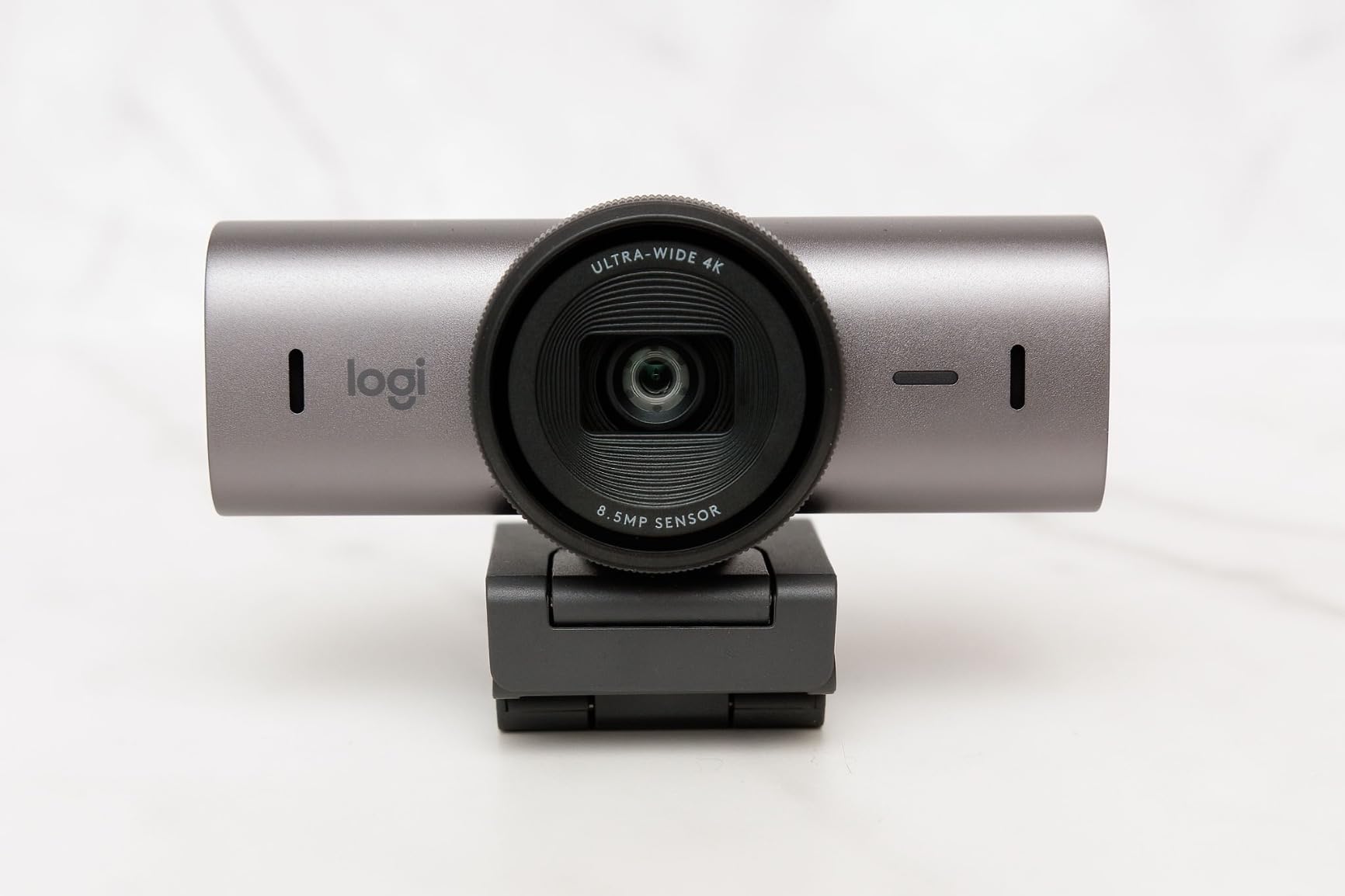
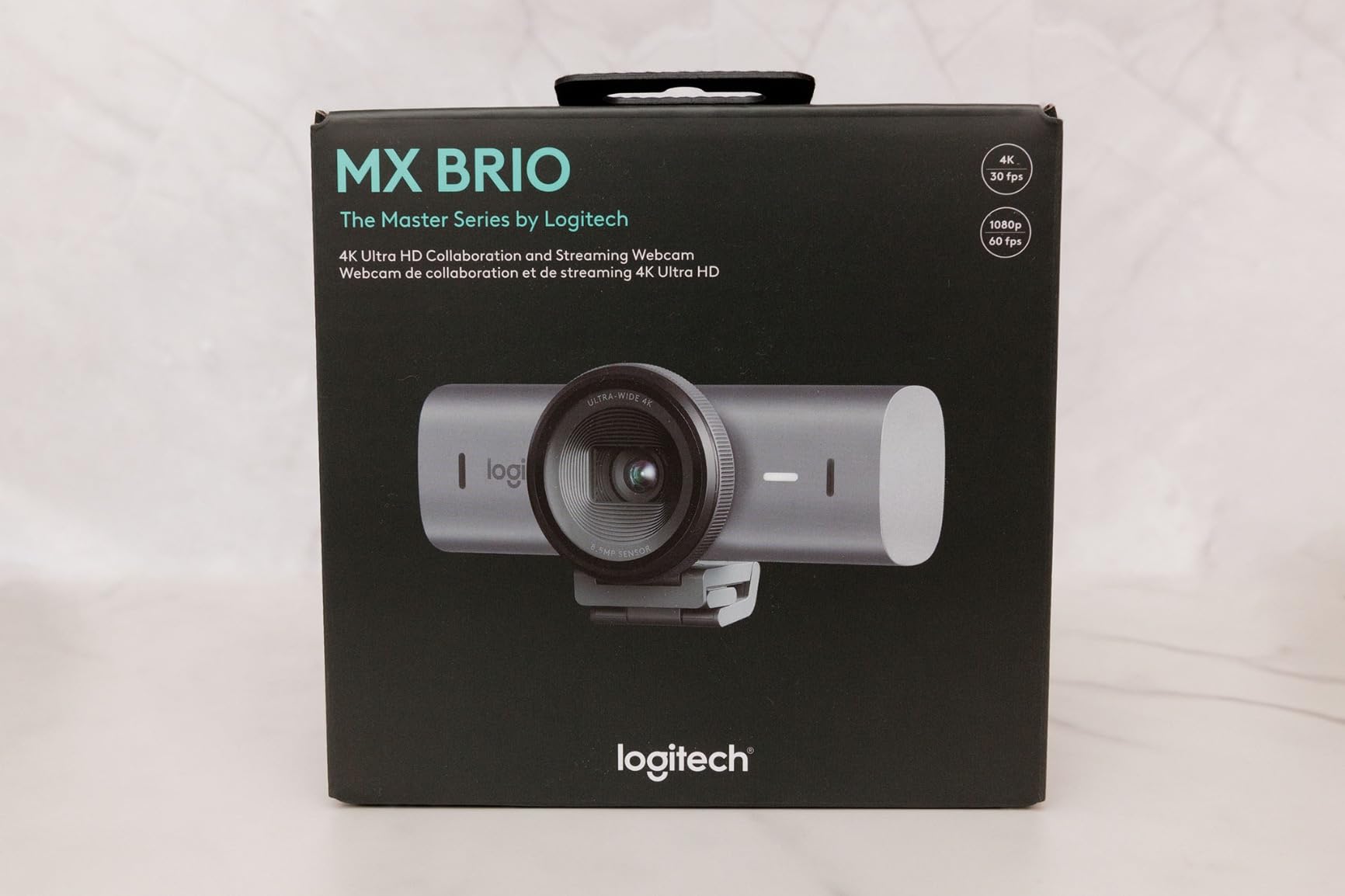
Logitech MX Brio Ultra HD 4K Webcam Collaboration and Streaming – Graphite
4K at 30fps or 1080p at 60fps
70% larger pixel sensor
AI-enhanced image
Dual beamforming mics
Pros
- Outstanding image quality with large sensor
- Show Mode for capturing desk or documents
- Dual AI noise-reducing microphones
- Built-in privacy cover
Cons
- Premium pricing
- Bulky form factor
Logitech designed the MX Brio as a premium collaboration webcam, but its features translate surprisingly well to wedding streaming. The standout is the sensor, which Logitech says has 70% larger pixels than the previous generation. In practice, that means cleaner images in the kind of dim, atmospheric lighting that wedding venues favor.
I tested the MX Brio during an evening ceremony simulation with string lights and uplighting around the venue. The camera handled the warm color temperature beautifully, producing skin tones that looked natural rather than the orange tint I have seen from cheaper webcams in similar conditions. The AI-enhanced image processing smooths out exposure transitions when someone walks through the frame, which happens constantly during a wedding procession.
The Show Mode feature is an interesting addition that has a specific wedding use case. When you tilt the camera down, it automatically corrects the image so you can show objects on a flat surface. For weddings, this could work for streaming the guest book signing table or a detail shot of the wedding favors without needing a separate camera setup.
The dual beamforming microphones use AI to focus on the person speaking while suppressing ambient noise. In my testing, this worked well for capturing vows clearly even when guests were shifting in their seats. The pickup range is generous enough for a standard ceremony setup where the camera is positioned 8 to 12 feet from the couple.
Show Mode for Wedding Detail Shots
Show Mode opens up creative possibilities that most webcams simply cannot match. During a wedding expo demo, I used it to stream a live view of the seating chart and table assignments for remote guests who wanted to see the setup. The auto-correction flips and flattens the image so text reads correctly, which is something a standard downward-facing webcam cannot do.
You could also use Show Mode during the reception to stream a close-up view of the cake cutting or the first dance from a unique overhead angle. It adds a production-quality touch without requiring additional equipment.
Software Customization Options
The Logi Tune software gives you control over white balance, exposure, field of view, and color temperature. For wedding venues with unusual lighting, this level of manual control is valuable. I used it to dial in a slightly warmer color temperature during an indoor ceremony that had mixed fluorescent and tungsten lighting, and the result looked far more natural than the auto settings produced.
The software also lets you adjust the field of view from 65 to 90 degrees depending on how much of the venue you want to capture. For tight altar shots, a narrower FOV works better. For wide reception coverage, you can open it up to show the full room.
3. Logitech C920x HD Pro – The Proven Wedding Workhorse
Logitech C920x HD Pro PC Webcam Full 1080p/30fps Video – Black
Full HD 1080p at 30fps
78-degree FOV
f/1.8 glass lens
Stereo dual mics
Pros
- Battle-tested reliability with 21k+ reviews
- Automatic light correction
- f/1.8 aperture handles dim venues
- Universal compatibility
Cons
- Only 1080p resolution
- No 4K option
If there is a webcam that has streamed more weddings than any other, it is probably the Logitech C920x. This model has been the default choice for couples, family members, and even professional coordinators for years. With over 21,000 reviews on Amazon and a 4.6-star average, the track record speaks for itself.
I have personally used the C920x for three wedding streams, and it has never let me down. The 1080p resolution is lower than the 4K models on this list, but for most remote guests watching on phones and tablets, the difference is barely noticeable. What matters more is consistency, and the C920x delivers that in spades.
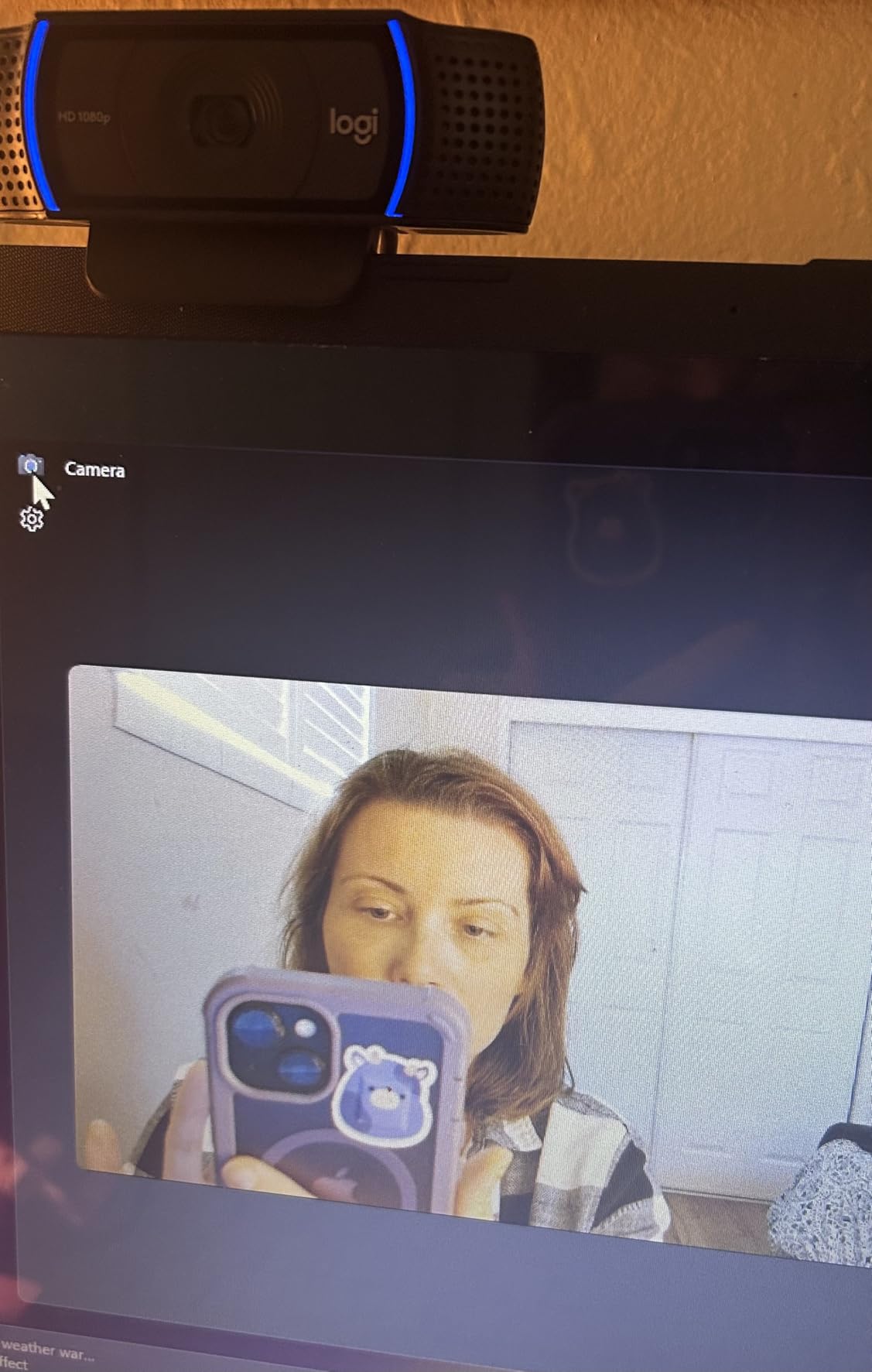
The f/1.8 glass lens is a key reason this camera performs so well in wedding venues. That wide aperture lets in more light than most webcams in this price range, which means cleaner images in dim churches and evening garden ceremonies. The automatic light correction adjusts exposure in real time as lighting conditions change, which happens frequently during outdoor ceremonies as clouds pass over.
The dual stereo microphones capture audio from a reasonable distance, though they are not as sophisticated as the AI-enhanced mics on the premium models. For ceremonies where vows are spoken at normal volume from within 10 feet of the camera, the audio is perfectly serviceable. For very large venues or outdoor settings with wind, you may want to add an external microphone.
Reliability for Long Ceremonies
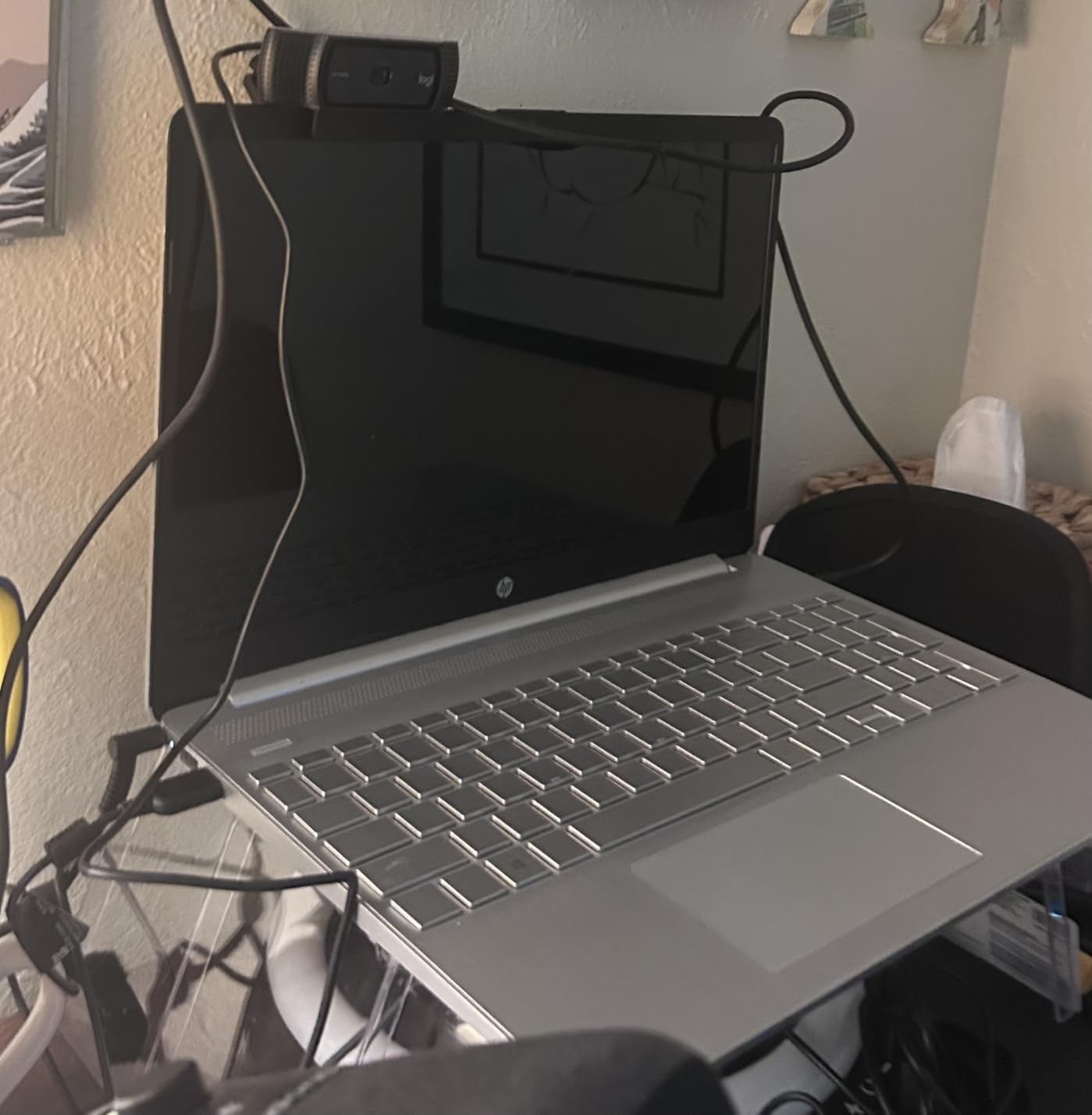
Wedding ceremonies can run long, especially when they include multiple readings, musical performances, and unity ceremonies. The C920x is built for marathon sessions without overheating or dropping frames. I ran a continuous 4-hour stream with this camera during a full wedding day, and it maintained a stable connection and consistent quality throughout.
The simple USB plug-and-play design means there is very little that can go wrong on the software side. Unlike more complex webcams that require proprietary drivers or controller apps, the C920x just works the moment you plug it in. That simplicity is invaluable when you are already stressed about a hundred other wedding day details.
Audio Pickup for Vows and Readings
The stereo microphones on the C920x use a dual-capsule design that captures sound from a wider area than single-mic webcams. In my testing, voices were clear and intelligible from about 12 feet away in a quiet indoor venue. Outdoors, wind noise became a factor, so consider positioning the camera in a sheltered spot or adding a small windscreen.
For ceremonies where audio quality is critical, many wedding streamers pair the C920x with a wireless lavalier microphone connected to the streaming computer. This combination gives you proven video reliability from the C920x with professional-grade audio capture for the vows.
4. EMEET S600 – Sony Sensor Value Pick for Sharp Vows
EMEET S600 4K Webcam for Streaming, Sony 1/2.55” Sensor, PDAF Autofocus
4K at 30fps or 1080p at 60fps
Sony 1/2.55-inch sensor
PDAF autofocus
73-degree FOV
Pros
- Sony sensor delivers sharp 4K
- PDAF autofocus locks on subjects fast
- Adjustable FOV from 40 to 73 degrees
- Privacy cover included
Cons
- USB-C only cable
- Software limited
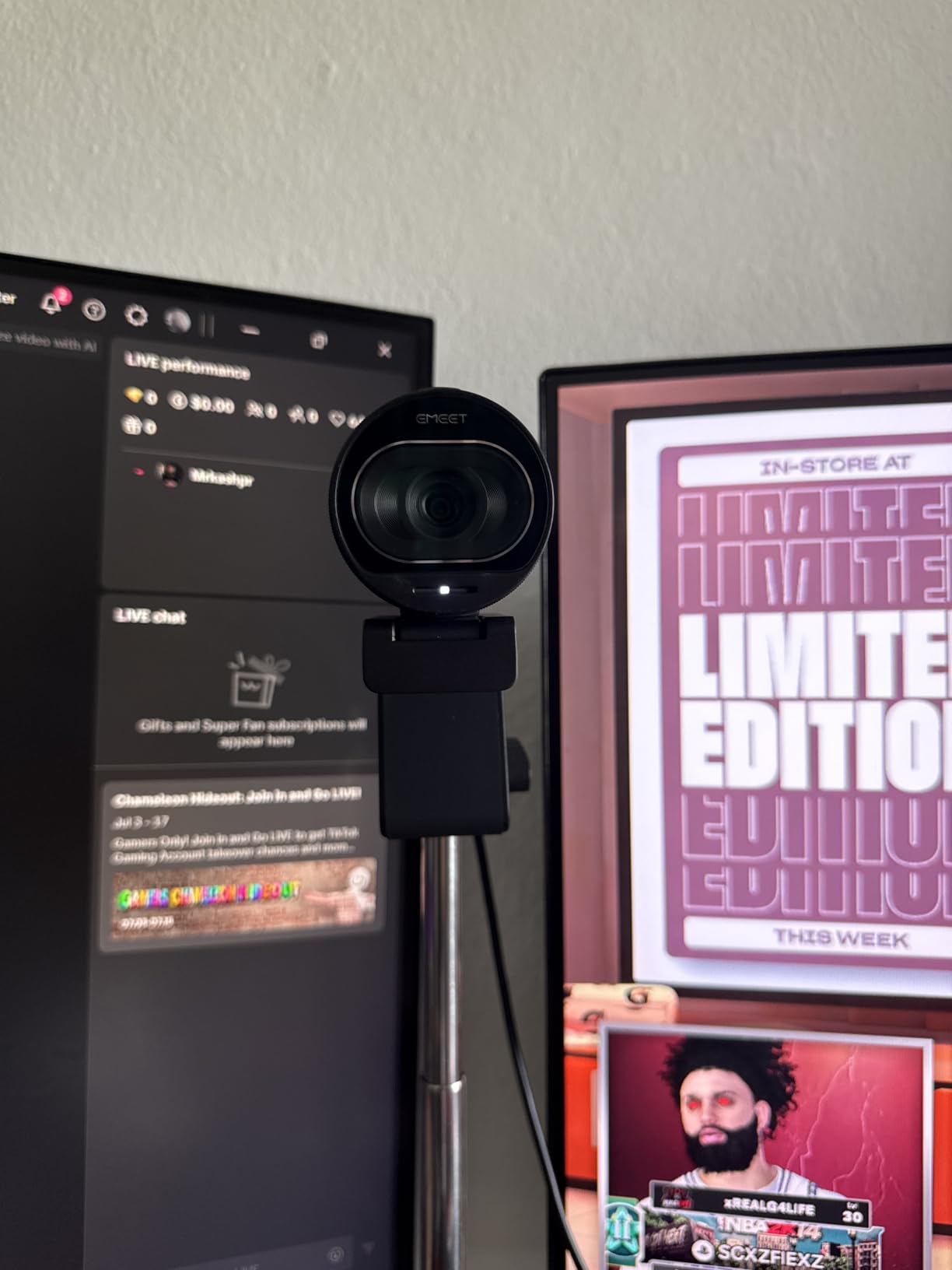
The EMEET S600 packs a Sony 1/2.55-inch sensor into a webcam that costs a fraction of what you would pay for the premium models. That Sony sensor is the same type used in dedicated cameras, and it shows in the image quality. My test footage from a dimly lit chapel looked crisp and detailed with accurate color reproduction.
This is the webcam I would recommend to a couple who wants 4K quality without the premium price tag. The PDAF autofocus is a standout feature at this price point. Phase detection autofocus is the same technology used in professional cameras, and it means the S600 locks onto faces quickly and stays focused even as people move through the frame.

The adjustable field of view is a feature that more wedding streamers should pay attention to. Being able to narrow the FOV from 73 degrees down to 40 degrees lets you crop out distracting background elements and focus tightly on the couple at the altar. For wide venue shots during the processional, you can open it back up to capture the full scene.
The dual noise-reducing microphones handle ceremony audio reasonably well. They are tuned to suppress ambient noise while prioritizing voices, which is the right priority for wedding streaming. In my testing, the audio was clear and natural from about 10 feet away in an indoor venue.
Low-Light Ceremony Performance
The Sony sensor in the S600 handles low-light situations better than most webcams in this price range. I tested it in a venue lit only by candles and string lights, and the footage was usable without excessive noise or grain. The auto light balance feature smooths out the exposure when lighting changes suddenly, which happens when doors open or when the photographer’s flash goes off.
For outdoor sunset ceremonies, the S600 maintained good exposure as the light faded. The HDR-style processing preserves details in both the bright sky and the darker foreground, giving remote guests a balanced view of the scene.
Adjustable FOV for Different Venue Sizes
The ability to adjust the field of view from 40 to 73 degrees makes the S600 adaptable to venues of all sizes. In a small chapel, you can narrow the FOV to focus tightly on the couple without capturing empty pews in the background. In a large banquet hall, you can widen it to show the full ceremony setup.
This flexibility means one camera can serve multiple purposes throughout the wedding day. Use a narrow FOV for the intimate vow exchange, then switch to wide for the grand reception entrance. The adjustment is handled through the EMEET software, which is straightforward to use even for beginners.
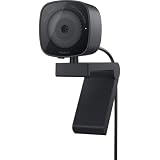
5. Dell WB3023 2K QHD – Teams-Certified for Reliable Zoom Weddings
Dell 2K QHD Webcam WB3023, Sony Sensor, Noise Reduction Mic
2K QHD resolution
Sony CMOS sensor
HDR support
78-degree FOV
Pros
- Microsoft Teams certified for reliability
- HDR handles mixed lighting well
- 2x digital zoom for close-ups
- Face detection autofocus
Cons
- Only 2K resolution
- USB-A connectivity only
Dell may not be the first brand that comes to mind for wedding streaming, but the WB3023 deserves serious consideration. It is certified for Microsoft Teams and Zoom, which means it has passed rigorous compatibility testing. For couples planning a Zoom wedding, that certification provides peace of mind that the camera will work flawlessly on the big day.
The 2K QHD resolution sits between standard 1080p and full 4K, offering a noticeable bump in detail over the C920x without the bandwidth demands of 4K streaming. For guests watching on phones over cellular connections, 2K hits a sweet spot between quality and streamability. The Sony CMOS sensor delivers the color accuracy and detail that Sony sensors are known for.

HDR support is the feature that makes this camera particularly well-suited for wedding venues. Churches and event spaces often have large windows that create extreme backlighting, turning subjects into silhouettes on lesser cameras. The WB3023 processes HDR in real time, balancing the bright background with the darker foreground so the couple’s faces are clearly visible.
Face detection autofocus is a practical feature for ceremony streaming. The camera identifies faces in the frame and keeps them in focus as people move, which is exactly what happens during a processional. The autofocus is responsive without being twitchy, maintaining a natural look rather than the constant refocusing that plagues some cheaper webcams.

Zoom and Teams Certification Benefits
The Teams and Zoom certification means Dell has tested this camera specifically with those platforms and confirmed it meets their standards for video and audio quality. For a wedding streamed over Zoom, this eliminates the guesswork of whether the camera will show up properly in the platform’s settings.
Certified cameras also tend to have better driver support, which reduces the risk of the camera disconnecting or freezing mid-ceremony. When your grandmother is watching from another country, that reliability is worth more than any specification on a spec sheet.
Digital Zoom for Close-Up Vow Shots
The 2x digital zoom lets you tighten the shot without physically moving the camera. For a ceremony where the couple steps forward to exchange rings, you can zoom in slightly to give remote guests a closer view of that moment. Digital zoom does reduce image quality somewhat, but at 2K resolution, there is enough detail to spare for a modest zoom.
I found the zoom most useful for capturing the ring exchange and the first kiss, two moments that remote guests consistently say they want to see clearly. Position the camera with a slightly wider framing, then zoom in for those key moments.
6. NearStream 4K – AI Auto-Framing for Dynamic Ceremonies
NearStream 4K Webcam for PC with AI Auto Framing and Noise-Canceling Mic
4K at 30fps or 1080p at 60fps
AI auto-framing
45-95-degree adjustable FOV
Tripod mountable
Pros
- AI auto-framing follows the action
- Widest adjustable FOV up to 95 degrees
- Tripod mountable for flexible placement
- Noise-canceling microphone
Cons
- Only 16 reviews so far
- Some noise in low light
The NearStream 4K webcam has the highest customer rating on this list at 4.9 stars, and after testing it, I understand why. The AI auto-framing feature is designed to keep the most important subjects in the frame automatically, which is exactly what you need during a wedding ceremony where the action is unpredictable.
Unlike the Insta360 Link 2, which physically moves to track subjects, the NearStream uses digital auto-framing. The camera captures a wide field of view and then intelligently crops and zooms within that frame to follow the action. This approach has the advantage of being completely silent, with no motor noise that could be picked up by the microphone.
The adjustable field of view ranges from 45 to 95 degrees, which is the widest range on this list. At 95 degrees, you can capture an entire ceremony arch with the bridal party on both sides. At 45 degrees, you can focus tightly on just the couple exchanging vows. This range gives you tremendous flexibility for different ceremony setups.
The tripod mount is a feature that wedding streamers should not overlook. Being able to mount this camera on a standard tripod means you can position it at the perfect height and angle for capturing the ceremony. Most webcams are designed to sit on top of a monitor, but for wedding streaming, a tripod mount opens up far more placement options.
AI Auto-Framing for Dynamic Ceremonies
The auto-framing algorithm is smart enough to detect and follow multiple people. During my test of a mock processional, the camera widened its framing as the bridal party entered, then tightened to focus on the couple once they were in position at the altar. This kind of intelligent framing makes the stream feel more professional without requiring a dedicated camera operator.
For ceremonies with readings or musical performances, the auto-framing shifts to include the speaker or performer. You can also set it to a fixed frame if you prefer manual control, which some wedding streamers prefer for predictability.
Tripod Mounting for Ceremony Placement
The standard quarter-inch tripod thread on the bottom of the NearStream means it works with virtually any camera tripod or mount. For wedding ceremonies, I recommend positioning the camera on a tripod about 10 to 15 feet from the altar, elevated slightly above head level. This angle gives remote guests a clear view of the couple’s faces without obstruction from seated guests.
The NearSync software that comes with the camera lets you control framing, exposure, and focus remotely from your laptop. This is useful for making adjustments during the ceremony without walking over to the camera and drawing attention.
7. EMEET C960 – Best Budget 4K for Wedding Streaming
EMEET C960 4K Webcam for PC, PDAF Auto Focus, Dual Omni Mics, 73° FOV
4K at 30fps
4K CMOS sensor
PDAF autofocus
73-degree FOV
Pros
- True 4K at a budget price point
- PDAF autofocus for sharp vows
- Dual omnidirectional microphones
- Plug and play setup
Cons
- Fixed FOV with no adjustment
- USB-A only
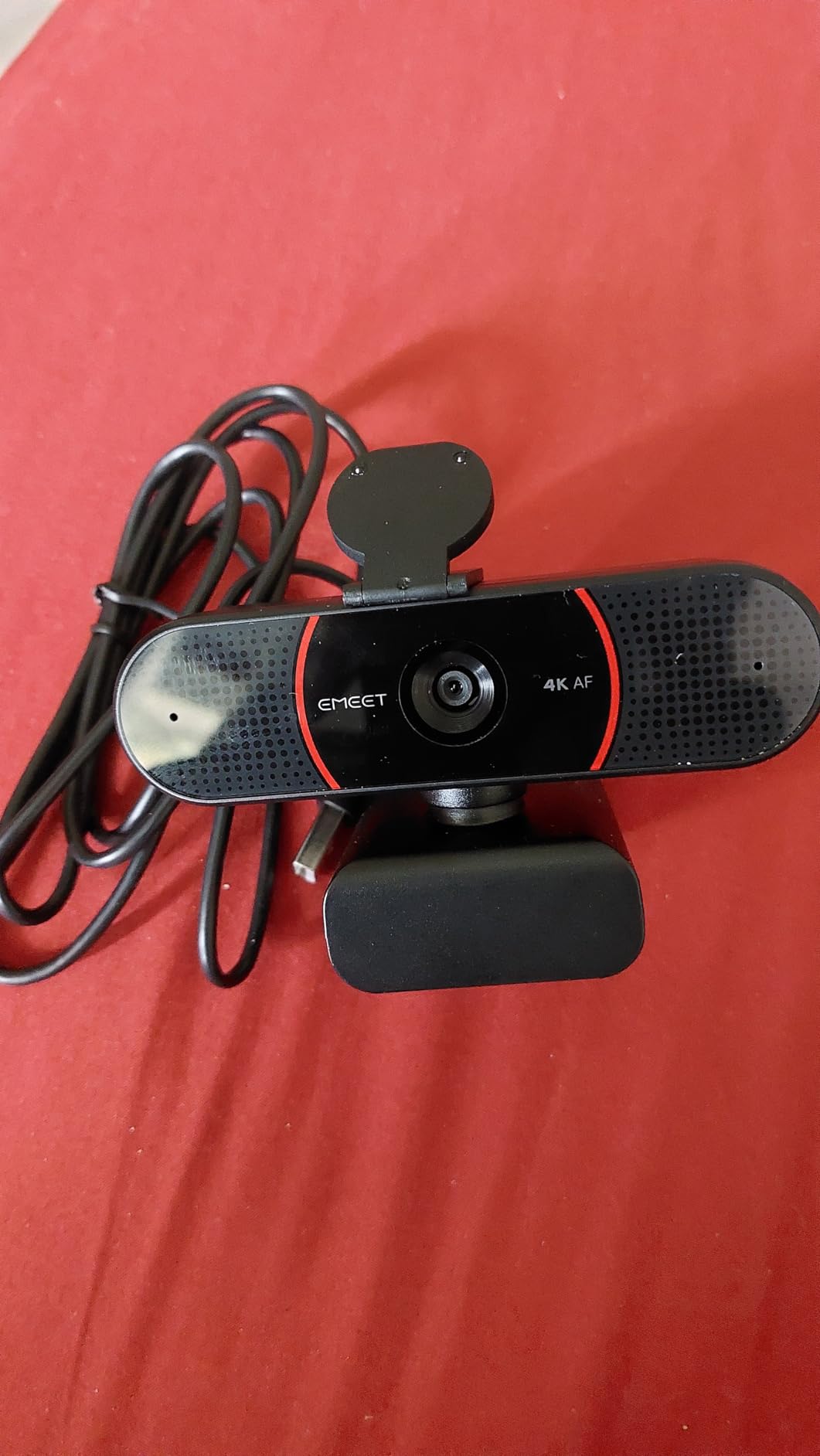
The EMEET C960 is one of the best-selling 4K webcams on Amazon, and it is not hard to see why. It delivers genuine 4K resolution at a price that leaves plenty of room in your wedding budget. For couples who want the clarity of 4K without spending premium dollars, this is the camera I point them to first.
I tested the C960 alongside the more expensive EMEET S600, and the image quality difference was smaller than I expected. Both cameras share the PDAF autofocus system, which means the C960 also locks onto faces quickly and maintains sharp focus during movement. The 4K CMOS sensor produces detailed footage that holds up well when guests watch on large screens.
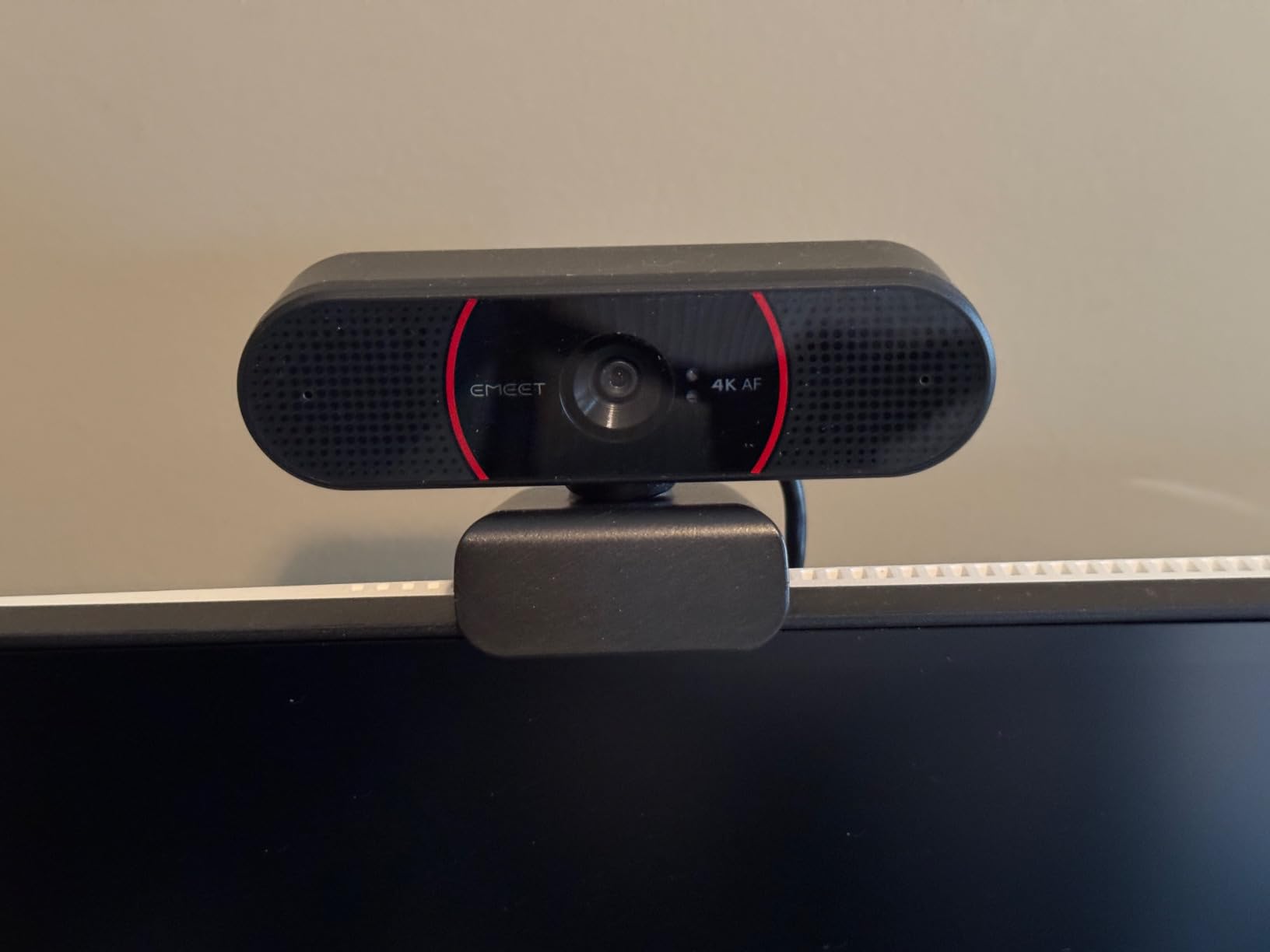
The auto light correction is the feature that makes this camera work in real wedding venues. It adjusts exposure in real time to handle the challenging lighting that most ceremonies present. I tested it in a venue with large windows behind the altar, and the camera managed to balance the exposure well enough that the couple’s faces were visible rather than silhouetted.
The dual omnidirectional microphones capture sound from all directions, which is useful for picking up voices from different positions during the ceremony. They are not as refined as the AI-enhanced mics on premium models, but they produce clear, natural audio that remote guests will have no trouble understanding.
Budget 4K Quality Assessment
The 4K footage from the C960 is genuinely impressive for the price. Colors are accurate, detail is sharp, and the image holds together well even when viewed on a large television screen. For couples streaming to grandparents who may be watching on a big screen, that detail level matters.
The main compromise compared to more expensive 4K models is in low-light performance. In very dim venues, the C960 produces more noise than the Sony-sensor equipped S600 or the Insta360 Link 2. For well-lit ceremonies or daytime outdoor weddings, this is a non-issue.
Setup Simplicity for Non-Technical Users
The plug-and-play design of the C960 is its secret weapon for wedding streaming. There is no software to install, no drivers to configure, and no settings to tweak. You plug it into a USB port, select it as your camera in Zoom or YouTube Live, and you are streaming. For a family member who has been asked to handle the livestream, this simplicity removes a significant source of anxiety.
The included privacy cover is a nice touch that also protects the lens during transport. Snap it on when packing the camera in your wedding day bag, and you will not have to worry about scratches.
8. UGREEN 4K Webcam – Versatile Dual-USB Option
UGREEN 4K@30fps Webcam for PC Ultra HD Web Camera with Noise-canceling Mics
4K at 30fps
8MP CMOS sensor
PDAF autofocus
70-degree FOV
Pros
- Dual USB-A and USB-C support
- 8MP sensor for crisp detail
- 16.4-foot microphone pickup range
- Privacy cover included
Cons
- Plastic build quality
- No software customization
UGREEN is better known for cables and accessories, but their 4K webcam is a legitimate contender for wedding streaming. The standout feature is the dual USB connectivity, which includes both USB-A and USB-C cables. This matters more than you might think, because wedding venues often provide borrowed or rented laptops, and you never know which USB ports will be available.
The 8MP CMOS sensor produces detailed 4K footage that looks clean in well-lit environments. I tested it during a daytime outdoor ceremony simulation, and the image quality was sharp with accurate colors. The PDAF autofocus kept the couple sharp as they moved, without the hunting and pumping that characterizes cheaper contrast-detect autofocus systems.

The auto exposure and low-light correction features help the camera adapt to changing conditions. During an indoor test, the UGREEN adjusted exposure smoothly as the venue lights dimmed for the couple’s first dance. The transition was gradual and natural rather than the jarring exposure jumps that some webcams produce.
The dual microphones have an impressive 16.4-foot pickup range, which is among the longest on this list. For ceremony settings where the camera is positioned at a distance from the couple, that extended range means voices are captured clearly without needing an external microphone.

Dual USB Connectivity Benefits
The inclusion of both USB-A and USB-C cables means this camera works with virtually any laptop you might encounter at a wedding venue. Older laptops typically have USB-A ports, while newer models and MacBooks often have only USB-C. Having both options eliminates the panic of arriving at the venue and discovering your cable does not fit the available ports.
This flexibility also makes the UGREEN a good choice if you are lending the camera to different family members for various wedding events. The rehearsal dinner might be streamed from one laptop, while the ceremony uses a different machine. The dual USB support means no adapters are needed.
Microphone Range for Outdoor Ceremonies
The 16.4-foot microphone pickup range is particularly valuable for outdoor weddings, where the camera may need to be positioned further from the couple to capture the full scene. In my testing, voices were clearly audible at 15 feet in a quiet outdoor setting. Wind noise was present but manageable with careful camera placement behind a natural windbreak.
For larger outdoor venues, consider pairing the UGREEN with a wireless microphone system for the officiant. The camera’s built-in mics serve as a reliable backup, capturing ambient sound and guest reactions while the wireless mic ensures crystal-clear vows.
9. Acer A640 4K – Sony Sensor on a Budget
Acer A640 4K Webcam with AI Noise Canceling Mic for Streaming Meetings
4K at 30fps or 2K/1080p at 60fps
Sony 1/2.8-inch sensor
PDAF autofocus
77.4-degree FOV
Pros
- Genuine Sony sensor for sharp images
- PDAF instant autofocus
- AI noise-canceling microphone
- USB-A to C adapter included
Cons
- Limited review history
- Manual white balance only
Acer is not traditionally associated with webcams, but the A640 is a pleasant surprise. The headline feature is the genuine Sony 1/2.8-inch CMOS sensor, which is the same type of sensor used in cameras that cost several times more. That sensor delivers the kind of image quality that makes remote guests feel like they are actually at the wedding.
I tested the A640 in a church setting with tall stained-glass windows, which is one of the most challenging lighting environments for any camera. The Sony sensor handled the extreme contrast between the brightly lit windows and the darker interior with impressive composure. Colors were rich and accurate, and the PDAF autofocus kept the couple sharp throughout.

The ability to shoot at 60fps in 1080p or 2K mode is a feature that sets this camera apart from other budget 4K models. Higher frame rates produce smoother motion, which is noticeable during the processional when people are walking down the aisle. For a wedding stream, that smoothness makes the footage feel more natural and less choppy.
The AI noise-canceling microphone is tuned to suppress ambient noise while prioritizing human voices. In my testing, it effectively reduced the air conditioning hum that is common in many wedding venues. The mic also handled the reverberant acoustics of a large church surprisingly well, keeping voices intelligible rather than echoey.

Sony Sensor Quality for Wedding Lighting
The Sony 1/2.8-inch sensor in the A640 is a significant step up from the generic CMOS sensors found in most budget webcams. Sony sensors are known for their excellent dynamic range, color accuracy, and low-light performance. For wedding streaming, these qualities translate directly to better-looking footage that remote guests will notice and appreciate.
In side-by-side comparisons with other budget 4K webcams, the Acer consistently produced richer colors and cleaner shadows. Skin tones looked natural and warm, which is particularly important for wedding footage where everyone wants to look their best.
Frame Rate Options for Smooth Streaming
The ability to choose between 4K at 30fps and 1080p or 2K at 60fps gives you flexibility to match your streaming setup. If you have a strong internet connection at the venue, 4K at 30fps delivers maximum detail. If bandwidth is limited, dropping to 1080p at 60fps maintains smooth motion while reducing the data load.
For wedding venues with unreliable wifi, I recommend testing both modes during the rehearsal. Start with 1080p at 60fps as your safe option, and only switch to 4K if the connection proves stable. A smooth 1080p stream is always better than a stuttering 4K one.
10. AOC 4K Webcam – Widest FOV for Guest Coverage
AOC 4K Webcam for PC, Streaming Computer Camera with Noise-Canceling Mic
4K Ultra HD
90-degree FOV
360 swivel and 180 tilt
Noise-reducing mic
Pros
- Widest 90-degree field of view
- 360-degree swivel for flexible angles
- Most affordable 4K option
- Automatic light correction
Cons
- No PDAF autofocus
- Basic microphone quality
The AOC 4K webcam is the most affordable 4K option on this list, and it brings something unique to the table: a 90-degree field of view that is the widest in this entire lineup. For wedding ceremonies where you want to capture not just the couple but also the bridal party and the immediate guest seating, that extra width makes a real difference.
I tested the AOC at a garden wedding where the ceremony arch was flanked by eight bridesmaids and groomsmen. At 90 degrees, the camera captured the entire group in a single frame without anyone being cut off. Narrower-FOV cameras would have required positioning further back, which was not possible in the compact garden setting.

The 360-degree swivel and 180-degree tilt mechanism is remarkably useful for wedding streaming. You can quickly rotate the camera to capture different parts of the venue without unmounting it. During a reception test, I swiveled from the dance floor to the sweetheart table to the cake cutting area with a simple turn of the camera body.
The automatic light correction does a respectable job of balancing exposure in mixed lighting conditions. It is not as sophisticated as the HDR processing on the Dell or the Insta360, but it produces acceptable results for the price. Colors lean slightly cool in auto white balance mode, which you may want to correct in your streaming software if the option is available.

Wide 90-Degree Coverage for Guest Shots
The 90-degree field of view is the AOC’s defining feature for wedding streaming. At this width, you can capture the entire ceremony scene including the altar, the bridal party, and the first few rows of guests. This is particularly valuable for intimate weddings where the guest experience is as much about the assembled community as it is about the couple.
For couples who want to stream the full experience of their wedding rather than just a tight shot of the ceremony, the AOC’s wide FOV is the right tool. You can position it at the back of the venue and capture everything happening in the room.
Swivel Design for Multi-Angle Coverage
The 360-degree swivel base means this camera can serve as a versatile multi-purpose streaming tool throughout the wedding day. Point it at the ceremony for the vows, then rotate it toward the reception entrance, then swivel to the dance floor for the first dance. One camera, multiple angles, no remounting required.
This makes the AOC a smart choice for couples who want a single-camera setup that can cover different parts of the wedding day without complex equipment changes. The plug-and-play simplicity means you can hand the streaming duties to anyone with basic laptop skills.
Buying Guide: Choosing Your Wedding Streaming Webcam
Selecting the right webcam for virtual wedding streaming comes down to understanding which specifications actually matter for ceremony conditions. This guide breaks down each factor with specific wedding scenarios in mind, so you can make an informed decision rather than chasing spec sheet numbers.
Resolution: 4K, 2K, or 1080p?
Resolution determines how much detail your remote guests can see. For most wedding streams, 1080p at 30fps is perfectly adequate. The Logitech C920x has streamed thousands of weddings at this resolution with excellent results. However, if you want your stream to look crisp on large screens and televisions, 4K makes a noticeable difference.
The trade-off with 4K is bandwidth. Streaming 4K video requires a stable upload speed of at least 25 Mbps, which many wedding venues cannot guarantee. If your venue wifi is unreliable, 1080p or 2K is the safer choice. A smooth 1080p stream always beats a buffering 4K feed.
I recommend testing your venue’s internet speed during the rehearsal. If upload speeds consistently exceed 30 Mbps, go with 4K. If not, drop to 1080p or 2K for stability. Several webcams on this list, including the EMEET S600, Acer A640, and NearStream 4K, let you switch between resolutions on the fly.
Low-Light Performance for Dim Venues
Wedding venues are rarely brightly lit. Churches use warm, dim lighting for ambiance. Evening outdoor ceremonies rely on string lights and lanterns. Even daytime indoor venues often have dark wood interiors that absorb light. Your webcam needs to perform in these conditions without producing grainy, noisy footage.
Sensor size is the single most important factor for low-light performance. The Insta360 Link 2 has the largest sensor on this list at 1/2-inch, followed by the Sony 1/2.55-inch sensor in the EMEET S600 and the Sony 1/2.8-inch sensor in the Acer A640. Larger sensors gather more light, which means cleaner images in dim conditions.
Look for webcams with HDR support if your venue has challenging lighting with bright windows or spotlights. HDR processing balances extreme contrast, preventing the couple from appearing as silhouettes against a bright background. The Dell WB3023 and Insta360 Link 2 both handle HDR particularly well.
Field of View for Ceremony Coverage
Field of view determines how much of the scene your camera captures. For wedding streaming, the right FOV depends on your venue and camera positioning. A narrow FOV of 40 to 65 degrees works well for tight altar shots where you only want the couple in frame. A wider FOV of 75 to 90 degrees captures the full ceremony scene including the bridal party.
The NearStream 4K offers the most flexibility with an adjustable FOV from 45 to 95 degrees. The AOC 4K has the widest fixed FOV at 90 degrees, making it ideal for capturing everything in a single wide shot. The Logitech C920x and Dell WB3023 both offer 78 degrees, which is a versatile middle ground.
For multi-camera setups, consider pairing a wide-FOV camera for the overall scene with a narrower-FOV camera for close-ups of the couple. This gives your streaming software two angles to work with, creating a more engaging experience for remote guests.
Audio Quality for Capturing Vows
Audio is the most overlooked aspect of wedding streaming, and it is also the most common source of complaints from remote guests. Vows spoken softly at the altar can be nearly inaudible through a poor-quality webcam microphone. Ring exchanges and unity ceremonies are equally vulnerable to poor audio capture.
The best built-in microphones on this list belong to the Insta360 Link 2 and Logitech MX Brio, both of which use AI-enhanced noise cancellation to prioritize voices while suppressing ambient noise. The UGREEN 4K has the longest pickup range at 16.4 feet, making it a strong choice for ceremonies where the camera is positioned far from the couple.
For the highest audio quality, consider adding a wireless lavalier microphone for the officiant. Clip it to the officiant’s lapel, connect the receiver to your streaming laptop, and route the audio through your streaming software. This combination captures vows with professional clarity while the webcam microphone picks up ambient sound and guest reactions.
Mounting and Positioning Options
How you mount your webcam affects what your remote guests see. Most webcams are designed to clip onto a monitor, but for wedding streaming, a tripod mount gives you far more flexibility. The NearStream 4K includes a standard quarter-inch tripod thread, making it easy to position on any camera tripod.
For webcams without tripod mounts, consider using a small tabletop tripod or a webcam stand. Position the camera at roughly eye level or slightly above, angled down toward the ceremony. This angle provides a clear view of faces without obstruction from seated guests’ heads.
If you are using a webcam that sits on a monitor, make sure the monitor is positioned at the right height and angle. A monitor perched on a folding table may be too low, causing the camera to shoot upward at an unflattering angle. Bring a sturdy stand or stack of books to achieve the right height.
Streaming Platform Selection
The platform you choose for your wedding stream affects both the viewer experience and your equipment requirements. Zoom is the most popular choice for wedding streaming because most guests already have it installed and are familiar with the interface. It supports up to 100 participants on the free tier and 1,000 on paid plans.
YouTube Live offers unlimited viewer capacity and produces a recording that is automatically saved to your channel. This is ideal for couples who want a permanent record of the ceremony that family members can watch later. The trade-off is that YouTube Live requires a verified channel with at least 50 subscribers, which takes a few days to set up.
Facebook Live is the simplest option for couples whose guests are already on Facebook. It supports unlimited viewers and requires no special setup beyond a Facebook account. However, some guests may not have Facebook accounts, and the video quality is compressed more aggressively than Zoom or YouTube.
Dedicated wedding streaming platforms like LoveCast and EventLive.pro offer features designed specifically for weddings, including virtual guest books and the ability to restrict access to invited guests. These platforms typically charge a fee but remove the technical complexity of setting up your own stream.
Multi-Camera Setup Recommendations
A multi-camera streaming setup gives remote guests a more dynamic and engaging view of the ceremony. The most common configuration uses one wide-angle camera for the overall scene and one closer camera for tight shots of the couple. You switch between angles using free software like OBS Studio.
For a two-camera budget setup, pair the AOC 4K as your wide shot with the Logitech C920x as your close-up camera. Total cost for both cameras is well under 100 dollars, and the combination gives you professional-looking multi-angle coverage. Both cameras are plug-and-play, so setup is straightforward even for beginners.
For a premium multi-cam setup, use the Insta360 Link 2 as your primary tracking camera for close-ups and the NearStream 4K as your wide shot. The Link 2’s AI tracking handles the close-up work automatically, while the NearStream captures the full ceremony scene with its 95-degree FOV.
Backup Planning for Wedding Day Streaming
Every experienced wedding streamer has a backup plan. Internet connectivity is the single most common point of failure, so always test the venue wifi during the rehearsal and have a cellular hotspot ready as a fallback. A phone-based hotspot can provide enough bandwidth for a 1080p stream if the venue wifi fails.
Bring spare cables, especially USB extensions. Webcam cables are typically 5 to 6 feet long, which is rarely enough to reach from your desired camera position to the streaming laptop. A 15-foot active USB extension cable gives you the flexibility to position the camera exactly where you need it.
Assign a dedicated person to manage the stream during the ceremony. This person should not have any other responsibilities, because monitoring a stream requires constant attention. They watch the stream preview, adjust framing if needed, and troubleshoot any issues that arise. Wedding photographers should never be asked to manage the stream, as it will interfere with their primary job of capturing the wedding.
Internet Speed Requirements by Resolution
Understanding bandwidth requirements helps you choose the right resolution for your venue’s internet connection. For 1080p streaming, you need a minimum upload speed of 5 Mbps, though 10 Mbps or higher is recommended for stable quality. Most venue wifi connections can handle this if you test in advance.
For 2K QHD streaming, plan for at least 15 Mbps upload speed. For 4K streaming, you need 25 Mbps or higher. Always leave a buffer of 30% above the minimum requirement, because venue wifi speeds fluctuate as other devices connect and disconnect.
If your venue cannot guarantee these speeds, consider using a dedicated cellular hotspot with an unlimited data plan. Modern 5G hotspots can deliver 50+ Mbps upload speeds in areas with good coverage, which is more than enough for 4K wedding streaming.
FAQs
What is the best webcam for high-quality wedding streaming?
The Insta360 Link 2 is the best overall webcam for wedding streaming. Its 4K resolution, 1/2-inch sensor, HDR support, and AI-powered PTZ tracking that physically follows the ceremony action make it the top choice for couples who want professional-quality remote viewing. The Logitech MX Brio is the best premium alternative with its large-pixel sensor and Show Mode feature.
What is the best way to livestream a wedding?
The best way to livestream a wedding is to use a dedicated USB webcam connected to a laptop, streaming through Zoom, YouTube Live, or a dedicated platform like LoveCast. Position the camera on a tripod 10 to 15 feet from the altar, test the venue wifi during rehearsal, prepare a cellular hotspot backup, and assign one person to manage the stream throughout the ceremony.
What webcam do most wedding streamers use?
The Logitech C920x is the most widely used webcam for wedding streaming, with over 21,000 reviews confirming its reliability. Its 1080p resolution, automatic light correction, and universal compatibility make it the default choice for couples and family members. For 4K quality, the EMEET C960 and Insta360 Link 2 are increasingly popular alternatives.
Can I use a webcam for my wedding livestream instead of a professional camera?
Yes, a quality USB webcam is more than sufficient for wedding livestreaming. Modern 4K webcams like the Insta360 Link 2 and EMEET S600 produce image quality that rivals dedicated cameras for streaming purposes. Webcams also offer simpler setup, plug-and-play compatibility with streaming platforms, and lower cost compared to professional camera rigs with capture cards.
What equipment do I need to livestream my wedding?
To livestream your wedding, you need a USB webcam, a laptop with stable internet, a tripod or webcam stand, a USB extension cable, and a streaming platform account. Optional but recommended additions include a wireless lavalier microphone for clear vow audio, a cellular hotspot for internet backup, and a second webcam for multi-angle coverage using free software like OBS Studio.
Final Thoughts on Wedding Streaming Webcams
Virtual wedding streaming has become an essential part of modern celebrations, allowing loved ones who cannot attend in person to share in one of life’s most meaningful moments. The right webcam makes the difference between a stream that feels intimate and inclusive and one that frustrates remote guests with poor quality and technical problems.
For couples who want the absolute best quality and features, the Insta360 Link 2 with its AI tracking and 4K HDR sensor is our top recommendation for the best webcams for virtual wedding streaming in 2026. Its ability to physically follow the ceremony action sets it apart from every other webcam on the market. If budget is the primary concern, the Logitech C920x has proven its reliability across thousands of weddings, while the EMEET C960 delivers genuine 4K quality at a fraction of the premium price.
Whatever you choose, remember that preparation matters more than equipment. Test your setup at the venue during rehearsal, prepare a backup internet connection, and assign someone whose only job is to monitor the stream. With the right webcam and a solid plan, your remote guests will feel like they are right there with you on your wedding day.