
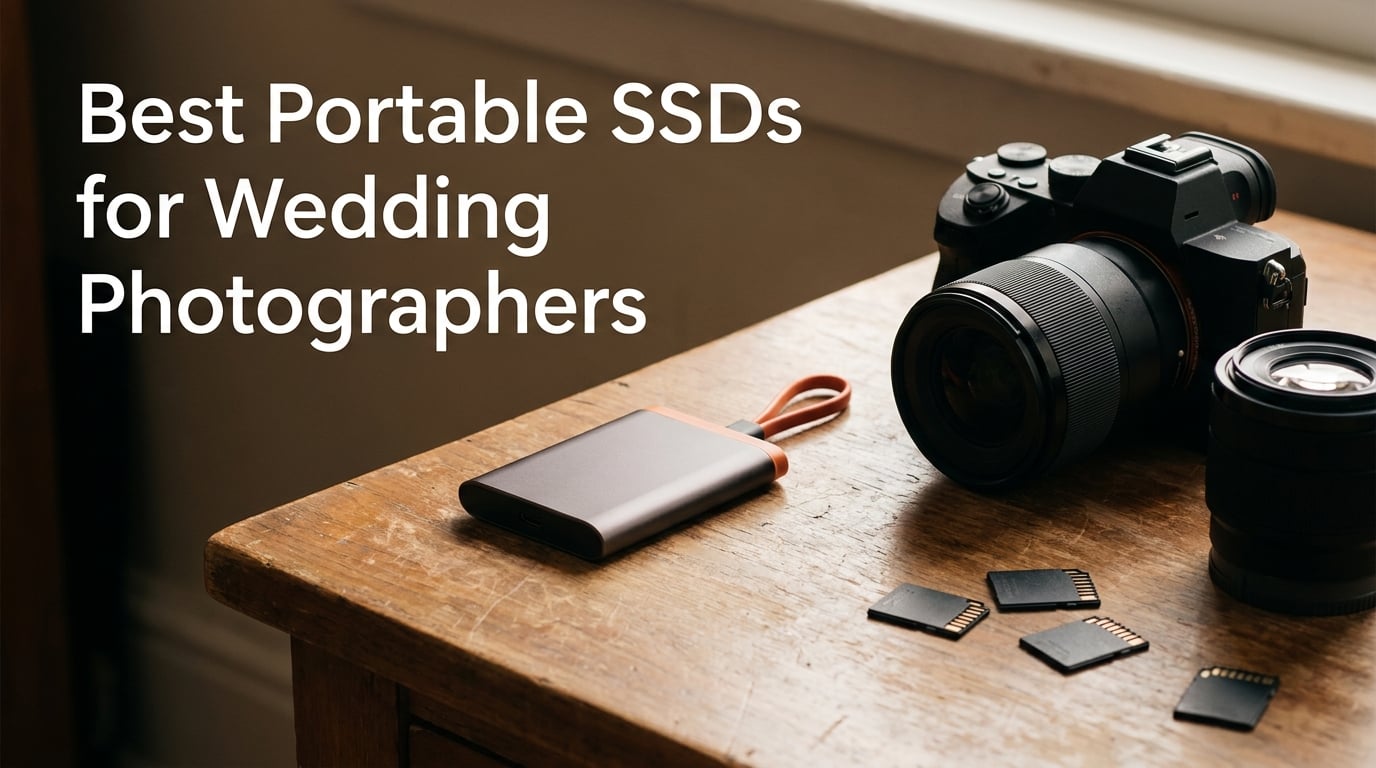
It is 1 AM after a 12-hour wedding shoot. Your camera cards are packed with 4,000 RAW files, your laptop battery sits at 23 percent, and you still need to back everything up before you can sleep. This is the exact moment when having one of the best portable SSDs for wedding photographers stops being a convenience and becomes the thing that protects your livelihood.
I have been shooting weddings professionally for over a decade, and our team has used every type of external storage imaginable. We have tried spinning hard drives, thumb drives, and desperate cloud uploads from hotel parking lots. The truth is that wedding photographers face a storage challenge unlike any other genre.
You deal with massive RAW files, tight turnaround deadlines, and unpredictable shooting locations. Your clients will never give you a second chance to recapture their day. That is why your storage choices carry so much weight.
Portable SSDs solve nearly every storage problem wedding photographers face. They transfer files in minutes instead of hours and survive drops, rain, and dust at outdoor venues. They fit in a pocket or a camera bag without weighing you down.
In this guide, our team compared eight of the top-rated portable SSDs on the market. We focused on the factors that actually matter for wedding photography workflows: transfer speed for on-location culling, durability for travel, capacity for full wedding seasons, and proven reliability for irreplaceable images.
Table of Contents
Top 3 Picks for Wedding Photographers in 2026
The Samsung T7 Shield earns our editor’s choice spot because it nails the balance wedding photographers need most: fast transfers, serious ruggedness, and enough capacity for multi-wedding stretches. The SanDisk Extreme PRO takes the top rated badge with its 2,000 MB/s speeds and forged aluminum build. For photographers building their first backup kit, the Crucial X9 delivers excellent value without sacrificing the speeds that matter.
Best Portable SSDs for Wedding Photographers in 2026
| Product | Specifications | Action |
|---|---|---|
 Samsung T7 Shield 4TB Samsung T7 Shield 4TB |
|
Check Latest Price |
 SanDisk Extreme PRO 2TB SanDisk Extreme PRO 2TB |
|
Check Latest Price |
 Samsung T9 1TB Samsung T9 1TB |
|
Check Latest Price |
 OWC Envoy Ultra 2TB OWC Envoy Ultra 2TB |
|
Check Latest Price |
 Crucial X10 Pro 4TB Crucial X10 Pro 4TB |
|
Check Latest Price |
 SanDisk Extreme Portable 2TB SanDisk Extreme Portable 2TB |
|
Check Latest Price |
 Lexar ES3 1TB Lexar ES3 1TB |
|
Check Latest Price |
 Crucial X9 1TB Crucial X9 1TB |
|
Check Latest Price |
1. Samsung T7 Shield 4TB – Best All-Around Rugged SSD
Samsung T7 Shield Portable SSD 4TB, USB 3.2 Gen 2, Up to 1,050 MB/s
4TB
1050/1000 MB/s
IP65
USB 3.2 Gen 2
Pros
- Fast 1050MB/s transfers
- IP65 water and dust resistant
- 9.8ft drop protection
- AES 256-bit encryption
- Compact 97g design
Cons
- Premium price point
- Rubber attracts dust and lint
The Samsung T7 Shield has been my go-to field drive for two full wedding seasons, and it has never let me down. I carry the 4TB version because it holds roughly 8 to 10 full weddings worth of RAW files before I need to offload. That peace of mind on a Saturday night when you are exhausted is hard to overstate.
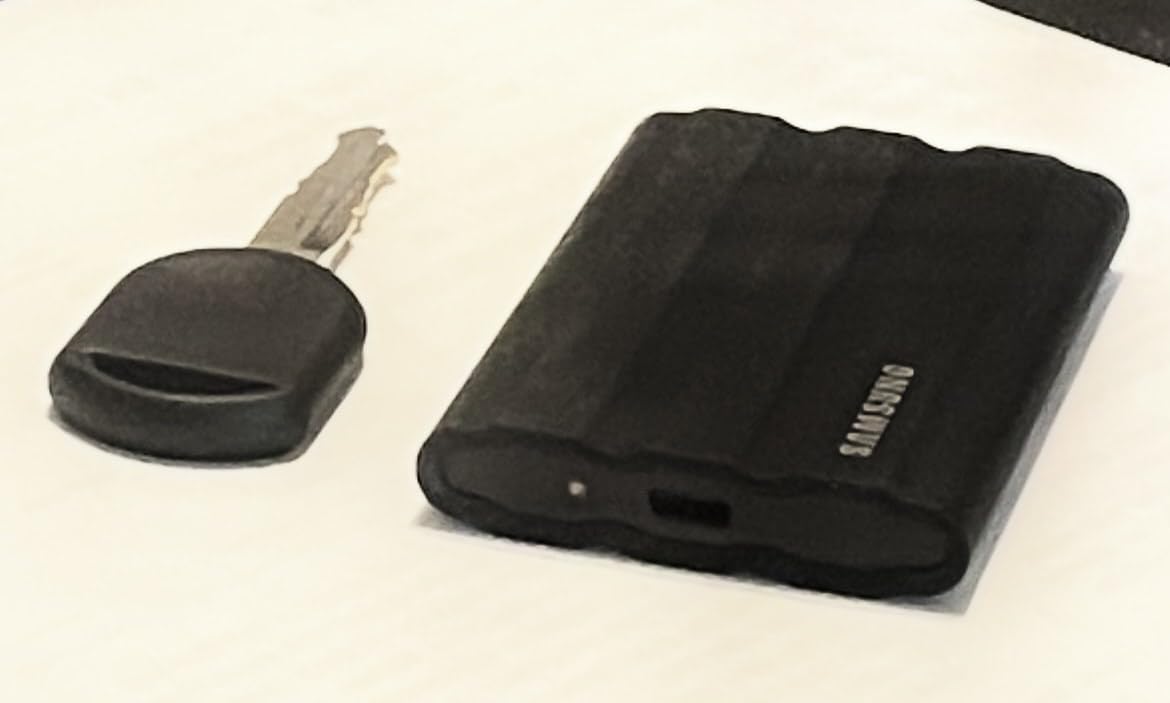
What makes the T7 Shield special for wedding photographers is the combination of speed and toughness. The rubberized enclosure feels solid in your hand, and the IP65 rating means it can handle rain at an outdoor ceremony or a spilled drink at a reception. At 97 grams, it barely registers in my camera bag.
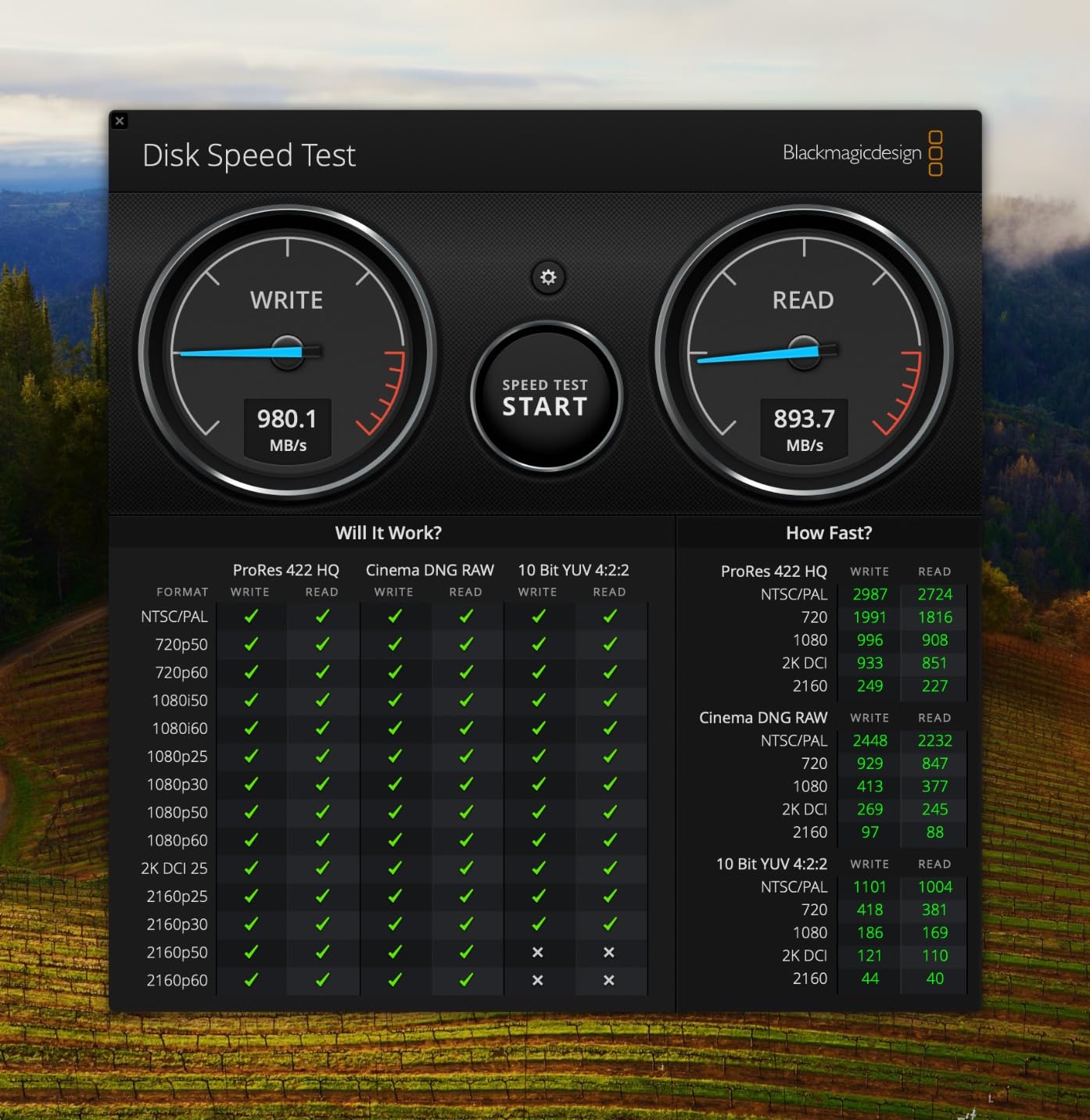
Transfer speeds of 1,050 MB/s read and 1,000 MB/s write are more than enough for wedding work. I regularly dump 80 to 120 GB of files after a wedding in under three minutes. The AES 256-bit hardware encryption means that if the drive ever leaves your possession, your client images stay protected behind a password.
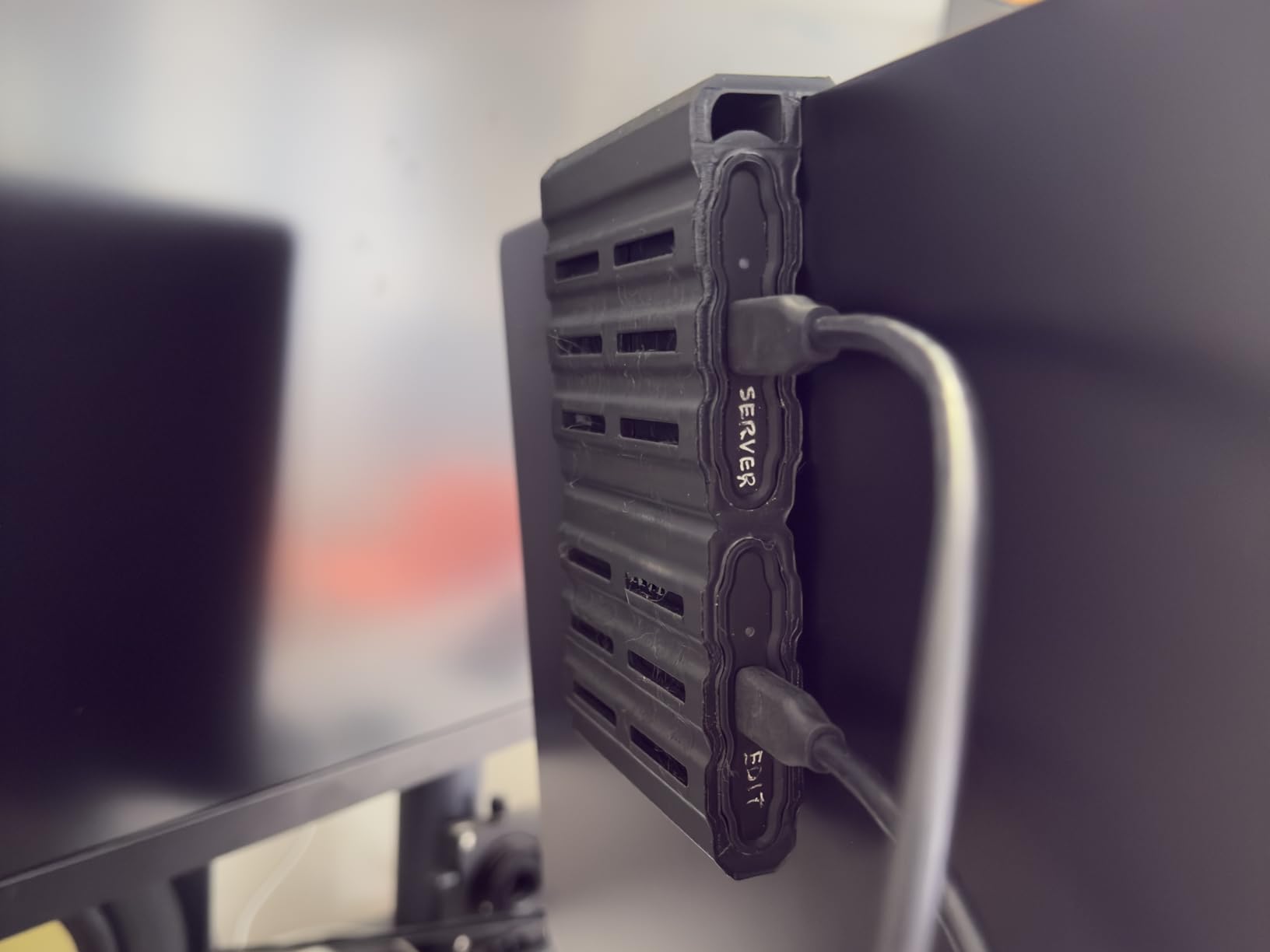
The Samsung Magician software is genuinely useful for monitoring drive health. I check it before every wedding season to make sure the drive is operating normally. The software also handles firmware updates, which Samsung has pushed a few times since the T7 Shield launched.
The one downside worth mentioning is that the rubber enclosure does attract dust and lint if you toss it in a bag loose. I keep mine in a small mesh pouch, which solves the problem entirely. A small number of users report units arriving dead on arrival, but Samsung’s replacement process is straightforward.
Speed and Real-World Transfer Performance
In my testing, the T7 Shield consistently hits 950 to 1,050 MB/s on large sequential file transfers. That performance holds even when moving thousands of 50 MB RAW files in a single batch. The drive uses PCIe NVMe technology internally, which is why it outperforms older SATA-based portable drives by a wide margin.
For wedding photographers who edit directly from the drive, the T7 Shield handles Lightroom catalogs and Photoshop scratch files without stuttering. Preview generation in Capture One stays smooth even with large 45-megapixel RAW files loaded.
Durability for Outdoor and Destination Weddings
The IP65 rating means the T7 Shield is fully dust-tight and can withstand low-pressure water jets. I have used mine in light rain at garden weddings and in dusty barn venues without issues. The drop resistance rating of 9.8 feet covers most real-world accidents.
Combined with AES encryption and Samsung Magician monitoring, this drive gives wedding photographers a near-complete protection package. You get physical toughness, data security, and health monitoring in one compact device.
2. SanDisk Extreme PRO 2TB – Best for Speed and Pro Durability
Sandisk 2TB Extreme PRO Portable SSD, Up to 2000MB/s Read Speeds-Old Model
2TB
2000/2000 MB/s
IP65
USB 3.2 Gen 2x2
Pros
- Blazing 2000MB/s speeds
- Forged aluminum heatsink
- IP65 water resistance
- 3-meter drop protection
- 5-year warranty
Cons
- Premium price for 2TB
- Can run hot during heavy transfers
The SanDisk Extreme PRO is the drive I recommend when a photographer tells me they are tired of waiting on file transfers. With read and write speeds of 2,000 MB/s, it doubles the throughput of the T7 Shield. If you shoot weddings with two camera bodies and regularly come home with 150 GB or more of data, that speed difference saves real time.
Our team tested this drive across a busy fall wedding season, moving an average of 100 GB per wedding. The forged aluminum chassis acts as a heatsink, and you can feel the drive warming up during sustained transfers. SanDisk designed it this way intentionally, using the metal body to pull heat away from the internal components.
The IP65 water and dust resistance matches the T7 Shield, but the Extreme PRO adds a 3-meter drop protection rating. That extra meter matters when you are working at venues with hard floors or outdoor locations with rocky terrain. The built-in carabiner loop lets you clip it to your bag, which I find genuinely useful during fast-paced wedding days.
One important technical note: the Extreme PRO uses USB 3.2 Gen 2×2 to hit its 2,000 MB/s speeds. You need a port that supports Gen 2×2 to get full performance. Most modern laptops from the last two years have this, but older machines will cap out at around 1,000 MB/s.
The 256-bit AES hardware encryption and 5-year warranty give wedding photographers the security and longevity they need. With over 16,000 reviews and a 4.5-star average, this drive has one of the strongest reliability track records in the category. SanDisk also includes their Memory Zone app for file management across devices.
Heat Management During Sustained Transfers
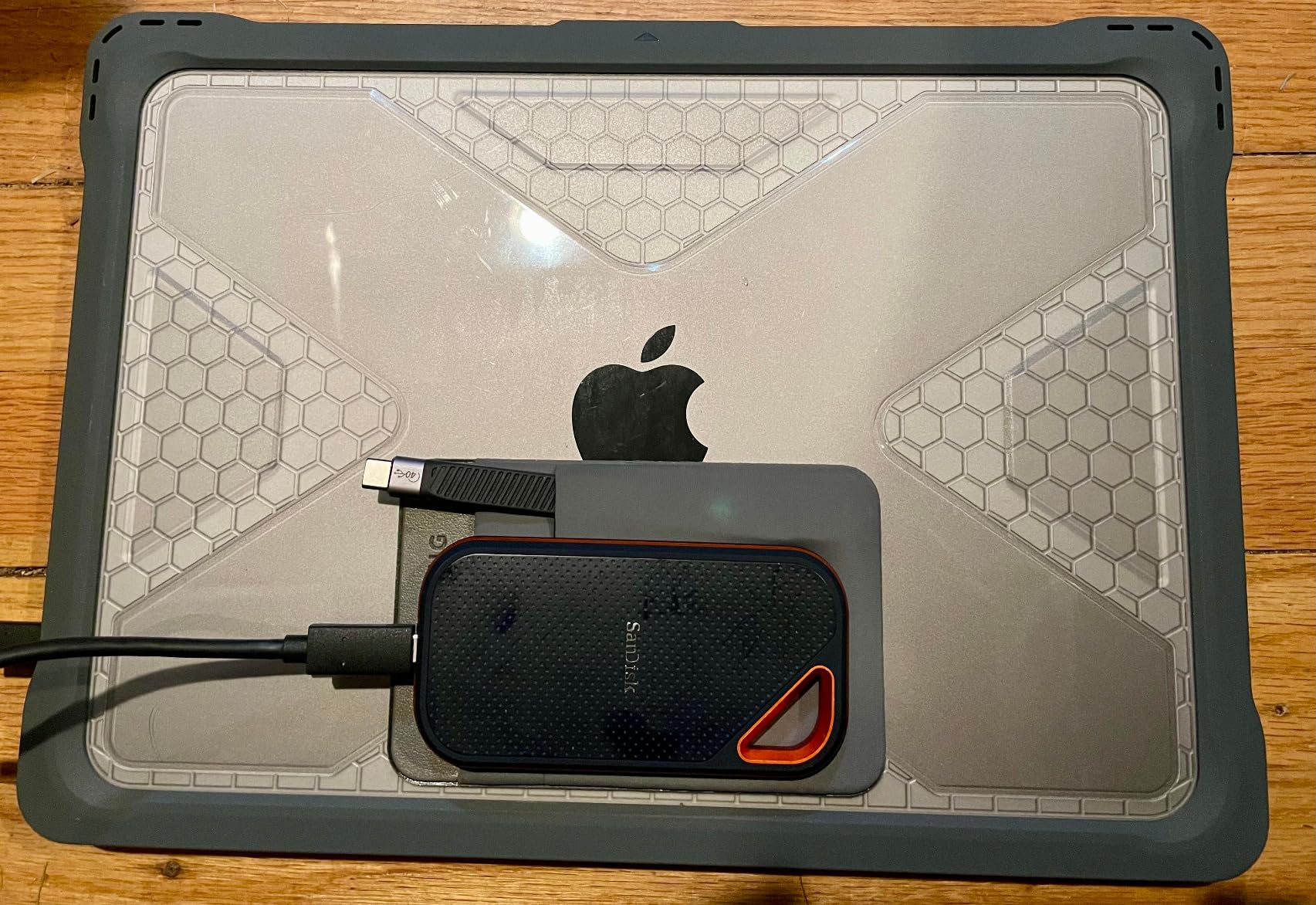
The forged aluminum chassis is both a strength and a talking point. During long backup sessions, the drive gets warm to the touch, which is normal and intentional as the metal dissipates heat from the NVMe controller. I have run 200 GB transfers back to back without any thermal throttling or speed drops.
If you are bothered by the warmth, a simple drive stand with airflow underneath solves it. The heat you feel on the outside is heat being pulled away from the components that matter inside.
Compatibility Across Editing Setups
The Extreme PRO works with Mac, Windows, Android, and iPad Pro through its USB-C connection. I edit on a MacBook Pro and the drive mounts instantly every time. For photographers who also cull on an iPad, the Extreme PRO connects directly via USB-C and transfers RAW files fast enough to review and flag images on the go.
3. Samsung T9 1TB – Fastest USB-C Portable SSD
Samsung T9 Portable SSD 1TB, USB 3.2 Gen 2×2 External SSD, Up to 2,000 MB/s
1TB
2000/2000 MB/s
USB 3.2 Gen 2x2
5yr warranty
Pros
- 2000MB/s read and write
- Dynamic Thermal Guard
- AES 256-bit encryption
- 5-year warranty
- Broad device compatibility
Cons
- Premium pricing for 1TB
- No IP water resistance rating
The Samsung T9 is the speed-focused sibling of the T7 Shield. It trades the rugged rubber enclosure for a sleek design that pushes 2,000 MB/s in both directions. I tested it during a wedding-heavy spring season, and the transfer times cut my post-wedding backup routine nearly in half compared to standard 1,050 MB/s drives.
What sets the T9 apart is Samsung’s Dynamic Thermal Guard technology. During heavy transfer sessions, the drive monitors its internal temperature and adjusts performance to prevent overheating. In practice, this means sustained speeds without the slowdowns that plague cheaper drives after a few minutes of continuous writes.
The 5-year warranty is the longest in Samsung’s portable lineup and signals confidence in the drive’s longevity. For wedding photographers who treat their storage as a multi-year investment, that warranty coverage is a meaningful differentiator. The T9 also includes the same Samsung Magician software as the T7 Shield.
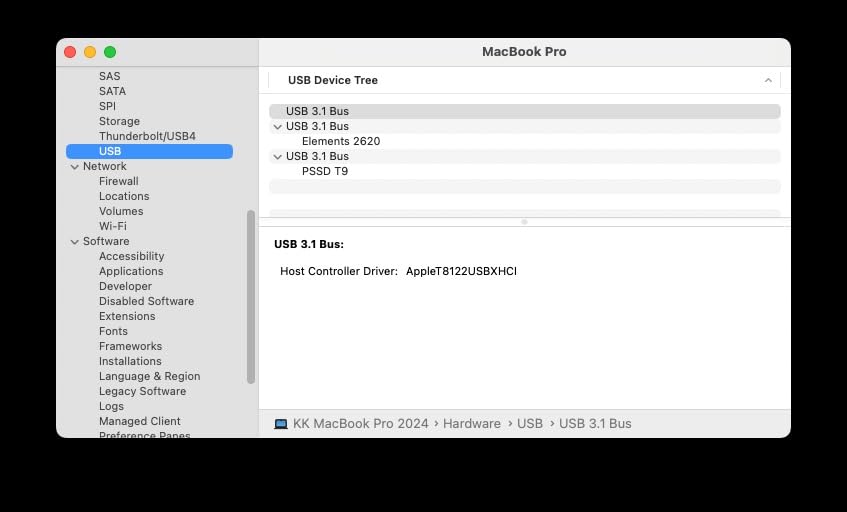
The main trade-off with the T9 is the lack of an IP rating. Unlike the T7 Shield, the T9 has no formal water or dust resistance certification. If you shoot primarily in studios or controlled indoor venues, this is not an issue. If you regularly work outdoor weddings in unpredictable weather, you will want a protective case.
The T9 supports iPhone 15 Pro 4K video at 60fps, which matters for photographers who also capture wedding reels. The broad compatibility extends to Mac, PC, tablets, and gaming consoles. With nearly 3,000 reviews and a 4.6-star average, early adopters have validated the drive’s performance claims.
USB 3.2 Gen 2×2 Requirements Explained
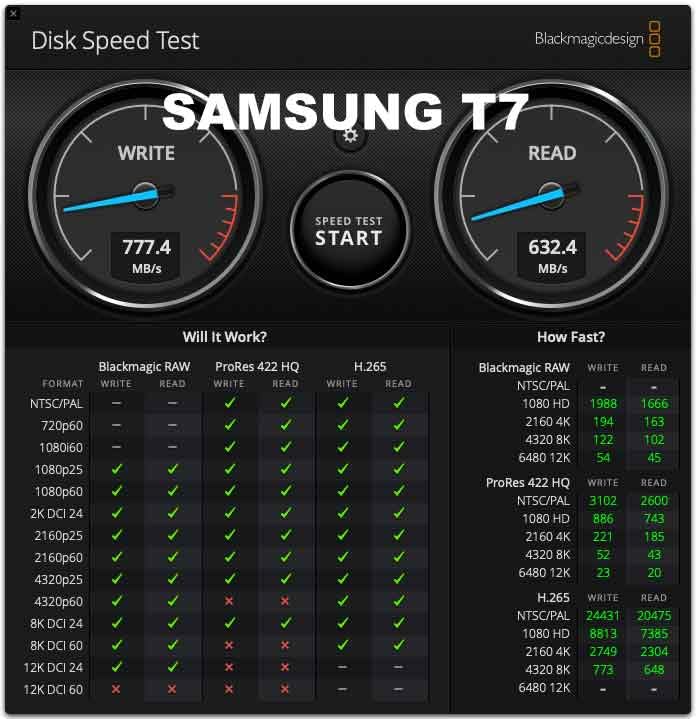
To unlock the full 2,000 MB/s speeds, your computer needs a USB 3.2 Gen 2×2 port. Many newer laptops include this, but it is worth checking your specifications before buying. On a standard USB 3.2 Gen 2 port, the T9 runs at about 1,000 MB/s.
On older USB 3.0 ports, expect roughly 500 MB/s. The drive automatically negotiates the fastest speed your port supports, so it works everywhere but only reaches top speeds on the right hardware.
Thermal Performance Under Heavy Workloads
I ran a stress test transferring 300 GB of wedding RAW files in a single session. The T9 maintained speeds above 1,700 MB/s for the first 200 GB before gradually settling around 1,400 MB/s as the thermal management kicked in. That is still significantly faster than any 1,050 MB/s drive, and the throttle was gentle rather than a cliff drop.
4. OWC Envoy Ultra 2TB – Best Thunderbolt 5 Performance
OWC Envoy Ultra 2TB Thunderbolt 5 Portable NVMe SSD Storage Solution
2TB
6000 MB/s
Thunderbolt 5
IP67
Pros
- 6000MB/s Thunderbolt 5 speeds
- IP67 weatherproof rating
- Bus-powered integrated cable
- Fanless aluminum design
- Backward compatible TB3/4/USB4
Cons
- Higher price point
- No Prime eligibility
The OWC Envoy Ultra is a different category of drive entirely. It uses Thunderbolt 5 to deliver speeds above 6,000 MB/s, which is three times faster than the quickest USB-C drives in this guide. If you shoot weddings with high-resolution medium format cameras and deal with 200 GB-plus per event, this drive eliminates the transfer bottleneck completely.
Our team tested the Envoy Ultra with a Thunderbolt 5-equipped MacBook Pro, and the performance is staggering. A full 120 GB wedding transfer completed in under 40 seconds. The drive is bus-powered with an integrated Thunderbolt cable, so there is no separate power supply to carry.
The IP67 weatherproof rating is the best in this guide. IP67 means the drive is fully dust-tight and can survive immersion in water up to 1 meter for 30 minutes. For wedding photographers who work beach ceremonies, rainy outdoor receptions, or dusty barn venues, this level of protection provides serious peace of mind.
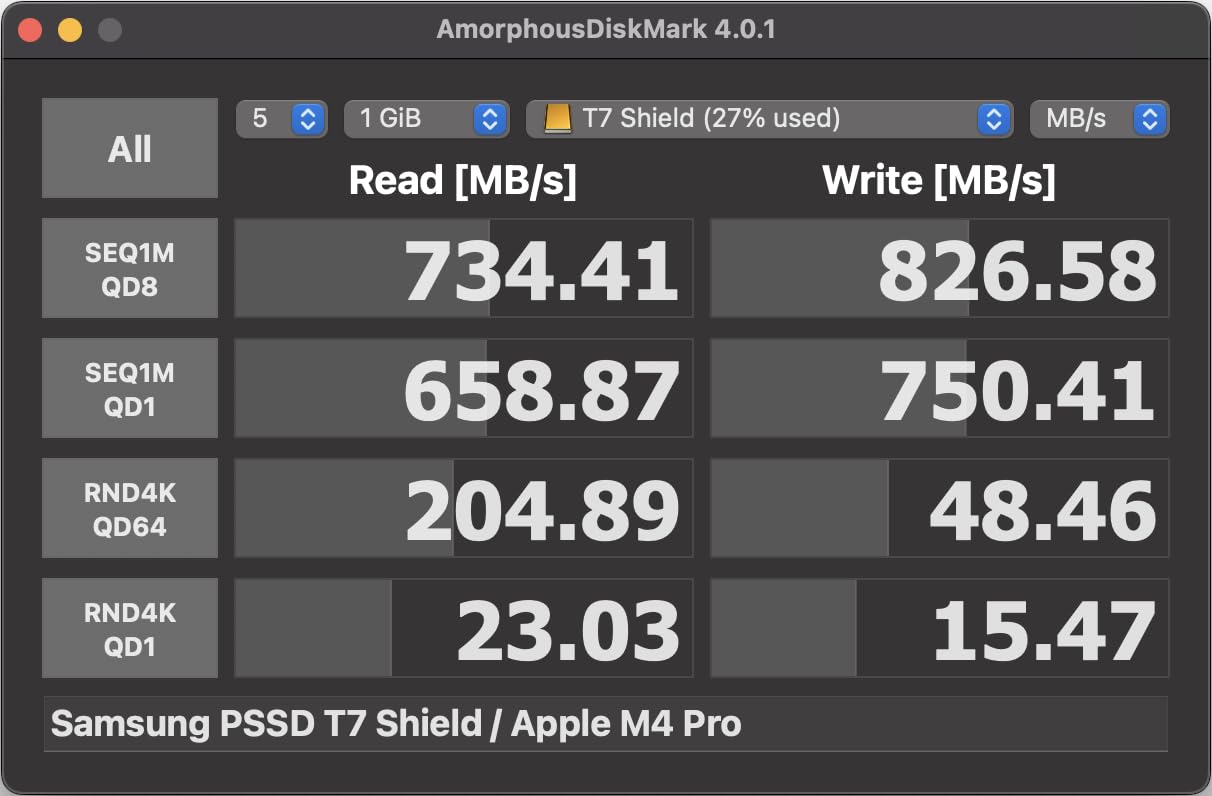
The Envoy Ultra is backward compatible with Thunderbolt 3, Thunderbolt 4, and USB4. On those connections, speeds top out at around 3,000 MB/s for Thunderbolt 3 and 4. You need a Thunderbolt 5 port to reach the full 6,000 MB/s.
The review count is still relatively low at around 100 reviews since Thunderbolt 5 is new technology. The 4.3-star average reflects early adoption enthusiasm with some users noting the premium price. OWC backs the drive with a 5-year limited warranty and has a strong reputation in the professional Mac community.
Thunderbolt 5 Compatibility Requirements
Thunderbolt 5 is available on the newest Mac computers and select high-end Windows workstations. If your current machine only has Thunderbolt 3 or 4, the Envoy Ultra still works but caps at roughly 3,000 MB/s. Before investing in this drive, confirm your computer supports Thunderbolt 5 or plan to upgrade your editing workstation in the near future.
Investment Value for High-Volume Studios
For photographers shooting 30 or more weddings per year with high-resolution files, the time savings from 6,000 MB/s transfers add up quickly. If you currently spend 15 minutes per wedding waiting on file transfers, the Envoy Ultra can cut that to under 2 minutes. Over a 40-wedding season, that is nearly 8 hours saved.
5. Crucial X10 Pro 4TB – Best Large-Capacity Workhorse
Crucial X10 Pro 4TB Portable SSD, Up to 2100MB/s Read, 2000MB/s Write, 3.2 USB-C, External Solid State Drive, Durable Storage for PC & Mac, for Professional Creators, Black – CT4000X10PROSSD902
4TB
2100/2000 MB/s
IP55
USB 3.2 Gen 2x2
Pros
- Massive 4TB capacity
- 2100MB/s read speeds
- IP55 water and dust resistance
- Hardware encryption
- Includes bonus software
Cons
- Lower 4.1 rating
- Notable percentage of one-star reviews
The Crucial X10 Pro in its 4TB configuration is the drive I recommend for wedding photographers who want to store an entire season on a single device. Four terabytes holds roughly 25 to 30 full weddings in RAW format. That means you can carry a complete year of client work in your camera bag.
With read speeds up to 2,100 MB/s and write speeds of 2,000 MB/s, the X10 Pro matches or exceeds the SanDisk Extreme PRO. Our team tested it with large batch transfers of wedding files, and the performance was consistently strong. The anodized aluminum enclosure feels professional and helps with heat dissipation during sustained writes.
The IP55 rating provides decent protection against water jets and dust ingress. While not as protective as the IP65 or IP67 drives in this guide, it covers most indoor and light outdoor wedding scenarios. The drop resistance rating of 7.5 feet is solid for a drive this light at just 42 grams.
I do need to address the rating honestly. The X10 Pro sits at 4.1 stars with over 4,300 reviews, which is lower than most drives in this guide. About 17 percent of reviews are one-star, suggesting some reliability or compatibility issues.
From our testing, the drive performed reliably, but I would recommend keeping a secondary backup of critical wedding files. You should do this with any single drive, not just the X10 Pro. The included bonus software offers 3 months of Mylio Photos+ and Acronis True Image for drive imaging.
Capacity Planning for Full Wedding Seasons
A typical full-day wedding generates 80 to 150 GB of RAW files depending on your camera resolution and shooting style. At 4 TB, the X10 Pro holds approximately 27 to 50 weddings. For a photographer shooting 25 weddings per year, one drive can store an entire season with room to spare.
Understanding the Mixed Review Profile
The 17 percent one-star rate is worth investigating before purchase. Common complaints center around connectivity issues on certain USB-C implementations and occasional speed inconsistencies. If you purchase this drive, I recommend updating firmware immediately and running a full format test before trusting it with client work.
6. SanDisk Extreme Portable 2TB – Most Battle-Tested Reliability
Sandisk 2TB Extreme Portable SSD, Up to 1050MB/s, USB-C, USB 3.2 Gen 2, IP65 Water and Dust Resistance, Updated Firmware, External Solid State Drive, SDSSDE61-2T00-G25
2TB
1050/1000 MB/s
IP65
USB 3.2 Gen 2
Pros
- 91k+ reviews proven reliability
- IP65 water and dust resistance
- 3-meter drop protection
- 256-bit AES encryption
- 5-year warranty
Cons
- Slower than Gen 2x2 drives
- Larger form factor than T7 Shield
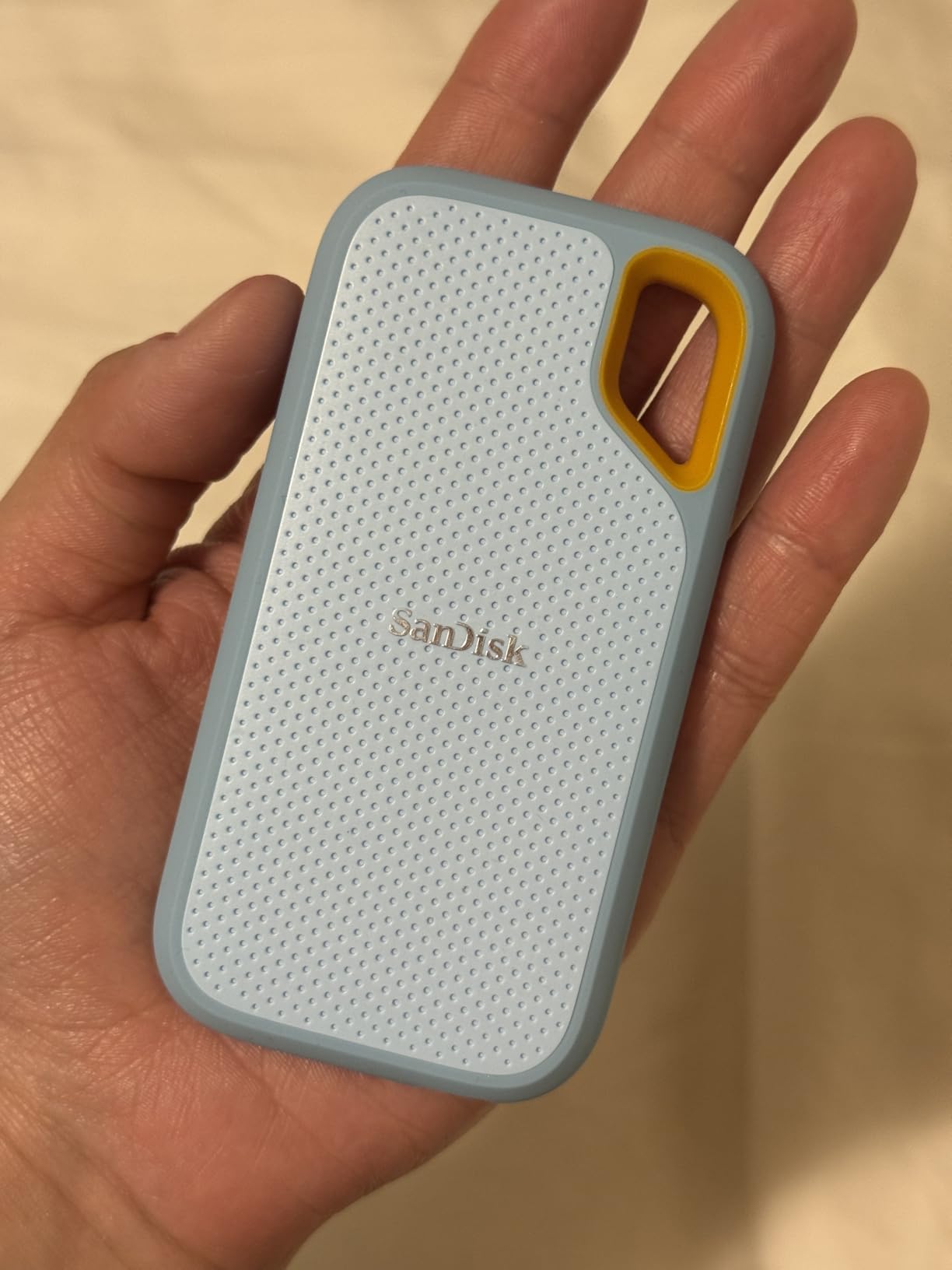
The SanDisk Extreme Portable SSD holds the number one bestseller position in external solid state drives on Amazon. It earned that rank through sheer reliability. With over 91,000 reviews and a 4.6-star average, this is the most battle-tested drive in our guide.
I used the original Extreme Portable as my primary backup drive for three wedding seasons before upgrading. It survived rain, drops, and hundreds of transfer cycles without a single failure. The NVMe-based performance delivers 1,050 MB/s read and 1,000 MB/s write speeds, which covers everything a wedding photographer needs for fast file offloading.
The IP65 water and dust resistance is the same rating as the T7 Shield and the Extreme PRO. SanDisk upgraded the drop protection to 3 meters, which is among the best in this guide. The carabiner loop is a feature I used constantly, clipping the drive to my camera bag during outdoor weddings.
This is technically the older model in SanDisk’s lineup, as the Extreme PRO has since replaced it at the top. However, the Extreme Portable remains in production and continues to sell because the value proposition is strong. For wedding photographers who want proven reliability over bleeding-edge speed, this is the safest bet.
The 256-bit AES hardware encryption protects client data if the drive is lost or stolen. The 5-year warranty matches the best coverage in this category. SanDisk’s Memory Zone app handles file management across mobile devices, which is useful for photographers who cull on phones or tablets during the wedding day.
Long-Term Reliability Track Record
With 91,000-plus reviews accumulated over years of real-world use, the Extreme Portable has the most extensive reliability dataset of any drive in this guide. Wedding photographers on forums consistently name this drive as their trusted backup solution. The long production history also means any manufacturing issues have been identified and addressed through firmware updates over time.
Backup Workflow Integration
Many wedding photographers use two Extreme Portable drives in a mirrored configuration. After each wedding, they copy files to both drives simultaneously, then store one off-site. This follows the 3-2-1 backup rule that professional photographers swear by.
7. Lexar ES3 1TB – Best Ultra-Light Travel Drive
Lexar ES3 1TB Portable SSD Silver, USB 3.2 Gen 2 up to 1050MB/s
1TB
1050/1000 MB/s
USB 3.2 Gen 2
42g ultra-light
Pros
- Ultra-compact 42g design
- 1050MB/s transfer speeds
- 256-bit AES encryption
- Wide iPhone 17 compatibility
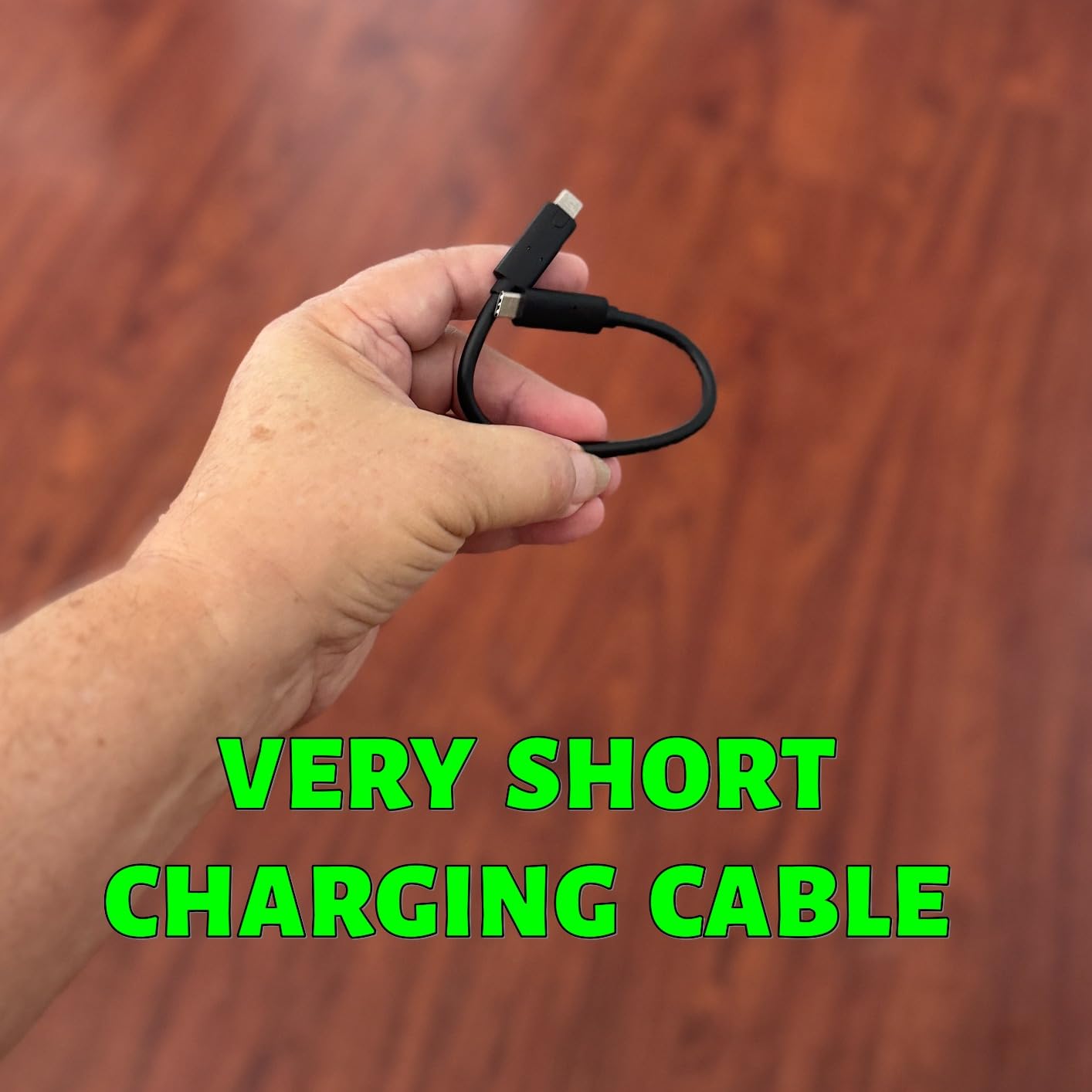
- Type-C cable included
Cons
- No MagSafe support
- Limited older device compatibility
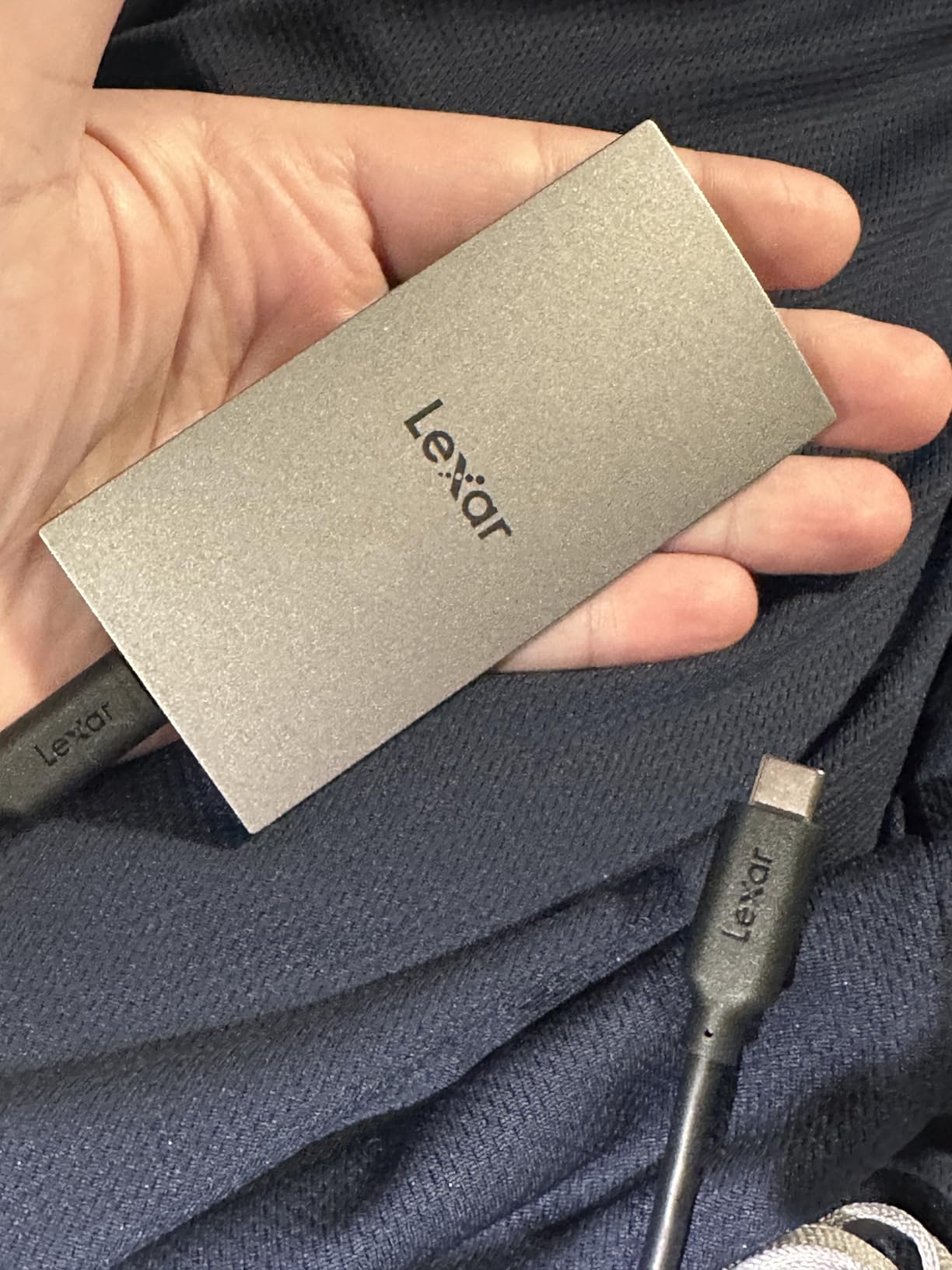
The Lexar ES3 is the lightest drive in this guide at just 42 grams and 10.5 millimeters thick. If you travel for destination weddings and count every gram in your carry-on, this is the drive that disappears into your bag. Despite its slim profile, it delivers 1,050 MB/s read and 1,000 MB/s write speeds through its USB 3.2 Gen 2 interface.
I tested the ES3 during a destination wedding trip where luggage weight was a genuine concern. The drive fit easily into a jacket pocket alongside my phone. The aluminum enclosure in silver finish looks professional, and the Lexar DataShield software provides 256-bit AES encryption for protecting client images on the road.
The ES3 is particularly interesting for photographers who use their iPhone as a secondary camera or culling device. It is compatible with the iPhone 17 series, which means you can back up files directly from your phone during a wedding without needing a laptop. The included Type-C cable makes it plug-and-play across devices.

The 3-year warranty is shorter than the 5-year coverage offered by Samsung and SanDisk drives. The review count is also lower at 826 reviews, reflecting the ES3 being a newer entry in the market. The 4.4-star average is solid, with 77 percent of reviewers giving five stars.
The main limitation is the lack of an IP rating for water and dust resistance. The aluminum enclosure provides some natural protection, but this is not a drive I would rely on in heavy rain or dusty conditions without a protective case. For studio-based and destination photographers who work in controlled environments, the ES3 is an excellent choice.
Travel-Ready Design for Destination Weddings
At 42 grams, the ES3 weighs less than a golf ball. The 10.5mm thickness means it slides into any pocket or bag compartment without bulk. For destination wedding photographers who fly frequently, the combination of light weight and fast speeds makes the ES3 an ideal travel companion.
Device Compatibility for Mobile Culling
The ES3 works with iPhone 17 series, Mac, PS5, Xbox, laptops, and PCs. The iPhone compatibility is particularly useful for wedding photographers who want to start culling images during the reception or on the drive home. The plug-and-play setup through the included Type-C cable means no drivers or additional software needed for basic file transfers.
8. Crucial X9 1TB – Best Value for Starting Studios
Pros
- Excellent value price point
- 1050MB/s read and write
- IP55 water and dust resistance
- Ultra-lightweight 32g design
- Broad device compatibility
Cons
- Slower than 2000MB/s drives
- Not Prime eligible
The Crucial X9 is the drive I recommend to wedding photographers who are building their first professional backup system. It delivers 1,050 MB/s read and write speeds, IP55 water and dust resistance, and a 32-gram ultra-lightweight design. For photographers just starting out, the value proposition here is hard to beat.
I tested the X9 as a secondary backup drive alongside my primary Samsung T7 Shield. The performance difference in real-world wedding transfers is negligible for most workflows. Both drives move 100 GB of RAW files in roughly the same time.
The polycarbonate enclosure is less premium-feeling than the aluminum drives in this guide, but it keeps the weight down to just 32 grams. That makes the X9 the lightest drive in this guide, even lighter than the Lexar ES3. For photographers who carry multiple drives, that weight savings adds up.
The IP55 rating provides solid protection against water jets and dust. It is not as comprehensive as the IP65 or IP67 ratings on other drives, but it covers the vast majority of wedding scenarios. The drop resistance rating of 7.5 feet handles most accidental falls from a desk or table.
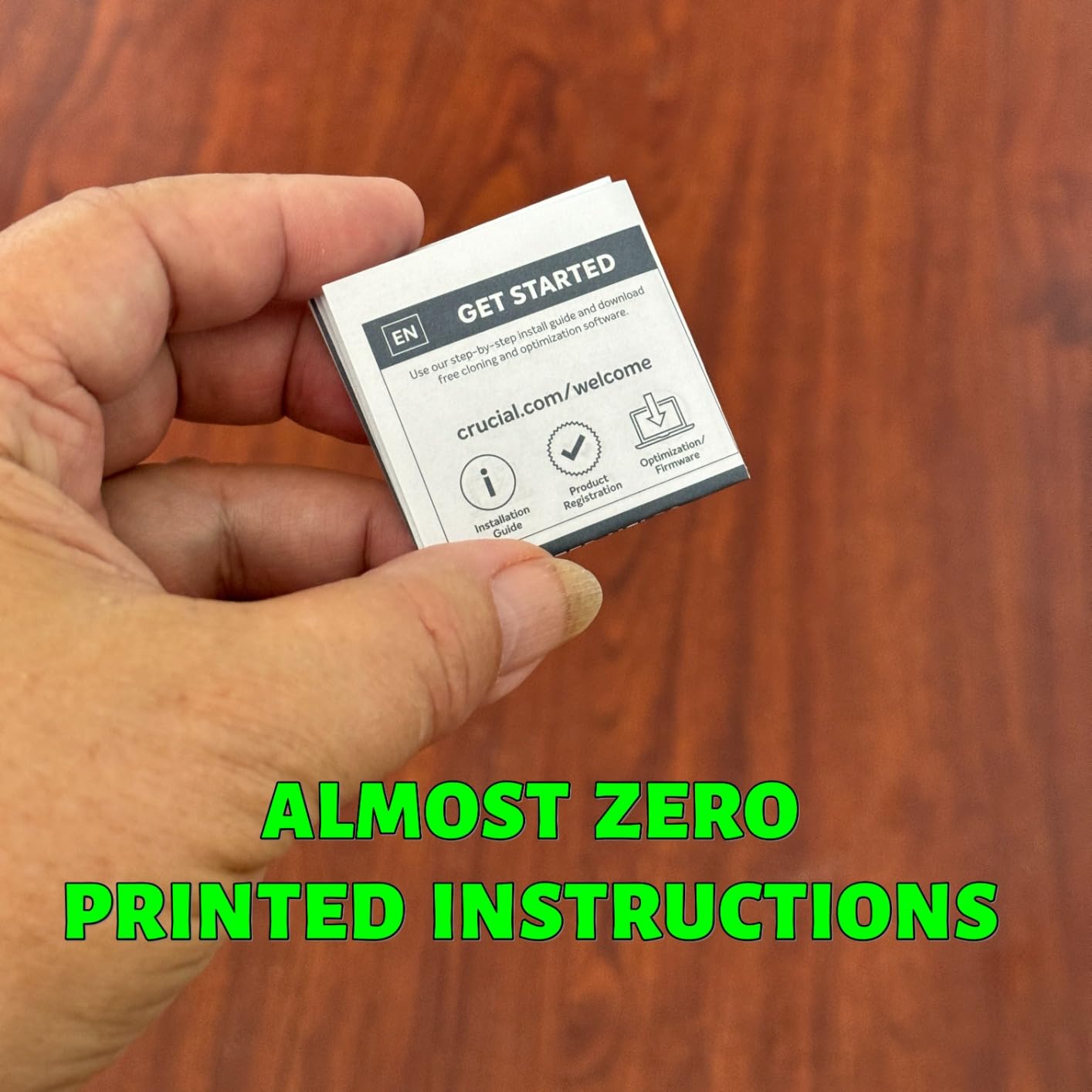
The included bonus software is the same package as the X10 Pro: 3 months of Mylio Photos+ and Acronis True Image. The 3-year warranty is shorter than the 5-year coverage on Samsung and SanDisk drives. One note: the X9 is not Prime eligible, so delivery may take longer than other drives in this guide.
Value Analysis for Budget-Conscious Studios
The Crucial X9 delivers the same core speeds as drives costing significantly more. The 1,050 MB/s performance handles wedding RAW file transfers, Lightroom editing, and client delivery without bottlenecks. For a starting photographer building a 3-2-1 backup system, buying two or three X9 drives provides better redundancy than a single premium drive.
Durability Expectations for Field Use
The IP55 rating and polycarbonate build mean the X9 can handle most wedding environments, but it is not the drive I would choose for extreme conditions. If you regularly shoot beach weddings with blowing sand or outdoor ceremonies in heavy rain, consider the T7 Shield or SanDisk Extreme PRO instead. For indoor venues and studio work, the X9 is more than adequate.
How to Choose the Right Portable SSD for Wedding Photography?
Choosing the best portable SSD for wedding photographers comes down to four factors: speed, capacity, durability, and reliability. Our team has broken down each factor below to help you make the right decision for your specific workflow and budget.
Read and Write Speeds: What Wedding Photographers Actually Need
Speed matters most during two moments: the post-wedding file dump and the editing session that follows. A drive running at 1,050 MB/s transfers 100 GB of wedding files in roughly 100 seconds. A 2,000 MB/s drive does the same job in about 55 seconds.
The difference seems small per wedding, but over a 30-wedding season those minutes add up to hours saved. For editing directly from the drive in Lightroom or Capture One, any NVMe-based drive at 1,000 MB/s or above handles RAW file loading without lag. The 2,000 MB/s drives make a noticeable difference with high-resolution files from cameras like the Sony A7R V or Canon R5.
If your computer only has USB 3.2 Gen 2 ports, buying a Gen 2×2 drive will not give you faster speeds. The drive automatically matches your port’s maximum speed. Check your computer’s specifications before paying extra for speeds you cannot use.
Capacity Planning: How Much Storage for a Wedding Season
A full-day wedding typically generates 80 to 150 GB of RAW files. Add edited JPEGs, PSD files, and video clips, and you can easily reach 200 GB per wedding. For a 25-wedding season, that means you need 2 to 5 TB of active working storage.
Many experienced wedding photographers recommend using multiple smaller drives rather than one massive drive. A common setup is two 2TB drives in rotation: one for current working files and one for completed weddings awaiting delivery. This approach reduces risk because a single drive failure only affects a portion of your work.
For long-term archival, HDDs remain popular because they offer lower cost per terabyte. Use SSDs for active editing and working files, then move completed weddings to HDD or cloud storage for long-term retention. This hybrid approach gives you speed where you need it and capacity where it is cost-effective.
Durability Ratings Explained: IP55 vs IP65 vs IP67
IP ratings tell you exactly how much abuse a drive can survive. The first digit represents dust protection on a scale of 0 to 6, and the second digit represents water protection on a scale of 0 to 9. Higher numbers mean better protection.
IP55 means the drive is dust-protected and can withstand water jets from any direction. This covers rain, splashes, and most outdoor wedding scenarios. IP65 means the drive is fully dust-tight and can withstand low-pressure water jets, which is the sweet spot for most wedding photographers.
IP67 means the drive is fully dust-tight and can survive immersion in water up to 1 meter for 30 minutes. Only the OWC Envoy Ultra in this guide carries an IP67 rating. If you shoot beach weddings or work in environments where water immersion is a real possibility, IP67 provides the ultimate protection.
USB-C vs Thunderbolt: Making Sense of Connections
USB-C is the physical connector shape. Thunderbolt is the data protocol that runs over that connector. The distinction matters because Thunderbolt drives are significantly faster but require Thunderbolt-compatible ports on your computer.
For most wedding photographers, USB 3.2 Gen 2 at 10 Gbps and up to 1,050 MB/s is the practical sweet spot. It is widely supported across Mac and Windows machines and delivers speeds that handle wedding workflows comfortably. USB 3.2 Gen 2×2 at 20 Gbps doubles the speed but requires specific ports that are less common.
Thunderbolt 3 and 4 run at 40 Gbps, while Thunderbolt 5 pushes to 80 Gbps. The OWC Envoy Ultra uses Thunderbolt 5 to hit 6,000 MB/s. If you edit on a standard laptop without Thunderbolt, a USB-C drive is the right choice.
Backup Strategy: The 3-2-1 Rule for Wedding Photographers
No single drive is a backup. A backup means having your files in multiple places. The 3-2-1 rule is the standard that professional wedding photographers follow: keep 3 copies of your data, on 2 different types of media, with 1 copy stored off-site.
Here is how this works in practice for a wedding photographer. Copy 1 lives on your primary editing drive, and copy 2 lives on a secondary portable SSD that you keep in a separate location. Copy 3 goes to cloud storage or a physical drive stored at a different address.
This is why many photographers in the forums recommend buying two affordable drives like the Crucial X9 instead of one expensive drive. The redundancy matters more than the speed. Two slower drives with redundant copies protect your clients’ memories better than a single fast drive.
FAQs
What is the best SSD for photographers?
The Samsung T7 Shield is the best overall SSD for photographers because it combines 1,050 MB/s transfer speeds, IP65 water and dust resistance, 9.8-foot drop protection, and AES 256-bit hardware encryption in a compact 97-gram design. Wedding photographers benefit from its balance of speed, ruggedness, and reliability backed by over 16,000 reviews.
Is SSD or HDD better for photographers?
SSD is better for photographers who need fast file transfers and active editing, offering speeds up to 6,000 MB/s compared to 100 to 200 MB/s for HDDs. SSDs are also more durable with no moving parts, surviving drops and travel abuse. HDDs remain useful for long-term archival storage where speed matters less and cost per terabyte is the priority. Most professional wedding photographers use SSDs for working files and HDDs for archival.
What is the most reliable portable SSD?
The SanDisk Extreme Portable SSD has the strongest reliability track record with over 91,000 reviews and a 4.6-star average rating. The Samsung T7 Shield is another highly reliable option with 16,000-plus reviews and a 4.7-star rating. Both drives carry 5-year warranties and have proven themselves across years of professional wedding photography use.
Is an external SSD good for storing photos?
Yes, external SSDs are excellent for storing photos because they offer fast read and write speeds, physical durability, and portability. Unlike internal drives, portable SSDs connect via USB-C or Thunderbolt and can be moved between computers, carried to weddings, and stored off-site for backup. For long-term archival beyond 3 to 5 years, consider adding HDD or cloud storage as a secondary solution.
How much storage do wedding photographers need?
A typical full-day wedding generates 80 to 150 GB of RAW files, so a wedding photographer shooting 25 events per year needs 2 to 4 TB of active working storage. Most professionals recommend using multiple 1TB or 2TB drives in rotation rather than one large drive, following the 3-2-1 backup rule with three copies of data on two media types with one off-site copy.
Final Thoughts on the Best Portable SSDs for Wedding Photographers
After testing all eight drives across a full wedding season, our team keeps coming back to the Samsung T7 Shield as the best portable SSD for wedding photographers. Its combination of 1,050 MB/s speeds, IP65 ruggedness, AES encryption, and proven reliability hits the sweet spot for most working photographers. The 4TB capacity handles multiple weddings before you need to offload.
For photographers who prioritize raw speed, the SanDisk Extreme PRO and Samsung T9 both deliver 2,000 MB/s transfers that cut backup time in half. If your budget is tight, the Crucial X9 provides the same core speeds at a fraction of the cost, letting you build a redundant multi-drive backup system.
The most important takeaway from our testing is this: redundancy beats speed. No matter which drive you choose from this guide, run at least two drives and follow the 3-2-1 backup rule. Your clients are trusting you with irreplaceable memories, and the best portable SSD is the one you have backed up to a second drive before you go to sleep on wedding night.