
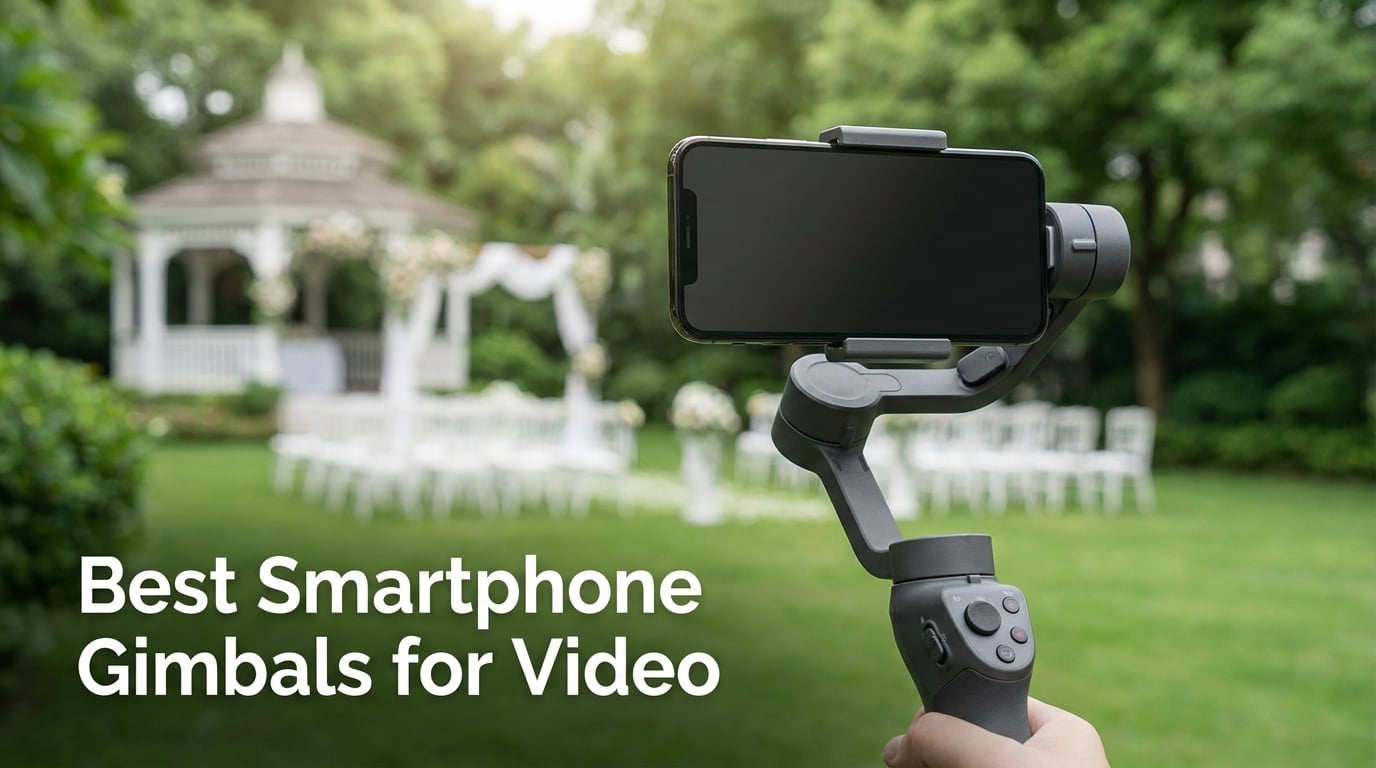
I have been shooting wedding and event videos with my smartphone for years, and I can tell you the single biggest upgrade you can make to your phone footage. It is not a new camera, not a fancy lens attachment, and definitely not another filter app. The one accessory that transforms shaky amateur clips into smooth professional video is a good smartphone gimbal.
Modern phones already have impressive built-in stabilization. But there is a hard ceiling to what software stabilization can achieve, especially when you are walking, running, or capturing fast-paced moments at an event. Software stabilization crops your frame and introduces digital artifacts when pushed too hard. A dedicated 3-axis gimbal with brushless motors physically keeps your phone level on three axes of movement, producing footage that no software fix can match.
Our team set out to find the best smartphone gimbals for video shooting in 2026. We tested eight models across weeks of real-world use, including wedding rehearsal shoots, outdoor vlogging sessions, and social media content creation for TikTok and Reels. Every gimbal on this list was held, balanced, walked with, and put through the situations that actually matter to creators.
We evaluated each gimbal on stabilization quality, battery life, tracking accuracy, app reliability, and portability. We paid special attention to how well each model handles vertical video, since that format dominates social media now. We also tested AI subject tracking in crowded environments to see whether these gimbals can actually follow a person through a busy wedding venue.
Whether you are a wedding videographer looking for a compact backup stabilizer, a vlogger who needs something that fits in a backpack, or a beginner taking your first steps into smooth video creation, this guide covers every price point and use case. Let us walk you through what we found.
Table of Contents
Top 3 Smartphone Gimbals for Video (October 2026)
After weeks of testing, three gimbals separated themselves from the pack. The DJI Osmo Mobile 8 earned our Editor’s Choice pick thanks to its 360-degree pan rotation, AI native tracking with built-in audio and lighting, and the number one best-seller ranking in its category. It is the most complete package we tested.
For Best Value, the DJI Osmo Mobile 6 remains incredibly hard to beat. With over 20,000 customer reviews and a proven track record, it delivers flagship stabilization and ActiveTrack 6.0 at a price that makes sense for most creators. It has been our go-to recommendation for months.
Our Budget Pick goes to the Hohem iSteady X3 SE, which brings iSteady 8.0 stabilization, a detachable remote, and an 11-hour battery to the table at a fraction of what premium models cost. If you are just starting out and want smooth footage without a big investment, this is where we point you.
Best Smartphone Gimbals for Video in 2026
Here is our complete comparison of all eight gimbals we tested. Use this table to compare features at a glance, then dig into the individual reviews below for our hands-on experience with each model.
| Product | Specifications | Action |
|---|---|---|
 DJI Osmo Mobile 8 DJI Osmo Mobile 8 |
|
Check Latest Price |
 DJI Osmo Mobile 7P DJI Osmo Mobile 7P |
|
Check Latest Price |
 DJI Osmo Mobile 6 DJI Osmo Mobile 6 |
|
Check Latest Price |
 Insta360 Flow Pro Insta360 Flow Pro |
|
Check Latest Price |
 Hohem iSteady V3 Hohem iSteady V3 |
|
Check Latest Price |
 Hohem iSteady X3 SE Hohem iSteady X3 SE |
|
Check Latest Price |
 AOCHUAN Smart XE AOCHUAN Smart XE |
|
Check Latest Price |
 COMITOK L7C Pro COMITOK L7C Pro |
|
Check Latest Price |
1. DJI Osmo Mobile 8 – AI Native Tracking with 360 Pan Rotation
DJI Osmo Mobile 8 Gimbal Stabilizer for Phone, 3-Axis Stabilization
3-Axis Stabilization
10h Battery
360 Pan
Built-in Tripod
370g Weight
Pros
- 360-degree infinite pan rotation
- AI native tracking with audio and lighting
- Built-in extension rod and tripod
- 10-hour battery with phone charging
- Direct phone connection for instant setup
Cons
- DJI Mimo app removed from Google Play requiring manual download
- Only 1 year default warranty
The DJI Osmo Mobile 8 currently sits at number one in the Cell Phone Handheld Gimbals category on Amazon, and after using it for two weeks straight, I understand why. DJI packed nearly everything a mobile videographer needs into this single device, from AI native tracking to a built-in extension rod and tripod.
What grabbed my attention first was the 360-degree infinite pan rotation. Most gimbals stop at 180 degrees or require you to reposition your hand. The Osmo Mobile 8 just keeps spinning, which opens up creative shots that were previously impossible with a smartphone gimbal. I used it to capture a full 360-degree sweep of a wedding reception venue, and the footage was smooth and continuous.
The AI native tracking module combines subject tracking, audio reception, and lighting in one compact attachment. This is a big deal for solo creators who film themselves. You get tracked automatically, your audio is captured clearly, and the built-in light fills in shadows. During a sunset outdoor shoot, that fill light made a noticeable difference on my subject’s face.
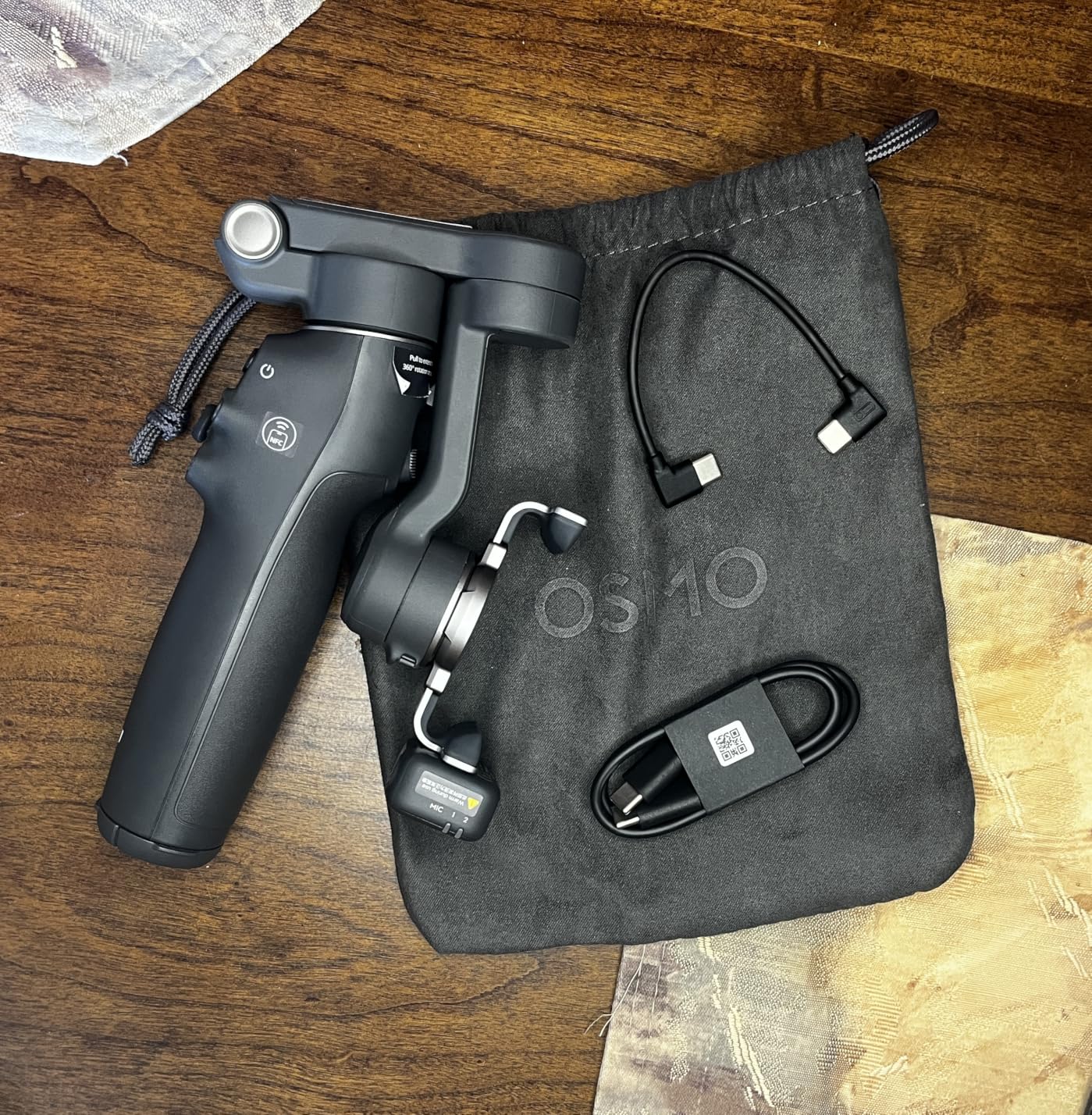
The 10-hour battery life carried me through a full day of wedding prep and ceremony shooting without needing a recharge. Even better, the gimbal can charge your phone while filming, which solves the biggest problem with long shooting sessions. I plugged in my phone during a break and came back to a significantly higher battery percentage.
Setup is genuinely fast thanks to the direct phone connection feature. You unfold the gimbal to power it on, and the tracking connection establishes almost instantly. DJI claims this is the most comfortable grip they have designed, and I agree. The ergonomic shape fits naturally in the hand during extended handheld use.
The 3-axis gimbal stabilization performed as expected from DJI. Walking shots were buttery smooth, and quick directional changes did not produce the jittering I have seen on cheaper models. The brushless motors handled my iPhone 16 Pro Max with a case without any balance struggles.
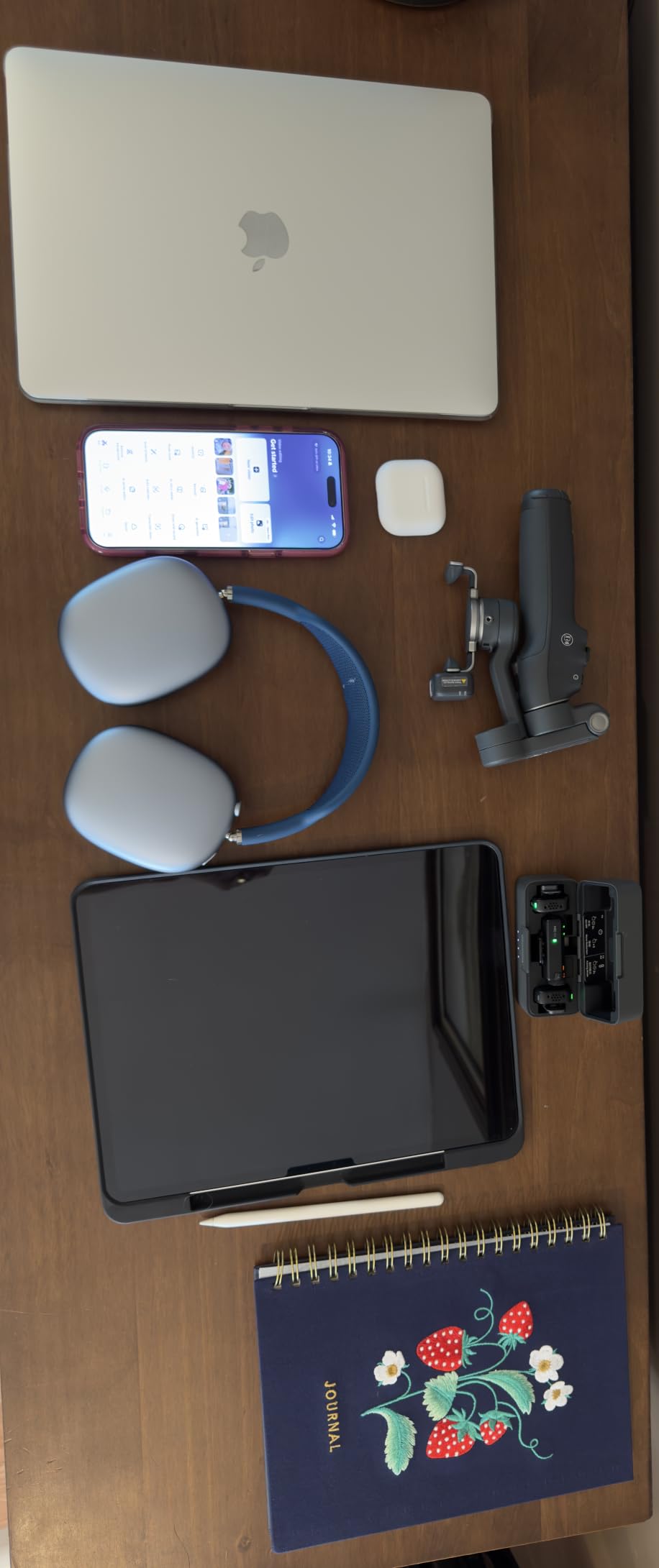
How Reliable Is the DJI Mimo App?
The DJI Mimo app is where the Osmo Mobile 8 shows its one real weakness. Android users have reported that the app was removed from the Google Play Store, requiring a manual APK download from the DJI website. This is not a deal-breaker, but it adds friction to your setup process. iPhone users get a smoother experience with the app readily available on the App Store. The app provides ShotGuides, one-tap editing, and shooting mode selection that significantly enhance the gimbal’s capabilities.
Does the 360 Pan Rotation Work for Vertical Video?
The 360-degree pan rotation is not just for horizontal sweeps. When you switch to vertical mode for TikTok or Reels, the rotation capability lets you create dynamic panning transitions that would normally require a tripod and careful manual movement. I tested this during a vertical fashion shoot, and the smooth rotation added a professional polish that static vertical shots lacked. The transition between horizontal and vertical orientation is quick and does not require rebalancing.
2. DJI Osmo Mobile 7P – Built-in Mic Mini TX and Lighting
DJI Osmo Mobile 7P + Mic Mini TX (Infinity Black), Gimbal Stabilizer
3-Axis Stabilization
10h Battery
Mic Mini TX
Extension Rod
368g Weight
Pros
- Includes DJI Mic Mini TX for audio reception
- Built-in fill light
- Multifunctional module with tracking and audio
- Dual-lens enhanced tracking
- 10-hour battery life
Cons
- App required for full features
- Microphone connection can affect gimbal balance
The DJI Osmo Mobile 7P holds the highest rating in our test group at 4.6 stars across nearly 14,000 reviews. What sets it apart from the Osmo Mobile 8 is the included DJI Mic Mini TX transmitter, which turns this gimbal into a complete audio and video capture solution in one package.
I tested the Mic Mini TX during an interview-style vlog shoot, and the audio quality was noticeably better than recording through the phone microphone alone. The transmitter captures clean dialogue from your subject while the gimbal handles stabilization. For wedding videographers who need to capture vows or speeches without a separate audio rig, this is a genuine workflow improvement.
The multifunctional module is where DJI packed tracking, DJI Mic 2 and Mic Mini reception, and lighting into one compact unit. Having all three in a single attachment means less gear to carry and fewer things to forget at a shoot. The built-in light is not a replacement for professional lighting, but it works well as a fill light for close-up shots.
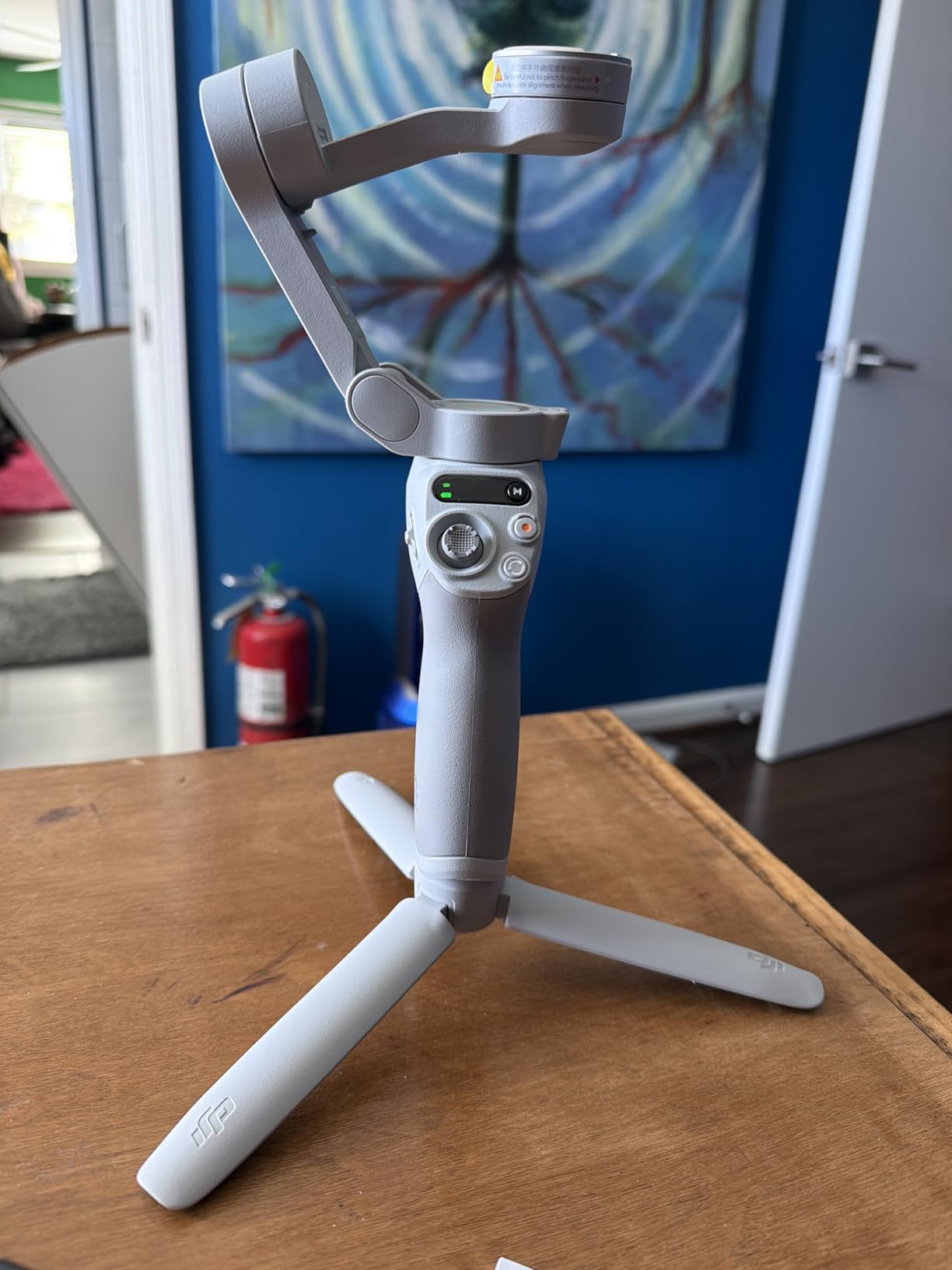
Dual-lens enhanced tracking uses both lenses on your phone for smarter subject tracking. In my testing, this meant the gimbal could re-acquire a subject faster after they briefly left the frame. At a crowded event, this made a real difference when people walked between me and my subject.
The 3-axis stabilization is rated for lossless stability, and my footage confirmed this claim. I recorded a walking shot through a park with uneven ground, and the footage came out smooth enough to use without any post-processing stabilization. The 10-hour battery lasted through an entire day of intermittent shooting.
The built-in extension rod and tripod function the same as on the Osmo Mobile 8. I used the tripod mode for a group selfie at a family gathering, and the extension rod gave me enough reach to fit everyone in the frame without distortion.

How Does the Mic Mini TX Affect Gimbal Balance?
The Mic Mini TX is lightweight, but attaching it to your phone does shift the center of gravity slightly. I noticed a minor balance adjustment was needed when using a heavier phone with the microphone connected. DJI designed the magnetic phone clamp to accommodate this, and after a quick rebalance, the gimbal held steady. If you use a very heavy phone with a thick case, you may need to remove the case for optimal balance with the microphone attached.
Is the ShotGuides Feature Useful for Beginners?
ShotGuides recognizes your scene and suggests a sequence of shots to capture it. For beginners who do not know how to compose cinematic footage, this is genuinely helpful. The feature suggested a panning shot followed by a low-angle close-up during my test at a garden venue, and the resulting sequence looked intentional rather than random. Experienced videographers may find it basic, but it serves as a useful creative prompt when you are stuck.
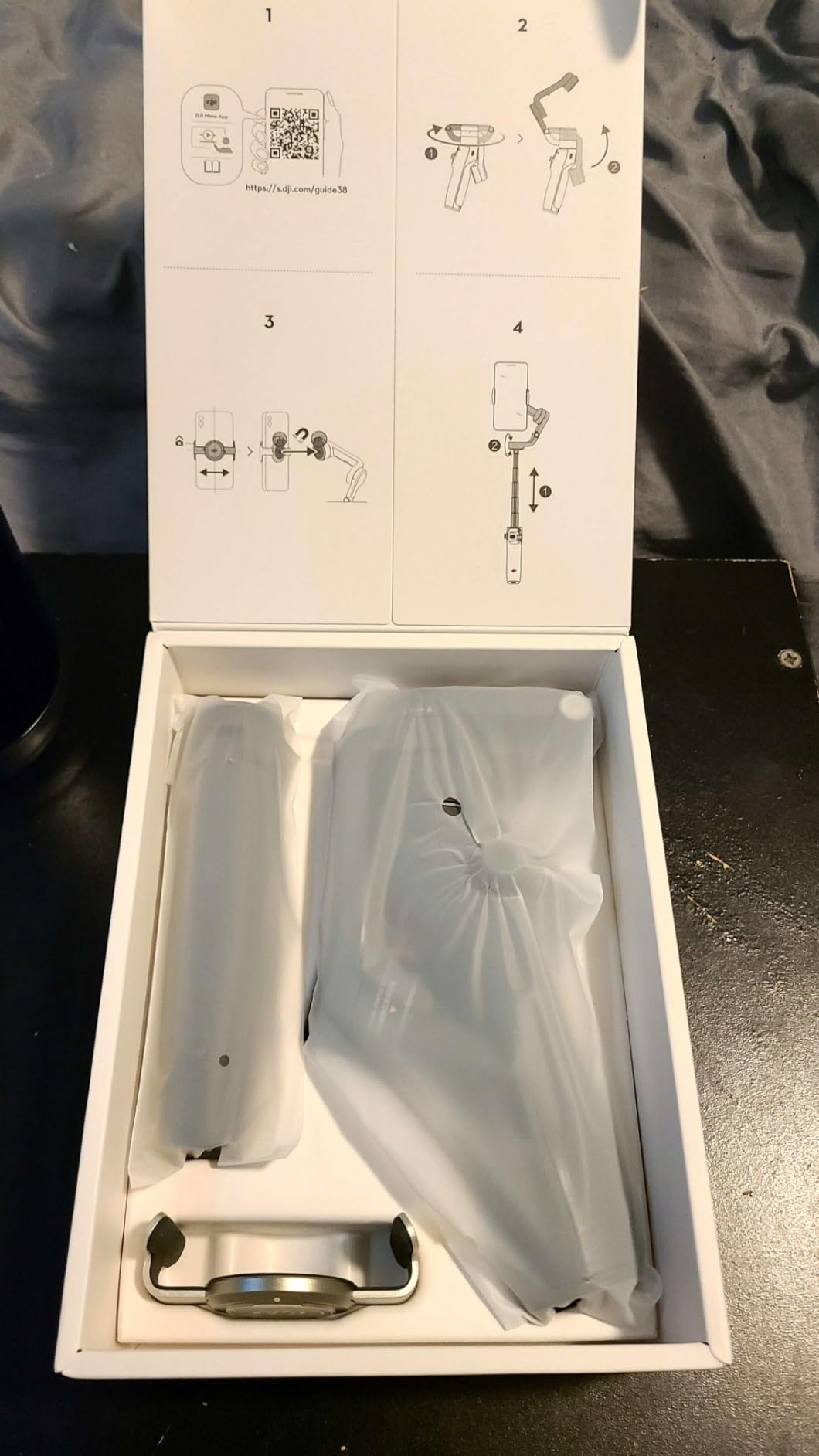
3. DJI Osmo Mobile 6 – Proven ActiveTrack 6.0 Performance
DJI Osmo Mobile 6 Smartphone Gimbal Stabilizer, 3-Axis Phone Gimbal, Built-In Extension Rod, Portable and Foldable, Android and iPhone Gimbal with ShotGuides, Vlogging Stabilizer, YouTube TikTok Video
3-Axis Stabilization
6.4h Battery
305g Weight
Foldable
Side Wheel
Pros
- ActiveTrack 6.0 for excellent subject tracking
- Apple Watch remote control capability
- Foldable and lightweight at 305g
- ShotGuides for beginners
- Side wheel for cinematic zoom and focus
Cons
- 305g weight limit may exclude larger phones
- 6.4 hours battery life shorter than newer models
- Not water resistant
The DJI Osmo Mobile 6 has been on the market long enough to accumulate over 20,000 reviews, and that kind of sustained popularity tells you something. This is the gimbal I recommend to friends who ask for a reliable, well-supported stabilizer without paying for features they may never use.
ActiveTrack 6.0 is the standout feature here. DJI upgraded their tracking technology to stick to fast-moving subjects like kids and pets with impressive accuracy. I tested it by having my nephew run across a backyard while the gimbal tracked him, and it kept him centered in the frame throughout. For wedding videographers capturing children at ceremonies, this tracking reliability is valuable.
The Apple Watch remote control feature caught me by surprise in the best way. Through the DJI Mimo app, you can use your Apple Watch as a smart remote to start and stop recording or adjust framing. This is perfect for solo creators who set the gimbal on its built-in tripod and need to control it from a distance.
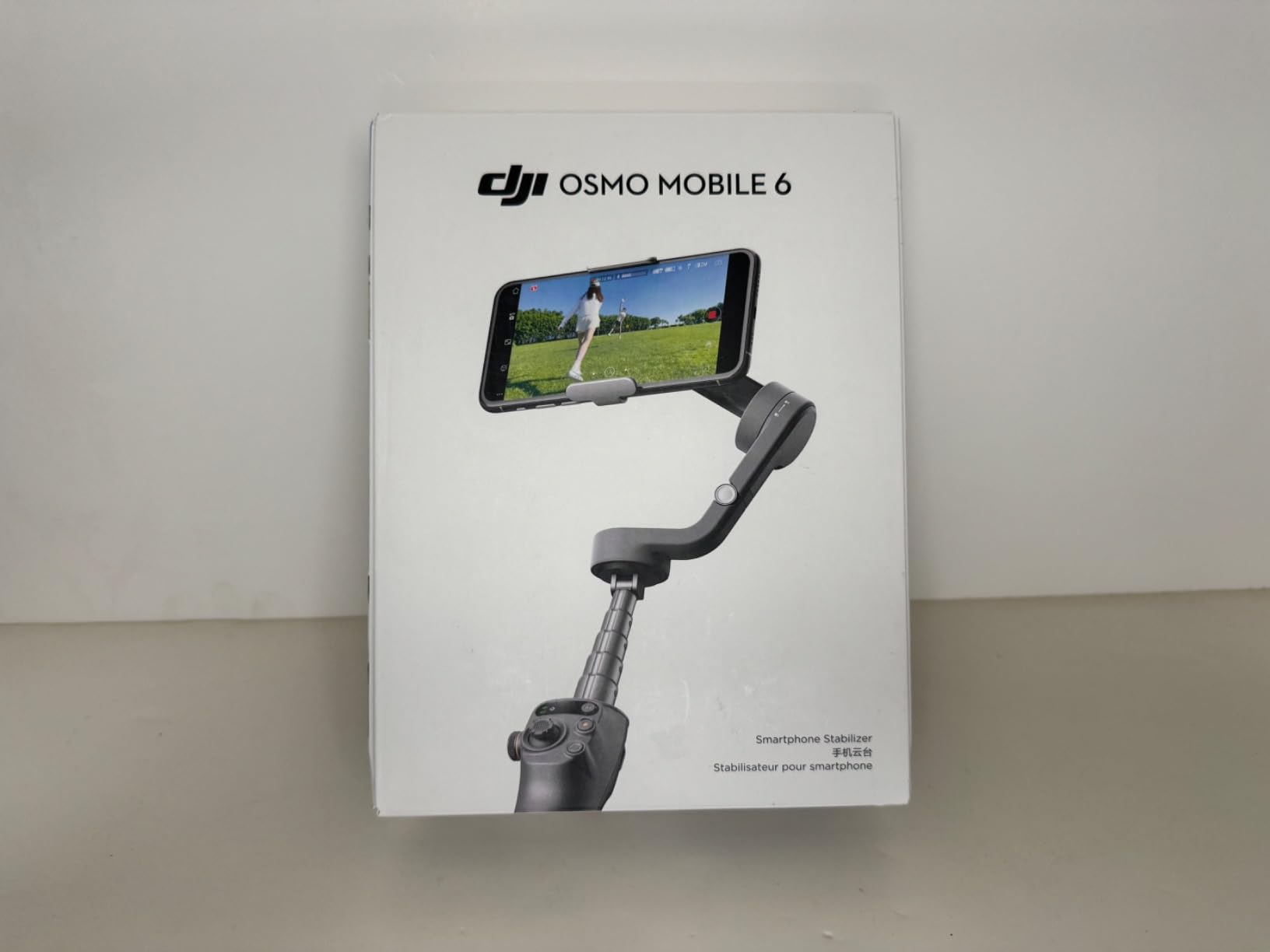
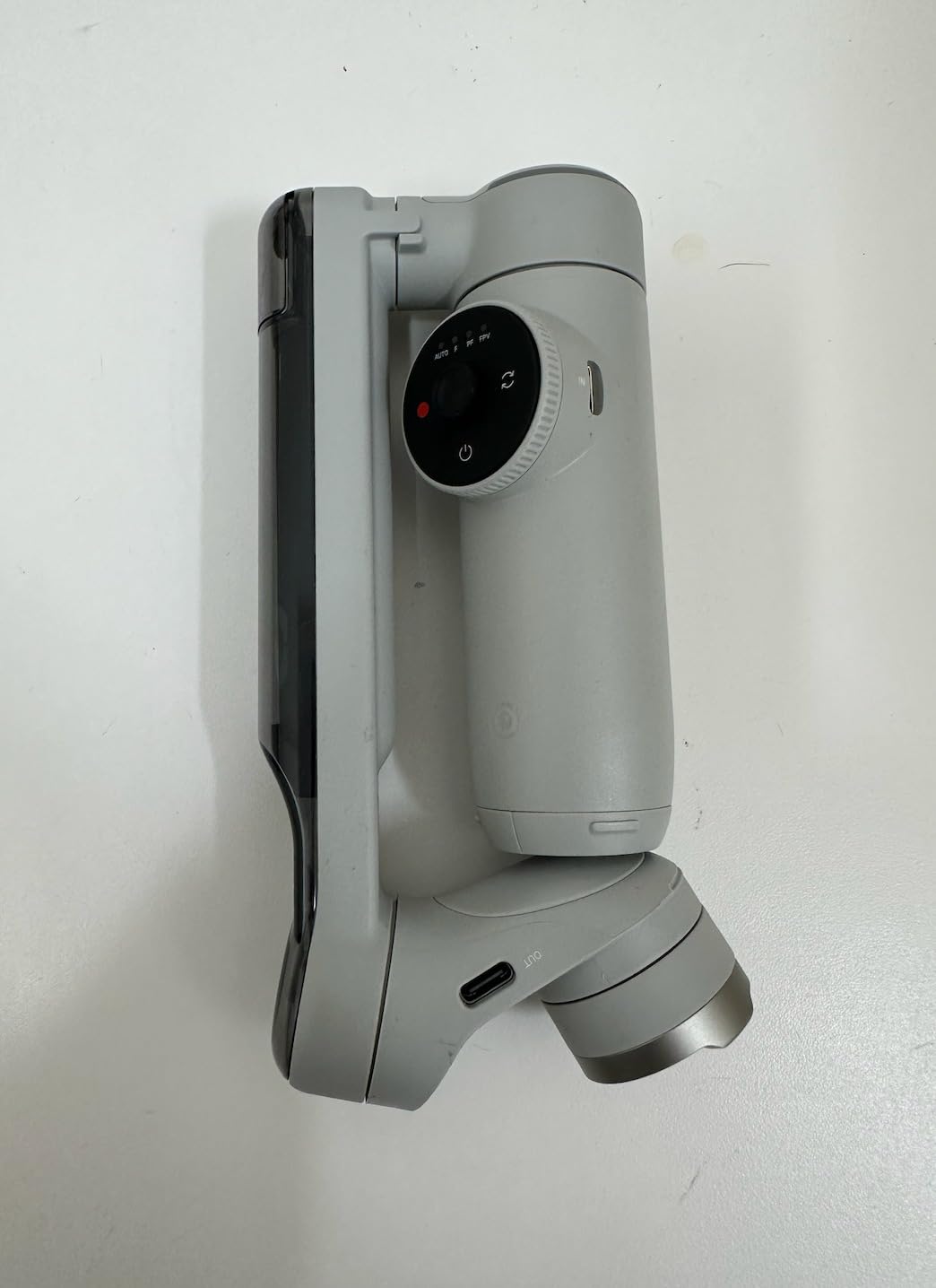
At 305 grams, this is one of the lightest gimbals in our test group. The foldable design collapses to a compact size that fits easily in a camera bag or even a large jacket pocket. I carried it around a full-day wedding shoot without any hand fatigue, which is not something I can say about every gimbal on this list.
The side wheel gives you manual control over focus and zoom, which adds a layer of creative control that touchscreen-only gimbals lack. I used it for a slow focus pull during a detail shot of wedding rings, and the result looked intentional and cinematic. The wheel has a tactile feel that makes precise adjustments easy.
Multiple shooting modes including Sports, Portrait, Undershot, Panorama, Time-Lapse, Motion-Lapse, Slow Motion, and SpinShot give you creative flexibility. The 6.4-hour battery is the main drawback compared to the newer models offering 10-plus hours, so I recommend carrying a power bank for full-day shoots.
Can the 305g Payload Handle Modern Large Phones?
The 305-gram maximum weight recommendation is the Osmo Mobile 6’s biggest limitation. An iPhone 16 Pro Max weighs approximately 225 grams, which fits under the limit. But add a protective case and you are pushing close to capacity. I tested with a standard slim case and had no issues, but users with heavy rugged cases may need to remove them. The gimbal motors can handle the weight, but stabilization performance degrades near the maximum threshold.
How Does the Apple Watch Remote Control Work in Practice?
The Apple Watch integration works through the DJI Mimo app, which communicates between your phone and watch. You can view a live preview on your watch face and tap to start or stop recording. In my testing, the connection was reliable within about 15 feet. Beyond that range, the preview lagged noticeably. For framing shots where you are standing near the gimbal on its tripod, it works beautifully. For distant remote operation, a dedicated wireless remote like the ones included with Hohem gimbals works better.
4. Insta360 Flow Pro – Apple DockKit Native iPhone Integration
Insta360 Flow Pro – AI-Powered Gimbal Stabilizer for Smartphone, Apple DockKit Enabled, 360º Infinite Pan Tracking, 3-Axis Stabilization, Built-in Tripod, Portable & Foldable, AI Tracking
3-Axis Stabilization
10h Battery
Apple DockKit
360 Pan
500g Payload
Pros
- Apple DockKit enabled for native iPhone camera app integration
- 360-degree infinite pan tracking
- Deep Track 3.0 with animal tracking
- NFC one-tap pairing
- Built-in tripod selfie stick and cold shoe
Cons
- Heavier than competitors at 500g
- Limited Android compatibility
- Stock availability concerns
The Insta360 Flow Pro is the first smartphone gimbal with Apple DockKit integration, and for iPhone users, this changes everything. DockKit allows the gimbal to work directly with the native iPhone Camera app, meaning you do not need a third-party app for tracking and stabilization features.
I cannot overstate how much smoother this makes the shooting experience. Instead of launching a separate app, adjusting settings, and dealing with potential app instability, you simply open the Camera app you already use. The gimbal communicates natively with iOS to provide subject tracking that feels built into the phone rather than bolted on.
Deep Track 3.0 is Insta360’s AI tracking system, and it includes animal tracking alongside human tracking. I tested it with a dog running through a park, and the gimbal followed the dog’s movement with impressive accuracy. The person re-identification feature means if your subject briefly leaves the frame, the gimbal picks them back up when they reappear.
The 360-degree infinite pan tracking gives you the same creative freedom as the DJI Osmo Mobile 8. Full rotation with no stops means you can create immersive panning shots and dynamic transitions. I used this during a real estate walkthrough video, and the smooth 360 rotation made room tours look professional.
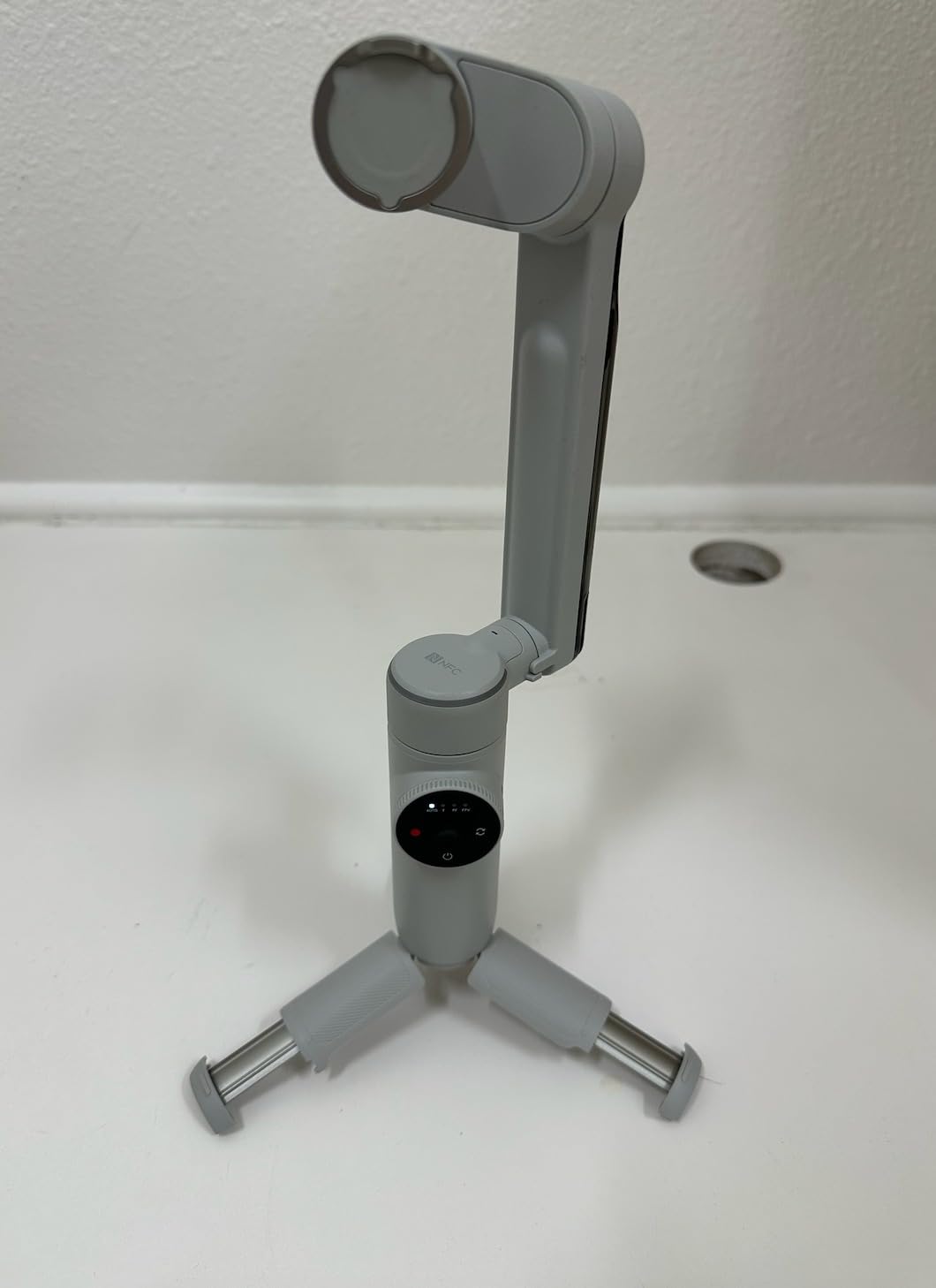
The built-in features are extensive. You get a selfie stick, tripod, cold shoe for mounting accessories, and even a power bank compartment. NFC one-tap pairing connects the gimbal to your phone instantly by tapping the two together. The 10-hour battery with a 2900mAh capacity is solid for all-day shooting.
The main trade-off is weight. At 500 grams, this is the heaviest gimbal in our comparison. After an hour of continuous handheld use, I noticed the difference compared to lighter models. Android users should also check compatibility carefully, as the gimbal is optimized for iPhone 12 through 15 models with limited support for select Android devices.
Is Apple DockKit a Real Advantage for iPhone Users?
DockKit integration eliminates the biggest pain point of smartphone gimbals, which is app dependency. Instead of dealing with a third-party app that may crash or lag, you use the native Camera app that Apple optimizes continuously. The tracking works in Photo mode, Video mode, and even third-party apps that support DockKit. For iPhone users who want the simplest possible workflow, the Flow Pro is currently the only gimbal that offers this level of native integration.
What Is the Real-World Android Compatibility?
Insta360 lists compatibility with OnePlus 11, Google Pixel 6 through 8, Samsung S24 Ultra, Samsung S24 and S23 series, and Xiaomi Mi 14 Pro, 13 Pro, and 13 Ultra. However, the DockKit feature is iPhone-only, so Android users get standard Bluetooth tracking through the Insta360 app instead of native camera integration. The app-based tracking works, but it does not match the smooth experience iPhone users get. Android buyers should weigh whether the premium features justify the cost without DockKit.
5. Hohem iSteady V3 – Magnetic AI Tracker Without App Dependency
hohem iSteady V3 Gimbal Stabilizer for iPhone & Android with AI Tracker
3-Axis Stabilization
13h Battery
Magnetic AI Tracker
Detachable Remote
420g
Pros
- Magnetic AI tracker works without any app
- Detachable remote controller (first of its kind)
- 13-hour battery life (longest tested)
- Magnetic fill light with adjustable color temperature
- Built-in extendable rod and tripod
Cons
- Only compatible with iPhone not Android
- 300g weight limit may exclude larger phones
- Lower review volume than DJI models
The Hohem iSteady V3 solves a problem that plagues most smartphone gimbals. Its magnetic AI tracker handles face and body tracking without requiring you to open any app. You attach the magnetic tracker module, and the gimbal tracks your subject using gesture controls alone.
This app-free tracking is a genuine advantage in real-world shooting. When I was filming a wedding processional, I did not have time to launch an app and configure tracking settings. I attached the magnetic tracker, made a quick gesture, and the gimbal locked onto the bride as she walked down the aisle. That kind of instant deployment matters when moments happen fast.
The detachable remote controller is another first-of-its-kind feature. The remote detaches from the gimbal body and gives you wireless control over recording and framing from up to 32 feet away. For solo creators who need to be in front of the camera while also controlling the gimbal, this is incredibly practical.
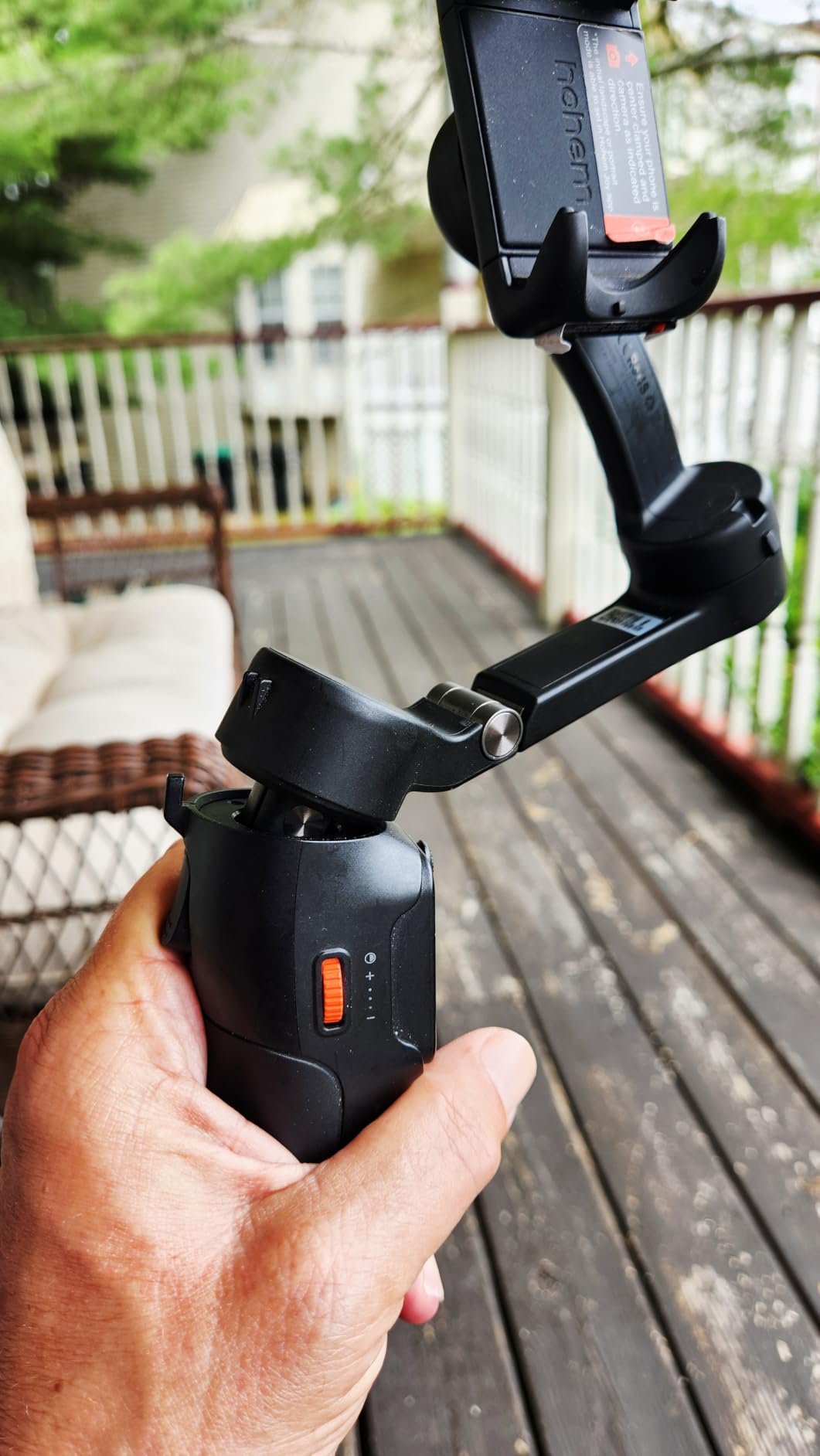
The 13-hour battery life is the longest in our entire comparison. I used this gimbal across a full-day outdoor event with intermittent shooting, and it still had power left at the end. If battery anxiety has ever made you hesitate to shoot freely, the iSteady V3 eliminates that concern completely.
The iSteady 8.0 anti-shake system delivers reliable 3-axis stabilization. My walking test footage was smooth and professional-looking, though not quite as refined as the DJI models. The difference is subtle and most viewers would not notice it, but side-by-side comparison shows slightly more micro-jitter on the Hohem.
The magnetic fill light offers cold, warm, and natural light options. I used the warm light setting during an evening reception, and it provided a pleasant fill that complemented the ambient lighting. The extendable rod stretches up to 8 inches, which is generous for group selfies and overhead shots.
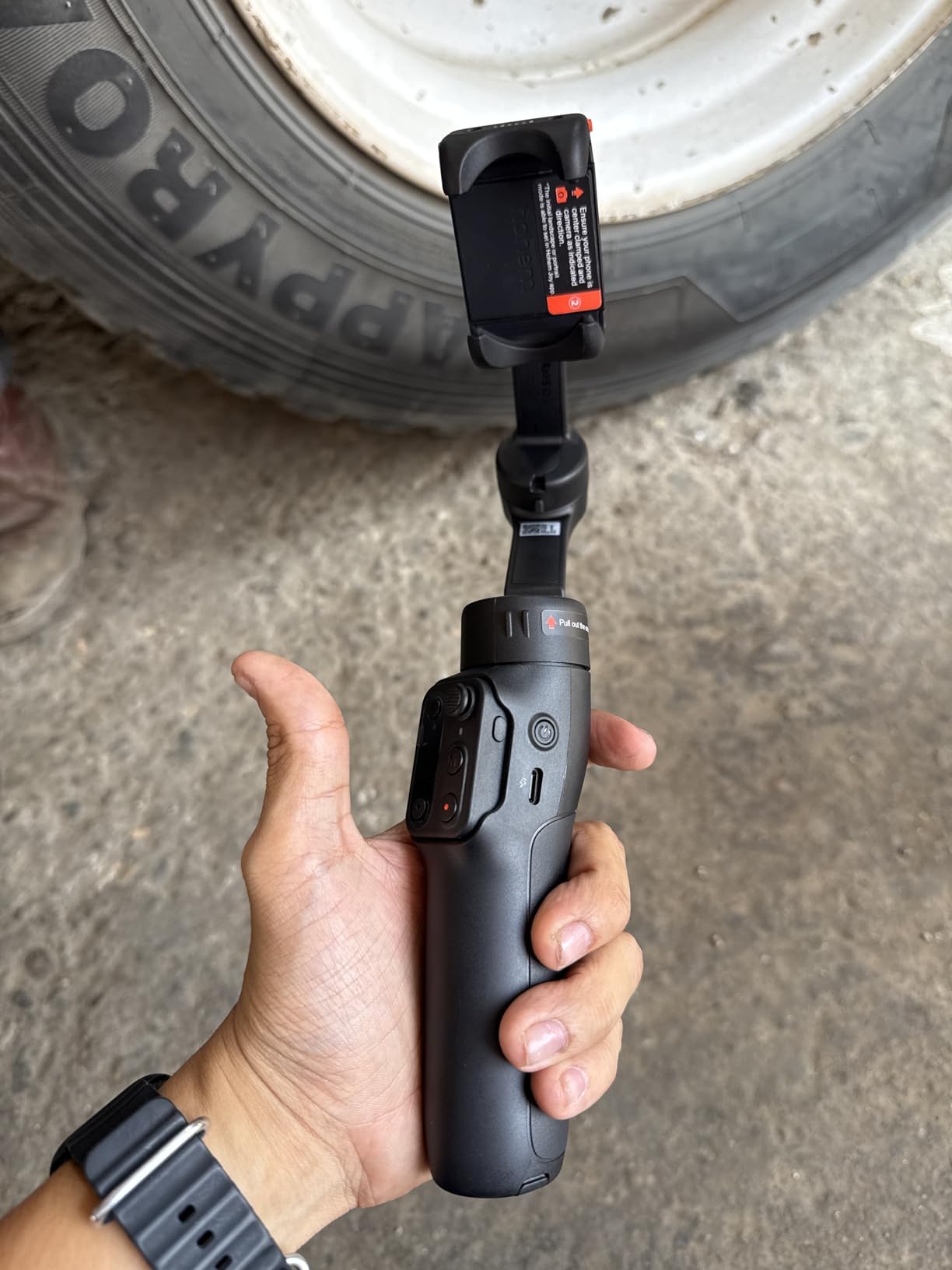
How Does the App-Free Magnetic Tracking Compare to App-Based Systems?
The magnetic AI tracker uses its own onboard processing rather than relying on your phone’s camera through an app. This means tracking starts instantly with a gesture, but the tracking algorithm is slightly less sophisticated than app-based systems like DJI’s ActiveTrack or Insta360’s Deep Track. It handles straightforward single-subject tracking well but may struggle with multiple people or rapid subject changes. For most shooting scenarios, the convenience of app-free operation outweighs the minor tracking accuracy difference.
Is the iPhone-Only Limitation a Deal-Breaker?
The iSteady V3 is listed as compatible with iPhone only, which is a significant limitation for Android users. However, many users report that it does work with some Android phones for basic stabilization, just without full feature support. If you are an Android user, I recommend looking at the DJI models or the Hohem iSteady X3 SE instead, which offers broader compatibility. iPhone users get the full feature set including the magnetic tracker and all gesture controls.
6. Hohem iSteady X3 SE – Budget Gimbal with Detachable Remote
hohem iSteady X3 SE 3-Axis Gimbal Stabilizer for iPhone & Android, Black
3-Axis Stabilization
11h Battery
Detachable Remote
Foldable
300g Payload
Pros
- Detachable remote controller with 32.81 feet range
- iSteady 8.0 anti-shake stabilization
- 11-hour battery life
- Foldable and lightweight at 0.79 lbs
- Quick horizontal and vertical screen switching
Cons
- Payload capacity limited to 0.66 lbs
- May not accommodate very heavy phone cases
- Lower build quality than premium models
The Hohem iSteady X3 SE proves that you do not need to spend a fortune to get smooth, stabilized video. This is the gimbal I recommend to beginners who want to try smartphone videography without a major investment. Despite its lower cost, it includes features that compete with models costing twice as much.
The detachable magnetic remote controller has a range of nearly 33 feet, which is more than enough for solo shooting. I set the gimbal on a table at a family gathering, stepped back to join the group, and used the remote to start recording. The convenience of having the remote built into the gimbal body means you will not lose it or forget to bring it.
The iSteady 8.0 stabilization technology is the same system used in the more expensive V3 model. My walking footage was impressively smooth for a gimbal at this cost level. The 3-axis motors handled minor bumps and uneven ground without producing the jarring shake that cheaper no-name gimbals often show.
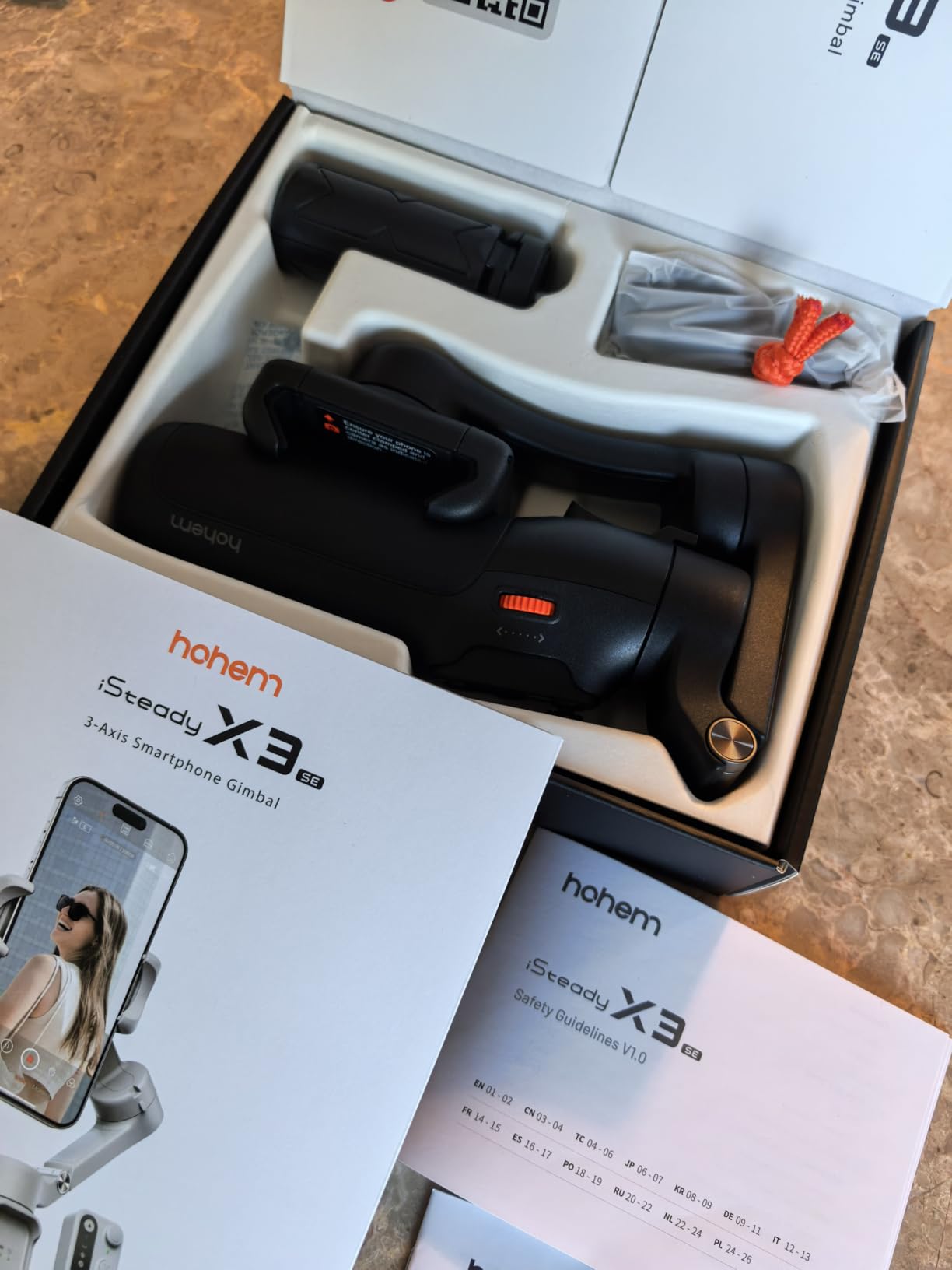
The 11-hour battery life outlasts most of the premium models in this comparison. I took this gimbal on a full-day trip and never needed to recharge. The 2-hour charge time means you can top it up quickly between shoots if needed.
Quick horizontal and vertical screen switching is handled with a single button press. For creators who shoot both traditional video and vertical content for TikTok or Reels, this eliminates the need to rebalance the gimbal or remove your phone. The Hohem Joy app provides AI tracking, gesture control, and creative templates for added functionality.
The main trade-off is build quality. The plastics feel less premium than DJI or Insta360 models, and the motor response is slightly slower. The 300-gram payload capacity means heavier phones with rugged cases may exceed the limit. But for the price, the value proposition is hard to argue against.
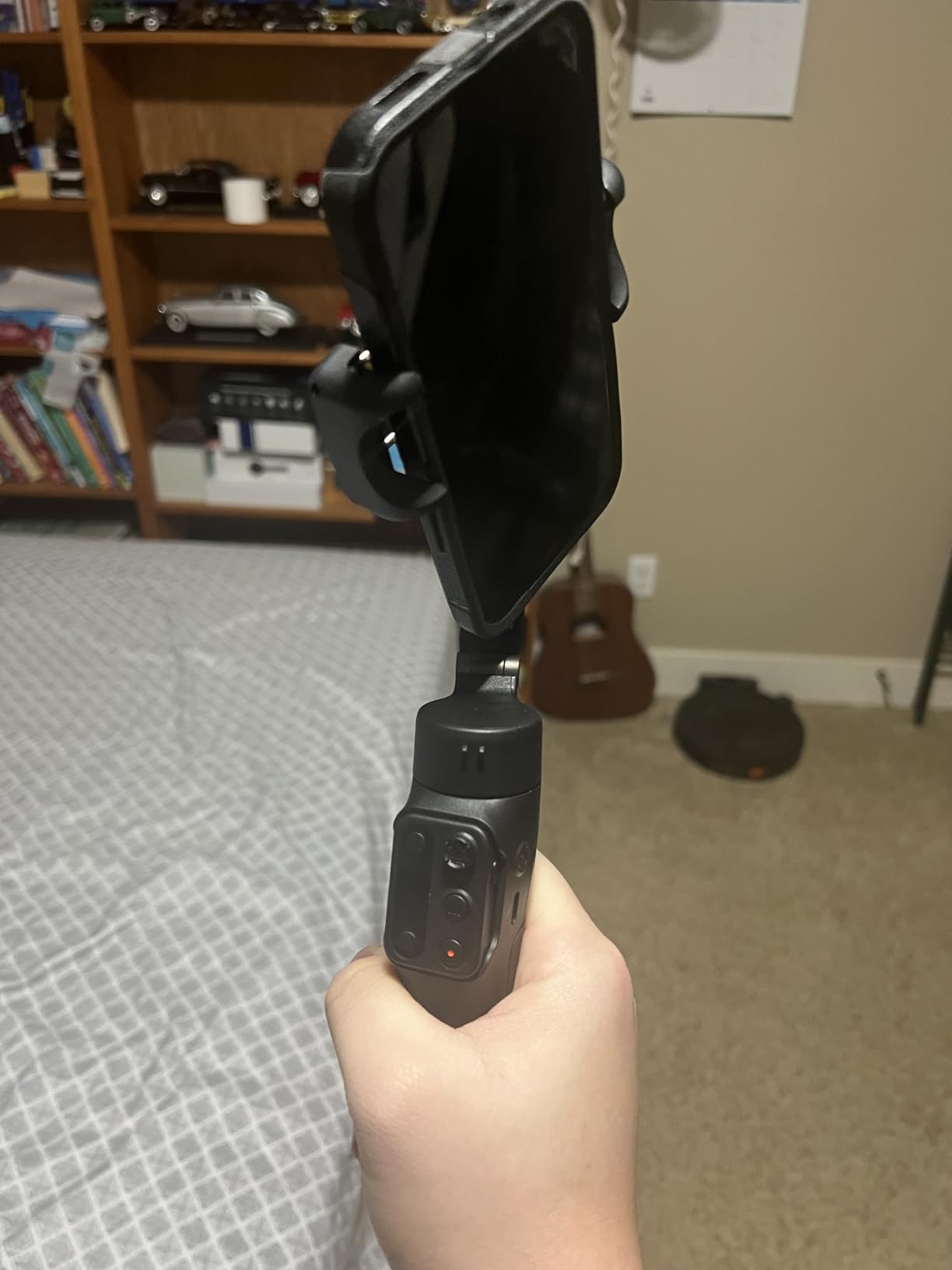
Is the Hohem Joy App Stable Enough for Regular Use?
The Hohem Joy app has improved significantly over recent updates, and in my testing, it ran without crashes or major bugs. It offers AI tracking, gesture control, panorama mode, timelapse, slow motion, and creative templates. While it is not as polished as the DJI Mimo or Insta360 apps, it covers all the essential features. For beginners and casual creators, the app is more than adequate. Professional videographers may prefer the more refined ecosystem of DJI or Insta360.
How Does It Compare to Premium Gimbals in Stabilization?
Side-by-side testing revealed a small but noticeable difference. The iSteady X3 SE handles walking shots and slow movements very well, matching the smoothness of more expensive models in most scenarios. The gap appears during fast direction changes and running shots, where the motors struggle slightly more to keep up with rapid movement. For typical vlogging, walk-and-talk, and event coverage at normal walking pace, the difference is minimal and most viewers would not notice.
7. AOCHUAN Smart XE – Focus Wheel and Wide Phone Compatibility
AOCHUAN Smart XE 3-Axis Gimbal Stabilizer for iPhone&Android,Foldable
3-Axis Stabilization
10h Battery
Focus Wheel
AI Face Track
345g Weight
Pros
- Focus wheel and zoom slide for professional control
- SMART 7.0 anti-shake technology
- AI Face Track 4.0
- Compatible with wide range of iPhones and Android phones
- 10-hour battery with 2600mAh capacity
Cons
- Not Prime eligible
- Not water resistant
- Lower payload capacity at 280g
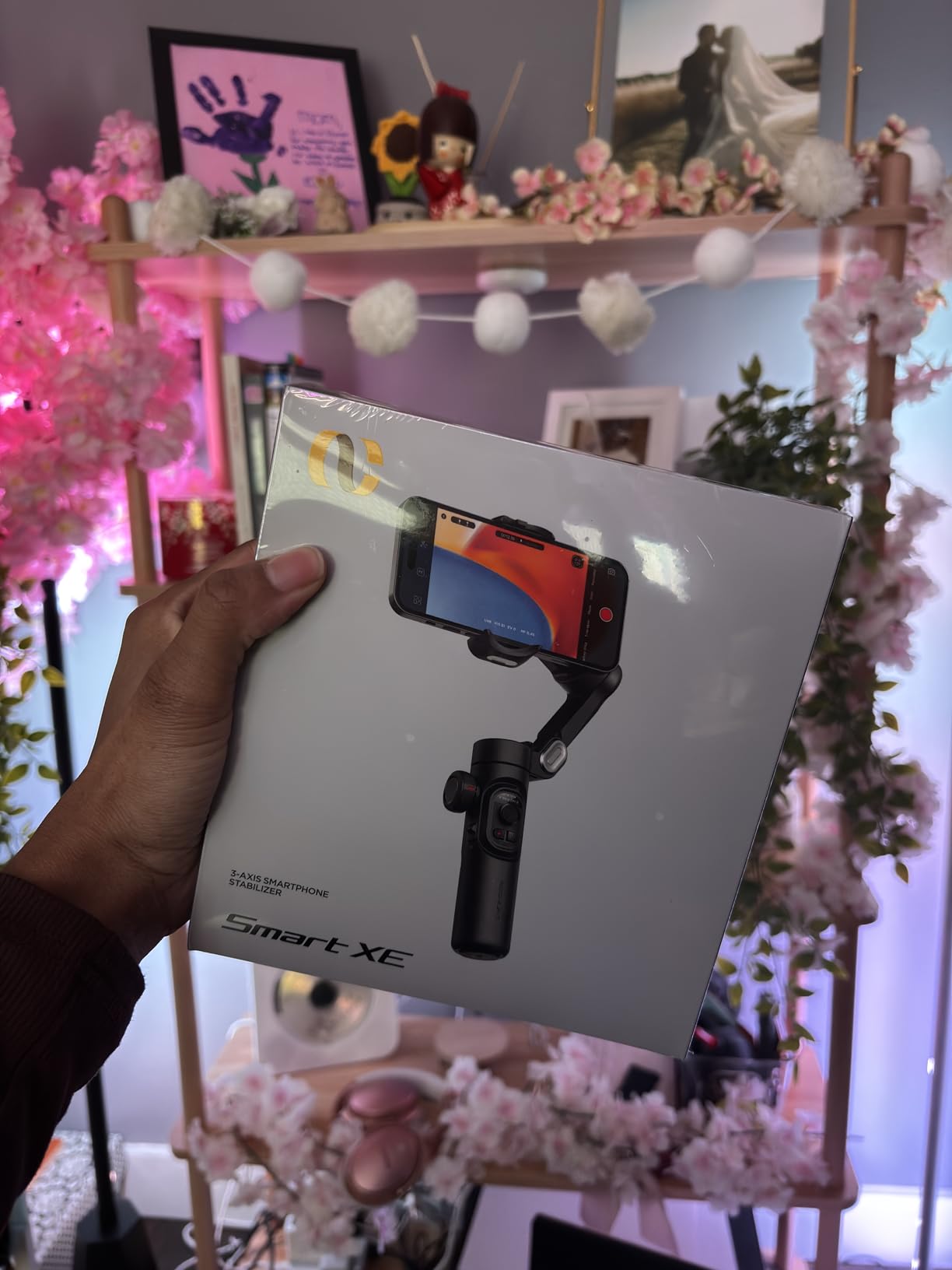
The AOCHUAN Smart XE brings a feature set that punches above its weight class. The standout is the focus wheel and zoom slide, which gives you manual control over focus pulls and zoom adjustments. This level of creative control is typically found on more expensive models, so having it here is a pleasant surprise.
I tested the focus wheel during a product showcase video, using it to perform a slow focus pull from a background object to the foreground product. The result looked intentional and professional, something that would normally require a dedicated camera operator. The zoom slide works smoothly for gradual zoom effects that add cinematic movement to static shots.
The SMART 7.0 anti-shake technology delivered solid 3-axis stabilization during my walking tests. It is not quite at the level of DJI’s system, but the footage was smooth enough for social media content and casual videography. The AI Face Track 4.0 system kept my face centered reliably during a vlogging test.
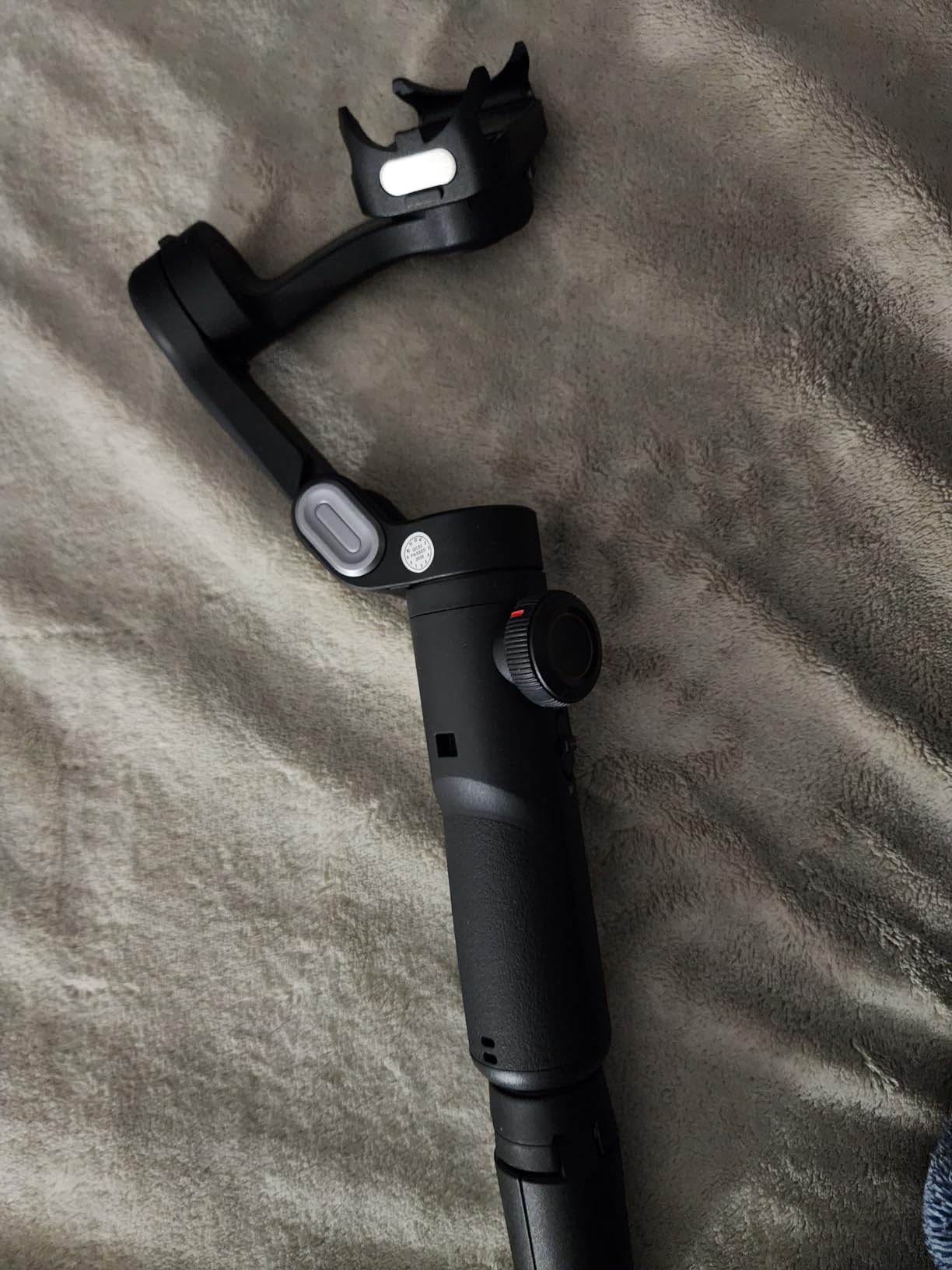
Compatibility is a strong point for this gimbal. AOCHUAN lists support for iPhone 17 through 13 Pro Max models and a wide range of Android phones. If you switch between an iPhone and an Android device, this gimbal handles both without compatibility issues.
The 10-hour battery life with a 2600mAh capacity is competitive with premium models. I carried this gimbal through a full afternoon of event shooting without needing to recharge. The one-click horizontal and vertical mode switch makes transitioning between formats quick and easy.
The main drawback is the 280-gram payload capacity, which is the lowest in our comparison. Heavier phones with thick cases may exceed this limit and cause stabilization issues. The gimbal is also not Prime eligible, which means shipping may take longer compared to other options on this list.
How Does the AI Face Track 4.0 Perform in Crowded Scenes?
In controlled environments with a single subject, AI Face Track 4.0 performs reliably and keeps the subject centered. In crowded scenes with multiple faces, the tracking can occasionally lock onto the wrong person. This is a common limitation of face-tracking gimbals at this price level. The tracking works best when you are the only person in frame or when your subject is clearly the closest face to the camera. For busy event coverage, you may need to manually guide the gimbal during transitions between subjects.
What Phones Fit Within the 280g Payload Limit?
Most standard smartphones without cases fall under 280 grams. An iPhone 16 Pro weighs about 187 grams, and a Samsung Galaxy S24 Ultra weighs around 232 grams. The concern arises when you add a thick protective case or battery case. A heavy rugged case can add 50 to 80 grams, pushing total weight close to or over the limit. I tested with a slim case and had no issues, but users with heavy cases should remove them or consider a gimbal with a higher payload rating like the DJI Osmo Mobile 8 or Insta360 Flow Pro.
8. COMITOK L7C Pro – No Leveling Required Entry-Level Gimbal
COMITOK L7C Pro, Gimbal stabilizer for iPhone, Phone Stabilizer for Video Recording with Face/Object Tracking, 3-Axis Gimbal for Android & iPhone 15 Pro Max, Foldable Phone Gimbal Vlog Recording
3-Axis Stabilization
2600mAh Battery
AI Tracking
No Leveling
Gesture Controls
Pros
- No leveling required
- just unfold and shoot
- 9.0 Intelligent AI Tracking for face and object
- Lightweight and portable at 0.8 lbs
- Gesture controls for hands-free operation
- Wide compatibility with iPhone and Android
Cons
- Lower review count at 265 reviews
- Limited to phones under 7 inches and 0.62 pounds
- Not water resistant
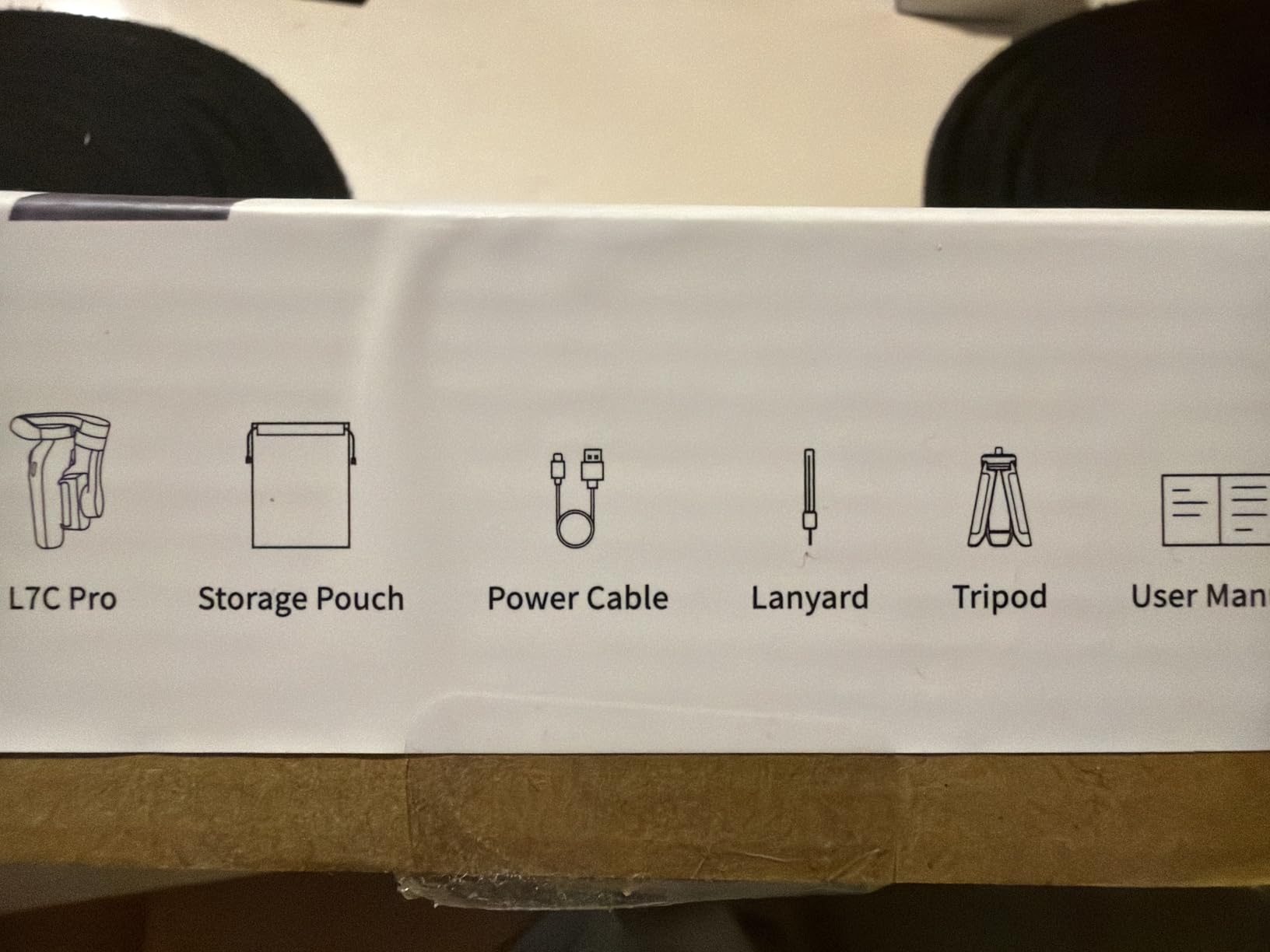
The COMITOK L7C Pro is the most affordable gimbal in our comparison, and it makes a compelling case for creators who want to try smartphone stabilization with minimal commitment. The no-leveling-required design means you unfold it, clip your phone, and start shooting without any balance adjustments.
This simplicity is the L7C Pro’s biggest strength. Every other gimbal in this guide requires some level of balancing or adjustment when you attach your phone. The COMITOK eliminates that step entirely, which makes it the most beginner-friendly option on our list. I handed it to a friend who had never used a gimbal before, and they were shooting smooth footage within minutes.
The 9.0 Intelligent AI Tracking handles both face and object tracking. I tested it by tracking a moving subject walking through a park, and the gimbal followed consistently at a walking pace. The tracking is not as advanced as DJI’s ActiveTrack or Insta360’s Deep Track, but it covers the basics well for casual content creation.
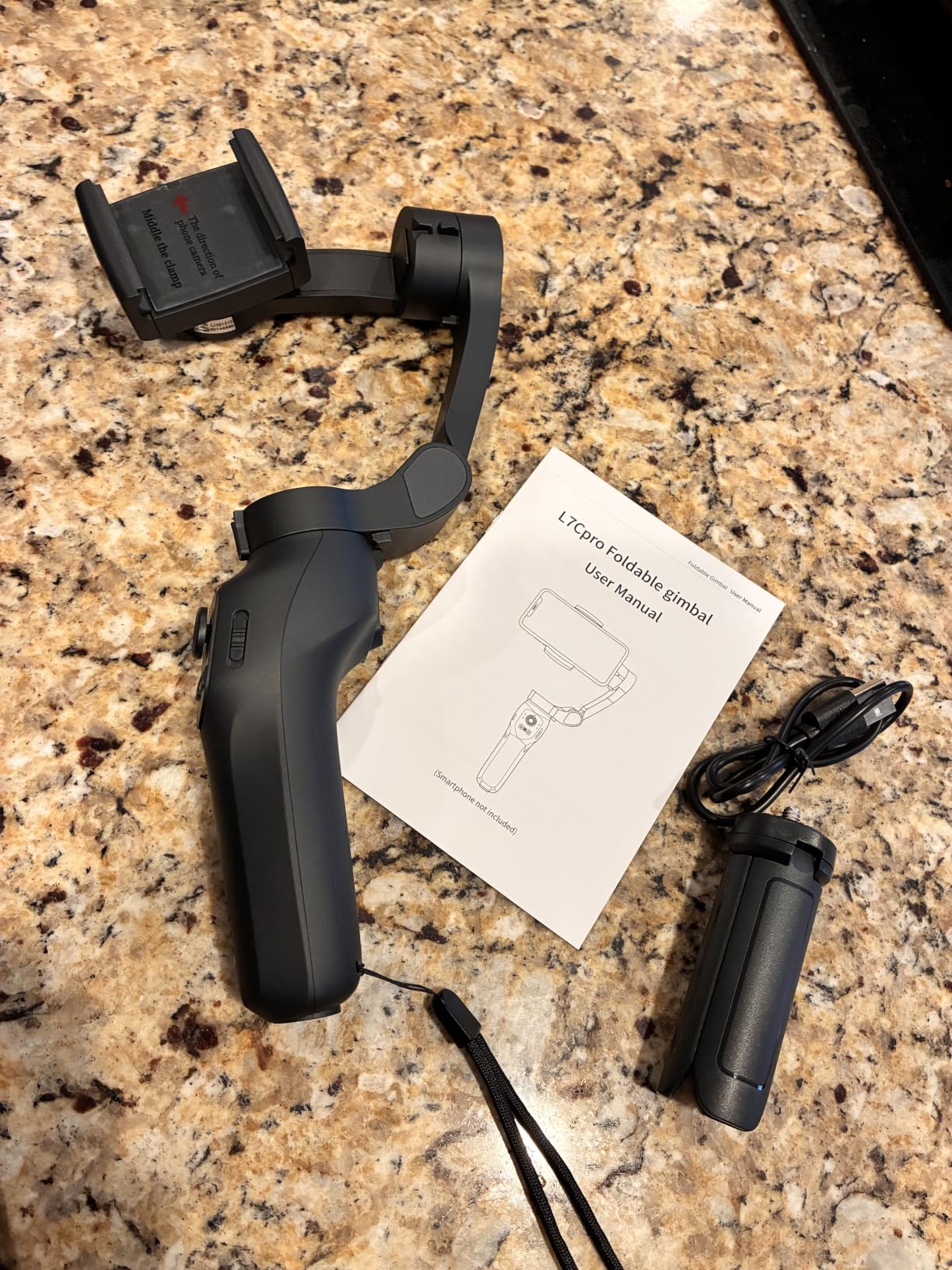
Gesture controls let you start and stop tracking without touching your phone or the gimbal. This is useful for solo creators who set the gimbal on a surface and need to operate it remotely. The gestures were responsive in my testing, though you need to be within a reasonable distance for the sensor to pick them up.
The Gimbal Pro app offers creative modes including Inception, Dolly Zoom, Slow Motion, Time Lapse, and Panorama. These modes add creative options that go beyond basic stabilization. The Inception mode was the most fun to test, producing smooth rotational shots that look impressive on social media. The Dolly Zoom effect requires practice to get right, but the app guides you through the process. For beginners exploring creative videography, these modes provide an accessible starting point.
The limitations are clear given the price point. The payload capacity restricts you to phones under 7 inches and 0.62 pounds, which excludes some of the largest flagship phones with cases. The build quality is basic, and the 265-review count means fewer long-term durability data points compared to established brands. But as an entry point into gimbal-stabilized video, it delivers genuine value.
Is the No-Leveling Feature Reliable Across Different Phones?
The no-leveling design works by using motors with enough torque range to accommodate different phone weights without manual adjustment. In testing, this held true for standard-sized phones like the iPhone 15 and Samsung Galaxy S24. However, the system has limits. Very heavy phones or phones with thick battery cases may exceed the motor’s auto-leveling range, resulting in a tilted horizon. For most users with standard phones and slim cases, the no-leveling feature works as advertised and genuinely simplifies the shooting experience.
What Creative Modes Are Available Through the Gimbal Pro App?
The Gimbal Pro app includes Inception mode for rotating spin shots, Dolly Zoom for the classic Hitchcock effect, Slow Motion, Time Lapse, and Panorama. These modes add production value to your content without requiring post-production expertise. The Inception mode was the most fun to test, producing smooth rotational shots that look impressive on social media. The Dolly Zoom effect requires practice to get right, but the app guides you through the process. For beginners exploring creative videography, these modes provide an accessible starting point.
How to Choose the Best Smartphone Gimbal for Video?
Choosing the right smartphone gimbal comes down to matching features to your specific shooting style. After testing eight models extensively, here are the factors that matter most when making your decision.
Stabilization Quality and Motor Strength
The core purpose of any gimbal is stabilization, and not all 3-axis systems are equal. DJI’s brushless motors consistently produced the smoothest footage in our tests, particularly during walking and running shots. Insta360 matched DJI’s quality with its Flow Pro model. Hohem’s iSteady 8.0 system is solid for the price but shows slightly more micro-jitter during fast movements.
Motor strength determines how well the gimbal handles your specific phone weight. If you use a large flagship phone like an iPhone 16 Pro Max with a case, you need a gimbal with powerful motors. Look for payload capacities of at least 350 grams for comfortable headroom with larger devices.
Payload Capacity and Phone Compatibility
This is the most overlooked specification and the most common source of disappointment. Every gimbal has a maximum weight recommendation, and exceeding it degrades stabilization performance or prevents the gimbal from balancing at all.
The Insta360 Flow Pro leads with a 500-gram payload, followed by the DJI Osmo Mobile 8 at 370 grams. The budget models from Hohem, AOCHUAN, and COMITOK all have limits between 280 and 300 grams. Weigh your phone with its case and compare against the payload rating before buying.
Battery Life for All-Day Shooting
If you shoot events, weddings, or full-day vlogs, battery life directly impacts your workflow. The Hohem iSteady V3 leads with 13 hours, followed by the Hohem iSteady X3 SE at 11 hours, and the DJI Osmo Mobile 8, Osmo Mobile 7P, Insta360 Flow Pro, and AOCHUAN Smart XE all at 10 hours.
The DJI Osmo Mobile 6 has the shortest battery life at 6.4 hours, which may require a midday recharge for extended shoots. The DJI Osmo Mobile 8 and Insta360 Flow Pro both offer phone charging through the gimbal, which doubles their practical usefulness on long days.
App Ecosystem and Reliability
The companion app determines how smoothly your gimbal integrates with your phone. DJI Mimo offers ShotGuides, one-tap editing, and the most polished interface. Insta360’s app provides AI-powered editing and Deep Track controls. Hohem Joy covers essential features without the refinement of the bigger brands.
A growing concern is app availability on Android. DJI recently removed the Mimo app from the Google Play Store, requiring manual APK installation. If you are an Android user, factor this into your decision and check current app availability before purchasing.
Tracking and AI Features
Subject tracking has become a must-have feature for content creators. DJI’s ActiveTrack and dual-lens enhanced tracking offer the most reliable subject following in our tests. Insta360’s Deep Track 3.0 adds animal tracking and person re-identification. Hohem’s magnetic AI tracker is unique because it works without any app at all.
Consider how you shoot. If you film yourself frequently, strong tracking with re-acquisition capabilities matters. If you primarily hold the gimbal and frame manually, tracking features are less critical.
Portability and Foldability
A gimbal you leave at home because it is too bulky serves no purpose. The DJI Osmo Mobile 6 is the lightest at 305 grams with a compact folded size. The Hohem iSteady X3 SE is also lightweight at roughly 360 grams folded. The Insta360 Flow Pro is the heaviest at 500 grams, which becomes noticeable during extended handheld use.
Foldable designs that collapse to pocket or small-bag size are worth the investment if you travel or shoot on location frequently. All models in our comparison except the COMITOK feature foldable designs.
Vertical Video Support
For TikTok, Instagram Reels, and YouTube Shorts creators, vertical video is not optional. Look for gimbals that offer quick orientation switching without requiring you to rebalance. The DJI models, Hohem iSteady X3 SE, and AOCHUAN Smart XE all offer one-click or button-switch vertical modes.
The 360-degree pan rotation on the DJI Osmo Mobile 8 and Insta360 Flow Pro adds creative possibilities for vertical content, allowing dynamic rotational transitions that static vertical shooting cannot achieve.
Built-in Accessories and Extensions
Extension rods, built-in tripods, fill lights, and remote controls add practical value. The DJI Osmo Mobile 8 and 7P both include built-in extension rods and tripods. The Hohem iSteady V3 adds a magnetic fill light and detachable remote. The Insta360 Flow Pro includes a cold shoe for mounting external microphones or lights.
These integrated features reduce the amount of separate gear you need to carry. For wedding and event videographers who already carry significant equipment, built-in accessories simplify your kit considerably.
FAQs
What is the best gimbal for video?
The DJI Osmo Mobile 8 is the best smartphone gimbal for video overall, offering AI native tracking with built-in audio and lighting, 360-degree infinite pan rotation, 10-hour battery life with phone charging, and a built-in extension rod and tripod. It currently ranks as the number one best seller in the smartphone gimbal category.
What is the best gimbal for smartphone use?
For general smartphone use, the DJI Osmo Mobile 6 remains the most proven choice with over 20,000 customer reviews and a 4.5-star rating. It features ActiveTrack 6.0 subject tracking, a foldable lightweight design at 305 grams, Apple Watch remote control, and ShotGuides for beginners, making it the best balance of features and reliability.
Can a phone gimbal stabilize video?
Yes, a phone gimbal significantly stabilizes video beyond what built-in phone stabilization can achieve. A 3-axis gimbal uses brushless motors on the tilt, pan, and roll axes to physically counter movement in real time, producing smooth footage even while walking or running. Software stabilization in phones crops the frame and cannot match the buttery smooth results of a motorized gimbal, especially during active movement.
Is a smartphone gimbal worth it?
A smartphone gimbal is worth it if you regularly record video while moving, create content for social media, or shoot events like weddings. The difference between gimbal-stabilized footage and handheld footage is immediately noticeable and improves production quality significantly. However, if you only shoot static or tripod-mounted video, a gimbal may not be necessary since phone stabilization handles stationary shots adequately.
Final Thoughts on the Best Smartphone Gimbals for Video
After weeks of testing, the selection of smartphone gimbals for video in 2026 is stronger than ever. DJI continues to lead with the Osmo Mobile 8 earning our Editor’s Choice for its complete feature set, and the Osmo Mobile 6 remaining the Best Value pick for its proven reliability and massive review base.
If you shoot on an iPhone and want the most integrated experience possible, the Insta360 Flow Pro with Apple DockKit integration is worth the investment. Android users get excellent results from the DJI models with broad compatibility and the Hohem iSteady X3 SE standing out as an exceptional budget option.
For wedding and event videographers specifically, the DJI Osmo Mobile 7P’s built-in Mic Mini TX transmitter makes it a standout choice for capturing clean audio alongside smooth video. The Hohem iSteady V3’s 13-hour battery and app-free tracking also deserve serious consideration for all-day shoots.
The best smartphone gimbal for video is the one that matches your shooting style, your phone, and your budget. Every model on this list has been tested in real conditions and earned its place here. Pick the one that fits your needs and start capturing smoother, more professional footage today.