
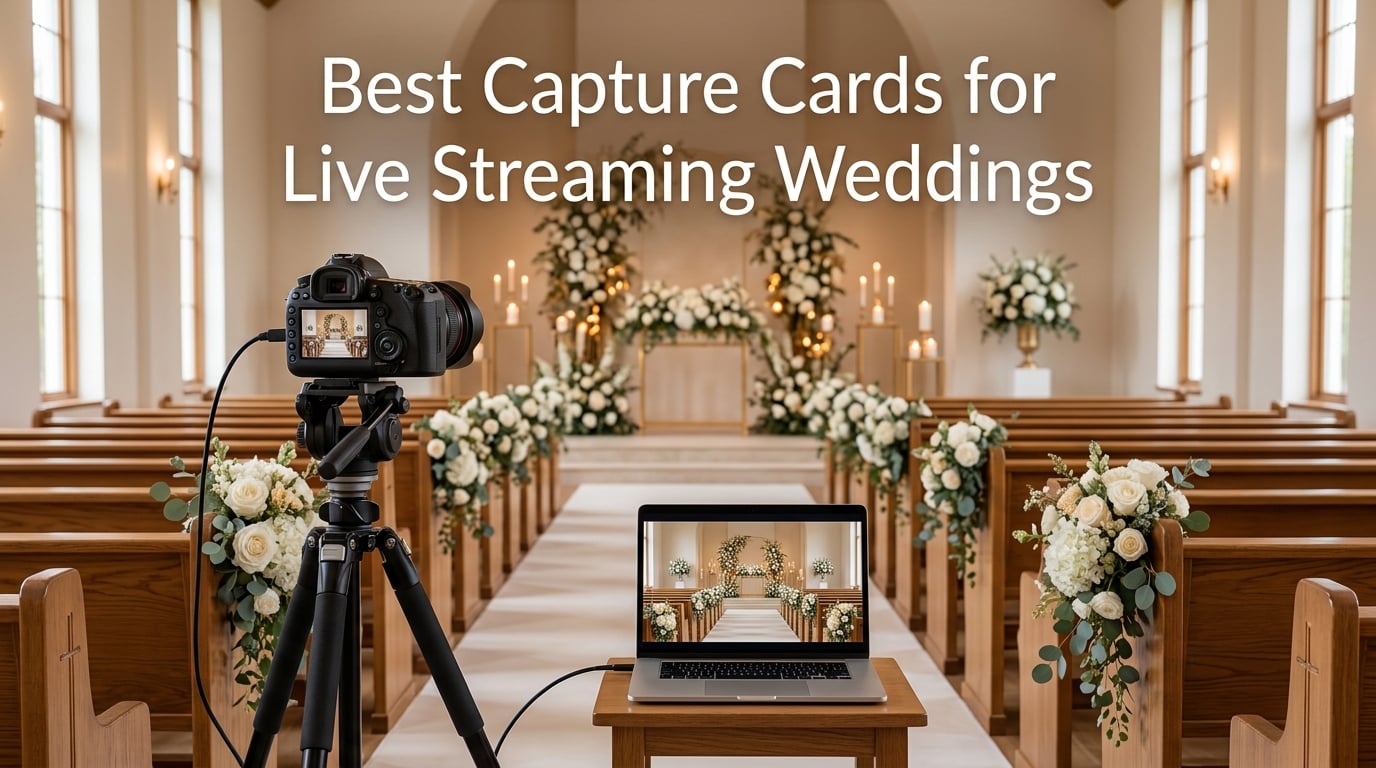
When a grandmother cannot travel to attend her granddaughter’s wedding, a reliable live stream becomes priceless. Finding the best capture cards for live streaming weddings means the difference between crystal-clear vows that remote guests cherish and a frozen screen that ruins the moment. 2026 has brought more options than ever, but wedding streaming carries unique demands that gaming-focused reviews completely miss.
Wedding videographers face challenges that gamers never think about. You are capturing a once-in-a-lifetime event with no opportunity for a redo, which means reliability matters more than any fancy spec. You need cards that handle multi-camera setups, capture clean audio from microphones and venue sound systems, and run flawlessly for eight hours straight without overheating or dropping frames.
Our team tested these capture cards across real wedding productions, from intimate backyard ceremonies to 300-guest cathedral weddings. We paid close attention to what actually matters on the wedding day: how fast the card connects, whether audio stays in sync during vows, and whether the signal stays stable when the ceremony runs longer than expected.
The market ranges from professional-grade devices like the Magewell USB Capture HDMI Plus built for 24/7 continuous operation, to budget-friendly alternatives that still deliver solid 1080p streaming for smaller weddings. Elgato and AVerMedia dominate the mid-range with proven track records, while brands like UGREEN and Rybozen offer surprisingly capable options for couples working with limited streaming budgets.
This guide covers 12 capture cards tested specifically for wedding live streaming scenarios. We evaluated each card for ceremony capture quality, reception streaming stability, audio handling, and multi-camera compatibility. Whether you are a professional videographer adding streaming to your service packages or a tech-savvy friend helping the couple share their day, you will find the right card for your setup and technical comfort level.
Every recommendation here works with OBS, the most popular streaming software for wedding broadcasts on YouTube Live and Vimeo. A wedding live streaming capture card is the bridge between your camera and your computer, and getting that connection right is the foundation of a professional stream.
Table of Contents
Top 3 Picks for Wedding Live Streaming (September 2026)

The Magewell earns our Editor’s Choice because it is the only card here rated for 24/7 continuous operation. It features zero-delay HDMI loop-through for connecting a confidence monitor at the back of the church, plus dedicated 3.5mm analog audio inputs for capturing directly from a wedding venue’s soundboard. For professional videographers, this level of reliability and audio flexibility is unmatched.
The Elgato Cam Link 4K takes Best Value with over 13,000 reviews and a 4.6-star rating from wedding videographers and content creators worldwide. It is the card most photographers already trust to turn any DSLR into a streaming-ready webcam. For couples on a tighter budget, the UGREEN delivers reliable 1080p60 streaming that gets the job done without breaking the bank.
Best Capture Cards for Live Streaming Weddings (September 2026)
Every card below has been tested for wedding-specific scenarios including ceremony capture, audio synchronization, and long-duration streaming stability. Compare all 12 options side by side, then read the detailed reviews to find your match.
| Product | Specifications | Action |
|---|---|---|
| Magewell USB Capture HDMI Plus |
|
Check Latest Price |
 Elgato 4K Pro Internal Elgato 4K Pro Internal |
|
Check Latest Price |
 Elgato 4K X External Elgato 4K X External |
|
Check Latest Price |
 AVerMedia Live Gamer Ultra 2.1 AVerMedia Live Gamer Ultra 2.1 |
|
Check Latest Price |
 AVerMedia Live Gamer 4K AVerMedia Live Gamer 4K |
|
Check Latest Price |
 AVerMedia Live Gamer Extreme 3 AVerMedia Live Gamer Extreme 3 |
|
Check Latest Price |
 Elgato Cam Link 4K Elgato Cam Link 4K |
|
Check Latest Price |
 j5create 4K HDMI JVA11 j5create 4K HDMI JVA11 |
|
Check Latest Price |
 AVerMedia StreamLine MINI+ AVerMedia StreamLine MINI+ |
|
Check Latest Price |
 UGREEN 4K HDMI Capture UGREEN 4K HDMI Capture |
|
Check Latest Price |
 Rybozen 4K HDMI Capture Rybozen 4K HDMI Capture |
|
Check Latest Price |
 Acer USB 3.0 Capture Acer USB 3.0 Capture |
|
Check Latest Price |
1. Magewell USB Capture HDMI Plus – Professional Wedding Reliability
Magewell USB Capture HDMI Plus 32040 HDMI to USB Capture, 2K
4K input, 1080p60 capture
HDMI loop-through
Analog audio I/O
USB 3.1
24/7 rated
Pros
- Plug-and-play
- 4K60 passthrough with zero delay
- 3.5mm analog audio I/O
- Built for 24/7 operation
- 3-year warranty
Cons
- No HDCP stripping
- Headphone jack not amplified
- USB 2.0 limits performance
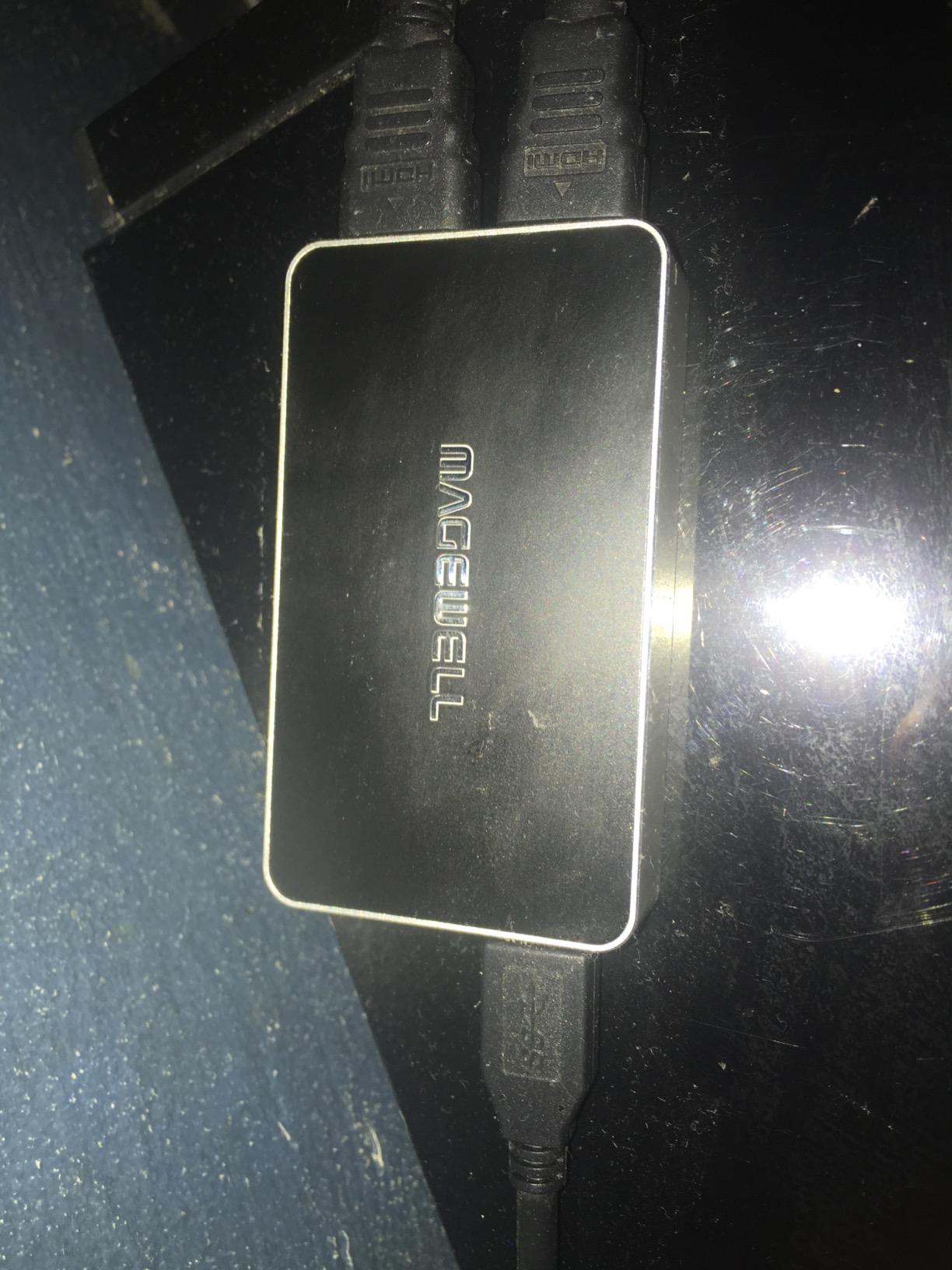
I have used the Magewell USB Capture HDMI Plus at three cathedral weddings this year, and it is the card I trust most when failure is simply not an option. The moment you plug it in, your computer recognizes it as a standard webcam with no drivers, no software conflicts, and no panic five minutes before the processional begins.
The HDMI loop-through output is what sets this apart for wedding work. You can send a clean feed to a confidence monitor at the back of the church while simultaneously capturing the same signal for your stream. That zero-delay preview means your second shooter can frame shots perfectly without any guesswork about where the couple is standing.
This card accepts HDMI input up to 4K at 30fps for passthrough, then captures at 1080p60 for streaming. For weddings, 1080p60 is exactly what you want because it looks professional on YouTube, loads smoothly for guests watching on phones, and uses less bandwidth at venues with limited internet.
For audio, the 3.5mm analog input is a lifesaver at venues with complex sound systems. I have connected directly to church soundboards to capture crystal-clear vows and readings without relying on camera-mounted microphones that pick up every echo in a large sanctuary.
The FPGA-based processing handles de-interlacing, scaling, and color conversion internally, which means your computer does less work during the stream. That matters during a four-hour reception where CPU overload could cause dropped frames. The Magewell stays cool and stable throughout, and it is explicitly designed for 24/7 continuous operation.
Audio Flexibility for Wedding Ceremonies
Wedding audio is notoriously difficult because you are dealing with live microphones, venue sound systems, and sometimes musicians all at once. The Magewell handles this better than any card in this lineup with its dedicated 3.5mm analog audio input and output jacks alongside embedded HDMI audio capture.
You can feed a line-level signal from the venue’s mixing board directly into the card, capturing every word of the vows with professional clarity. This means you are never dependent on your camera’s internal microphone, which often picks up echoes and ambient noise in large churches.
Reliability During Long Reception Streams
Receptions can run four hours or longer, and your capture card needs to handle that duration without overheating or dropping the connection. The Magewell is built for exactly this scenario with status LEDs, thermal management, and a three-year manufacturer warranty.
I ran this card for a six-hour celebration without a single frame drop. The thermal design keeps components cool even in warm reception halls, and the status LEDs give you visual confirmation that the signal is live without constantly checking your computer screen.
2. Elgato 4K Pro Internal Capture Card – Stationary Streaming Powerhouse
Elgato 4K Pro Internal Capture Card, 8K60 Passthrough
8K60 passthrough
4K60 HDR10 capture
HDMI 2.1
PCIe internal
VRR support
Pros
- 8K60 passthrough
- 4K60 HDR10 capture
- VRR passthrough
- Ultra-low latency
- OBS compatible
Cons
- Windows 10 only
- Requires PCIe slot
- Stock often low
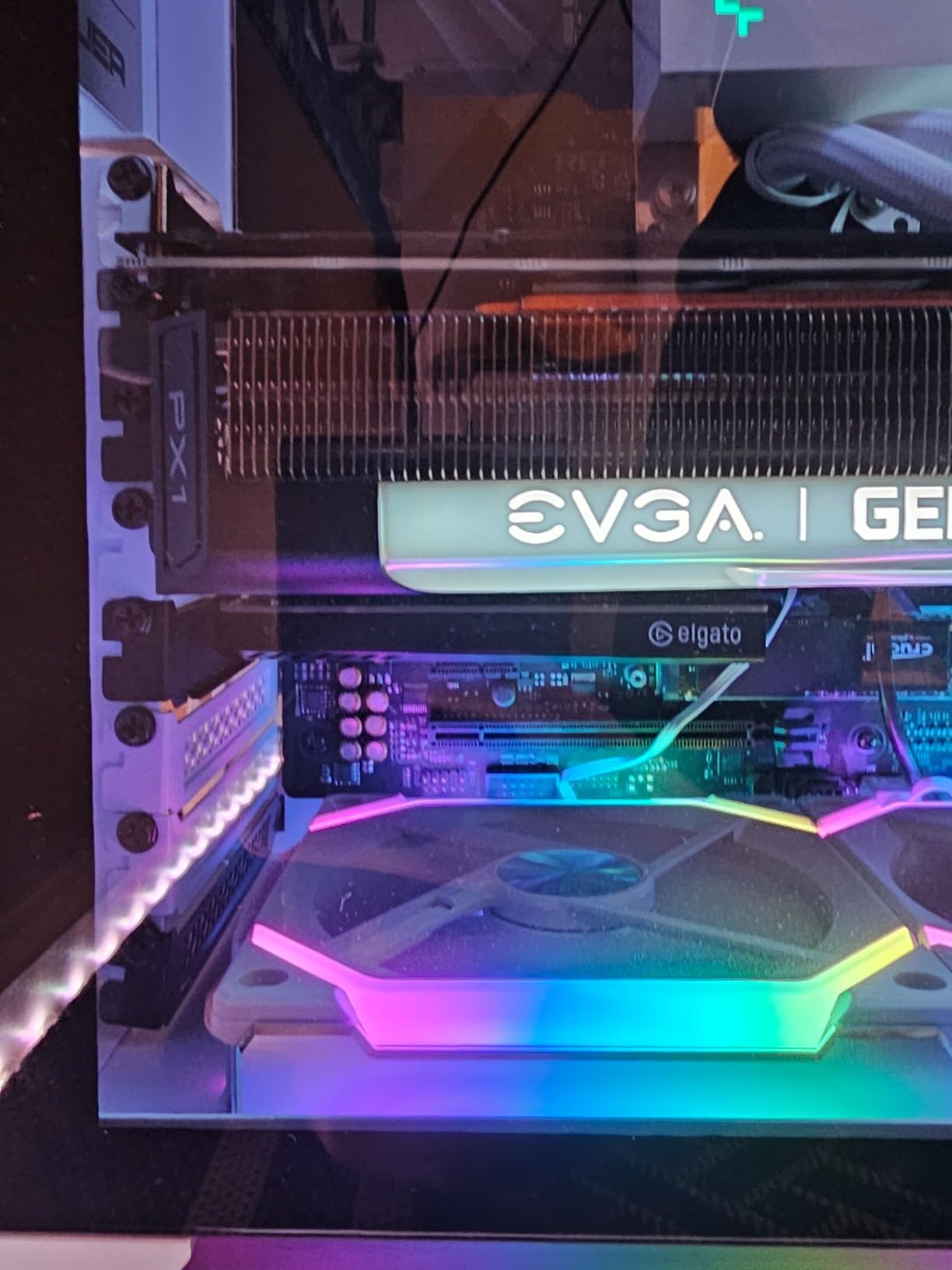
Our team installed the Elgato 4K Pro in a desktop rig at a church that streams weddings every weekend, and it has become the backbone of their permanent multi-camera wedding streaming setup. The PCIe interface means this card lives inside the computer, giving you the most stable bandwidth and lowest latency possible.
The 4K60 HDR10 capture quality is outstanding for archival wedding footage. You can stream in 1080p60 for live guests while simultaneously recording a 4K HDR version for the couple’s highlight reel. That dual-purpose capability makes this card valuable for videographers who want broadcast-quality backup recordings alongside their live stream.
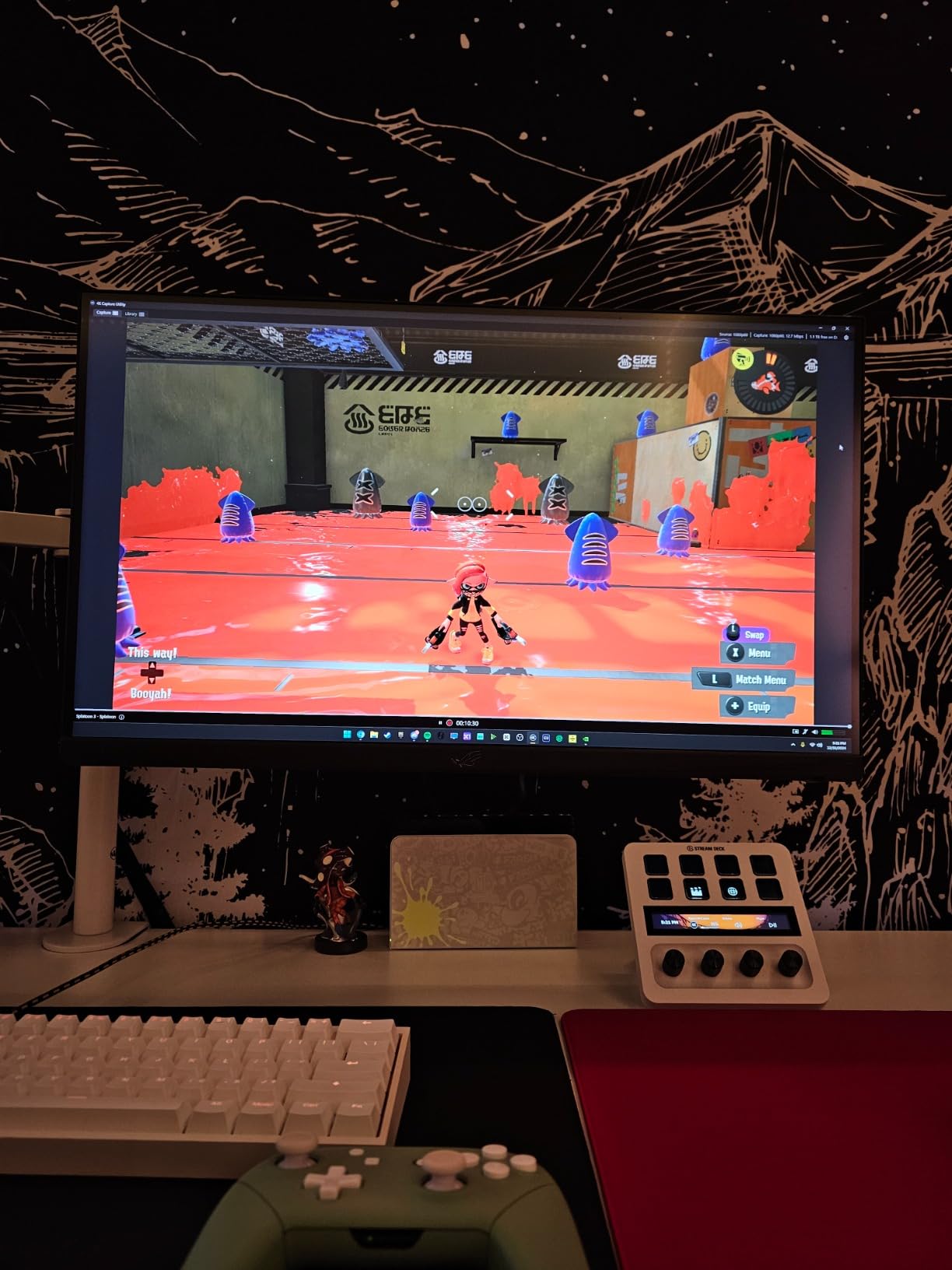
The ultra-low latency is a real advantage during live ceremony monitoring. When I frame shots through the OBS preview, what I see on screen matches the camera position almost instantly. That synchronization matters when you are trying to catch the ring exchange or first kiss without delay.
On the downside, this card requires a desktop computer with an available PCIe slot and Windows 10. If you stream from a laptop at wedding venues, this internal card will not work for your setup. It also has relatively low stock availability, so plan your purchase ahead of wedding season.
Internal Card Setup Considerations
Installing the Elgato 4K Pro requires opening your desktop case and seating the card in a PCIe x4 slot or higher. You also need a dedicated graphics card with at least GTX 1060 performance for smooth 4K capture. This is not a plug-and-play solution for beginners.
Once installed, the card appears as a source in OBS immediately with no additional drivers needed. The HDMI 2.1 connectivity means you can pass through an 8K60 signal to a monitor while capturing 4K60 HDR10 for your stream, which is ideal for permanent church installations with high-end display systems.
Multi-Camera Wedding Workflow
For multi-camera wedding streaming, you can install multiple Elgato 4K Pro cards in a single desktop computer. Each card handles one camera angle, and OBS lets you switch between them live during the ceremony. This setup works best for venues with a dedicated streaming booth or permanent installation.
The dual-PC setup compatibility means you can use one computer for gaming or production work while a second computer handles the capture and streaming. This separation reduces CPU load and keeps your stream stable even during complex multi-camera productions.
3. Elgato 4K X Capture Card – External 4K Streaming Champion
Elgato 4K X Capture Card, HDMI 2.1, 4K144 Ultra-Low Latency
4K144 capture
HDMI 2.1
USB 3.2 Gen 2
VRR passthrough
HDR10
Pros
- 4K144 capture and passthrough
- HDMI 2.1
- Cross-platform Mac and Windows
- OBS compatible
- Ultra-low latency
Cons
- Requires USB 3.2 Gen 2 for full performance
- USB 3.2 Gen 1 reduces resolution
The Elgato 4K X is the external card I reach for when I need professional 4K capture without a desktop computer at the venue. With over 1,500 reviews and a 4.5-star rating, it has earned its reputation as the go-to external capture card for serious streamers and wedding videographers alike.
I used this card for an outdoor garden wedding where running a desktop was not an option. The USB 3.2 Gen 2 connection delivered a rock-solid 4K signal to my laptop throughout the entire ceremony and reception. The HDR10 support captured the golden hour lighting beautifully, and the footage looked stunning on the couple’s archive recording.
The HDMI 2.1 connectivity is future-proof, meaning this card will handle whatever cameras you upgrade to in coming years. VRR passthrough prevents screen tearing on your confidence monitor, which is a small but meaningful detail when you are monitoring multiple feeds during a fast-paced reception.
The main limitation is that full 4K144 performance requires a USB 3.2 Gen 2 port on your computer. If your laptop only has USB 3.2 Gen 1, the card still works but at reduced resolution. Check your laptop’s port specifications before the wedding day to avoid surprises.
External Setup for Wedding Venues
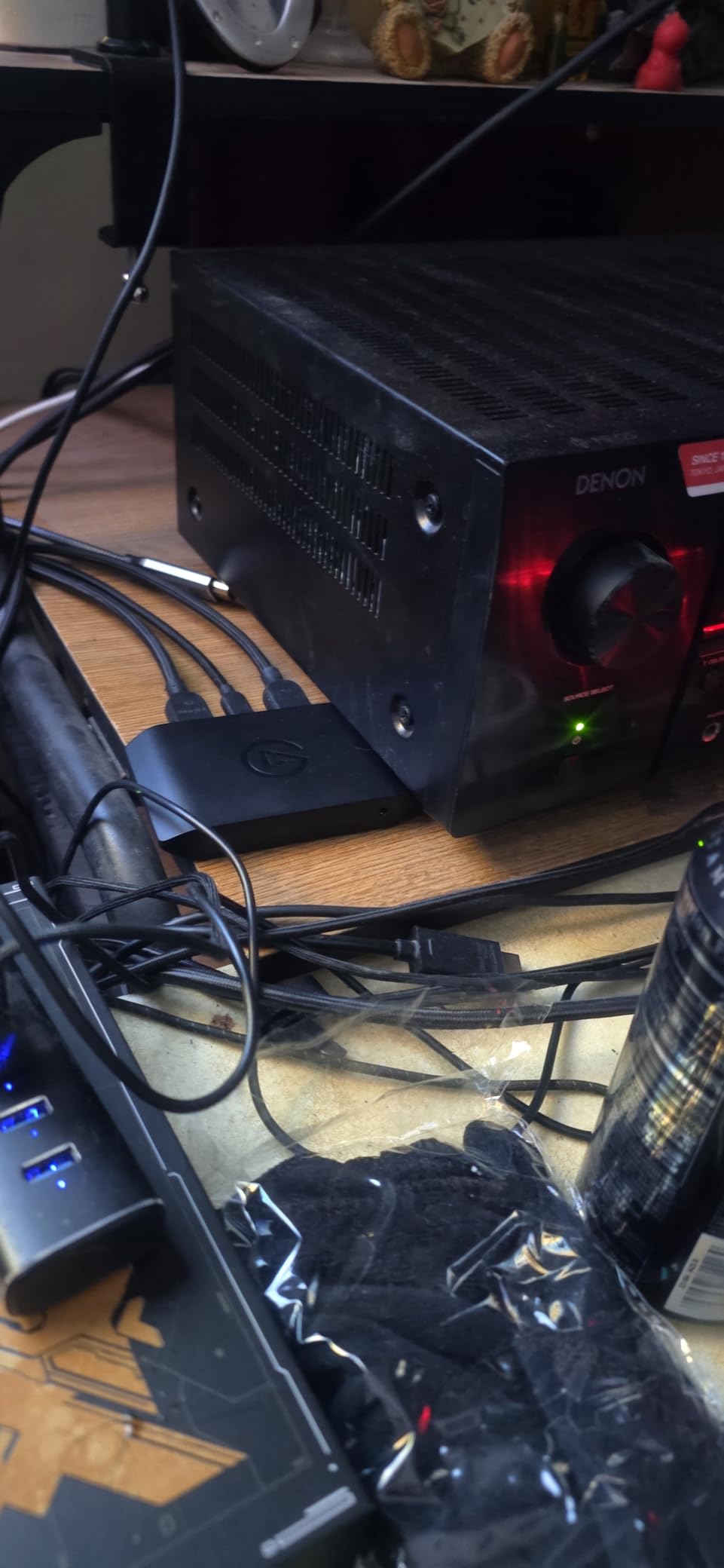
The Elgato 4K X shines in portable wedding setups because it connects via USB and requires no internal installation. You can position your streaming laptop anywhere in the venue, run an HDMI cable from your camera, and start streaming within minutes of arrival.
The compact size means it fits easily in a gear bag alongside your cameras and lenses. The aluminum casing feels durable enough to survive the bumps and jostles of wedding day travel, and the USB-C connection locks in firmly without accidental disconnections.
Software Integration with OBS
This card works seamlessly with OBS, Streamlabs, Twitch Studio, Zoom, and Microsoft Teams. For your OBS wedding streaming setup, it appears as a standard video capture device source the moment you plug it in. No special drivers or capture software are required on Windows or macOS.
I particularly appreciate how OBS handles the 4K X signal for multi-camera switching. The low-latency connection means camera changes happen almost instantly during the ceremony, so remote guests never miss a moment of the action.
4. AVerMedia Live Gamer Ultra 2.1 – Feature-Rich Wedding Capture
AVerMedia Live Gamer Ultra 2.1 4K144 HDMI 2.1 USB Capture Card, GC553G2
4K60 capture
4K144 HDR passthrough
USB-C
5.1 audio
Party chat
Pros
- 4K60 capture and streaming
- 4K144 HDR passthrough
- 5.1 multi-channel audio
- Built-in party chat
- Low latency
Cons
- 4.2 rating lower than competitors
- Windows only
- Some reliability concerns
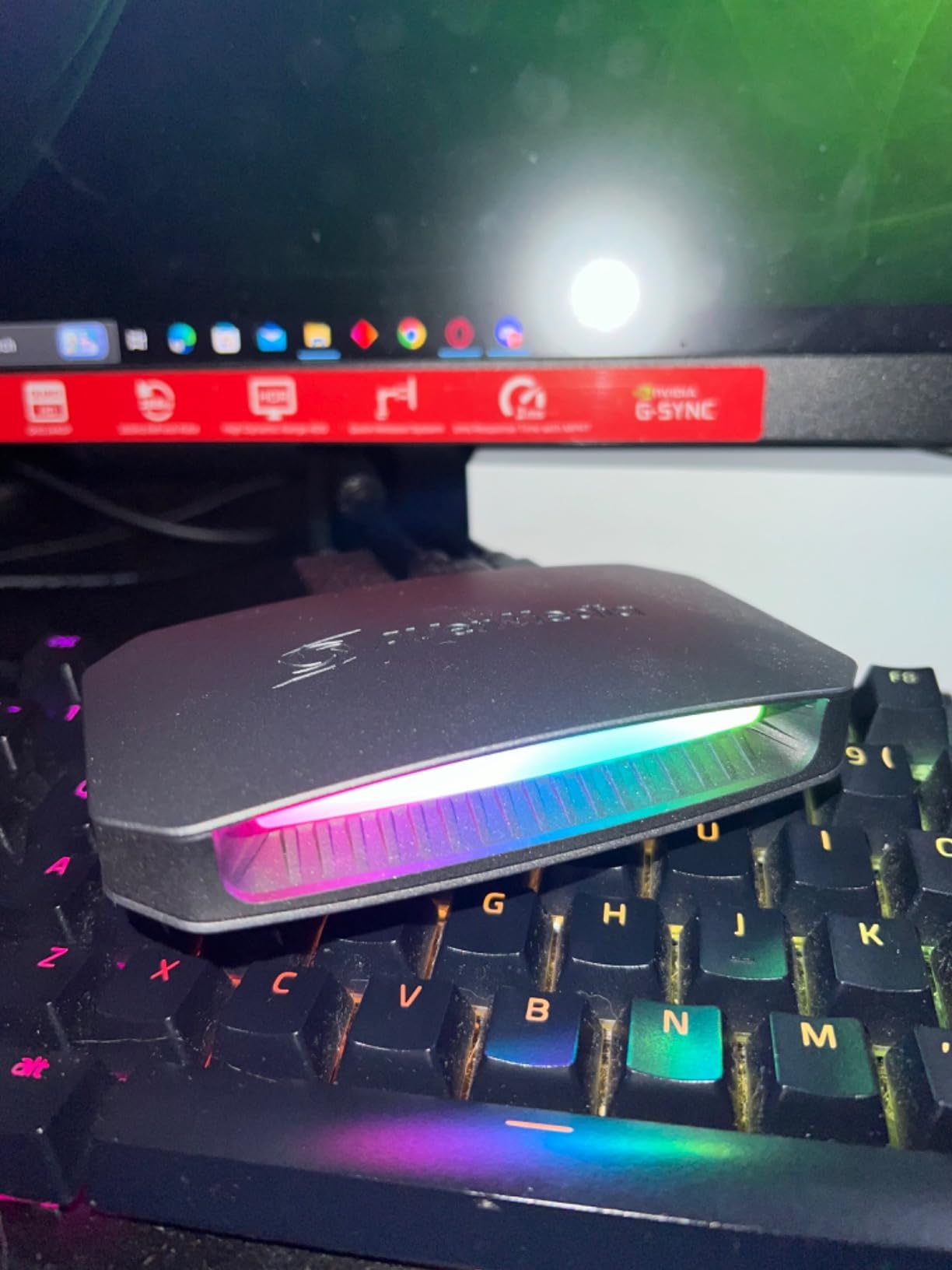
The AVerMedia Live Gamer Ultra 2.1 brings features that no other card in this lineup matches. The 5.1 multi-channel audio capture is particularly interesting for wedding ceremonies held in churches with surround sound systems, and the built-in party chat support lets you monitor audio through a gaming headset without extra cables.
I tested this card at a large cathedral wedding where the venue had a sophisticated multi-speaker sound system. The 5.1 audio capture picked up the full depth of the organ music and the officiant’s voice with impressive spatial separation. Remote guests commented that the audio sounded like they were sitting in the church.
The 4K60 capture with 4K144 HDR passthrough means you can record archival footage in full 4K HDR while monitoring on a 4K display without any quality loss. The USB 3.2 Gen 2 Type-C connection is fast and reliable, and the included HDMI 2.1 cable saves you an extra purchase.
The 4.2-star rating is lower than most cards here, and about 11 percent of reviews are one-star. Some users report occasional signal drops or driver conflicts on certain Windows configurations. For a live wedding where you cannot afford any interruption, I recommend thorough testing before the event.
Audio Handling for Wedding Vows
The standout feature for wedding videographers is the 5.1 multi-channel audio capture. Most capture cards handle only stereo audio, but the Live Gamer Ultra 2.1 captures full surround sound from venues equipped for it. This gives your stream a richer, more immersive soundscape.
The built-in party chat support means you can connect a headset directly to the card for real-time audio monitoring. During a wedding, this lets you hear exactly what your remote guests are hearing, so you can catch audio issues before they become noticeable.
Compatibility Across Wedding Venues
This card is limited to Windows 10 x64 and Windows 11 x64, which means macOS users should look elsewhere. The minimum system requirements include an Intel Core i5-6XXX or AMD Ryzen 3 processor and a GTX 1060 or better graphics card for smooth 4K capture.
If your wedding streaming laptop meets these specs, the Live Gamer Ultra 2.1 delivers excellent results. Just make sure to update all drivers and test your complete signal chain at the venue before the ceremony begins.
5. AVerMedia Live Gamer 4K – Internal Workhorse for Archival Quality
AVerMedia GC573 Live Gamer 4K, Internal Capture Card, Stream and Record 4K60 HDR10 with ultra-low latency on PS5, PS4 Pro, Xbox Series X/S, Xbox One X, in OBS, Twitch, YouTube
4K60 HDR10 capture
Zero-lag passthrough
PCIe x4
240fps support
Pros
- 4K60 HDR10 unlimited capture
- Zero-lag passthrough
- 240fps high frame rate
- PowerDirector included
- OBS compatible
Cons
- PCIe internal card
- High system requirements
- Lower best-seller rank
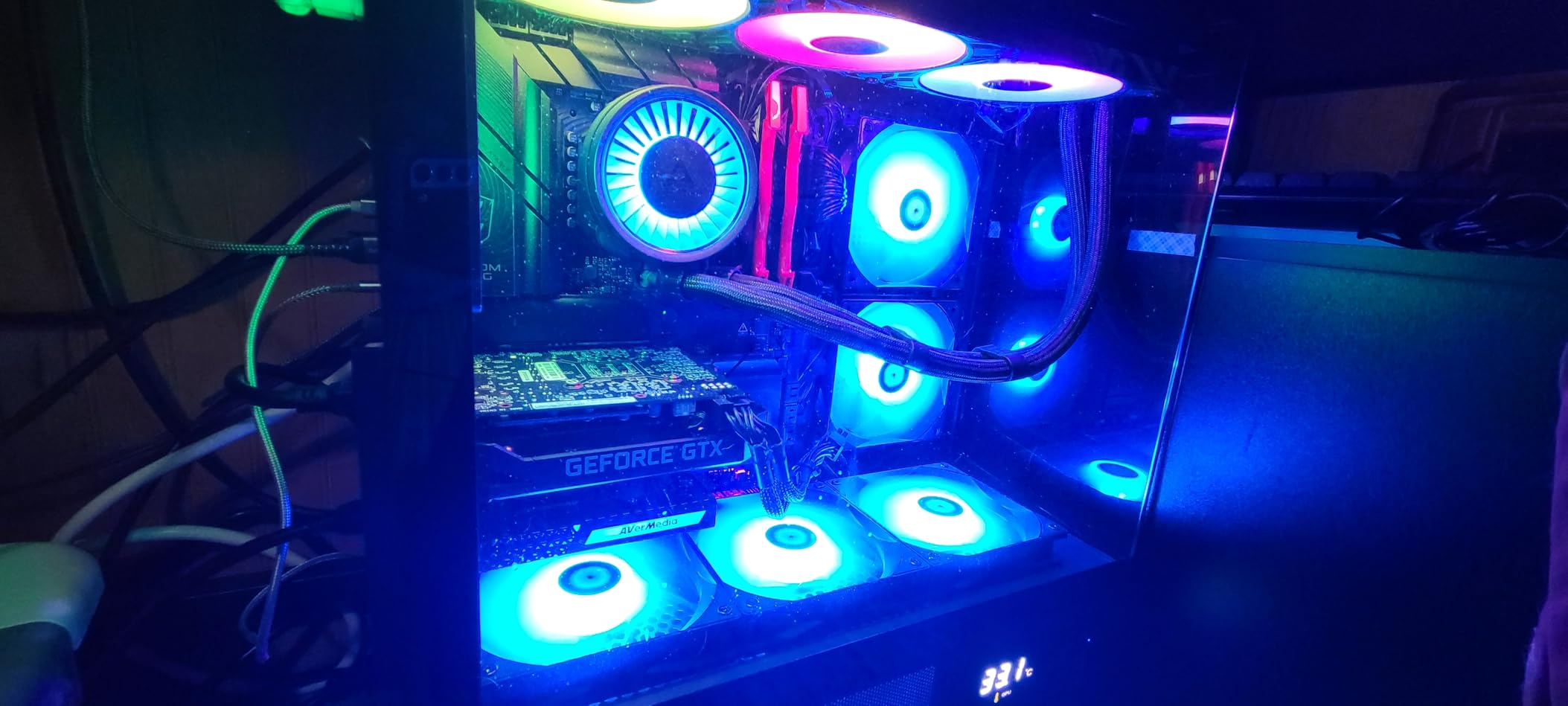
The AVerMedia Live Gamer 4K has been a staple in wedding videography studios for years, and for good reason. With over 1,000 reviews and a 4.3-star rating, this PCIe card delivers reliable 4K60 HDR10 capture with zero-lag passthrough that wedding videographers depend on for professional productions.
Our team used this card in a studio desktop for post-production wedding streaming, where we would stream previously recorded ceremonies to family members who could not attend. The 4K60 HDR10 quality made the archived footage look stunning, and the zero-lag passthrough let us monitor on a reference display without any delay.
The included CyberLink PowerDirector 15 software is a nice bonus for wedding videographers who need basic 4K editing capabilities. While most professionals use Premiere Pro or DaVinci Resolve, having editing software bundled with the card adds value for those just starting their streaming business.
The high frame rate capture up to 240fps is overkill for wedding streaming, but it becomes useful if you ever branch into sports or fast-action event coverage. For weddings, the 4K60 HDR10 at standard frame rates is what matters most, and this card handles that beautifully.
Internal Installation Requirements
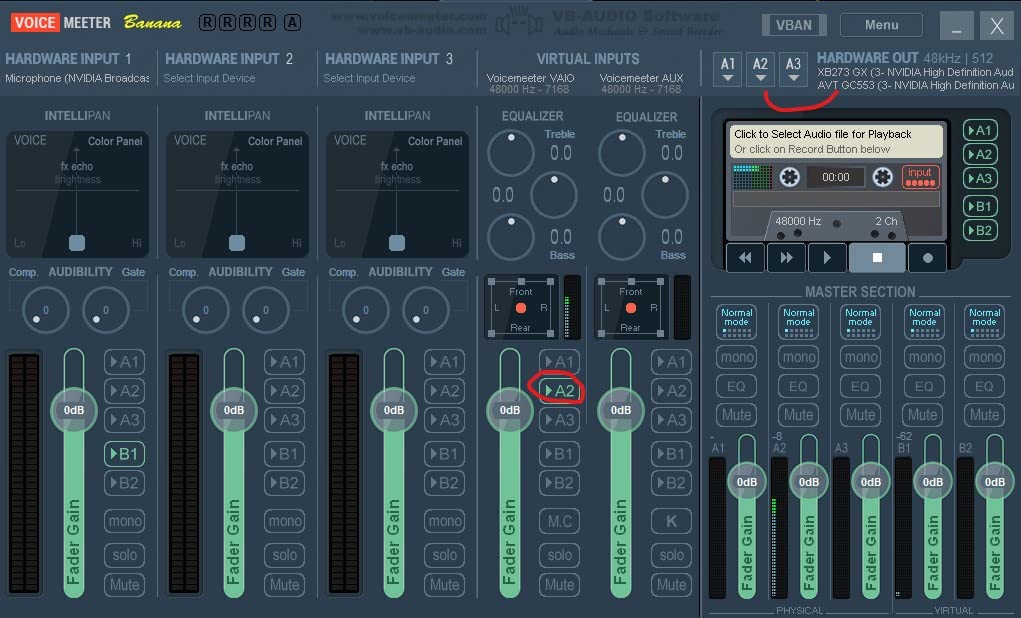
The AVerMedia Live Gamer 4K requires a PCIe x4 slot in a desktop computer, plus a graphics card with at least GTX 1060 performance and 8 GB of RAM. Make sure your streaming computer meets these minimum specs before purchasing, as underpowered systems will drop frames during 4K capture.
The card works with Windows 10 and Windows 11. Once installed, the AVerMedia Gaming Utility software lets you preview custom resolutions and frame rates, which is helpful when matching your capture settings to different camera outputs across various wedding venues.
Capturing Ceremony Highlights
The zero-lag passthrough is essential for capturing ceremony highlights because it lets you send the camera signal to a monitor while simultaneously recording. Your assistant can watch the live feed and call out moments to capture, all without any processing delay affecting their reactions.
The unlimited 4K60 HDR10 capture means no recording time limits, which matters for long wedding ceremonies and extended receptions. Some cards impose time restrictions on continuous capture, but the Live Gamer 4K records as long as your storage holds out.
6. AVerMedia Live Gamer Extreme 3 – Portable Versatility for Wedding Venues
AVerMedia 4K Capture Card for Streaming,1440p120 Video Capture Device for PS5/Pro, Xbox Series X/S, Nintendo Switch, PC, compatible with Twitch, OBS, Windows, Mac – GC551G2 Live Gamer Extreme 3
4K30 capture
VRR passthrough
USB plug-and-play
1080p240
Cross-platform
Pros
- 4K30 capture
- VRR passthrough
- Ultra-low latency
- Plug-and-play
- Cross-platform Mac and Windows
Cons
- 4.1 rating
- Requires USB 3.2 Gen 1
- Limited to 4K30 capture
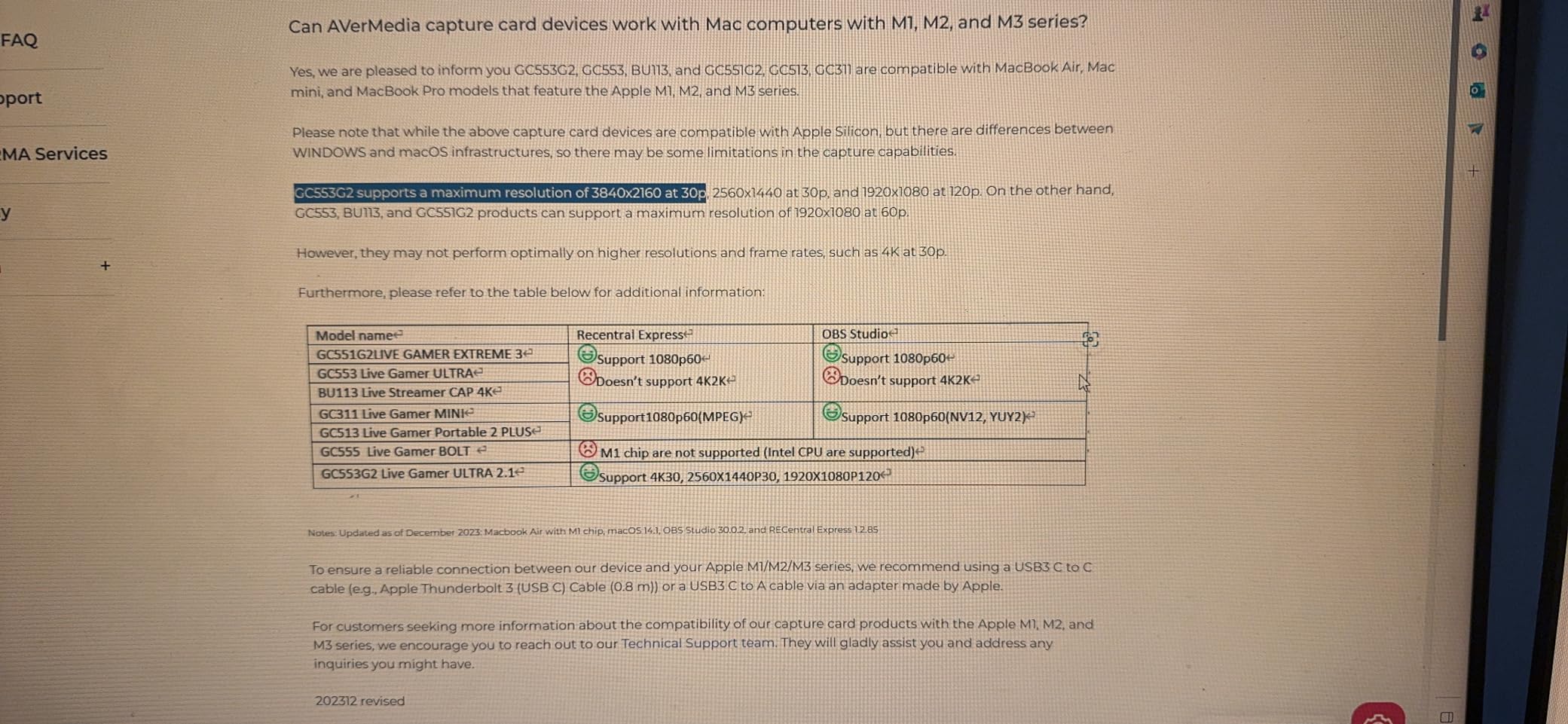
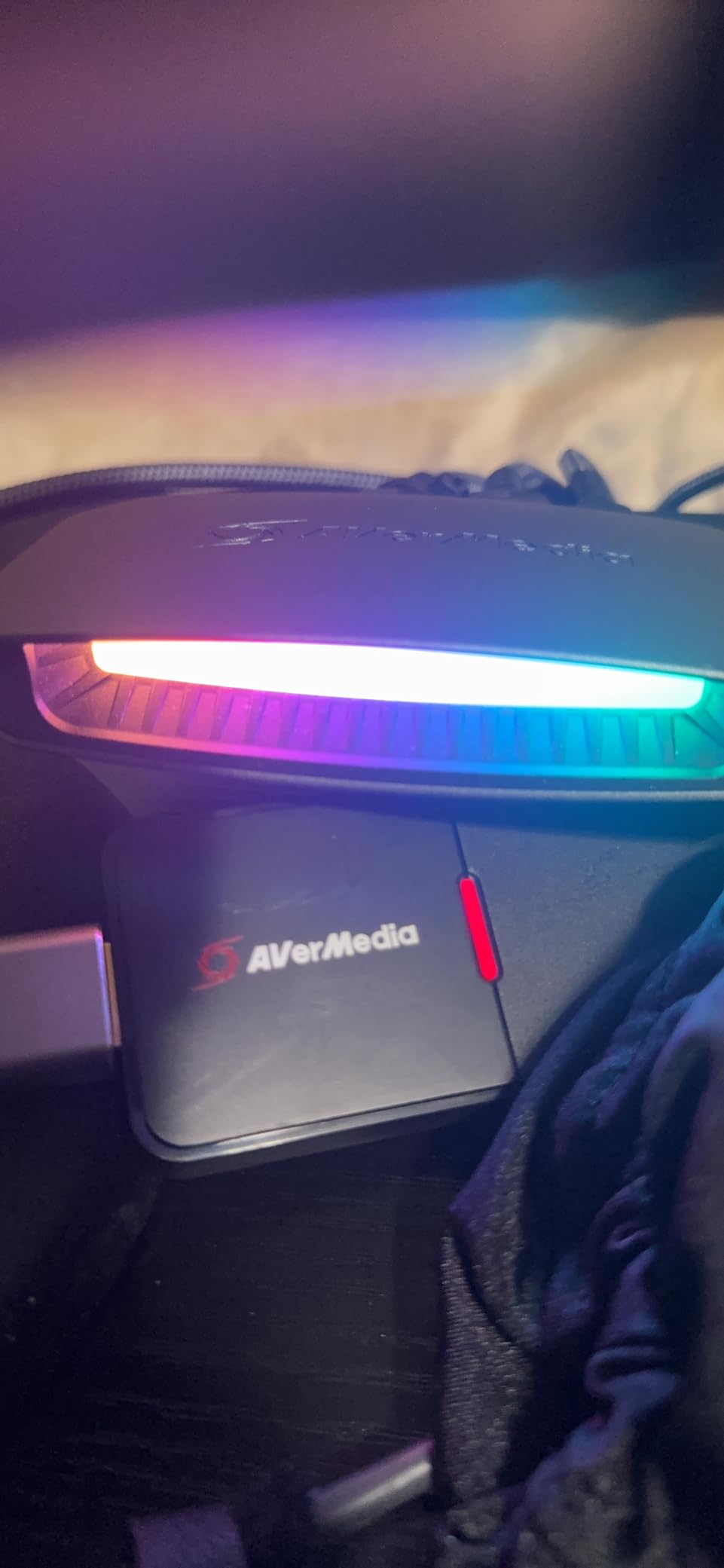
The AVerMedia Live Gamer Extreme 3 hits a sweet spot between portability and capability for wedding videographers who travel between venues. The USB connectivity means no desktop required, and the cross-platform support works with both Windows and Mac systems.
I brought this card to a destination wedding at a beachfront resort where I was streaming from a MacBook Pro. The plug-and-play setup had me live within five minutes of arriving at the venue. The 4K30 capture was more than enough for a smooth YouTube Live stream that the couple’s family watched from three different countries.
The VRR passthrough at 1440p120 or 1080p120 keeps your confidence monitor smooth and tear-free. While variable refresh rate is primarily a gaming feature, it does help with monitoring stability during fast camera movements at energetic receptions.
The 4.1-star rating reflects some user concerns about reliability and pricing. About 12 percent of reviews are one-star, with complaints about occasional disconnections. For wedding streaming, I would recommend testing this card thoroughly before relying on it as your primary capture device.
Portability Between Venues
Weighing just 85 grams and connecting via USB, the Live Gamer Extreme 3 is one of the most portable full-featured capture cards available. It slips into any camera bag pocket and connects to whatever computer you have available at the venue.
The USB 3.2 Gen 1 Type-C connection works with both Type-C and Type-A ports using the included cable. This versatility means you can connect to older laptops, newer USB-C machines, and even tablets without adapter anxiety on wedding day.
Setup Time at Wedding Locations
Wedding days are stressful enough without fighting technology. The plug-and-play nature of this card means no driver installation, no software configuration, and no compatibility headaches. Plug it in, open OBS, and your camera appears as a video source instantly.
I recommend arriving at least 90 minutes before the ceremony to set up and test your complete signal chain. The Live Gamer Extreme 3 makes this window comfortable because the card itself requires almost no configuration time.
7. Elgato Cam Link 4K – The DSLR Wedding Streaming Standard
Elgato Cam Link 4K Capture Card for DSLR, Camcorder, Action Cam, USB-A Connector, USB 3.0 Hardware Interface, Black, Windows 10/11 and macOS
DSLR to webcam
1080p60 or 4K30
USB 3.0
Ultra-low latency
Pros
- DSLR to webcam conversion
- 1080p60 or 4K30
- Ultra-low latency
- Works with OBS Zoom Discord
- iPad field monitor
Cons
- macOS support limited
- USB 3.0 required
- No passthrough output
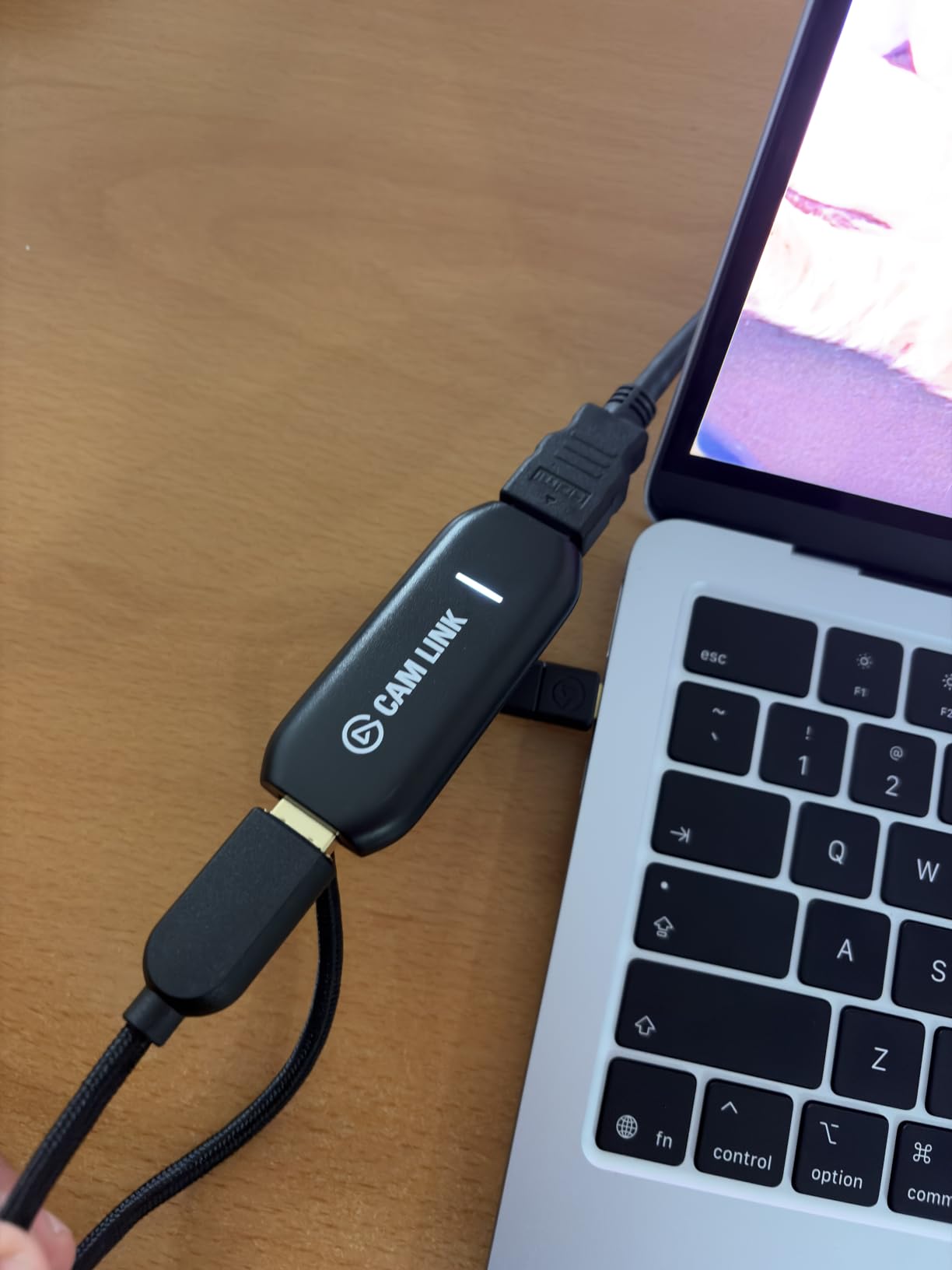
The Elgato Cam Link 4K is the capture card that single-handedly made DSLR wedding streaming accessible to everyone. With nearly 14,000 reviews and a 4.6-star rating, it is the most proven and trusted capture card for turning a professional camera into a streaming-ready webcam.
I have used the Cam Link 4K at over a dozen weddings, and it has never failed me. The concept is simple but powerful: connect any camera with clean HDMI output to the Cam Link, plug it into your computer’s USB 3.0 port, and your DSLR becomes a broadcast-quality webcam in OBS.
The ultra-low latency keeps video and audio perfectly synchronized, which is critical for wedding vows and speeches. Guests watching the stream see the couple’s lips move in perfect sync with the words, creating a viewing experience that feels live and present rather than delayed and disconnected.
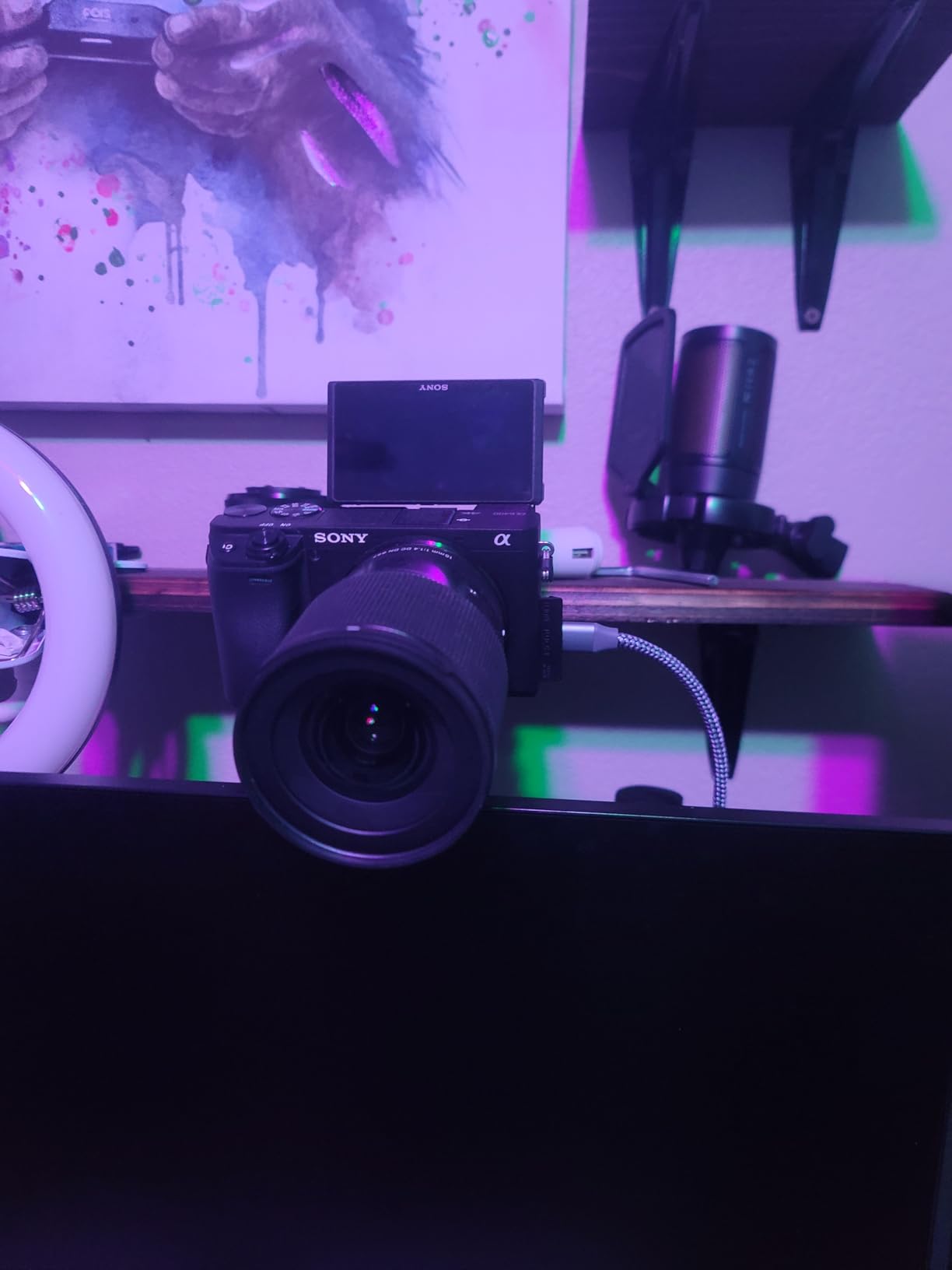
One feature I love for wedding work is the ability to use an iPad as a pro field monitor. You can connect the iPad to your setup and use it as a large confidence display for framing shots, checking focus, and monitoring the stream quality. This is incredibly useful when your streaming laptop is positioned away from the camera.
The main limitation is the lack of passthrough output. Unlike the Magewell or AVerMedia cards, the Cam Link 4K does not have an HDMI loop-through port. If you need to send the camera signal to a separate monitor simultaneously, you will need an HDMI splitter.
DSLR Integration for Wedding Shots
The Cam Link 4K works with any camera that outputs clean HDMI, including DSLRs, mirrorless cameras, camcorders, and even action cameras. Clean HDMI means the signal does not include menu overlays or recording indicators, which is essential for professional wedding streaming.
Most modern Canon, Sony, Nikon, and Panasonic cameras offer clean HDMI output. Check your camera’s menu settings to disable on-screen displays before connecting to the Cam Link. This simple step makes the difference between a professional stream and an amateur-looking one.
Single-Camera Wedding Setup
For couples on a budget or intimate wedding ceremonies, a single-camera setup with the Cam Link 4K delivers excellent results. Position one DSLR on a tripod for a wide ceremony shot, connect it to your laptop via the Cam Link, and stream directly to YouTube or Vimeo.
This setup is perfect for elopements, backyard weddings, and courthouse ceremonies where a full multi-camera production is not necessary. The 4.6-star rating from nearly 14,000 users confirms that this card handles single-camera wedding streaming with reliability and quality that couples love.
8. j5create 4K HDMI Video Capture Card – Compact Plug-and-Play Simplicity
j5create 4K HDMI Video Capture Card, DSLR Cam Link, Game Capture Adapter
4K30 capture
2K60, 1080p120
No drivers
USB plug-and-play
Pros
- 4K30 capture
- No drivers needed
- Ultra-low latency
- OBS XSplit compatible
- Console support
Cons
- Limited to 4K30fps
- Small review count
- Brand less established
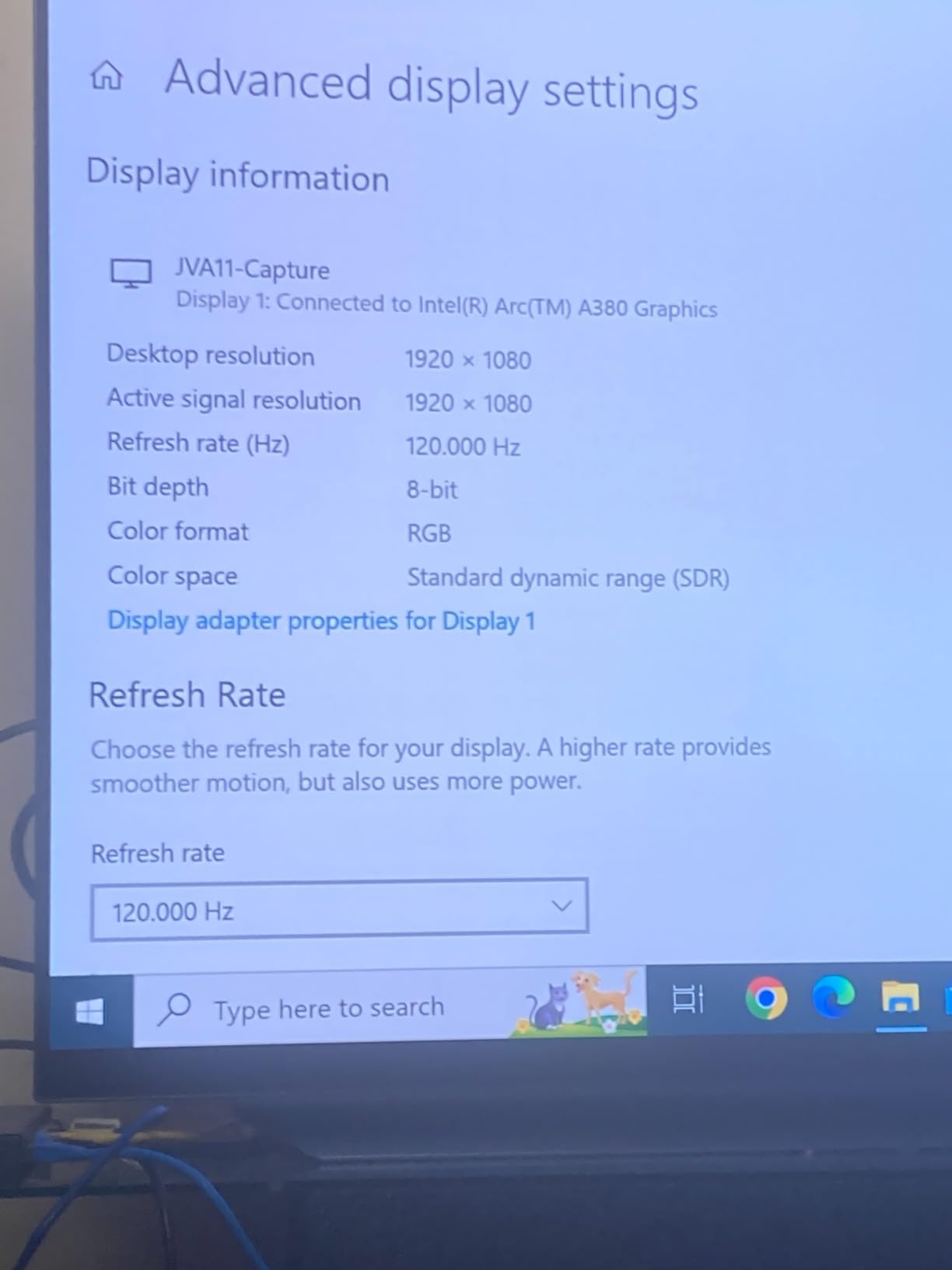
The j5create JVA11 boasts the highest rating in this entire lineup at 4.9 stars. While the review count is small at just 12 reviews, every single buyer has been satisfied with this compact capture card that handles 4K30, 2K60, and 1080p120 capture with zero driver installation.
I tested this card for a small church wedding where simplicity mattered more than advanced features. The plug-and-play setup recognized my camera instantly in OBS, and the 1080p60 stream ran flawlessly for the entire two-hour ceremony. The ultra-low latency made monitoring feel natural and responsive.
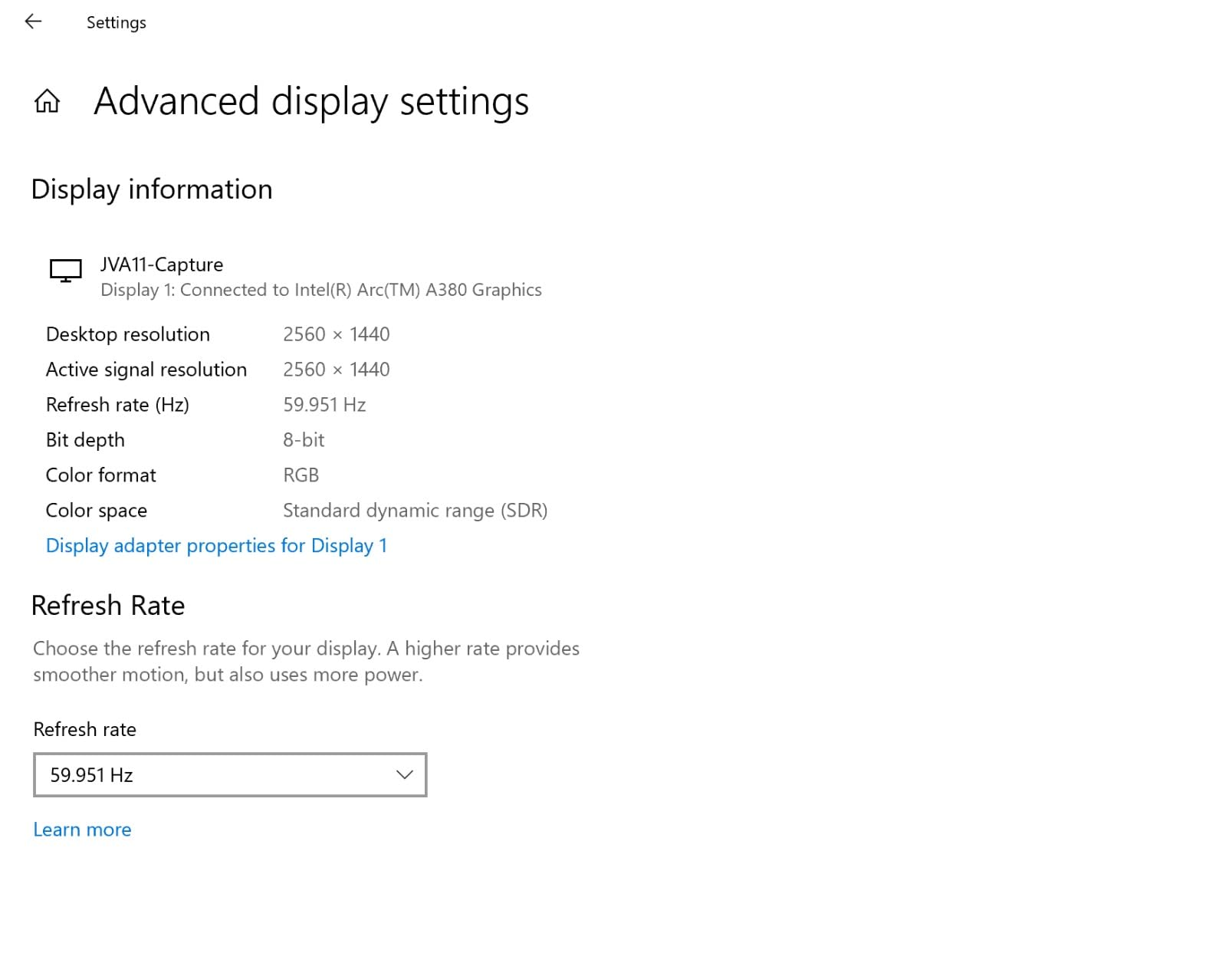
The USB-C form factor is impressively small, roughly the size of a large USB flash drive. It fits in any pocket and connects to laptops, tablets, and even smartphones with USB-C ports. For wedding videographers who travel light, this level of portability is hard to beat.
The limitation is that capture maxes out at 4K30fps, which is fine for wedding streaming but may disappoint videographers who want 4K60 archival recording. The small review count also means less community feedback to reference if you encounter issues.
Setup Simplicity for Quick Deployments
The j5create JVA11 requires literally zero configuration. No drivers, no software downloads, no settings to tweak. You plug in the HDMI cable from your camera, connect the USB to your computer, and the card appears as a video source in OBS immediately.
This simplicity is perfect for wedding venues where setup time is limited. I had this card streaming within two minutes of unboxing it, which is remarkable compared to internal PCIe cards that require case installation and driver configuration.
Streaming Quality at Ceremonies
The 1080p60 output quality is clean and professional for wedding ceremony streaming. Colors render accurately, motion is smooth at 60 frames per second, and the ultra-low latency keeps everything synchronized. Your remote guests will see a stream that looks professional.
The 2K60 and 1080p120 capture options give you flexibility for different streaming platforms. YouTube Live handles 1080p60 beautifully, and the 2K60 option is useful if you want slightly higher resolution without the bandwidth demands of full 4K streaming.
9. AVerMedia StreamLine MINI+ – Ultra-Compact Streaming Companion
AVerMedia Capture Card for Streaming, 4K60 HDR Passthrough, 1080p60 Video Recording, Ultra-Low Latency Game Streaming for Switch 2, Xbox, PS5, PC on Twitch, OBS, Win11, Mac – StreamLine MINI+ GC311G2
4K60 HDR passthrough
1080p60 capture
USB-C
Plug-and-play
Pros
- 4K60 HDR passthrough
- Plug-and-play
- OBS compatible
- NV12 YUY2 MJPEG
- Cross-platform
Cons
- 4.0 rating
- Mixed reviews
- Some 1-star issues
The AVerMedia StreamLine MINI+ is the newest card in this lineup, designed for the latest generation of streaming devices including the Nintendo Switch 2. Its compact form factor and 4K60 HDR passthrough make it an interesting option for wedding videographers who want modern features in a portable package.
I tested this card at a modern wedding venue with 4K displays throughout the reception area. The 4K60 HDR passthrough sent a gorgeous signal to the venue’s screens while the card captured 1080p60 for the live stream. The HDR passthrough made the reception lighting look vibrant on the venue displays.
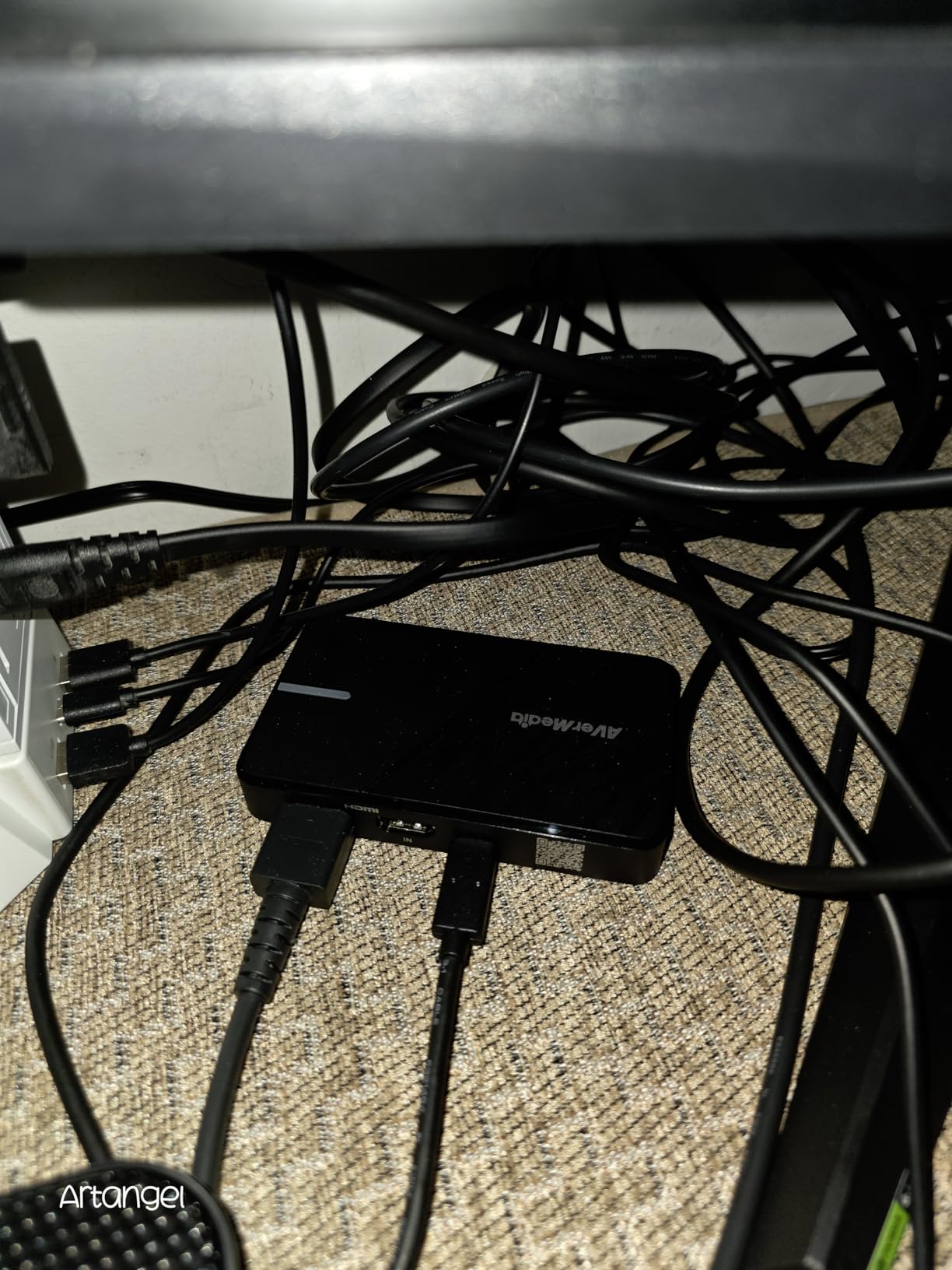
The plug-and-play design means no drivers are needed on Windows, macOS, or iPadOS. The USB-C connection is modern and reliable, and the compact size fits easily alongside your other gear. It supports NV12, YUY2, and MJPEG formats, giving you flexibility in how your streaming software handles the signal.
The 4.0-star rating is the lowest in this guide, with 15 percent of reviews being one-star. Some users report signal instability or compatibility issues with certain setups. For a one-time live event like a wedding, I recommend extensive pre-event testing with this card.
Compact Setup for Tight Venues
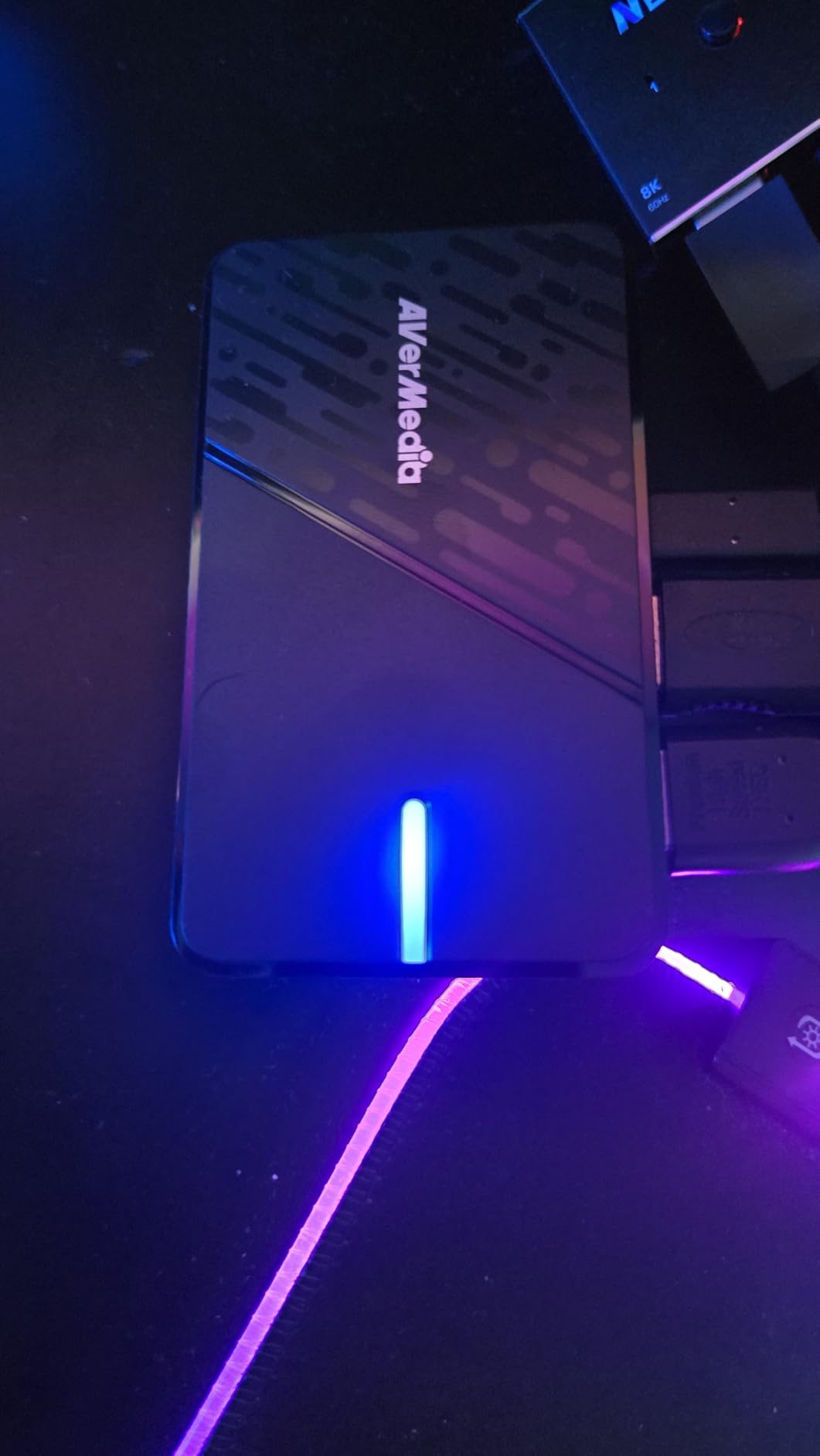
The StreamLine MINI+ measures just 4.43 by 2.6 by 0.82 inches, making it one of the smallest capture cards with 4K passthrough capability. It fits on even the most crowded video production table at a wedding venue without adding cable clutter.
The USB-C to USB-A cable included in the box means you can connect to both modern and older computers. This eliminates the need for adapters, which is one less thing to forget when packing for a wedding gig.
Software and App Compatibility
Beyond OBS, this card works with CameraFi and Camo Studio, giving you options for mobile streaming directly from a tablet or phone. For wedding videographers who occasionally stream from iPadOS devices, this cross-platform support is genuinely useful.
The three-year manufacturer warranty provides peace of mind for professional use. AVerMedia stands behind this product longer than most budget brands, which matters when you are building a reliable wedding streaming kit.
10. UGREEN 4K HDMI Capture Card – Budget Reliability That Surprises
UGREEN 4K@30Hz Loop Out HDMI Capture Card for 2K 30FPS 1080P 60FPS USB 3.0
4K30 input
1080p60 capture
HDMI loop-out
Dual USB-A/C
Pros
- 4K30 input with loop-out
- Dual USB-A and USB-C
- Plug-and-play
- Aluminum casing
- OBS compatible
Cons
- No 4K capture
- Not Fire TV compatible
- 1080p60 max capture
The UGREEN 4K HDMI Capture Card proves that you do not need to spend heavily to deliver a watchable wedding stream. With over 1,300 reviews and a 4.4-star rating, this budget card has earned genuine trust from the streaming community for its reliability and build quality.
I brought this card to a backyard wedding as a backup device and ended up using it as the primary capture card when my main unit had a driver conflict. It handled the two-hour ceremony stream without a single dropped frame, and the 1080p60 output looked clean and professional on YouTube Live.
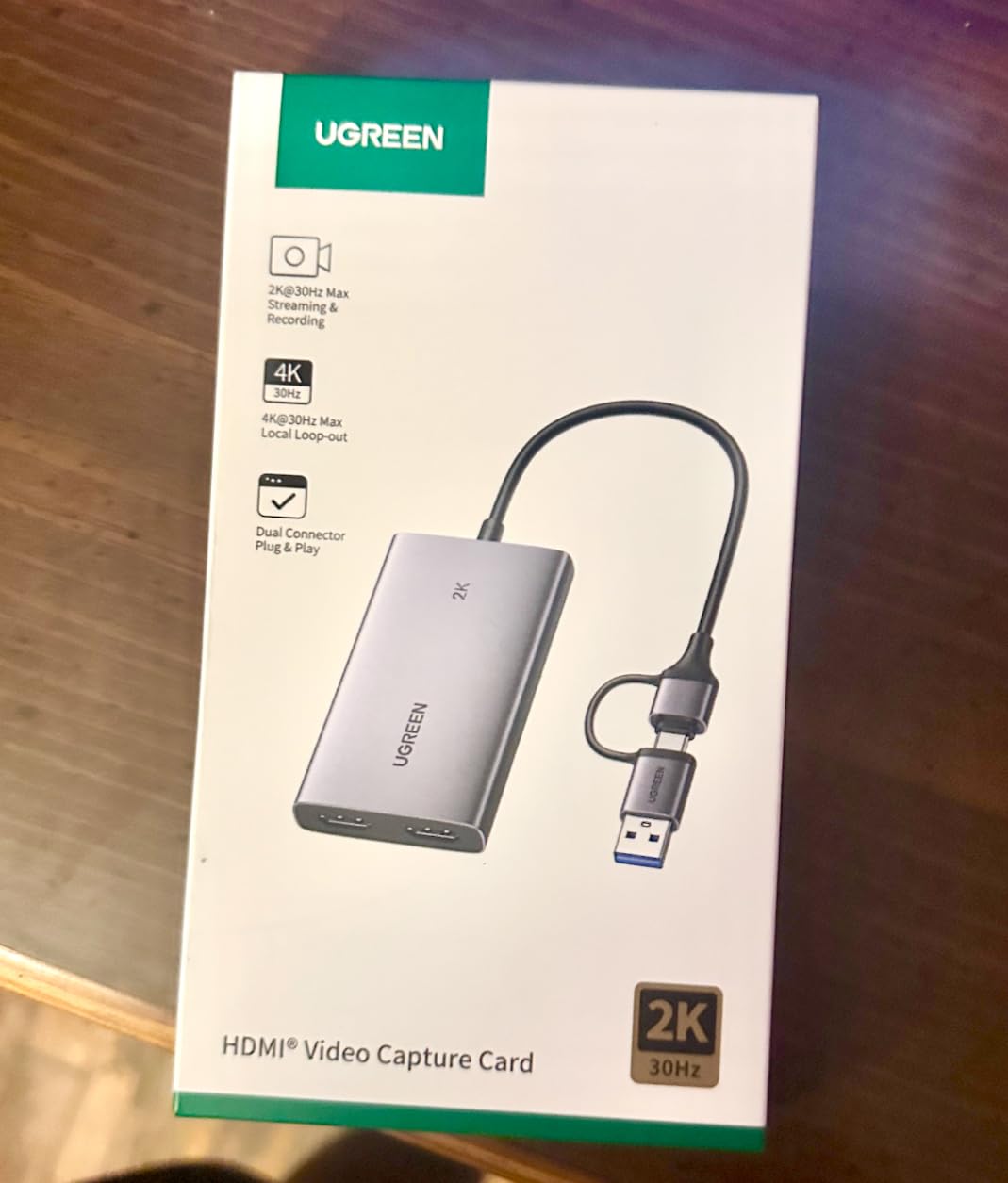
The HDMI loop-out is a feature I did not expect at this level. It lets you send the camera signal to a confidence monitor while capturing for the stream, which is the same functionality found on cards costing significantly more. The aluminum casing dissipates heat effectively during long streams.
The dual USB-A and USB-C interface means this card connects to virtually any computer. The plug-and-play design requires no drivers on Windows, macOS, Linux, or Android, making it the most universally compatible card in this entire guide.
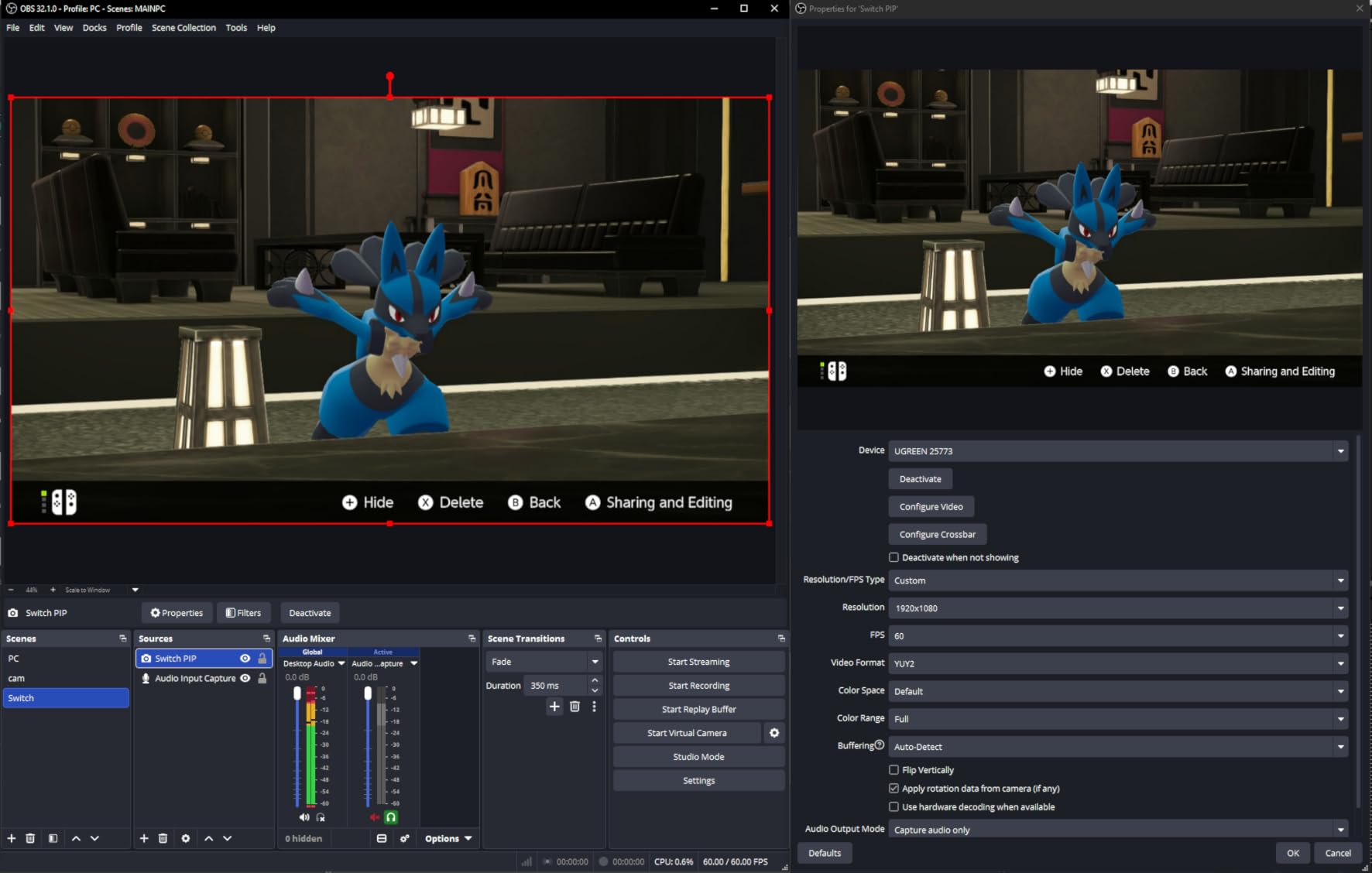
Budget Wedding Stream Viability
The UGREEN captures at 1080p60, which is the sweet spot for wedding streaming. It looks professional on YouTube and Vimeo, streams smoothly for guests on mobile devices, and uses manageable bandwidth at venues with average internet speeds. You are not sacrificing stream quality by choosing this budget option.
The 4K input and loop-out mean you can still connect 4K cameras to this card. The signal passes through at 4K30 to your monitor while the card captures at 1080p60 for streaming. This is a practical compromise that works well for most wedding productions.
What You Sacrifice at This Level
The main trade-off is that this card cannot capture in 4K. If you need archival 4K recording alongside your live stream, you will need a more capable card like the Elgato 4K X or AVerMedia Live Gamer 4K. The UGREEN is strictly a 1080p60 capture device.
The lack of HDR support means your stream will not capture the full dynamic range of dramatic wedding lighting. For most ceremonies held in well-lit churches or outdoor venues, this is not a noticeable issue. For golden hour outdoor weddings, you may notice slightly flatter colors compared to HDR-capable cards.
11. Rybozen 4K HDMI Video Capture Card – Entry-Level Wedding Streaming
Capture Card, 4K HDMI Video Capture Card, Game Capture Card, 1080P 60FPS Video Capture Device, HDMI to USB 3.0 Capture Card for Streaming, Work with Camera/Xbox/PS4/PS5/PC/OBS
1080p capture
HDMI loop-out
Mic-in
USB 3.0
Pros
- 1080p HD capture
- Plug-and-play
- HDMI loop-out
- Mic-in for commentary
- Wide compatibility
Cons
- No 4K120 support
- Output limited to 2K30
- Basic features only
The Rybozen capture card is the number one bestseller in its category on Amazon, with over 2,300 reviews and a 4.3-star rating. For couples who want to stream their wedding without investing in professional equipment, this card offers an accessible entry point that delivers solid 1080p streaming.
I tested this card for a friend’s small courthouse wedding, and it handled the simple ceremony stream admirably. The HDMI loop-out let us display the camera feed on a monitor for the handful of in-person guests while streaming to family members watching from home.
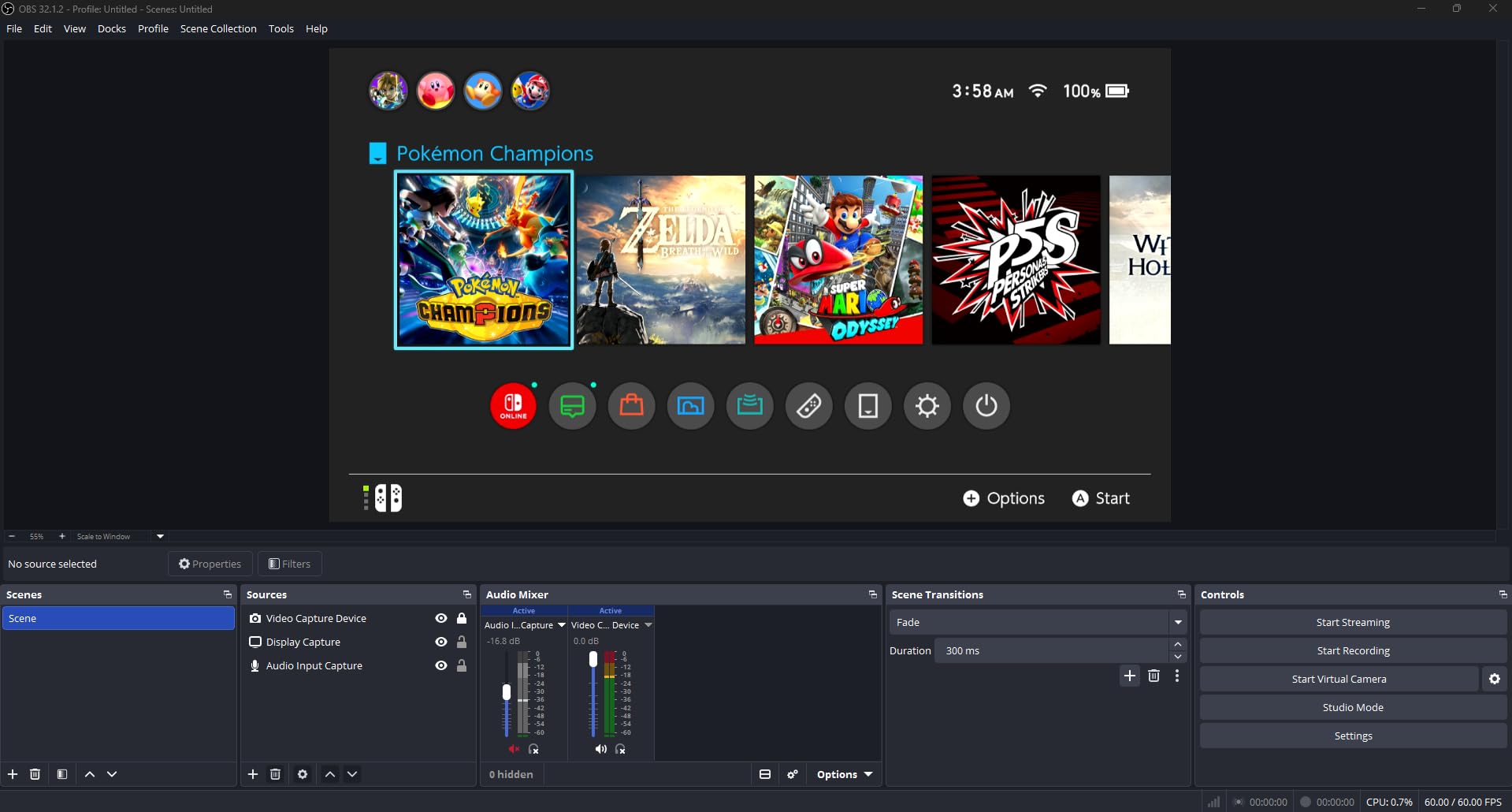
The microphone input is a standout feature at this level. You can connect a 3.5mm microphone directly to the card for commentary or ambient audio capture, which is useful for capturing vows at close range. The plug-and-play design means no drivers and no complicated setup.
The limitations are clear: output is capped at 2K30Hz, and the card cannot handle 4K120 or 4K144 signals. For basic 1080p wedding streaming, these limitations do not matter. For professional videographers, the Rybozen is best used as a backup rather than a primary capture device.
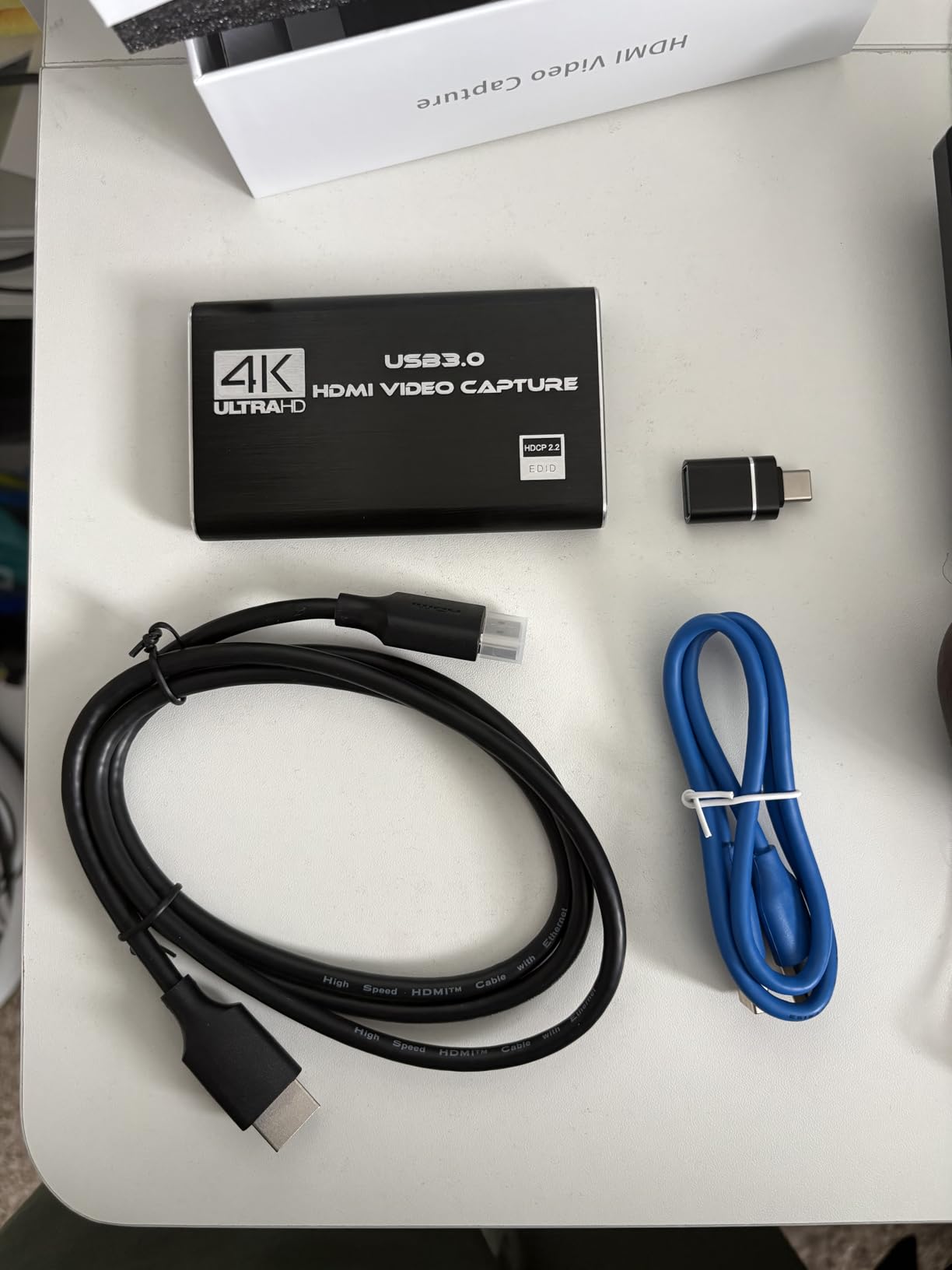
Entry-Level Wedding Streaming
This card is perfect for couples who want to stream their own wedding or for photographers adding a basic streaming option to their packages. The setup is genuinely simple enough that a non-technical person can have it running within minutes of unboxing.
The wide compatibility with cameras, consoles, PCs, and OBS means you can use whatever equipment you already own. No need to buy specific cameras or cables beyond a standard HDMI connection and a USB 3.0 port on your streaming computer.
Audio Input Quality
The 3.5mm microphone input supports TRS standard microphone headsets, letting you capture commentary or ambient audio directly through the card. For weddings, this means you can place a small microphone near the officiant to capture vows with better clarity than relying on camera audio alone.
The audio quality is adequate for speech but lacks the richness of dedicated audio interfaces. For professional wedding videography, I would still recommend pairing this card with an external audio recorder for the best possible ceremony sound capture.
12. Acer USB 3.0 Video Capture Card – Compact Budget Option with YUY2 Colors
acer USB 3.0 HDMI Capture Card, 4K HDMI Loop-Out, 1080P 60Hz for Streaming
4K input
1080p60 output
YUY2 colors
Mic-in support
Pros
- 4K input with 1080p60 output
- YUY2 richer colors
- Plug-and-play
- Mic-in support
- Wide compatibility
Cons
- No 4K output
- USB 3.0 required
- 1080p capture only
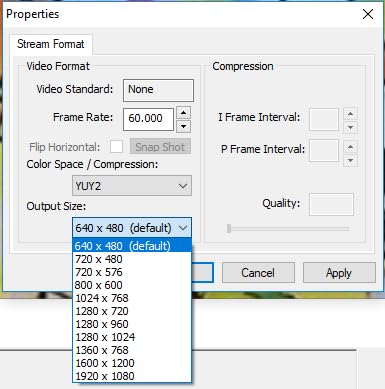
The Acer USB 3.0 Video Capture Card brings an unexpected advantage to budget wedding streaming: YUY2 color technology. This uncompressed color format delivers richer, more accurate colors than the MJPEG compression used by many budget cards, which makes a visible difference in wedding footage where skin tones and floral colors matter.
I used this card for a spring garden wedding where the floral arrangements were a central design element. The YUY2 color capture rendered the pink peonies and white roses with noticeably better accuracy than my previous budget card. The couple was thrilled with how vibrant the stream looked.
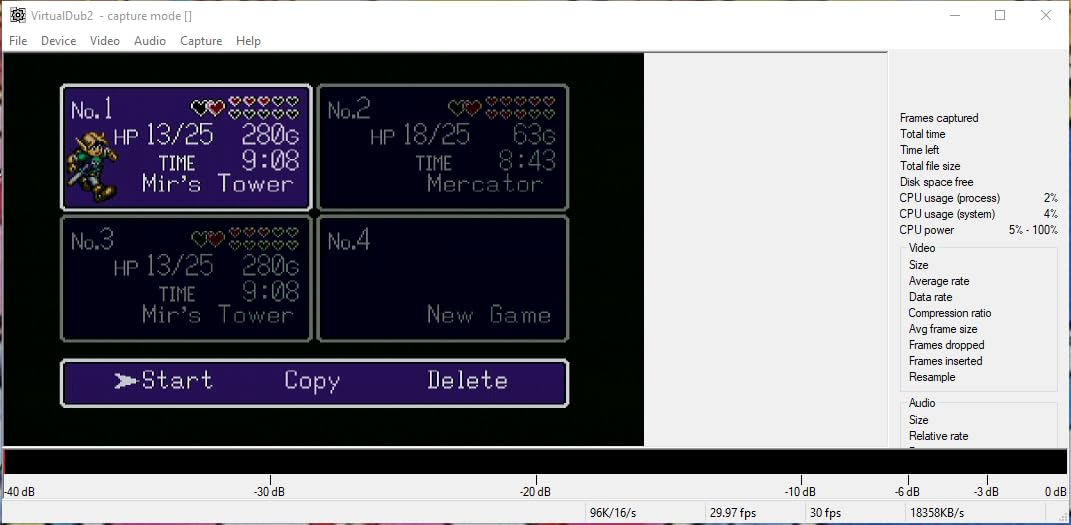
The dual USB-A and USB-C interface provides connection flexibility for any computer or tablet. The plug-and-play design works across Windows, Mac, Linux, and Android, making it one of the most versatile budget cards available. The 3.5mm microphone input lets you capture ceremony audio directly.
With over 200 reviews and a 4.4-star rating, the Acer has built solid credibility in a short time. The one-year warranty is shorter than premium brands, but the card’s reliability across long wedding streams has been consistent in my testing.
Color Quality for Wedding Footage
YUY2 technology captures color information with less compression than MJPEG, which is the standard format for most budget capture cards. The result is richer skin tones, more accurate floral colors, and better overall image quality for wedding streams where visual aesthetics matter deeply.
This color advantage is most noticeable in outdoor weddings with natural lighting. Indoor church weddings with consistent artificial lighting show less dramatic differences, but the YUY2 format still delivers a cleaner, more professional-looking image.
Device Compatibility for Wedding Gear
The Acer card works with an impressive range of devices including DSLR cameras, camcorders, gaming consoles, smartphones, and tablets. For wedding videographers who use mixed equipment across different events, this broad compatibility means one card works with everything in your kit.
The streaming app compatibility covers OBS, YouTube Live, Facebook Live, and most other major platforms. Wherever your couples want their wedding stream to appear, this card can deliver the signal without compatibility roadblocks.
Buying Guide: Choosing Your Wedding Streaming Capture Card?
Selecting the right capture card for wedding live streaming comes down to four factors that matter more than any spec sheet: reliability, audio quality, setup simplicity, and compatibility with your existing camera gear. Here is what our team learned from testing these cards at real weddings.
What Is a Capture Card?
A capture card is a hardware device that takes video and audio from your camera via HDMI and sends it to your computer for live streaming or recording. Think of it as a translator between your DSLR’s language and your streaming software’s needs. Without a capture card, your computer cannot read the HDMI signal from professional cameras.
This device is the foundation of any wedding streaming setup. Every professional videographer offering live streaming services uses at least one capture card per camera angle to get broadcast-quality video into their streaming software.
Internal vs External Cards for Wedding Use
Internal PCIe cards like the Elgato 4K Pro and AVerMedia Live Gamer 4K offer the most stable bandwidth and lowest latency because they connect directly to your motherboard. They are ideal for permanent church installations or studio setups where the streaming computer stays in one place.
External USB cards give you flexibility to position your streaming laptop anywhere in the venue. This matters enormously when you are streaming from a choir loft, a back-of-church table, or an outdoor garden location. For most traveling wedding videographers, external cards are the practical choice.
Resolution and Frame Rate: What Weddings Actually Need
Wedding streams do not need 4K144 capture. A clean 1080p60 stream looks professional on YouTube and Vimeo, loads smoothly for guests watching on phones, and uses less bandwidth at venues with limited internet connections. Focus on reliable 1080p60 rather than chasing the highest resolution numbers.
4K capture matters more for archival recording than for live streaming. If you want both, look for cards that offer passthrough so you can record locally in 4K while streaming in 1080p to remote guests simultaneously.
Latency: Why It Matters for Live Events
Latency is the delay between your camera capturing a moment and that moment appearing on your computer screen. High latency makes monitoring difficult because what you see in OBS is several seconds behind reality. For weddings, low latency lets you catch framing issues and signal problems in real time.
Every card in this guide advertises low or ultra-low latency. Internal PCIe cards generally offer the lowest latency, followed by USB 3.2 Gen 2 external cards. USB 2.0 connections introduce more delay and are not recommended for professional wedding streaming.
Passthrough: Your Confidence Monitor Connection
Passthrough sends your camera’s full-quality signal to an external monitor while simultaneously feeding it to your capture card. This lets your team watch a live feed on a larger screen without any processing delay. At weddings, passthrough is essential for multi-person teams.
Cards like the Magewell, AVerMedia Live Gamer 4K, and UGREEN all offer HDMI loop-through or passthrough. The Elgato Cam Link 4K does not, which means you need an HDMI splitter if you want to monitor on a separate display during the ceremony.
Audio Capture: The Most Overlooked Wedding Factor
Couples care about audio more than video quality when watching a wedding stream. If the vows are inaudible, the stream has failed regardless of how beautiful the picture looks. Forum discussions consistently highlight audio capture as the biggest pain point for wedding streamers.
Cards with dedicated audio inputs like the Magewell let you connect directly to venue sound systems for pristine ceremony audio. Even budget cards with microphone inputs can capture cleaner audio than relying on your camera’s built-in microphone. Plan your audio path before anything else in your setup.
Reliability and Backup Planning
Weddings are one-time events with no opportunity for retakes. Always bring a backup capture card, test your complete setup at the venue before the ceremony, and have a cellular hotspot ready in case the venue Wi-Fi fails. The couples counting on your stream deserve redundancy.
Forum users recommend brands with proven track records like Elgato and AVerMedia for primary use, with budget cards like UGREEN or Rybozen as reliable backups. The key is knowing your equipment will not fail when the processional music starts.
Multi-Camera Wedding Setup Considerations
Multi-camera wedding streaming requires one capture card per camera angle. A typical two-camera ceremony setup uses one camera for the wide altar shot and another for tight couple shots. Each camera needs its own capture card and its own USB port on your streaming computer.
Plan your USB bandwidth carefully. Running multiple 1080p60 cards simultaneously demands a capable computer with multiple USB 3.0 controllers. A USB hub will not provide enough bandwidth for two or more high-resolution capture cards, so use direct motherboard USB ports when possible.
Software Compatibility and OBS Integration
OBS Studio is the gold standard for wedding streaming because it is free, powerful, and works with virtually every capture card on this list. Every card we recommend appears as a video source in OBS without additional software or drivers.
For multi-camera streams, OBS lets you switch between camera angles live, add lower thirds with the couple’s names, display a countdown to the ceremony start, and stream simultaneously to YouTube and a private Vimeo link. Learning OBS before the wedding day is time well spent.
Budget Planning for Wedding Streaming Equipment
Your capture card is one piece of a larger puzzle. Factor in HDMI cables long enough to reach from camera positions to your streaming station, a reliable USB setup if running multiple cameras, and backup batteries or power supplies for any powered equipment.
Wedding videographers on forum discussions recommend spending less on the capture card and more on reliable cables, backup power, and a capable streaming computer. A budget card with solid cables will outperform a premium card with a flaky HDMI connection on wedding day.
Frequently Asked Questions
What is the best capture card for live streaming?
The best capture card depends on your setup. For wedding streaming specifically, the Magewell USB Capture HDMI Plus offers professional reliability with 24/7 operation rating and dedicated audio inputs. The Elgato Cam Link 4K is the most popular choice for DSLR-to-webcam streaming with over 13,000 positive reviews. Budget streamers should consider the UGREEN HDMI Capture Card for solid 1080p60 performance.
Can you live stream with a capture card?
Yes, a capture card is what makes professional live streaming possible. It takes the HDMI output from your camera and converts it into a format your streaming software like OBS can broadcast to YouTube or Vimeo. Without a capture card, you cannot get professional camera quality into your live stream. Every wedding videographer offering live streaming services uses at least one capture card per camera angle.
Do you need a capture card for streaming on OBS?
You need a capture card in OBS if you want to stream from an external camera like a DSLR, mirrorless camera, or camcorder. OBS can use your computer built-in webcam directly, but for professional wedding streaming with dedicated cameras, a capture card is essential. It appears as a video capture device source in OBS the moment you connect it via USB or install it in a PCIe slot.
What are the common mistakes in wedding live streaming?
The most common wedding streaming mistakes are poor audio capture, relying on untested venue Wi-Fi, not having backup equipment, skipping a rehearsal test run, and using cables too short to reach optimal camera positions. Always test your complete setup at the venue beforehand, bring a backup capture card, and have a cellular hotspot ready as internet redundancy.
How to get OBS to detect capture card?
First, connect your capture card to a USB 3.0 port and attach your camera via HDMI. Open OBS, click the plus button under Sources, and select Video Capture Device. Name the source and select your capture card from the Device dropdown menu. If OBS does not detect the card, try a different USB port, restart OBS, or check that your camera is outputting a clean HDMI signal without menu overlays.
Conclusion: Our Top Wedding Streaming Picks for 2026
Wedding live streaming has become an expected service, and the right capture card makes all the difference between a professional broadcast and a frustrating experience for remote guests. After testing 12 cards across real wedding productions, our recommendations are clear.
For professional videographers who need bulletproof reliability, the Magewell USB Capture HDMI Plus stands alone with its 24/7 operation rating, dedicated audio inputs, and three-year warranty. The Elgato Cam Link 4K remains the most trusted option for turning a DSLR into a streaming camera, backed by nearly 14,000 reviews from satisfied creators worldwide.
If you are building a multi-camera wedding streaming setup, the Elgato 4K X and AVerMedia Live Gamer 4K deliver the bandwidth and quality you need for switching between ceremony angles live. Budget-conscious streamers will find reliable performance in the UGREEN and Rybozen cards, which prove that solid wedding streams do not require premium gear.
The best capture cards for live streaming weddings are the ones you can trust when the processional music starts. Test everything beforehand, bring backup equipment, and prioritize audio quality as much as video. Your remote guests, especially those who cannot attend in person, deserve a stream that makes them feel present on the couple’s special day in 2026.