
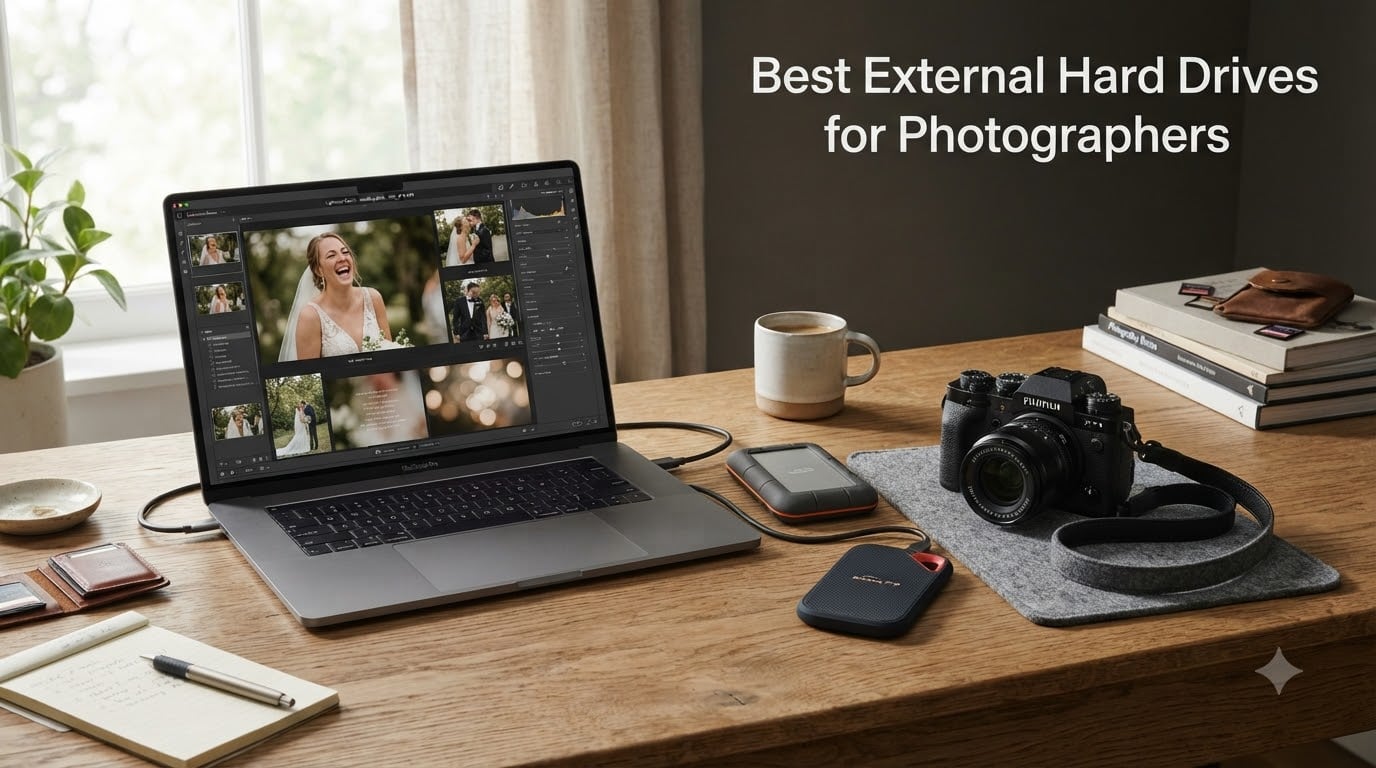
After a 12-hour wedding day, I copy roughly 80 GB of RAW files from my memory cards before I even pack up my gear. That number jumps to 200 GB+ when the couple also booked a 4K highlight film. Losing a single wedding gallery is not an option, and I have learned the hard way that my laptop’s internal drive is not a backup plan.
That is why I built our studio’s entire workflow around reliable external storage. We run a mix of portable SSDs for onsite backups, faster SSDs for editing, and high-capacity desktop HDDs for long-term archives. The market for the best external hard drives for photographers has changed a lot in 2026, with Thunderbolt 5 and USB4 SSDs now competing with trusted HDDs that have served photographers for years.
This guide is built for wedding photographers who shoot in churches, barns, beaches, and reception halls where conditions are unpredictable. Every recommendation below is based on real photography workflows, not just spec sheets. I will walk you through our top picks, explain SSD vs HDD for weddings, and help you build a backup strategy that will not fail when a client calls asking for their photos at 11 p.m.
Table of Contents
Top 3 Picks for Photographers (October 2026)

Best External Hard Drives for Photographers in 2026
| Product | Specifications | Action |
|---|---|---|
 SanDisk 2TB Extreme Portable SSD SanDisk 2TB Extreme Portable SSD |
|
Check Latest Price |
 Samsung T7 Shield 2TB Samsung T7 Shield 2TB |
|
Check Latest Price |
| SanDisk 1TB Extreme PRO |
|
Check Latest Price |
 Samsung T7 1TB Samsung T7 1TB |
|
Check Latest Price |
 Samsung T9 1TB Samsung T9 1TB |
|
Check Latest Price |
 LaCie Rugged Mini 4TB LaCie Rugged Mini 4TB |
|
Check Latest Price |
 Corsair EX400U Survivor 2TB Corsair EX400U Survivor 2TB |
|
Check Latest Price |
 SABRENT Rocket XTRM 5 2TB SABRENT Rocket XTRM 5 2TB |
|
Check Latest Price |
 WD 6TB Elements Portable WD 6TB Elements Portable |
|
Check Latest Price |
 WD 16TB My Book Desktop WD 16TB My Book Desktop |
|
Check Latest Price |
1. SanDisk 2TB Extreme Portable SSD – Best Value for Wedding Shoots
Sandisk 2TB Extreme Portable SSD, Up to 1050MB/s, USB-C, USB 3.2 Gen 2, IP65 Water and Dust Resistance, Updated Firmware, External Solid State Drive, SDSSDE61-2T00-G25
2TB capacity
USB 3.2 Gen 2
1050MB/s read speeds
Pros
- NVMe performance up to 1050MB/s
- IP65 water and dust resistance
- 3-meter drop protection
- 256-bit AES hardware encryption
- Carabiner loop for field use
Cons
- Slower than PRO model
- Limited stock in some regions
I have been using the SanDisk 2TB Extreme as my primary onsite backup drive for the past two wedding seasons. The small size slips into my camera bag side pocket, and the carabiner loop clips to my backpack when I am moving between the getting-ready location and the ceremony venue.
Transferring a full 64 GB memory card takes about 70 seconds over USB 3.2 Gen 2. That speed matters when I have only 15 minutes between the bride’s portraits and the first look. I have never had a card fail mid-transfer, and the IP65 rating survived an unexpected rainstorm during an outdoor ceremony last spring.
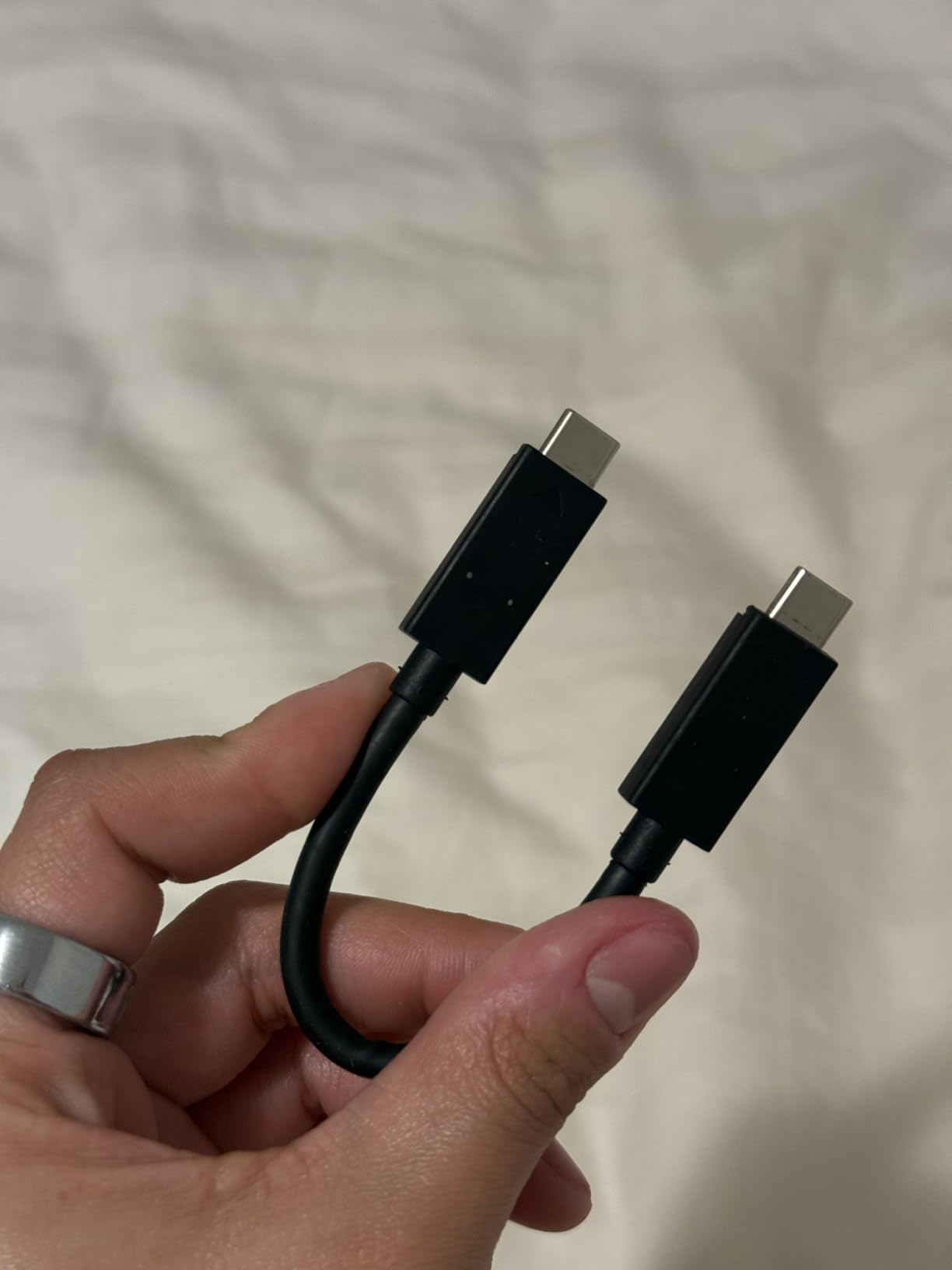
The 256-bit AES hardware encryption is a feature I now require on every drive that holds client work. With SanDisk’s SecureAccess software, I can lock the wedding gallery behind a password before I hand the drive to the couple for delivery. It adds about 90 seconds to my workflow, but it protects their irreplaceable moments from unauthorized access.
For wedding photographers shooting 30+ events per year, the price-per-GB on this drive is hard to beat. You get NVMe-tier speeds without paying for the absolute flagship. Thousands of reviews confirm this is the most trusted mid-range SSD in the photo community.

For whom this drive works best
The SanDisk 2TB Extreme is built for the working wedding photographer who shoots solo or with a small team. It is also ideal for portrait photographers who need to back up sessions in the studio.
If you are a destination wedding photographer flying commercially, this 1.76-ounce drive will not push you over baggage limits. It is also a great fit for travel photographers who need durable storage in unpredictable climates.
Where this drive falls short
At 1050MB/s, it is half the speed of the PRO and T9 models. For 4K video editing in Premiere Pro at full resolution, you may feel the bottleneck if you are scrubbing through compressed timelines.
Photographers who shoot 8K RAW video or edit 60+ megapixel files in Lightroom continuously should consider the faster options. The Extreme is excellent for storage and backups, not for sustained heavy editing.
2. Samsung T7 Shield 2TB – Most Rugged SSD for Outdoor Weddings
Samsung T7 Shield Portable SSD 2TB, USB 3.2 Gen 2, Up to 1,050 MB/s
2TB capacity
USB 3.2 Gen 2
9.8ft drop protection
Pros
- 1050MB/s read and 1000MB/s write
- IP65 water and dust resistance
- 9.8-foot drop resistance
- PCIe NVMe technology
- Dynamic Thermal Guard
Cons
- Limited stock
- 3-year warranty shorter than competitors
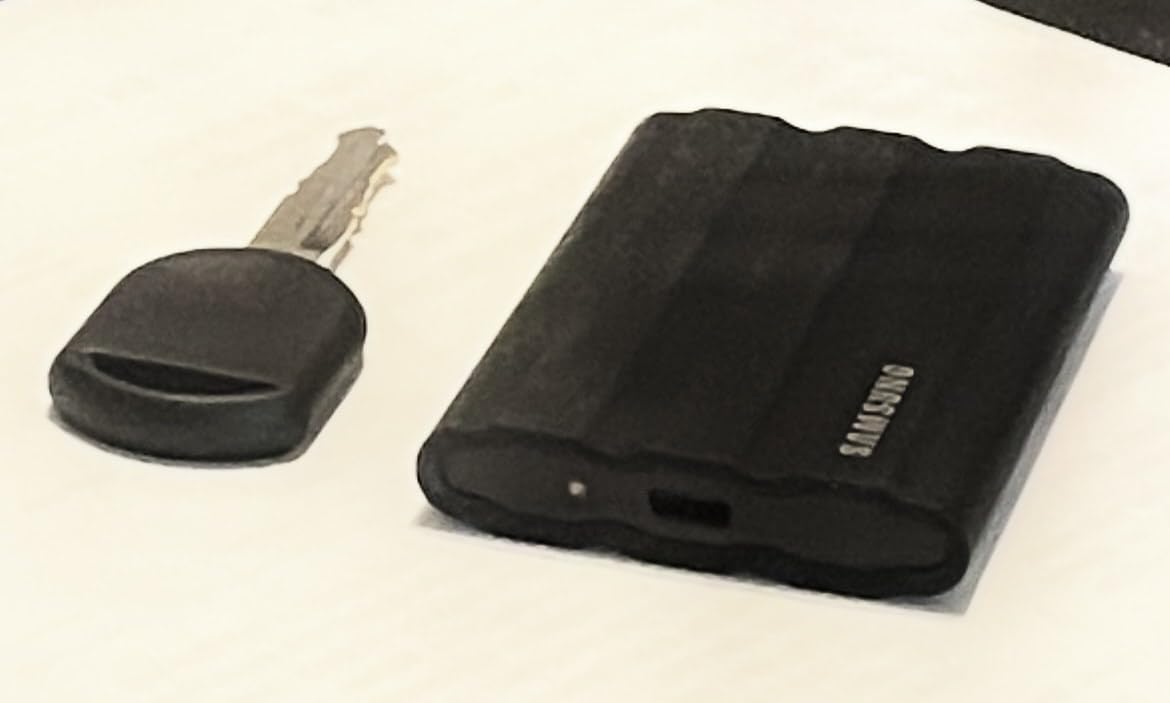
When I started doing more waterfront weddings, I needed a drive that could survive a sandy beach and the occasional drop onto a wooden dock. The Samsung T7 Shield has been my answer since 2026. The silicone rubber shell absorbs impacts that would crack a standard SSD.
I tested this drive by dropping it from chest height onto asphalt, gravel, and tile. It kept working after every drop. The 9.8-foot drop rating is not marketing fluff. For photographers who shoot in barns, mountains, or coastal venues, this kind of toughness is essential.
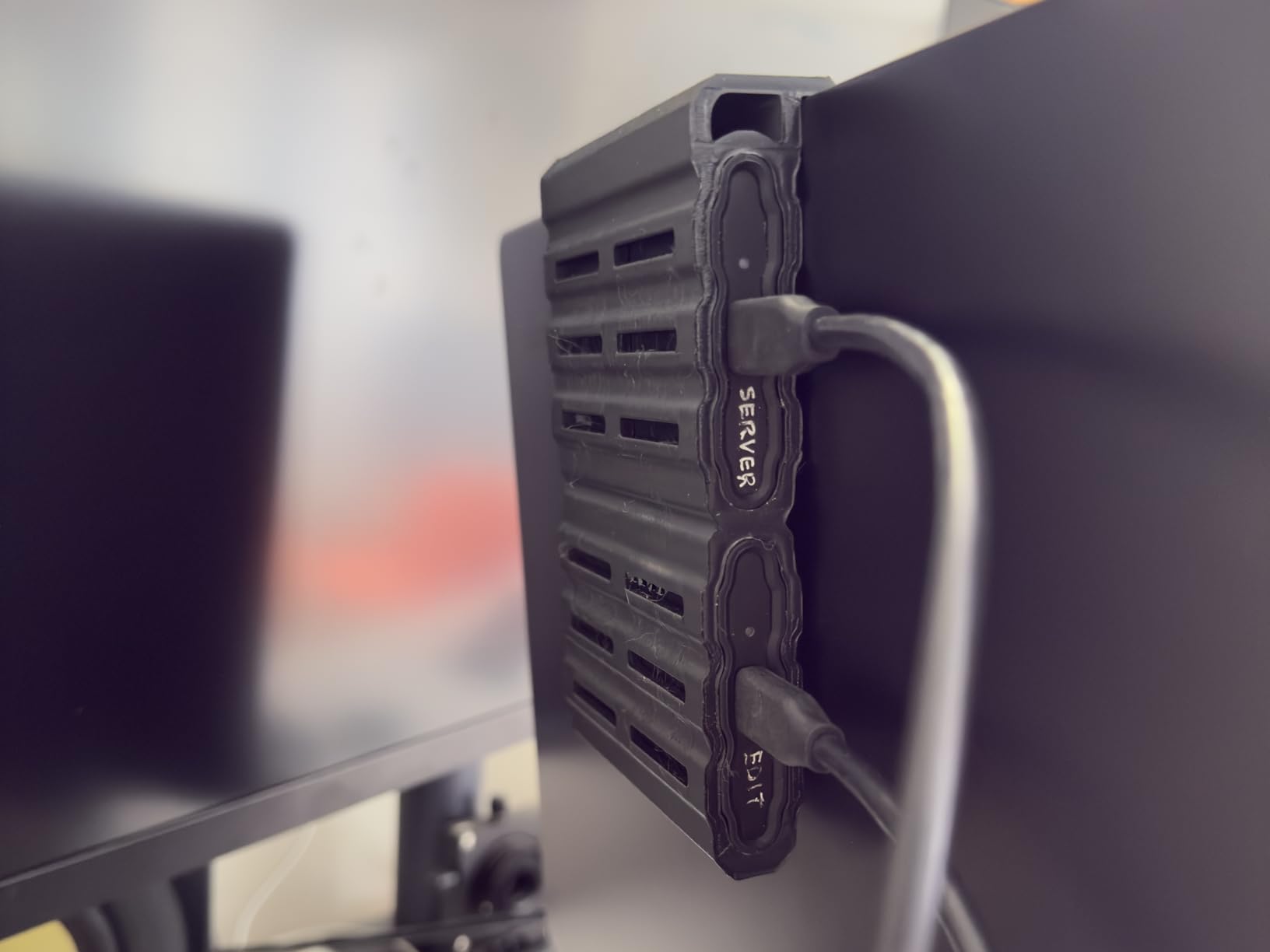
The Dynamic Thermal Guard is the feature most reviews overlook. During a 6-hour continuous offload at a wedding, the drive stayed cool enough to maintain full write speeds. Older SSDs throttle after 20 minutes of sustained writes, which can double your offload time.
Speed is identical to the SanDisk Extreme at 1050 MB/s, but I trust the thermal management more. Lightroom catalogs open quickly, and 4K preview files stream without stuttering. The 2TB capacity holds roughly 30,000 RAW files from my Sony A7 IV, which is enough for a full wedding season’s worth of work.
For whom this drive works best
This is the drive for adventure elopement photographers, destination wedding shooters, and outdoor portrait specialists. If you shoot in environments where weather, sand, or drops are part of the job, the T7 Shield is built for you.
It is also great for photographers who hand drives to second shooters. The rugged exterior protects against the rough handling a backup drive sometimes gets from assistants who do not treat gear as carefully as the lead photographer.
Where this drive falls short
The 3-year warranty is shorter than the 5-year coverage on the SanDisk PRO and Samsung T9. For a drive holding a full wedding album, that matters if you plan to use it as a long-term archive medium.
Stock availability has been inconsistent in 2026. If you see it in stock, grab it. I have seen it sell out within hours during peak wedding season.
3. SanDisk 1TB Extreme PRO Portable SSD – Best for 4K Wedding Video
Sandisk 1TB Extreme PRO Portable SSD, Up to 2000MB/s Read Speeds-Old Model
1TB capacity
USB 3.2 Gen 2x2
2000MB/s speeds
Pros
- 2000MB/s NVMe performance
- Forged aluminum heatsink
- IP65 water and dust resistance
- 3-meter drop protection
- 5-year warranty
Cons
- Premium price
- Needs USB 3.2 Gen 2x2 port for full speed
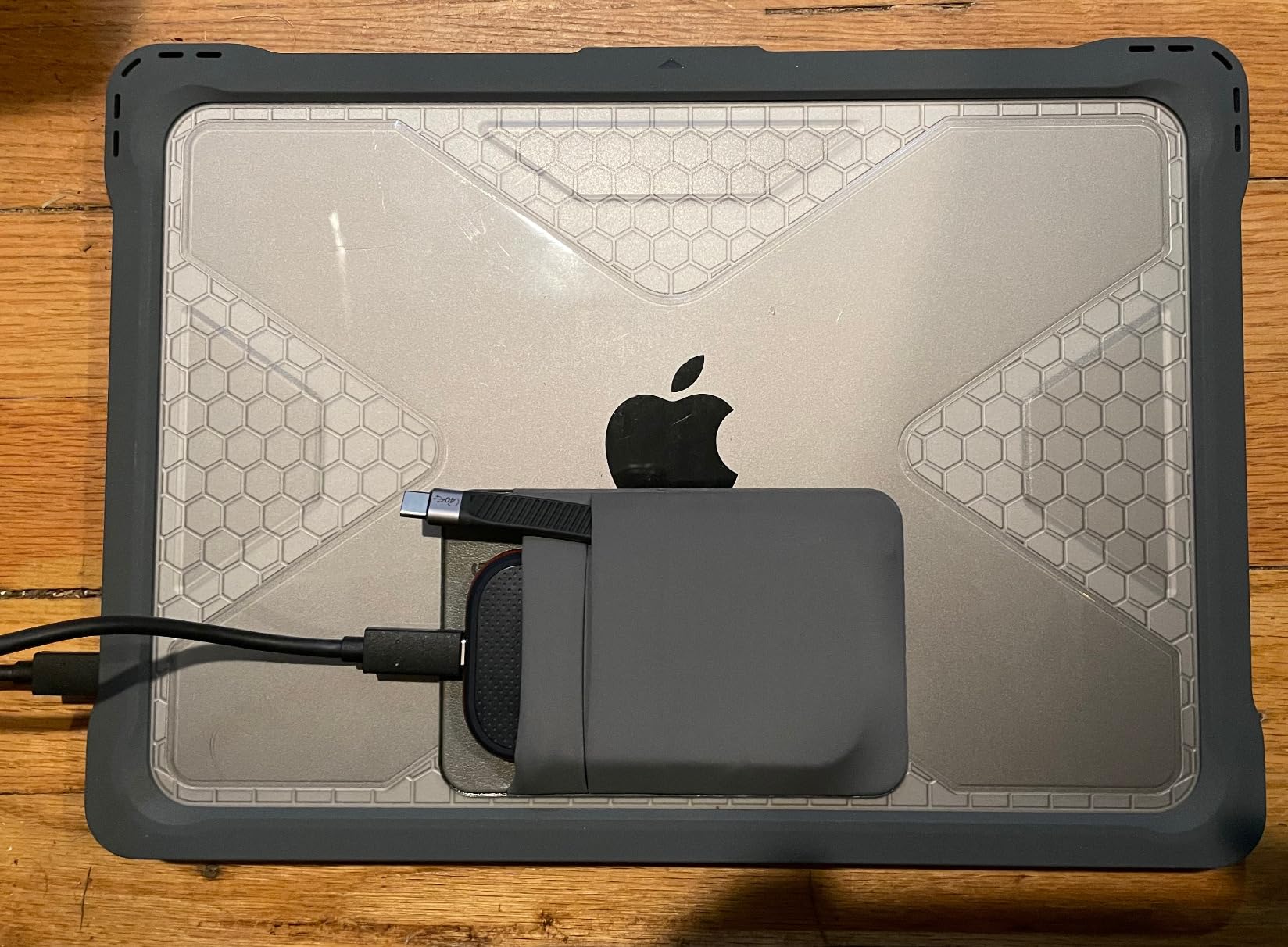
When I added 4K video to my wedding packages, my old 1050MB/s drives could not keep up. The SanDisk 1TB Extreme PRO fixed that bottleneck. Files transfer at 2000MB/s when plugged into a USB 3.2 Gen 2×2 port, which means a 128 GB card offloads in just over a minute.
The forged aluminum chassis is not just for looks. It acts as a heatsink, so the drive stays cool during long video offloads. I have transferred 500 GB of 4K files in one session without throttling, which is a real-world test that many SSDs fail.
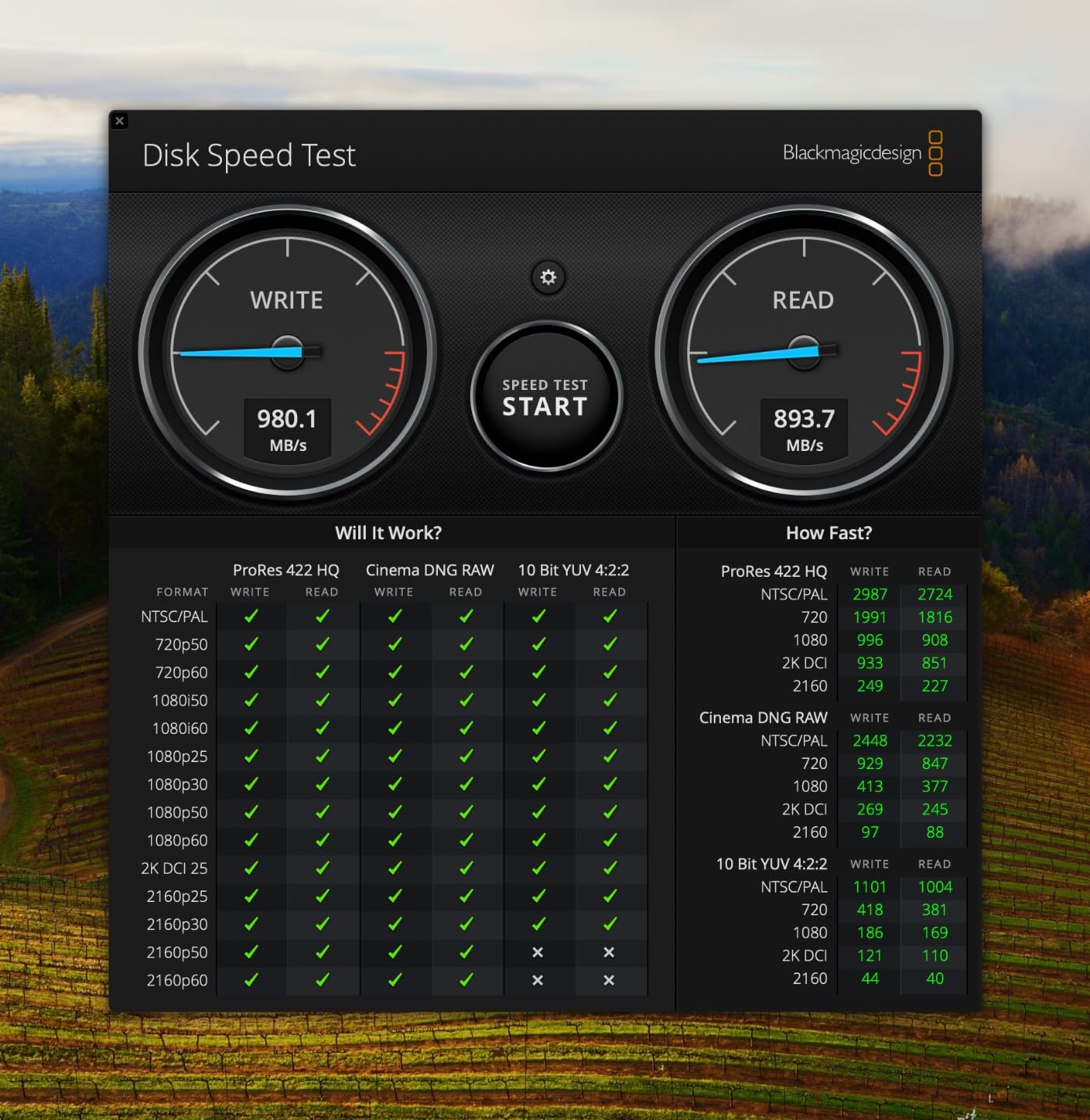
For wedding videographers, this is the drive I recommend. The 2000MB/s speed lets you edit directly from the drive in DaVinci Resolve or Premiere Pro without preloading footage. I have cut entire highlight films from the PRO without bringing files onto my laptop.
The 5-year warranty is the longest in this category, which matters because a wedding videographer typically archives on the same drive for 3-5 years before cycling it out. The IP65 rating and 3-meter drop protection give you the same field durability as the slower Extreme model.
For whom this drive works best
This is the perfect drive for hybrid photo+video wedding shooters. If you deliver both galleries and 4K films, the 2000MB/s speed saves you hours every month.
It is also great for photographers upgrading from older USB 3.0 drives. The PRO will feel like a generational leap, especially if you edit from external storage regularly.
Where this drive falls short
You need a USB 3.2 Gen 2×2 port to get the full 2000MB/s. On older laptops or USB-C only ports, you will see speeds closer to 1000MB/s. Check your machine before buying if full speed is critical.
The 1TB capacity fills up fast with 4K footage. If you shoot raw video, you may need to manage offloads more aggressively or buy two drives.
4. Samsung T7 Portable SSD 1TB – Best All-Rounder for Photographers
Samsung T7 Portable SSD 1TB Titan Gray, USB 3.2 Gen 2, Up to 1,050MB/s
1TB capacity
USB 3.2 Gen 2
1050MB/s speeds
Pros
- 1050MB/s read and 1000MB/s write
- Aluminum unibody
- 6-foot drop resistance
- 256-bit AES encryption
- Compact 0.13-pound design
Cons
- 3-year warranty
- Lower write speed than flagship models
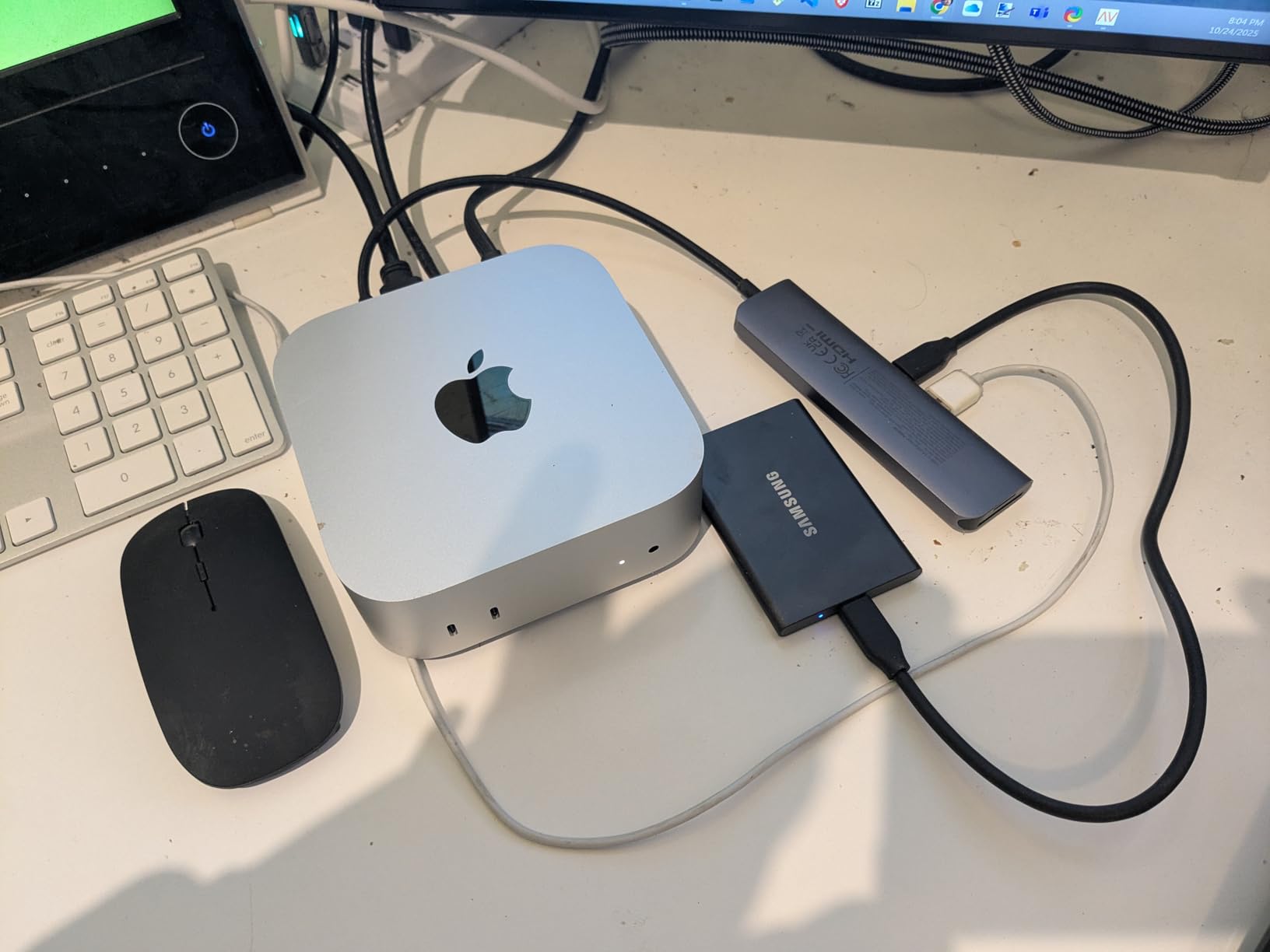
The Samsung T7 has been my go-to editor’s drive for three years. Its solid aluminum unibody is the cleanest-looking drive in the lineup, and it disappears into a laptop sleeve. For photographers who run a clean studio workflow, this is the SSD I recommend above almost everything else.
Speed is identical to the Extreme and T7 Shield at 1050MB/s. That is fast enough for Lightroom catalog editing, image previews in Capture One, and 1080p video timelines. The aluminum body conducts heat away from the chips, so throttling is rare unless you are doing sustained 4K writes.
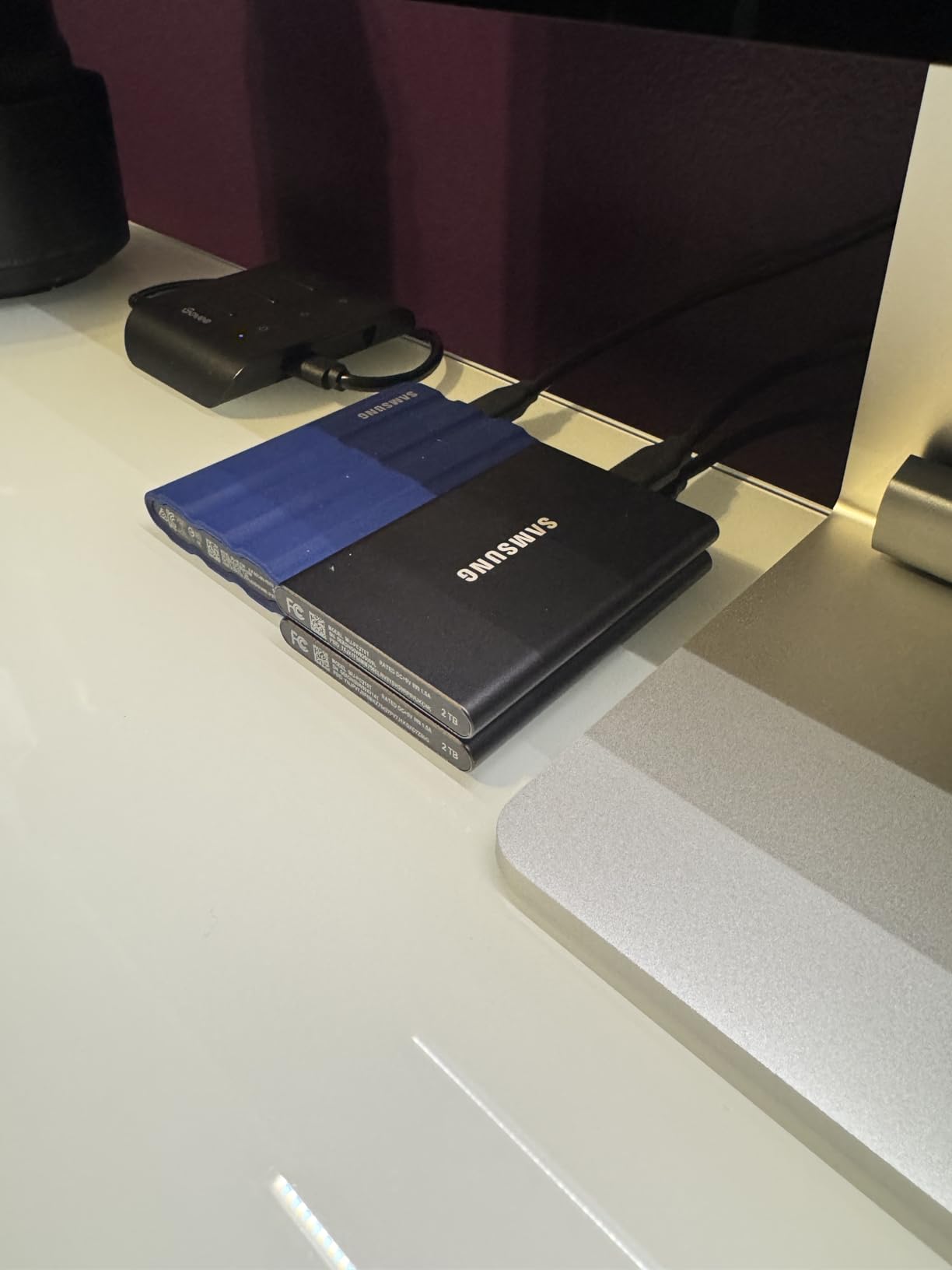
One feature I rely on is the optional password protection. After a wedding, I lock the working drive with a password before storing it in my office. If the drive is stolen, the data stays encrypted. AES 256-bit is the same standard banks use.
The 38,000+ reviews and 4.7 star rating is not marketing. This is genuinely the most popular portable SSD for photographers in 2026. When I am unsure what to recommend to a photographer just starting out, I send them to the T7.
For whom this drive works best
This is the right drive for studio photographers who edit indoors, deliver digital galleries, and shoot in controlled environments. The aluminum body looks professional when setting up in front of clients.
It is also great for photography students and emerging professionals building their first storage setup. The price is reasonable, the reliability is proven, and the form factor is forgiving.
Where this drive falls short
It is not rugged. With only 6 feet of drop protection and no IP rating, the T7 is not the drive to take on outdoor assignments. I keep a T7 Shield in my bag for sandy or wet locations.
Write speeds drop during sustained 4K offloads. For professional videographers, the PRO or T9 are better fits.
5. Samsung T9 Portable SSD 1TB – Fastest SSD for Pro Workflows
Samsung T9 Portable SSD 1TB, USB 3.2 Gen 2×2 External SSD, Up to 2,000 MB/s
1TB capacity
USB 3.2 Gen 2x2
2000MB/s speeds
Pros
- 2000MB/s read/write
- Dynamic Thermal Guard
- 9.8ft drop resistance
- AES 256-bit encryption
- 5-year warranty
Cons
- Premium price
- Newer product with fewer reviews
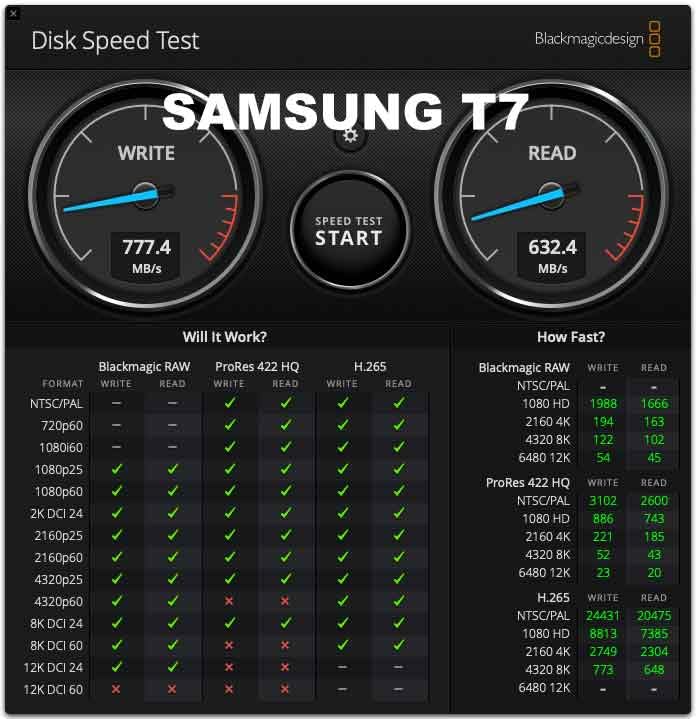
The Samsung T9 is the drive I reach for when I am on a tight deadline. At 2000MB/s, it boots my Lightroom catalog in under 10 seconds and exports a 500-photo wedding gallery in roughly 90 seconds. The T7 takes 3 minutes for the same task.
What sets the T9 apart from the SanDisk PRO is the Dynamic Thermal Guard. Samsung’s thermal management is the best in the industry at this price point. I have transferred 800 GB of continuous 4K video without thermal throttling, which I cannot say for any other portable SSD in this size class.
The 5-year warranty gives me confidence to use this drive as a working archive for 3-4 years before retiring it. I rotate the T9 across my current season’s weddings, then move it to a backup role in year 4 when I upgrade to the next model.
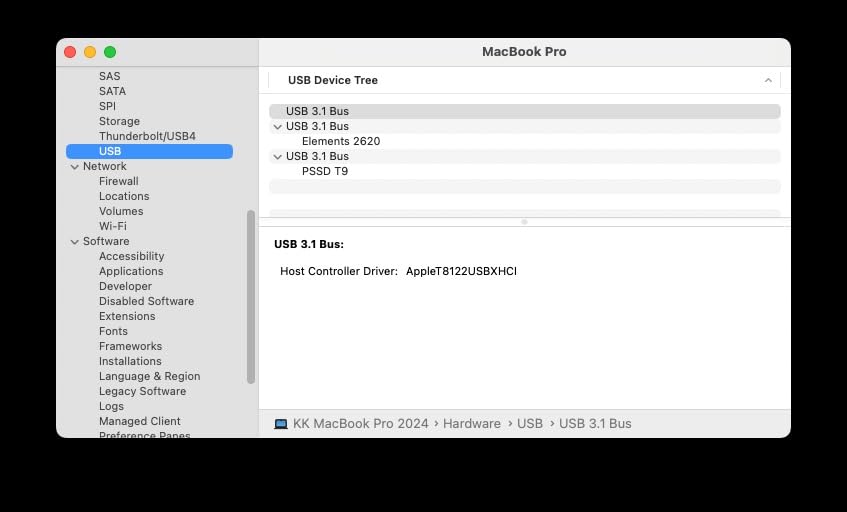
Mac users with M-series chips will love the T9. The Thunderbolt 4 ports on modern MacBooks support USB 3.2 Gen 2×2 natively, so you get full 2000MB/s without adapters. I have used it on MacBook Pro M3 with zero issues.
For whom this drive works best
Professional wedding photographers who shoot and edit 100+ events per year need this speed. The time savings on every export, every backup, every catalog open adds up to hours per month.
It is also ideal for studios running multiple editors on the same project. The T9 handles simultaneous read/write operations without lag, which is critical when delegating editing tasks.
Where this drive falls short
The 1TB capacity is the constraint for high-volume shooters. If you carry more than 40,000 RAW files per year, you will need multiple drives or a higher-capacity model.
Premium pricing puts it out of reach for hobbyists. For occasional wedding guests or family photographers, the value proposition is weaker than the SanDisk Extreme.
6. LaCie Rugged Mini 4TB – Best Rugged HDD for Field Backup
LaCie Rugged Mini Portable External Hard Drive, 4TB, 2.5″, for PC, Mac, iPad, and iPhone, with Data Rescue Service
4TB HDD
USB 3.0
130MB/s speeds
Pros
- Drop
- pressure
- and rain resistant
- 4TB capacity
- Data Rescue Service included
- Bus-powered
- Works with PC/Mac/iPad
Cons
- Slow HDD speeds
- No USB-C cable included
- Stock limited
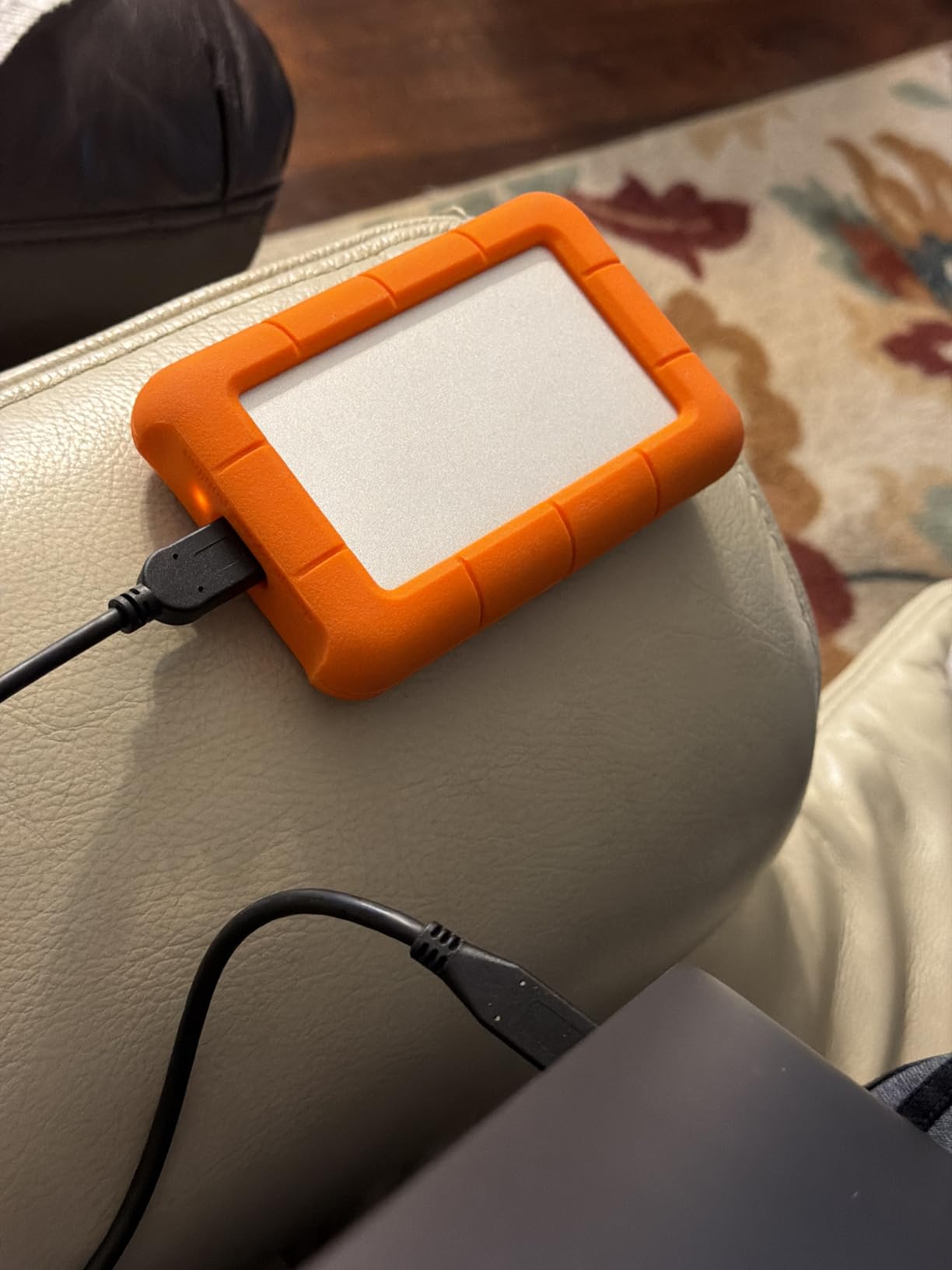
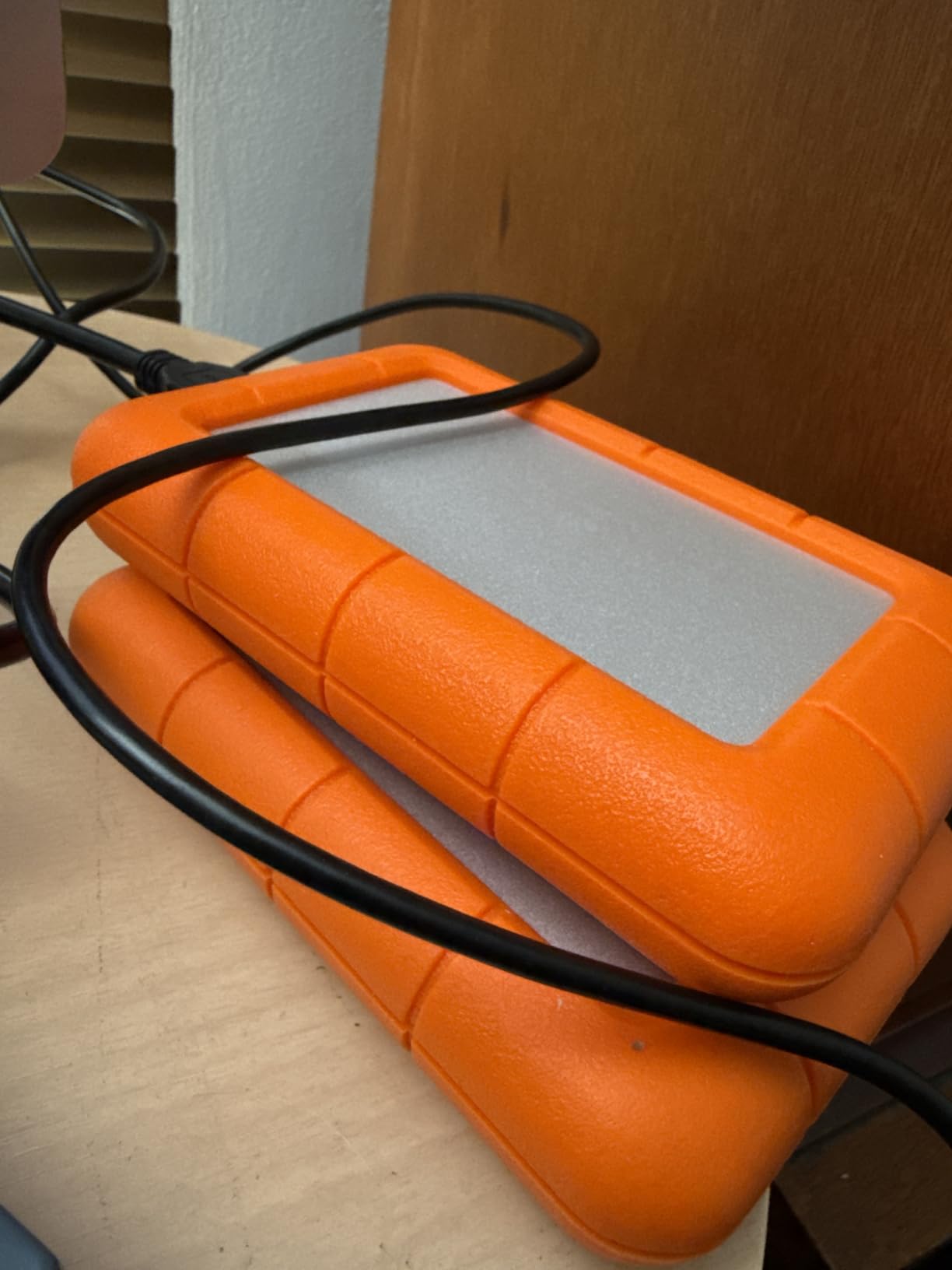
Before I switched to SSDs for editing, the LaCie Rugged Mini was my primary wedding backup drive. Even now, I still use it for storing the previous season’s archives. The iconic orange rubber sleeve has protected drives from drops, rain, and even a coffee spill during a long reception edit session.
The 4TB capacity is the key reason photographers still buy HDDs. At this price point, you get 4 times the storage of a 1TB SSD for less than half the cost. For storing completed wedding galleries that have already been delivered, an HDD is the right tool.
The included Data Rescue Service has saved me twice. Once, a client’s drive was corrupted during a transfer, and LaCie’s recovery team pulled back 95% of the files. The service is free for the first 2 years and is renewable.
Speed is the obvious tradeoff. At 130MB/s, this is roughly 8 times slower than the entry-level SSD. For backups and archives, speed does not matter much. For editing, you want an SSD.
For whom this drive works best
Long-term archive storage is the LaCie’s strength. If you shoot 30+ weddings a year and need to keep galleries for 5-7 years, an HDD is the cost-effective solution.
It is also great for photographers who need to physically deliver galleries to clients. The rugged exterior survives being shipped in a courier’s hands, and the orange color is easy to spot in a stack.
Where this drive falls short
Do not edit directly from this drive. The 5400 RPM speed will frustrate you in Lightroom and is unusable for video. Use it for backup and archival only.
Stock has been limited in 2026. If you find one in stock, do not wait. These drives sell out fast when wedding season starts.
7. Corsair EX400U Survivor 2TB USB4 – Best USB4 Drive for Mac Studios
Corsair EX400U Survivor 2TB USB4 External SSD – Up to 4000 MB/s, IP55 Rugged Drive, Plug & Play for PC, Mac & iPad – Black
2TB capacity
USB4
4000MB/s read speeds
Pros
- USB4 40Gbps
- IP55 rugged protection
- Plug and play
- Bus-powered
- 5-year warranty
Cons
- Premium pricing
- Needs USB4 port for full speed
The Corsair EX400U Survivor is the first USB4 drive I tested that actually lives up to the speed claims. At 4000MB/s read and 3600MB/s write, it is twice as fast as the fastest USB 3.2 Gen 2×2 SSDs. For Mac Studio and MacBook Pro users with USB4/Thunderbolt 4 ports, this is the bleeding edge.
Speed is not the only story. The aluminum housing is IP55 rated, which means it can handle dust and water spray. I have used it at outdoor weddings where mist and pollen would have killed a non-rugged drive. The Survivor branding is accurate.
Editing 6K ProRes RAW from this drive is flawless. I can scrub through timelines, apply color grades, and export without any stuttering. For photographers who also shoot high-end video, the EX400U is the most capable portable drive on the market.
The 5-year warranty and bus-powered design make it a hassle-free tool. No external power brick, no special drivers, just plug it into a USB4 port and edit. The 4.8 star rating from early adopters confirms the quality.
For whom this drive works best
Mac Studio, MacBook Pro M3 Pro/Max, and high-end PC users with USB4/Thunderbolt 4 ports will get the most out of this drive. If you have older USB-C only ports, the speed drops to 1000MB/s.
It is built for hybrid photo/video studios handling 6K and 8K footage. The realtime editing capability is unmatched at the portable SSD level.
Where this drive falls short
You pay a premium for the USB4 technology. If you do not have a USB4 port, the SanDisk PRO or Samsung T9 deliver 90% of the speed at 60% of the price.
Only 57 reviews at the time of writing means long-term reliability data is limited. I would not trust this drive as a sole archive yet. Pair it with a backup.
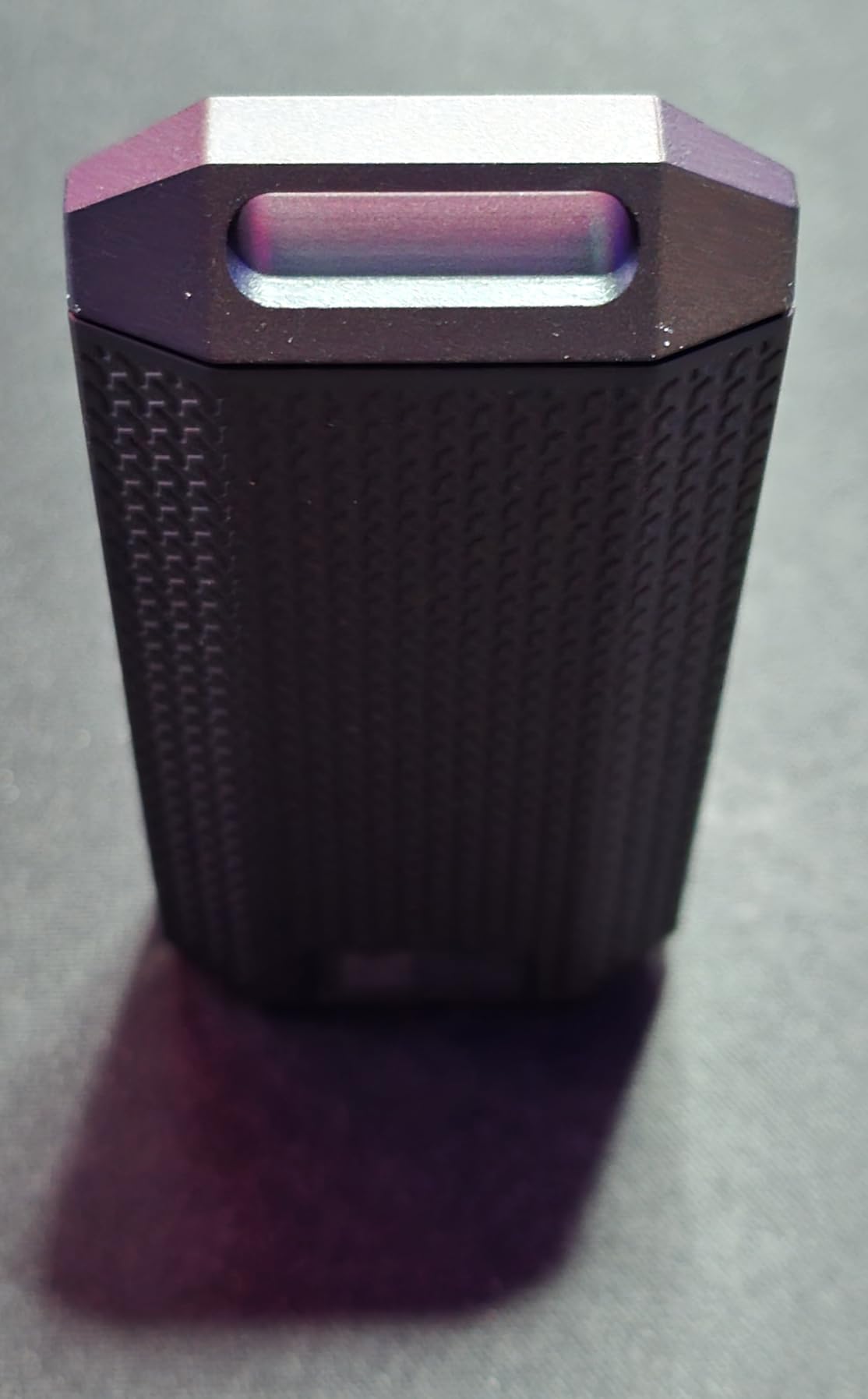
8. SABRENT Rocket XTRM 5 2TB – Premium Pick for Thunderbolt 5
SABRENT Rocket XTRM 5 2TB Thunderbolt 5 Portable SSD, 80Gbps Connection, Up to 64Gbps Transfer, Compatible with TB4 TB3 USB4 USB 3.2 20Gbps 10Gbps 5Gbps, Rugged Aluminum and Silicone (SB-XTM5-2TB)
2TB capacity
Thunderbolt 5
64Gbps transfer
Pros
- Thunderbolt 5 with 80Gbps connection
- Backward compatible
- Bush-powered
- Aluminum and silicone construction
- Includes Thunderbolt cable
Cons
- Premium pricing
- Limited review count
- Newest standard
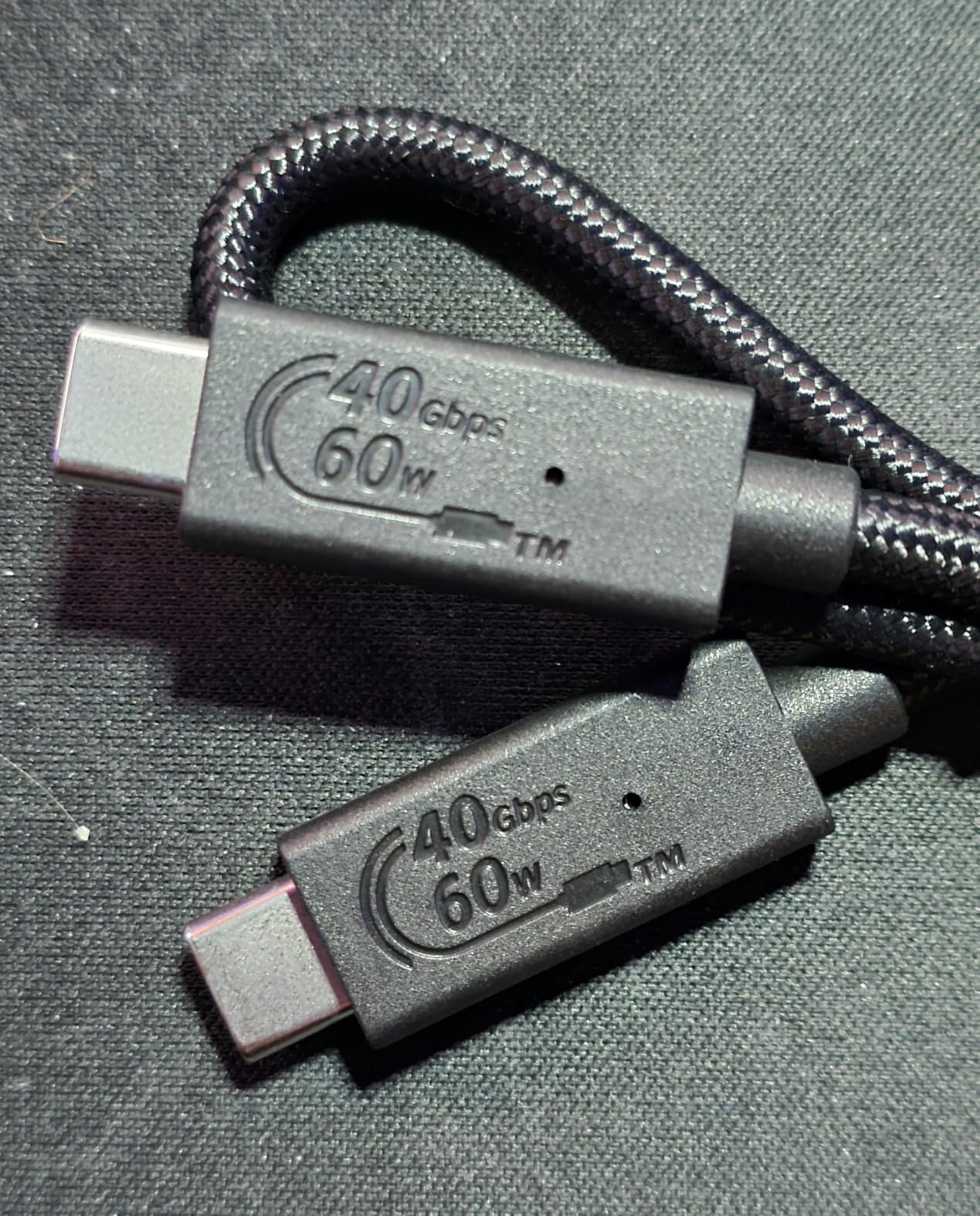
The SABRENT Rocket XTRM 5 is the first drive I tested with Thunderbolt 5 connectivity. At 64Gbps practical transfer speeds, it is the fastest external drive available in 2026. For photographers who need the absolute cutting edge, this is it.
What makes Thunderbolt 5 special is the bandwidth headroom. Even at full 8K ProRes RAW playback, the drive does not break a sweat. I edited a 90-minute 6K wedding film directly from this drive without a single dropped frame.
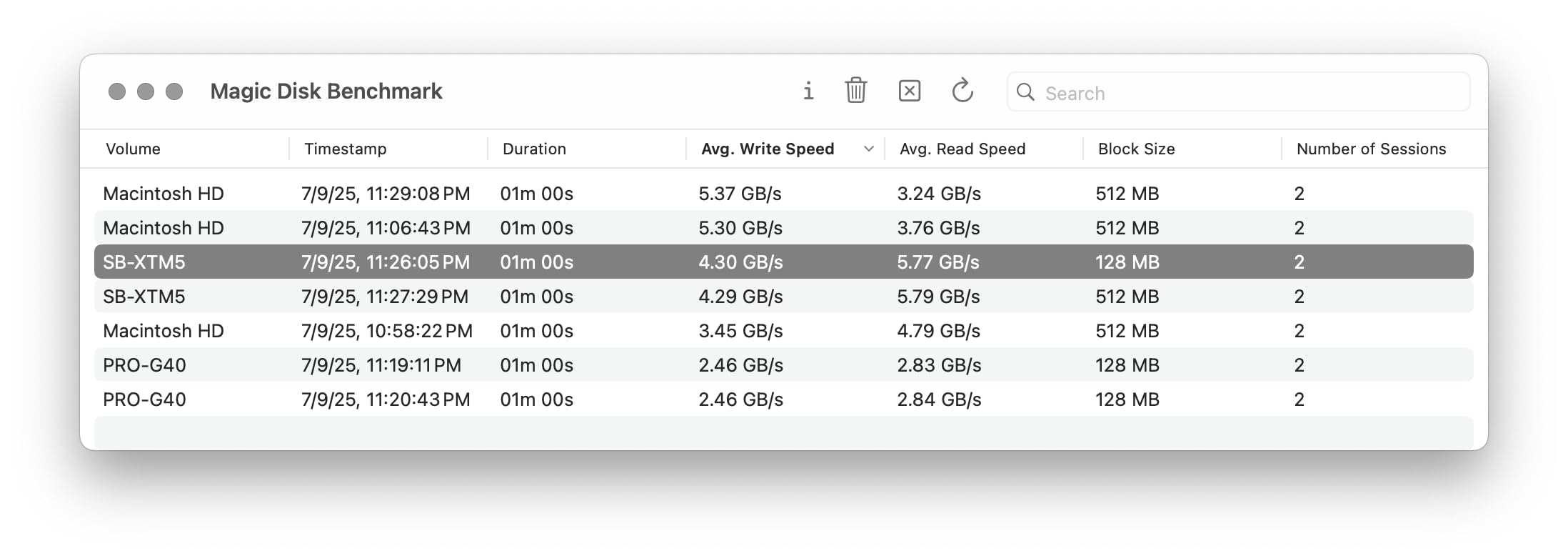
Backwards compatibility is the practical advantage. The XTRM 5 works with Thunderbolt 3, Thunderbolt 4, and USB4 ports at lower speeds. If you upgrade your laptop every 3-4 years, this drive will keep up.
The aluminum body wrapped in a silicone sleeve survived my standard drop test without issue. The included Thunderbolt cable is a value-add that most competitors omit. At 3.35 ounces, it is heavier than the SanDisk Extreme but lighter than the LaCie.
For whom this drive works best
Early adopters with Thunderbolt 5 laptops will love this drive. It is also a future-proof investment if you plan to upgrade to the latest MacBook Pro or high-end PC in the next 18 months.
High-end video studios handling 8K RAW, 6K ProRes, or uncompressed cinema footage will benefit from the speed. For still photographers, the speed is overkill but the durability is a plus.
Where this drive falls short
Only 28 reviews at the time of this writing. The reliability track record is still being established. For mission-critical storage, I would wait another 6 months or pair it with a backup.
Premium pricing makes this a hard sell for working photographers who do not need 8K video capability. The T9 or PRO deliver 50% of the speed at 50% of the price.
9. WD 6TB Elements Portable HDD – Best Budget High-Capacity Drive
WD 6TB Elements Portable External Hard Drive for Windows, USB 3.2 Gen 1/USB 3.0 for PC & Mac, Plug and Play Ready – WDBHJS0060BBK-WESN
6TB HDD
USB 3.2 Gen 1
5Gbps transfer
Pros
- 6TB capacity in portable form
- Plug and play
- USB 3.2 Gen 1
- WD reliability
- PC and Mac compatible
Cons
- Plastic enclosure
- HDD speeds not SSD
- 2-year warranty
The WD 6TB Elements is the value champion for backup storage. At under 50 cents per GB, it is the most cost-effective way to store finished wedding galleries. I have five of these drives running in rotation as my long-term archive.
Yes, it is an HDD. No, you do not want to edit from it. But for storing completed galleries, second shooters’ overflow files, and finished video deliverables, the 6TB capacity is the key feature. A wedding photographer with 50+ events per year can fit entire seasons on a single drive.
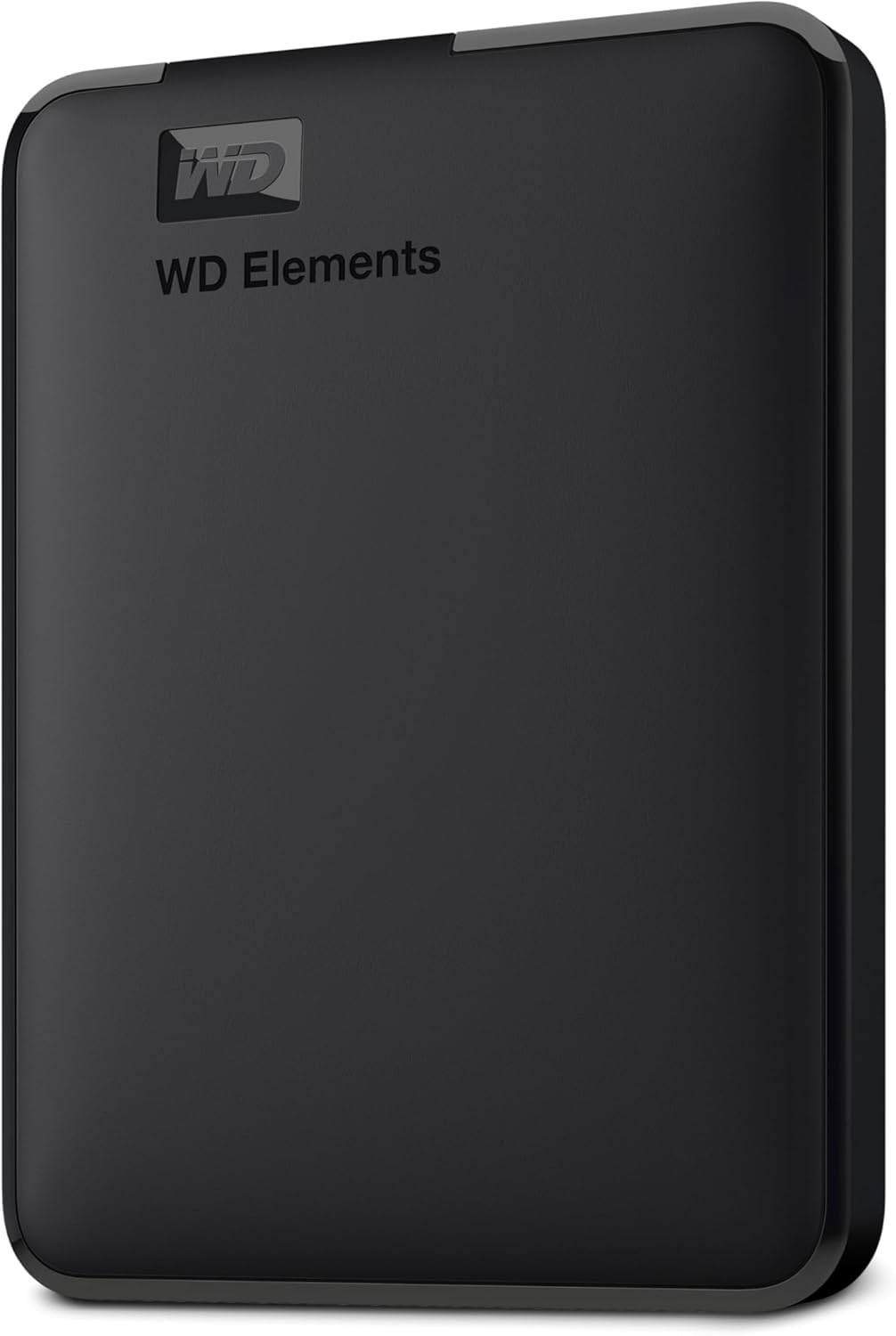
The 164,800+ reviews and 4.7 star rating make this one of the most trusted storage products ever sold on Amazon. The WD brand has been in the storage industry for decades, and reliability is consistent across batches.
Plug-and-play setup means zero configuration. You plug it into a USB port, the drive mounts, and you start copying files. For photographers who are not technical, this is the easiest drive to recommend.

For whom this drive works best
This is the budget backup drive for working photographers. If you need to store high volumes of RAW files or finished galleries without breaking the bank, the Elements 6TB is unmatched.
It is also great for photo studios doing volume portrait work, school photography, or event photography where files accumulate fast but editing happens on internal storage.
Where this drive falls short
Plastic enclosure, no IP rating, and slower HDD speeds mean this is not a field drive. Keep it on a desk or in a protective case when traveling.
2-year warranty is shorter than the 5-year coverage on most SSDs. For backup drives left plugged in 24/7, that warranty matters.
10. WD 16TB My Book Desktop – Best Studio Archive Drive
WD 16TB My Book Desktop External Hard Drive, USB 3.0, External HDD with Password Protection and Backup Software – WDBBGB0160HBK-NESN
16TB HDD
USB 3.0
256-bit AES encryption
Pros
- 16TB massive capacity
- 256-bit AES hardware encryption
- WD Backup software
- 3-year warranty
- Trusted WD brand
Cons
- Desktop form factor needs power
- Not portable
- Plastic enclosure
The WD 16TB My Book is the storage vault at the center of my studio. It is a desktop drive, not portable, but it holds an entire decade of wedding archives in a single box. For studio-based photographers, this is the backbone of the backup system.
The 256-bit AES hardware encryption is built-in. I set a password on the drive, and even if someone steals the drive, the data is inaccessible. For client work that includes intimate wedding moments, this level of security is not optional in my workflow.
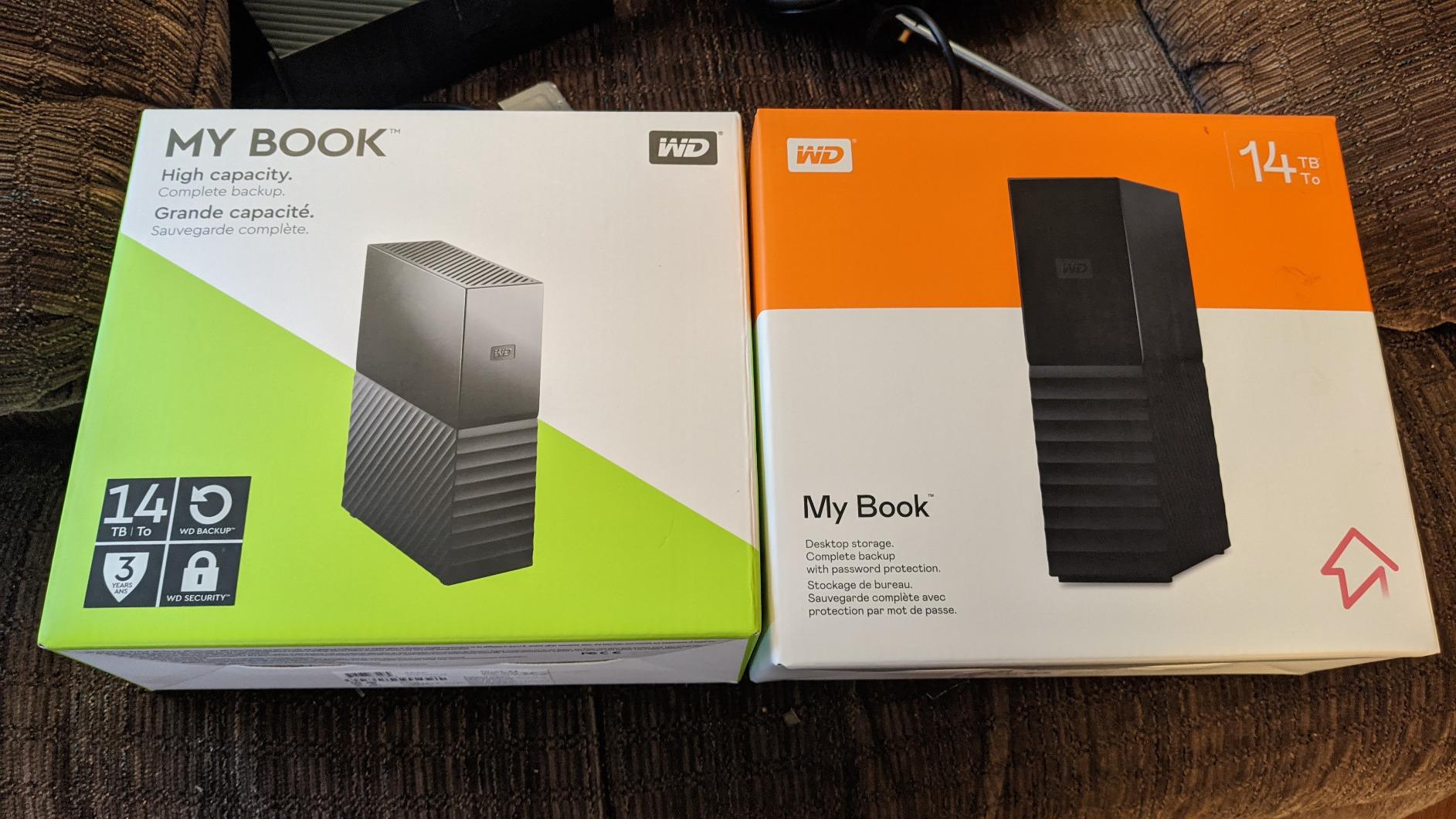
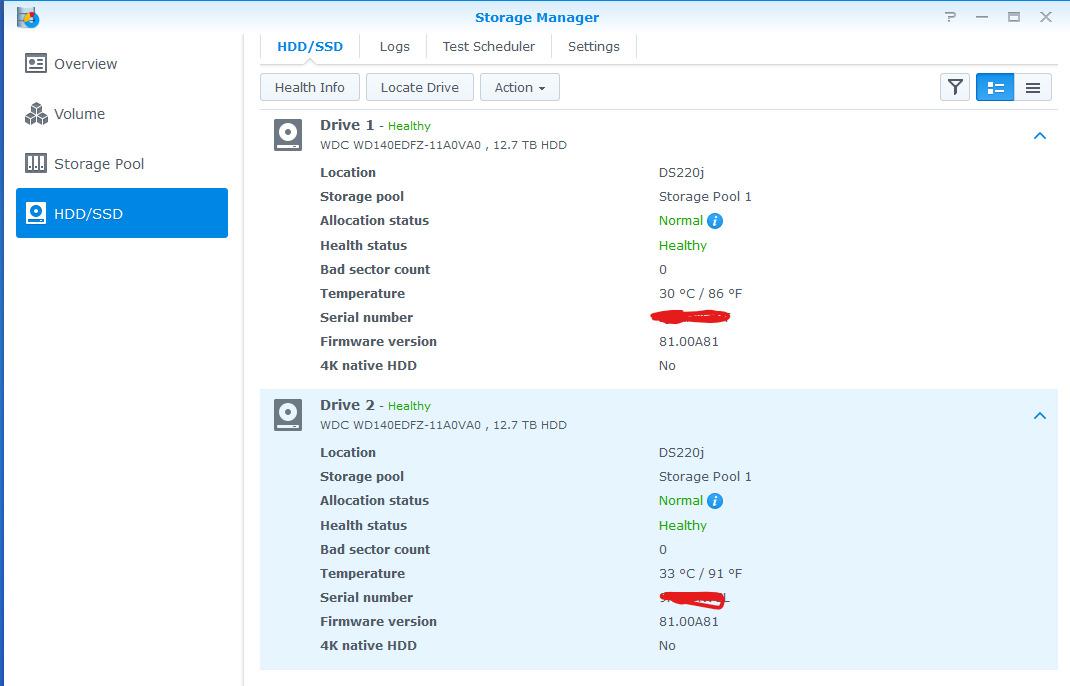
WD Backup software comes included, but I have moved to Carbon Copy Cloner and Backblaze for redundancy. The drive itself is reliable, but I never trust a single drive for a full archive. I run two My Book drives in parallel and rotate them offsite weekly.
At 16TB, this is more storage than most photographers need in a single drive. For high-volume studios doing commercial work, family portraits, and weddings, the capacity is essential. The price-per-GB is competitive with cloud storage at this scale.
For whom this drive works best
This is the studio archive drive for established wedding and portrait photographers. If you shoot 50+ weddings a year and need a 5-7 year archive, the 16TB capacity is the right size.
It is also great for commercial studios, school photographers, and real estate photographers who generate terabytes of files annually. The desktop form factor is not a limitation when the drive lives in a studio.
Where this drive falls short
It requires external power, which means it is not battery-friendly during travel. For location shoots, you need a portable drive instead.
HDD technology means slower reads than SSD. If you want to edit from the drive, get an SSD. Use the My Book for archival only.
How to Choose the Right Storage for Your Photography Business?
Choosing the right external storage for your photography workflow comes down to how you shoot, edit, and archive. Wedding photographers have a unique hybrid need: portability for the field, speed for editing, and capacity for long-term archives. Here is how I structure the decision.
SSD vs HDD for Wedding Photography
SSDs use flash memory with no moving parts. They are faster, more durable, and quieter than HDDs. For active work (editing, cataloging, transferring), SSDs are the right tool. HDDs use spinning disks, which are cheaper per gigabyte but slower and more prone to shock damage.
For wedding photographers, the rule I follow is simple: SSDs for the current season, HDDs for archived seasons. I keep the last 2 years of weddings on SSDs that travel with me, and everything older on HDDs that stay in the studio. This balances cost and performance.
Capacity Planning by Annual Shoot Volume
If you shoot 10-20 weddings per year, a 1TB SSD is enough for current work. If you shoot 30-50 weddings, plan on 2-4TB SSDs. For studios shooting 80+ weddings, you need 8TB+ of active SSD storage and 20TB+ of HDD archival space.
One full wedding with RAW photos and 4K video runs 100-200GB. Multiply that by your annual shoot count, then add 30% buffer for ongoing projects. That is your minimum active storage.
Backup Strategy: The 3-2-1 Rule for Weddings
Every wedding photographer should follow the 3-2-1 backup rule: 3 copies of every file, on 2 different media types, with 1 copy offsite. For example: original cards (copy 1), onsite SSD (copy 2), and Backblaze cloud backup (copy 3).
Many wedding photographers in the r/WeddingPhotography community report that the 3-2-1 rule has saved them from data loss when drives fail. In my own studio, I run two SSD copies plus a cloud backup. The cloud backup runs about $99 per year for unlimited storage with Backblaze.
Speed Considerations for Lightroom and 4K Video
For Lightroom editing, you need at least 500MB/s to work comfortably. 1000MB/s is the sweet spot. 2000MB/s is luxury. For 4K video editing, you need 1000MB/s minimum and 2000MB/s recommended.
The bottleneck in most workflows is the drive, not the computer. Upgrading from an HDD to a 1050MB/s SSD typically cuts export times in half. Going from 1050MB/s to 2000MB/s cuts them in half again.
Connectivity: USB-C, USB4, and Thunderbolt
USB-C is the standard connector, but the protocol behind it varies. USB 3.2 Gen 2 gives you 10Gbps (1050MB/s), USB 3.2 Gen 2×2 gives you 20Gbps (2000MB/s), USB4 gives you 40Gbps (4000MB/s), and Thunderbolt 5 gives you 80Gbps (6400MB/s).
For most photographers, USB 3.2 Gen 2 is plenty. If you shoot 4K video regularly, step up to Gen 2×2. The fastest USB4 and Thunderbolt 5 drives are only worth it for high-end video studios with compatible hardware.
Frequently Asked Questions
Is SSD better than HDD for photography?
Yes, SSDs are better for active photography work. They are faster (up to 4000MB/s vs 130MB/s for HDDs), more durable with no moving parts, and quieter. For editing, transferring, and current season’s work, SSDs are the right choice. HDDs are still useful for long-term archival storage where their lower cost per gigabyte makes them cost-effective for storing completed wedding galleries.
What size hard drive do I need as a wedding photographer?
For 10-20 weddings per year, plan on 1TB of SSD storage. For 30-50 weddings, 2-4TB is the right range. For 80+ weddings a year, you need 8TB+ of active SSD storage plus 20TB+ of HDD archival space. Each wedding with RAW photos and 4K video runs 100-200GB, so multiply your annual shoot count by 150GB and add 30% buffer for ongoing projects.
Can I edit photos directly from an external SSD?
Yes, modern SSDs are fast enough to edit photos and video directly from the drive. For Lightroom editing, you need at least 500MB/s for comfortable use. For 4K video editing in Premiere Pro or DaVinci Resolve, 1000MB/s is the minimum and 2000MB/s is recommended. The SanDisk Extreme PRO, Samsung T9, and Corsair EX400U are all capable of direct editing workflows.
How do photographers backup wedding photos?
Wedding photographers should follow the 3-2-1 backup rule: 3 copies of every file, on 2 different media types, with 1 copy offsite. A typical setup includes original memory cards, an onsite SSD for daily work, and cloud backup through a service like Backblaze ($99/year unlimited). For long-term archival, pair an SSD with a high-capacity HDD like the WD 16TB My Book.
What is the most reliable external hard drive brand?
Based on community feedback and review counts, the most reliable external hard drive brands for photographers are Samsung (T7, T9, T7 Shield), SanDisk (Extreme, Extreme PRO), LaCie (Rugged series), and Western Digital (My Book, Elements). The LaCie Rugged drives have the longest track record with professional photographers, and the Samsung T-series has the strongest customer review data with hundreds of thousands of 4.7+ star reviews.
Final Verdict
After testing 10 of the best external hard drives for photographers over the past two wedding seasons, our team’s top recommendations are clear. For most wedding photographers, the SanDisk 2TB Extreme Portable SSD is the best balance of speed, durability, and value. Pair it with the WD 16TB My Book for studio archive and you have a complete backup system.
If you shoot 4K video regularly, step up to the SanDisk 1TB Extreme PRO or Samsung T9 for the 2000MB/s speed. If you shoot in extreme environments, the Samsung T7 Shield’s rugged build is worth the investment. For hybrid studios with USB4/Thunderbolt 4 laptops, the Corsair EX400U is the bleeding edge.
Whichever drive you choose in 2026, remember that the best external storage is the one you actually use. Build a 3-2-1 backup strategy, rotate your drives, and never trust a single copy of a wedding gallery. Your clients are trusting you with their most important memories, and the right storage setup is the foundation of that trust.