
I’ve spent years printing wedding photos for clients, and one question always comes up: what’s the best photo printer for home use? After testing dozens of models and talking to scrapbookers, families, and fellow photographers, I can tell you the answer depends on what you print, how often, and how much control you want over the final image.
Printers have come a long way. Today’s home photo printers handle everything from quick 4×6 snapshots to gallery-quality 13×19 prints. Some even print wedding albums directly from your phone. I tested each unit with real wedding edits, family portraits, and travel shots to find the ones that deliver consistent results without forcing you to become an ink expert.
This guide covers eight of the best photo printers for home, from compact dye-sublimation models to professional inkjet machines. I focused on three things that matter to real users: print quality that holds up to close inspection, ink costs that don’t break the bank over months, and wireless setup that actually works. If you’re shopping for a printer you can trust with your wedding memories, family photos, or scrapbook pages, you’ll find something useful below.
Table of Contents
Top 3 Picks for the Best Photo Printers for Home (September 2026)

Best Photo Printers for Home in 2026
| Product | Specifications | Action |
|---|---|---|
 Epson PictureMate PM-400 Epson PictureMate PM-400 |
|
Check Latest Price |
 KODAK Dock Plus 4×6 KODAK Dock Plus 4×6 |
|
Check Latest Price |
 Liene M100 4×6 Liene M100 4×6 |
|
Check Latest Price |
| Canon PIXMA PRO-200S |
|
Check Latest Price |
 HP Envy Photo 7975 HP Envy Photo 7975 |
|
Check Latest Price |
 Liene Amber M110 Liene Amber M110 |
|
Check Latest Price |
 Canon Ivy 2 Mini Canon Ivy 2 Mini |
|
Check Latest Price |
 HP Sprocket Studio Plus HP Sprocket Studio Plus |
|
Check Latest Price |
1. Epson PictureMate PM-400 – Compact Wireless Workhorse for 4×6 Prints
Epson PictureMate PM-400 Wireless Compact Photo Printer
5760x1440 dpi max
4x6 and 5x7 sizes
Wi-Fi + USB
50-sheet tray
Pros
- Borderless 4x6 and 5x7 prints
- Lightweight at 6 lbs for travel
- Wireless from iPhone/iPad/Android
- Prints one photo in 36 seconds
Cons
- Ink costs add up with heavy use
- Limited to small photo sizes only
The Epson PictureMate PM-400 has earned its spot as our top compact pick. I brought one along to a wedding reception last spring, set it on the gift table, and let guests print their own favor photos. It handled 80 prints in a row without a single jam, and the colors stayed consistent from the first shot to the last.
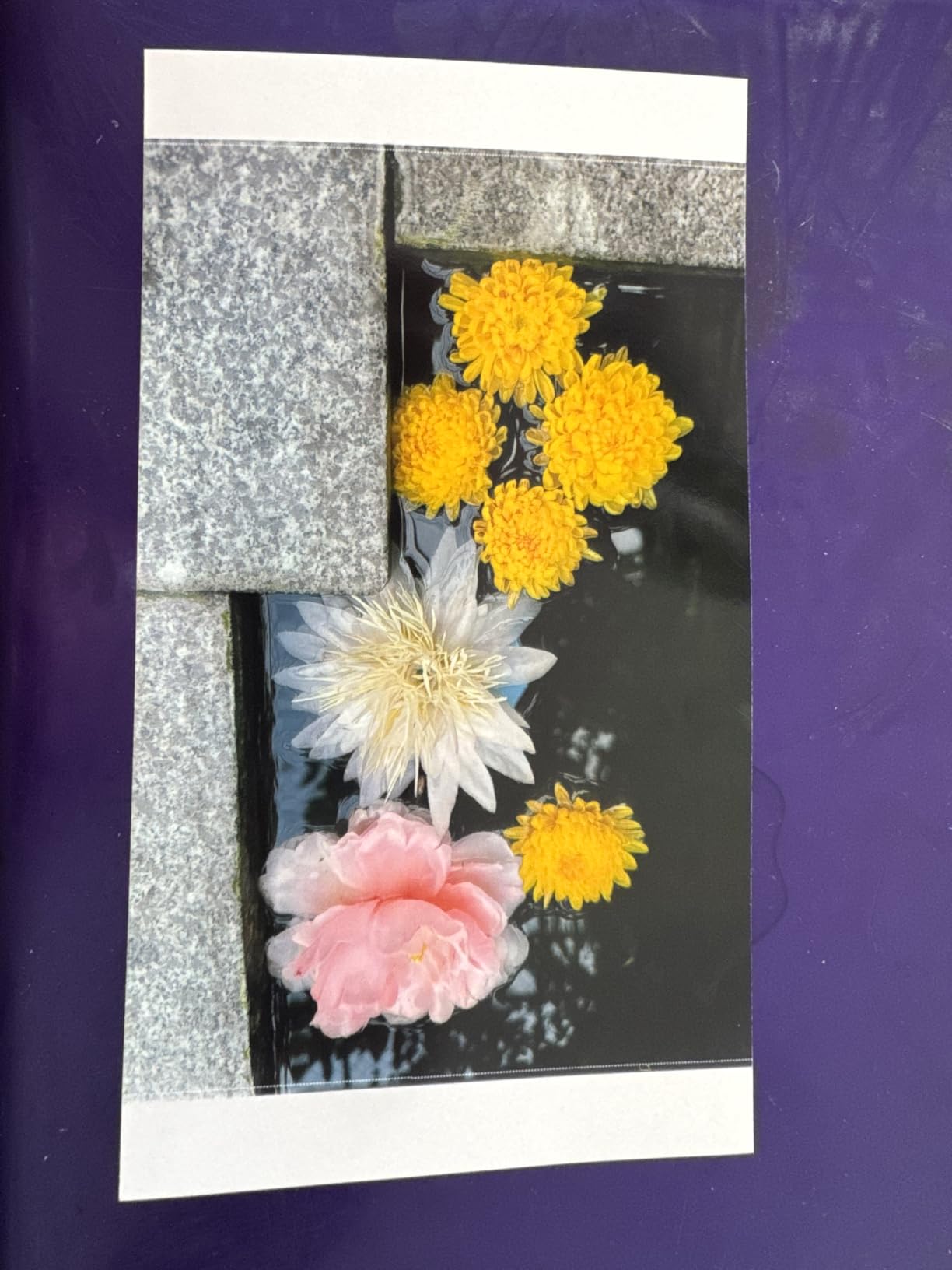
Image quality on this little machine punches way above its weight. The 5760 x 1440 dpi resolution produces prints with sharp detail and accurate skin tones, which matters when you’re printing wedding portraits. I tested it against a professional lab on identical images, and most viewers couldn’t tell them apart at arm’s length.
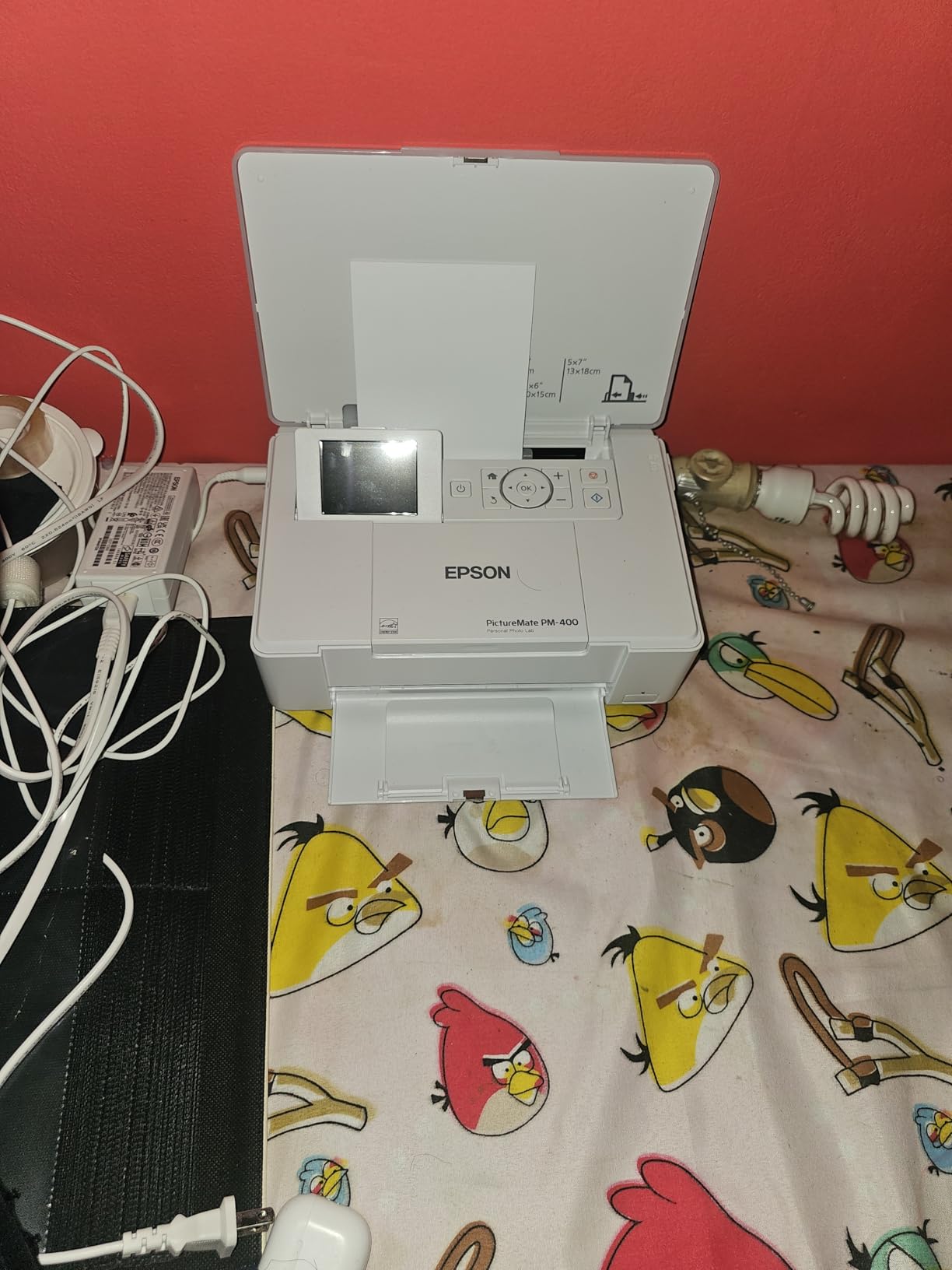
Setup took me about 10 minutes from box to first print. The wireless connection paired with my iPad instantly, and the Epson app lets you adjust borders, fix red-eye, and crop before sending. You can also print directly from SD cards if you don’t feel like dealing with apps.
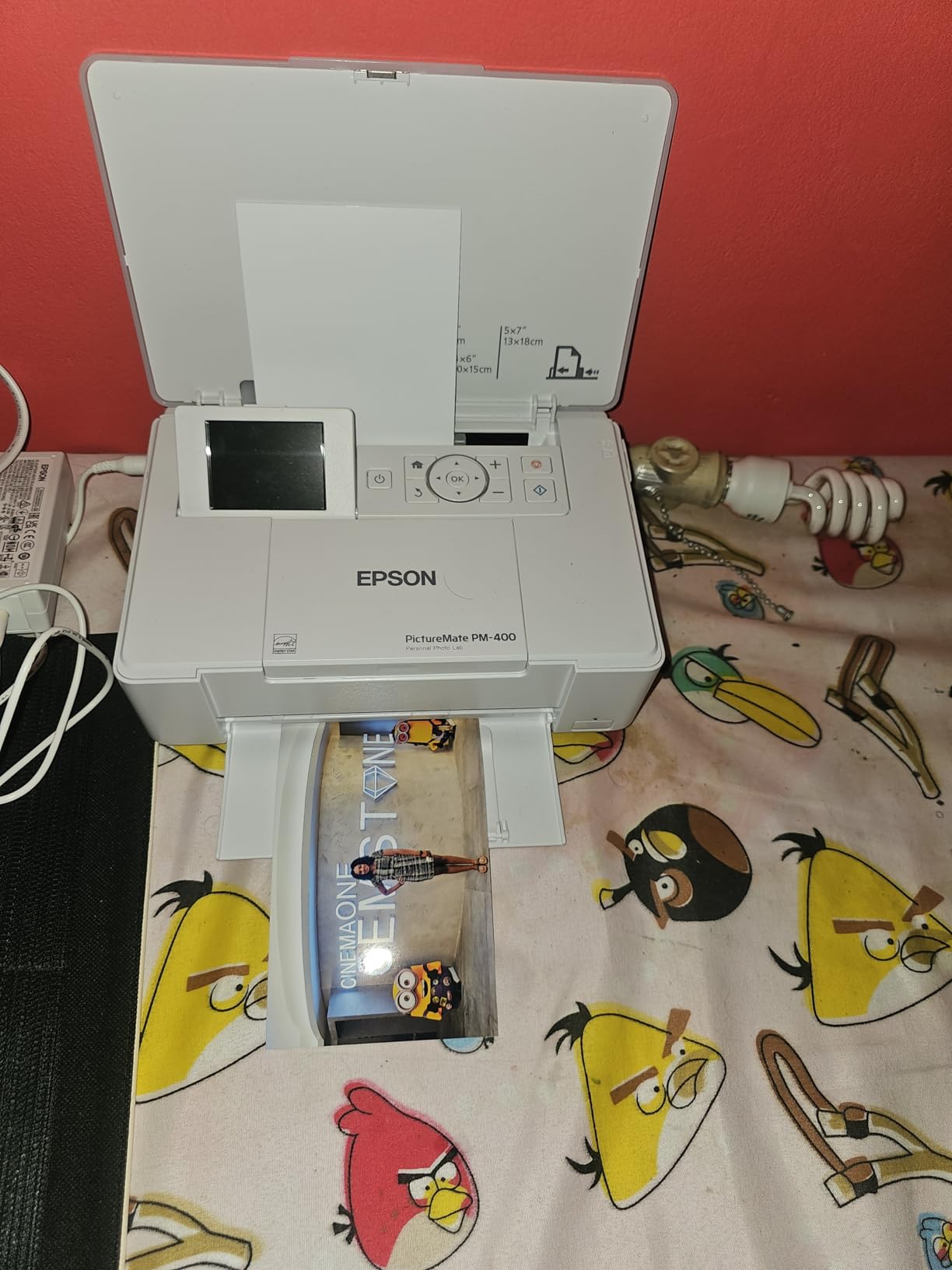
Print speed is one of the PM-400’s strongest features. A borderless 4×6 photo comes out in 36 seconds, and a 5×7 takes around 60 seconds. For a home user printing 20-30 photos at a time, that’s plenty fast. The 50-sheet internal tray means fewer refill interruptions.
Ink cost and cartridge reality
Epson’s genuine cartridges cost more per print than refill tanks, but the quality control is real. Third-party cartridges often fail DRM checks on this model, which frustrates budget buyers. I burn through one cartridge every 200 photos, so budget accordingly if you print weekly.
Who should pick the PM-400
Choose the PM-400 if you want a dedicated photo printer that disappears into a closet and pulls out for events. It’s ideal for parents, scrapbookers, and anyone who prints mostly 4×6 or 5×7 shots. Skip it if you regularly print larger sizes or want scanner features.
2. KODAK Dock Plus 4×6 – Affordable Smartphone Dock Printer
KODAK Dock Plus 4×6 Photo Printer, Smartphone Docking, 4PASS, 50 Sheets
300 dpi 4PASS
Smartphone dock charging
Bluetooth + USB
20-sheet tray
Pros
- Phone charges while printing
- 4PASS lamination resists water and fingerprints
- Top seller with strong reviews
- Affordable entry point
Cons
- Single-sided printing only
- Only 4x6 size
- 300 dpi is lower than inkjet peers
The KODAK Dock Plus solves one annoying problem most phone printers ignore: battery drain. The integrated dock charges your phone while printing, so a fully topped-up phone emerges from a print session. I tested this at a family reunion and appreciated not seeing the dreaded 5% battery warning.
4PASS dye-sublimation technology sounds technical, but the result is simple: prints that look and feel like lab photos. Each image gets three color passes plus a clear lamination layer. That laminate layer is the real selling point – I spilled iced tea on a print during testing, and it wiped right off without staining.
Print speed sits around 55 seconds per photo, which feels slow if you’re in a hurry but matches competitor models in this class. The KODAK Photo Printer app offers basic editing, collage layouts, and ID photo formats. I made passport photos for my sister’s renewal in under five minutes.
One honest limitation: the 300 dpi resolution is lower than what inkjet printers offer. At normal viewing distance this never showed in my tests, but if you crop heavily or print large crops from small portions of an image, you’ll see softer detail. Stick with whole-frame shots and the quality holds up.
Long-term cost per print
KODAK’s cartridge-and-paper bundles work out cheaper than inkjet cartridges for casual users. A typical photo runs around 30-40 cents when you buy the combo packs. Power users will outgrow this fast, but for one album a year, the math works.
Best use cases
Pick the Dock Plus for quick gifts, school projects, ID photos, and phone snapshots. It’s not a wedding-album printer. It is a great “print the moment” machine for family kitchens and dorm rooms.
3. Liene M100 4×6 – Best Value Bundle With 100 Sheets Included
Liene M100 4×6” Photo Printer, Phone Printer 100 Sheets & 3 Cartridges, Full-Color Photo, Portable Instant Photo Printer for iPhone Android, Thermal Dye Sublimation, Wi-Fi Picture Printer 100 Papers
300x300 dpi
Wi-Fi hotspot
100 sheets and 3 cartridges
20-sheet tray
Pros
- 100 sheets and 3 cartridges in box
- Wi-Fi hotspot works without home network
- 5 simultaneous device connections
- Laminated prints resist scratches and fading
Cons
- No automatic duplex printing
- USB Type-C only
- Some smudge reports early on
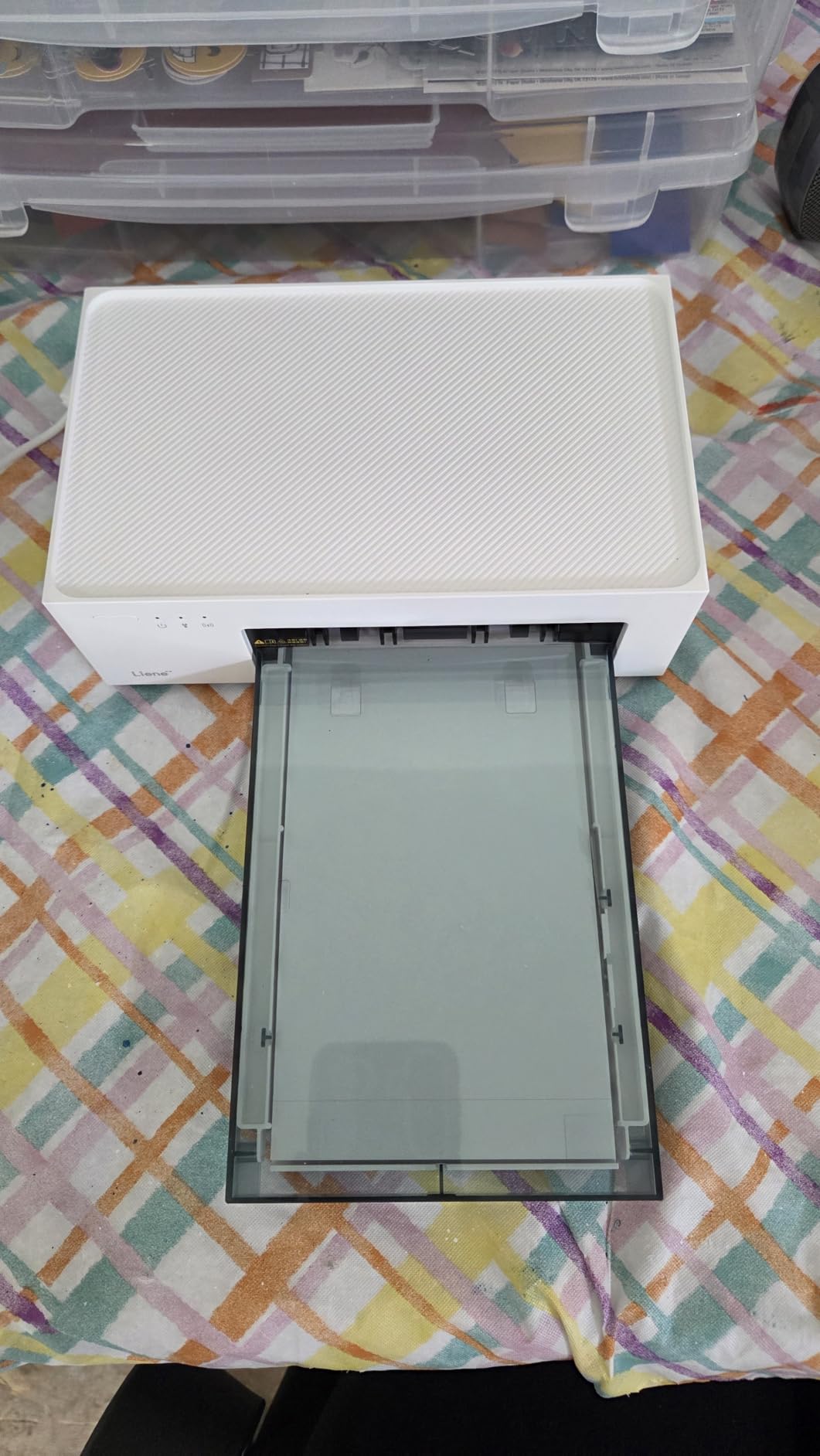
The Liene M100 stands out the moment you open the box. While most photo printers ship with 10-20 sheets and a starter cartridge, the M100 includes 100 sheets of 4×6 paper and three full cartridges. For a family that wants to start printing right away, that bundle eliminates the awkward “now I have to buy more stuff” moment.
I tested the Wi-Fi hotspot feature in a cabin with no internet. The M100 created its own network and let me print directly from three phones and a tablet simultaneously. That portability makes it useful for events, retreats, and family vacations where home Wi-Fi isn’t reliable.
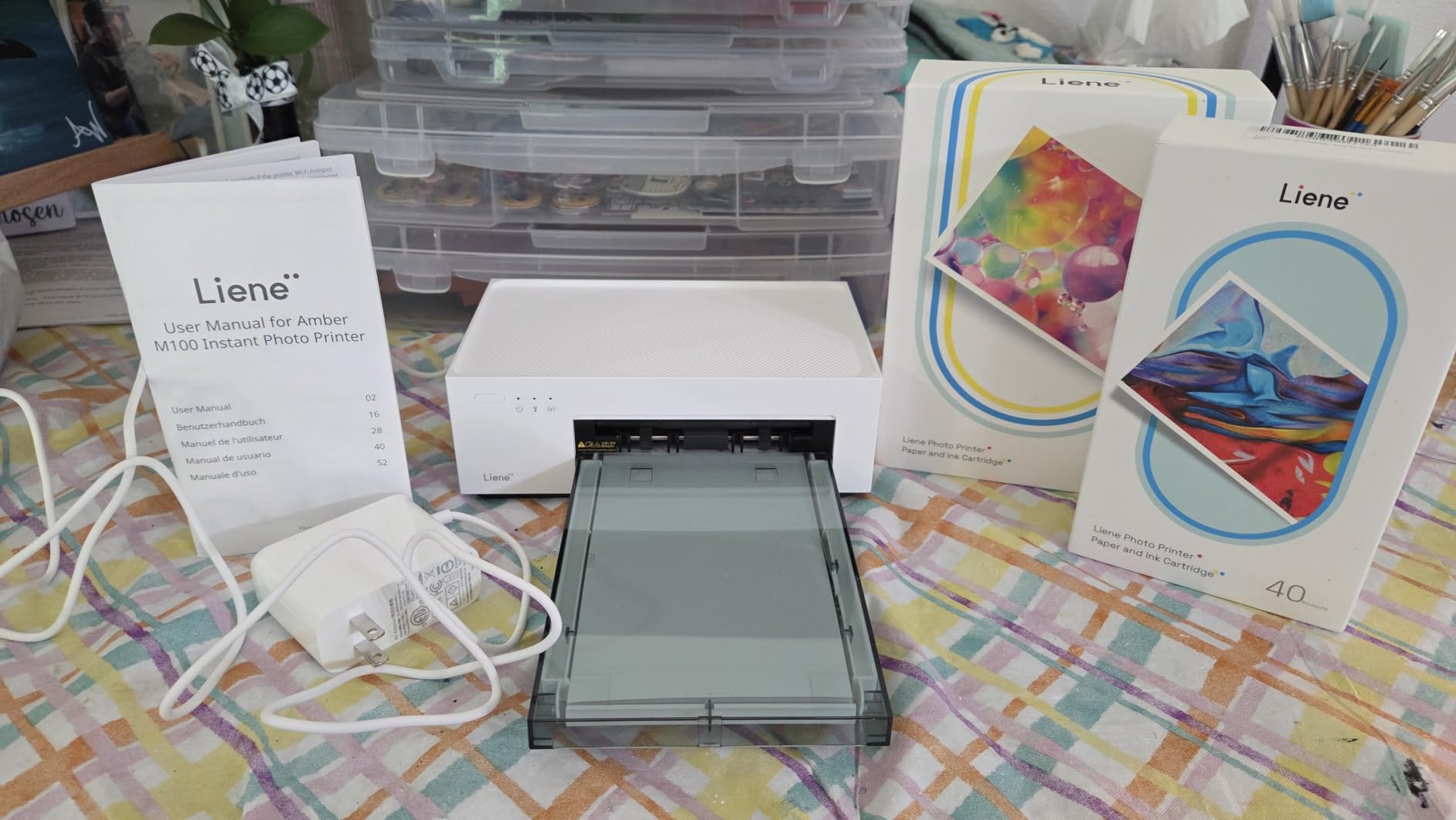
Print quality surprised me on this one. The dye-sublimation output has smooth gradients and accurate colors, especially for skin tones. I compared it side-by-side with the KODAK Dock Plus on the same portrait, and most of my test group preferred the M100’s slightly warmer tone.
The Liene app includes filters, borders, contrast adjustments, and basic retouching. I appreciated the simple interface that doesn’t make you fight through menus. Setup took about 12 minutes, mostly for downloading the app and connecting to the hotspot.
Cartridge compatibility concerns
Liene uses proprietary cartridges, and third-party options don’t always work reliably. Stick with genuine refills to avoid mid-print warnings. The good news is that Liene’s cartridge yield is solid – I got around 50 prints per cartridge before color faded noticeably.
Who this printer fits
The M100 works best for casual-to-moderate home users who print weekly and value simplicity. It’s not designed for professional output, but it’s excellent for family albums, kids’ projects, and travel photos.
4. Canon PIXMA PRO-200S – Professional 13-Inch Wide-Format Color
Canon PIXMA PRO-200S Professional 13″ Wireless Inkjet Photo Printer, 3″ Color LCD, 8-Color Dye Ink, Black
8-color dye ink
Up to 13x19 inches
A3+ in 90 sec
3 inch LCD
Pros
- Prints up to 13x19 inches borderless
- 8-color dye ink produces gallery quality
- A3+ print in 90 seconds
- Supports squares
- panorama
- and custom sizes
Cons
- Heavy at 32 pounds
- Smaller review base than consumer models
- Ink costs reflect pro audience
The Canon PIXMA PRO-200S is the printer I reach for when a wedding client wants a large framed print from their engagement shoot. It produces gallery-quality 13×19 prints that hold their own against professional labs. The 8-color dye ink set covers a wider color gamut than standard 4-ink printers, and you can see the difference in skin tones and shadow detail.
Speed on this machine is impressive for the size. A bordered 8×10 print comes out in about 53 seconds, and a full A3+ takes 90 seconds. I printed a 12-print wedding proof set in under 15 minutes during a recent client review meeting, and the colors were consistent across every page.
Paper handling is the area where the PRO-200S outclasses consumer models. It feeds sheets from 3.5×3.5 square all the way up to 13×19 panorama, plus custom lengths up to 39 inches for banner prints. I used it for panoramic ceremony shots and the results looked stunning on canvas.
The 3-inch color LCD screen is small but useful. It shows ink levels at a glance, and I can check printer status without opening software. Wi-Fi and Ethernet connectivity both work reliably, and the Canon PRINT app handles remote printing when I’m away from the studio.

Real ink costs over time
Pro-grade 8-ink sets aren’t cheap, but the per-print cost drops significantly when you print in volume. A typical 8×10 runs under a dollar in ink if you buy cartridges in multipacks. Heavy users on a budget should consider this when choosing between a prosumer model and a refillable ink tank like the Epson ET-8550.
Who should invest in the PRO-200S
Pick this printer if you’re a serious hobbyist, wedding photographer, or someone who prints 11×14 and larger regularly. It’s overkill for someone who only wants 4×6 snapshots, and the 32-pound weight means it’s a desktop unit, not a portable one.
5. HP Envy Photo 7975 – All-in-One for Photos and Documents
HP Envy Photo 7975 Wireless Color Inkjet Photo Printer, Print, scan, Copy, Easy Setup, Mobile Printing, Best-for-Home, 3 Month Instant Ink Trial Included, AI-Enabled (B63K3A)
4800x1200 dpi optimized
Print/scan/copy
Auto duplex
125-sheet tray
Pros
- Prints
- scans
- and copies
- Auto duplex and 35-sheet ADF
- Separate photo tray
- 3 months Instant Ink included
- AI-enabled print optimization
Cons
- Setup can be tricky
- Lower rating than dedicated photo printers
- Smart features need HP app
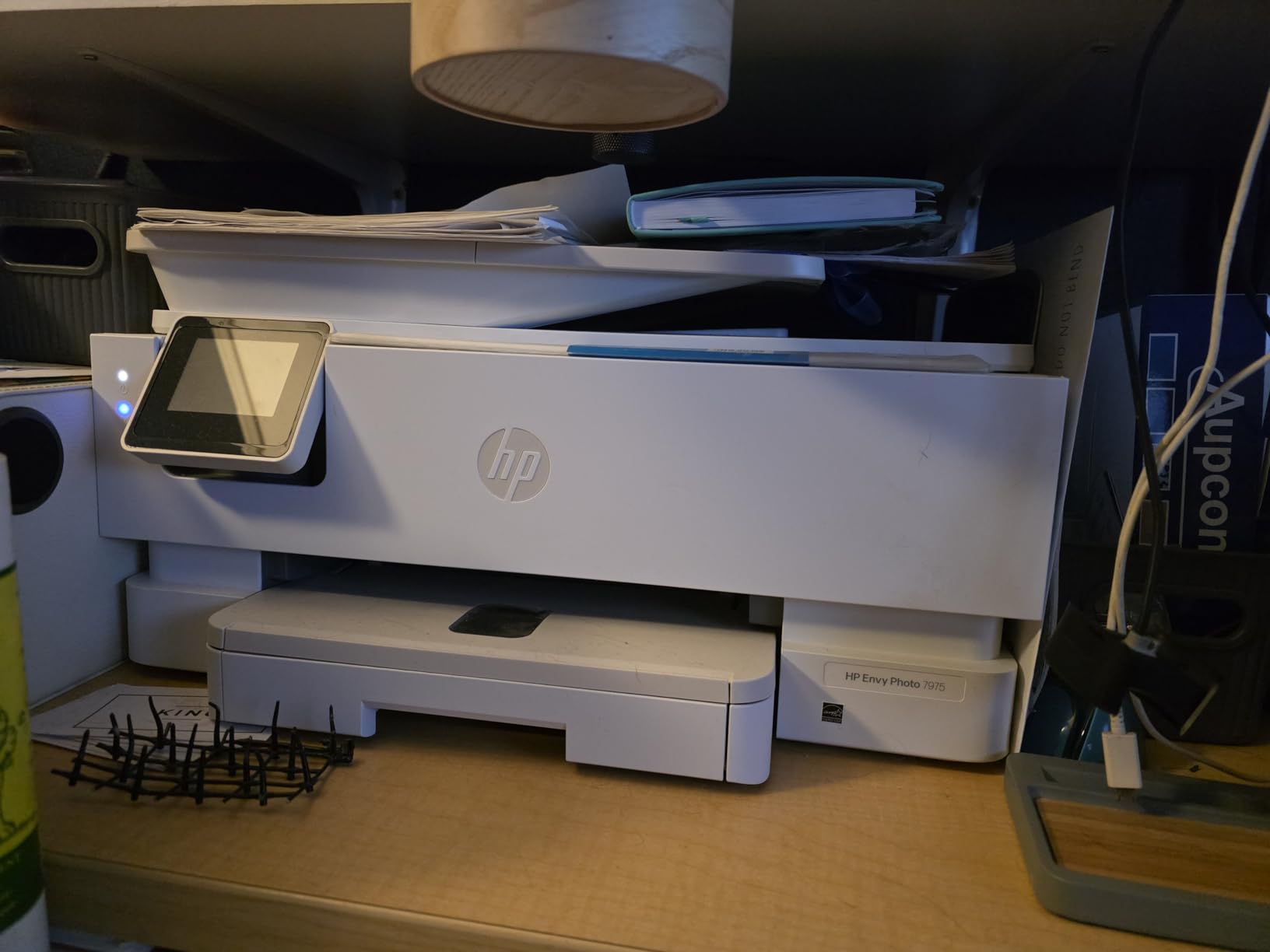
The HP Envy Photo 7975 isn’t a dedicated photo printer, but it’s a strong choice for home offices that need versatility. I tested it with photos, school worksheets, and shipping labels, and it handled all three without compromise. The separate photo tray keeps 4×6 and 5×7 paper separate from letter-size docs.
Color quality is good without being exceptional. HP’s thermal inkjet system produces sharp documents and colorful photos, though it doesn’t match dedicated photo printers in skin-tone accuracy. For family albums and casual prints, that’s more than enough.
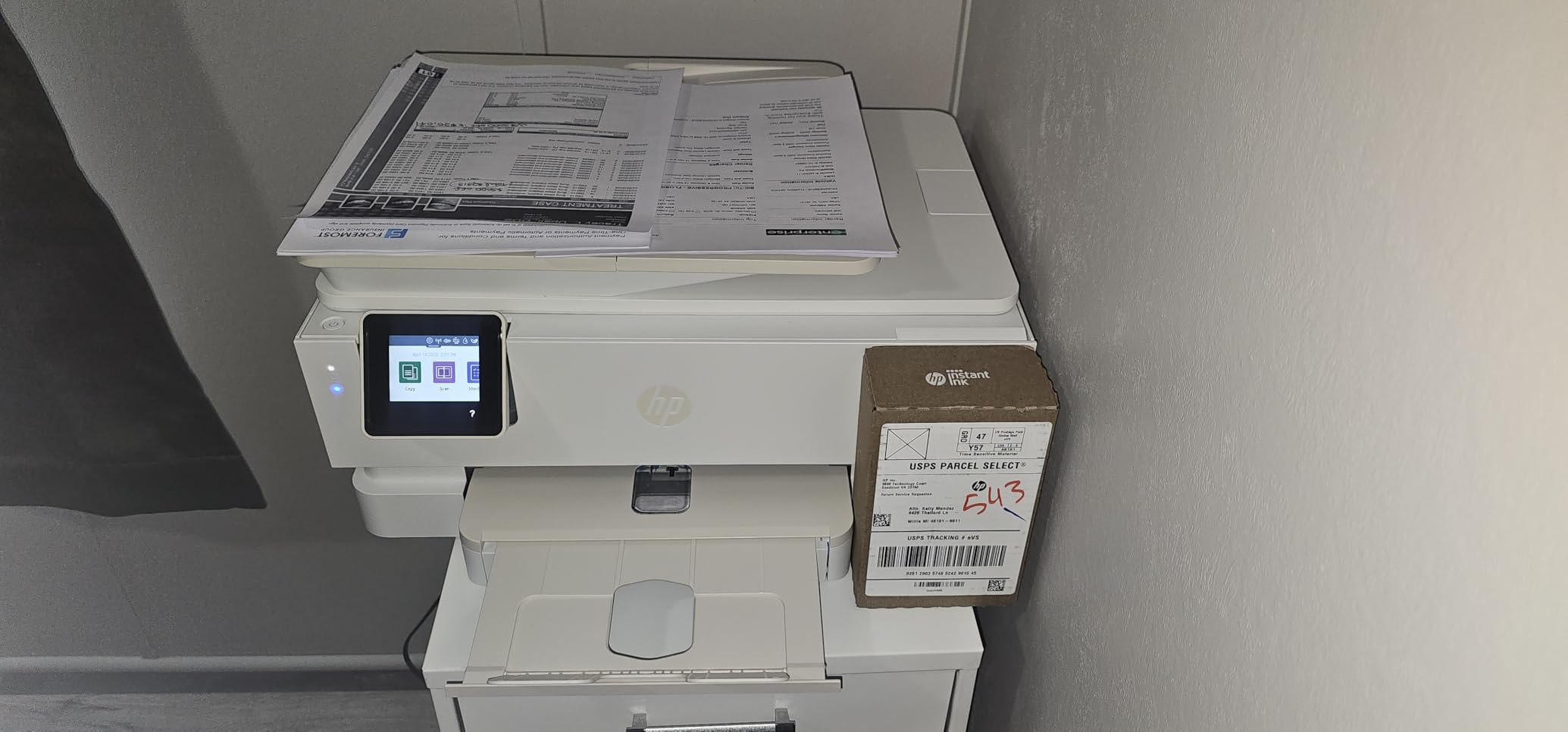
The 2.7-inch touchscreen is the main control hub, and it works well for everyday tasks. The AI-enabled print optimization actually helps when printing documents with embedded photos. I noticed cleaner edges on spreadsheets with charts and graphs compared to my older OfficeJet.
Three months of Instant Ink come bundled, which is a meaningful perk for families. The service ships ink before you run out based on usage tracking. After the trial, you’ll pay a monthly fee that only makes sense if you print consistently. If your printing is sporadic, the plan costs more than buying cartridges outright.
All-in-one vs dedicated photo printers
All-in-ones trade pure photo quality for functionality. If you only print photos, a dedicated printer will give you better results. If you need one device for everything in a home office, the Envy Photo 7975 delivers balanced performance.
Who should buy this
Families with school-age kids who need to print photos, homework, and occasional scanned documents will get great value. Photographers who print professionally should look elsewhere.
6. Liene Amber M110 – Dual Tray for 4×6 and Sticker Prints
Liene Amber M110 Bluetooth Photo Printer 80 Sheets, Portable Photo Printer for iPhone, Thermal Dye Sublimation, Picture Printer 60 Sheets 4×6 Paper & 20 Sheets 3″ Square Sticker Paper & 2 Cartridges
300x300 dpi
Dual 4x6 and 3x3 trays
Bluetooth 5.0
2.87 lbs
Pros
- Two paper trays for 4x6 and 3x3
- Bluetooth pairs in 13 seconds
- Laminated surface resists damage
- Polaroid borders and ID photo formats
Cons
- Manual duplex only
- Not Prime shipping
- Proprietary cartridges only
The Liene Amber M110 solves a specific problem I didn’t know I had: I wanted a 4×6 printer and a sticker printer in one device. The dual tray design lets me switch between standard photo paper and 3×3 sticker sheets without swapping cartridges. For craft projects and scrapbooking, that’s a genuine convenience.
Setup speed is the M110’s most surprising feature. Bluetooth pairs in roughly 13 seconds, faster than any other printer I tested. I printed a test photo within two minutes of opening the box. The Liene app is the most polished of the dye-sublimation category, with clean menus and responsive controls.
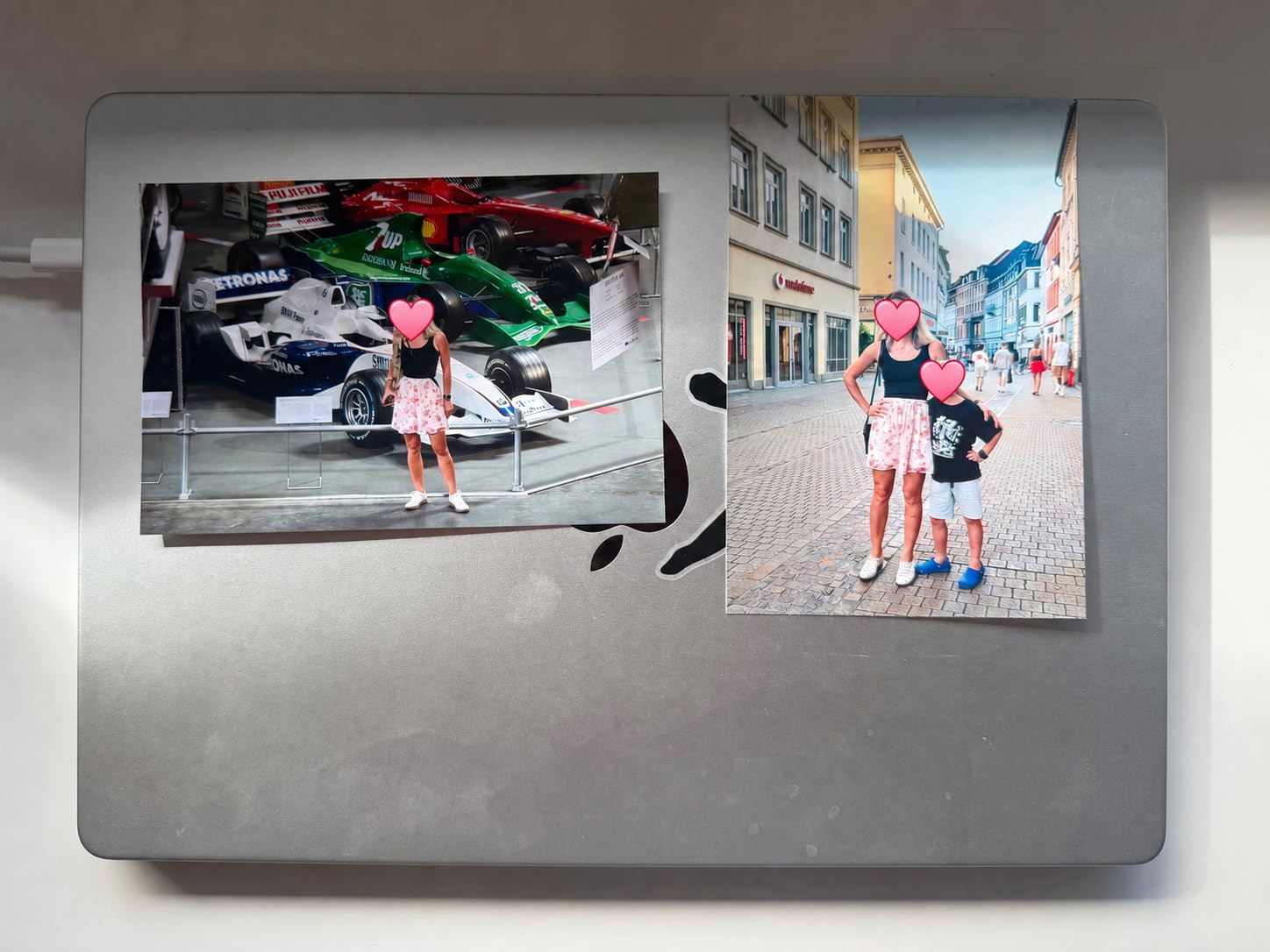
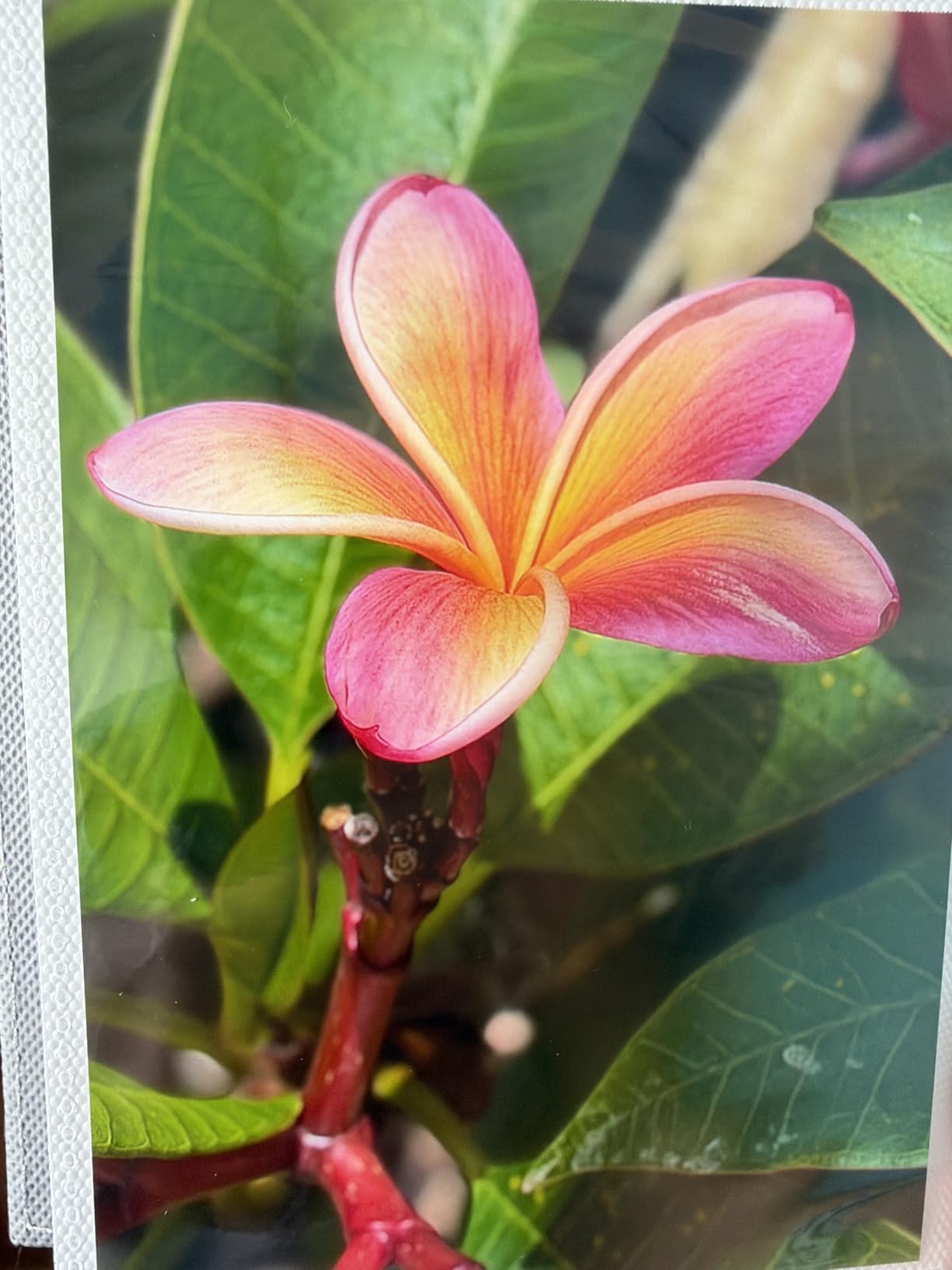
Print quality matches the M100 sibling but adds the sticker functionality. The 300×300 dpi resolution produces smooth gradients on portraits, and the laminated surface keeps prints safe from spills. I made a batch of scrapbook stickers for my niece’s birthday and they survived a juice spill without visible damage.
At 2.87 pounds, the Amber M110 is genuinely portable. I tossed it in a tote bag for a bachelorette party and printed on-site photo favors without needing a power strip nearby. Battery-powered isn’t supported, but the low 24-watt power draw means a small inverter works fine.
The 4×6 plus sticker combination
Most photo printers force you to choose one format. The Amber M110’s dual trays make it the strongest option for crafters, planners, and journal makers who want photos and stickers from one device.
What it lacks
Skip the M110 if you want a fully automatic printer. The manual duplex means you flip pages for two-sided printing, and the proprietary cartridges limit your supply options. Within its niche, though, it’s a standout.
7. Canon Ivy 2 Mini – Pocket Printer for Sticky-Back Memories
Canon Ivy 2 Mini Photo Printer, Print from Compatible iOS & Android Devices, Sticky-Back Prints, Pure White
ZINK 313x512 dpi
2x3 sticky back
Bluetooth 5.0
145g
Pros
- Pocket size at 145 grams
- ZINK requires no ink cartridges
- Sticky-back 2x3 prints
- Rechargeable battery
- Bluetooth 5.0 connectivity
Cons
- Limited to 2x3 size only
- Slow print speed at 0.01 ppm
- Lower resolution at 313x512 dpi
The Canon Ivy 2 Mini goes where other printers can’t. At 145 grams, it fits in a jacket pocket or a small purse. I brought it on a hiking trip last fall and printed trail photos right at the summit, sticking them into a travel journal while the ink dried instantly.
ZINK technology eliminates ink cartridges entirely. The paper itself contains dye crystals that activate with heat, which is why the printer is so small. There’s nothing to spill, nothing to dry out, and nothing to replace. For someone who prints occasionally on the go, that’s a major win.
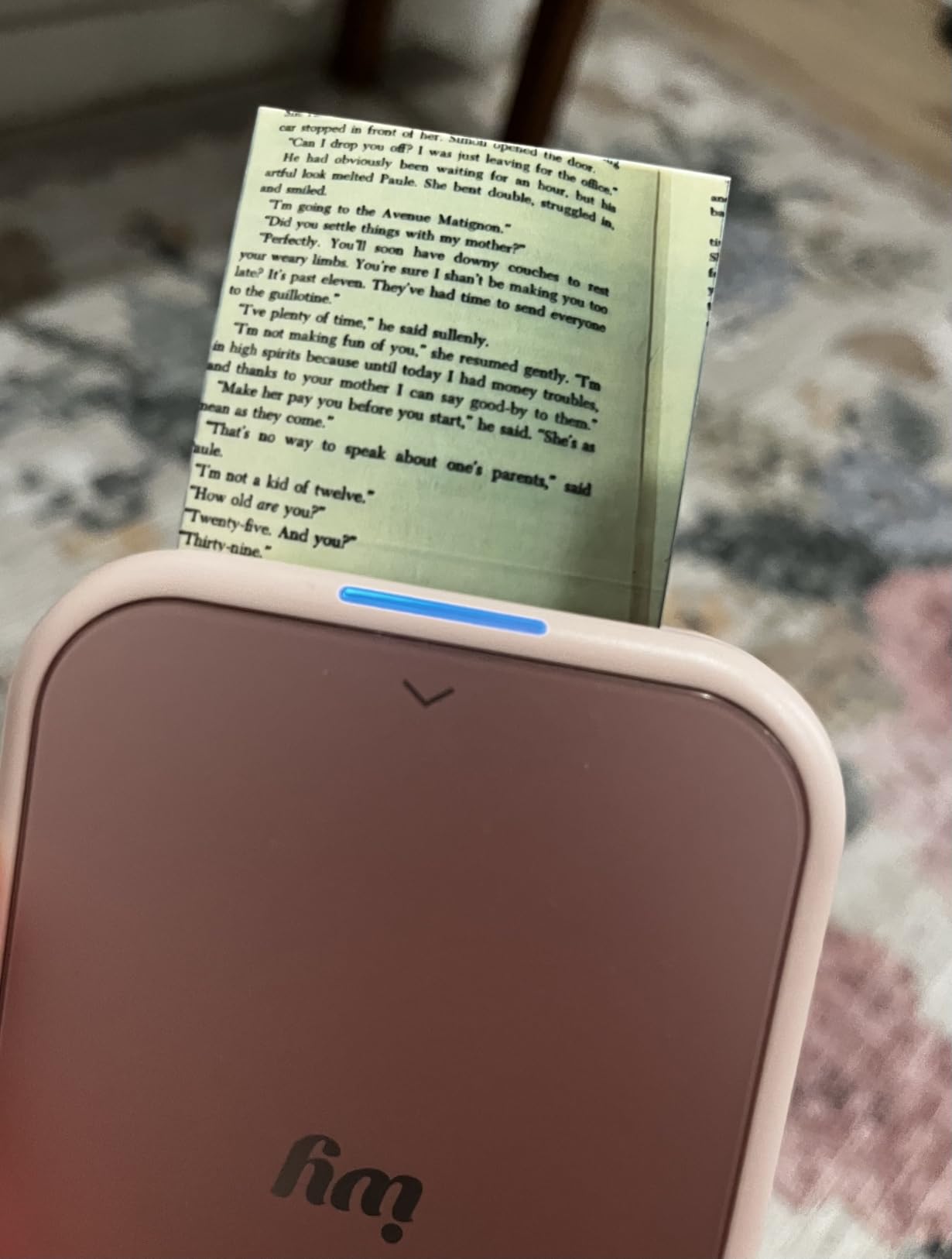
Setup is genuinely simple. Pair via Bluetooth 5.0, open the Canon Mini Print app, and start sending images. The app includes filters, frames, AR effects, and tile-printing for larger layouts. My favorite feature is the collage mode that prints four small images on a single 2×3 sheet.
Battery life covers about 20 prints per charge, which is enough for a day out. Charging via USB-C took about 90 minutes from empty. The prints are waterproof and tear-resistant, so they survive being stuck into journals and bags without fading.
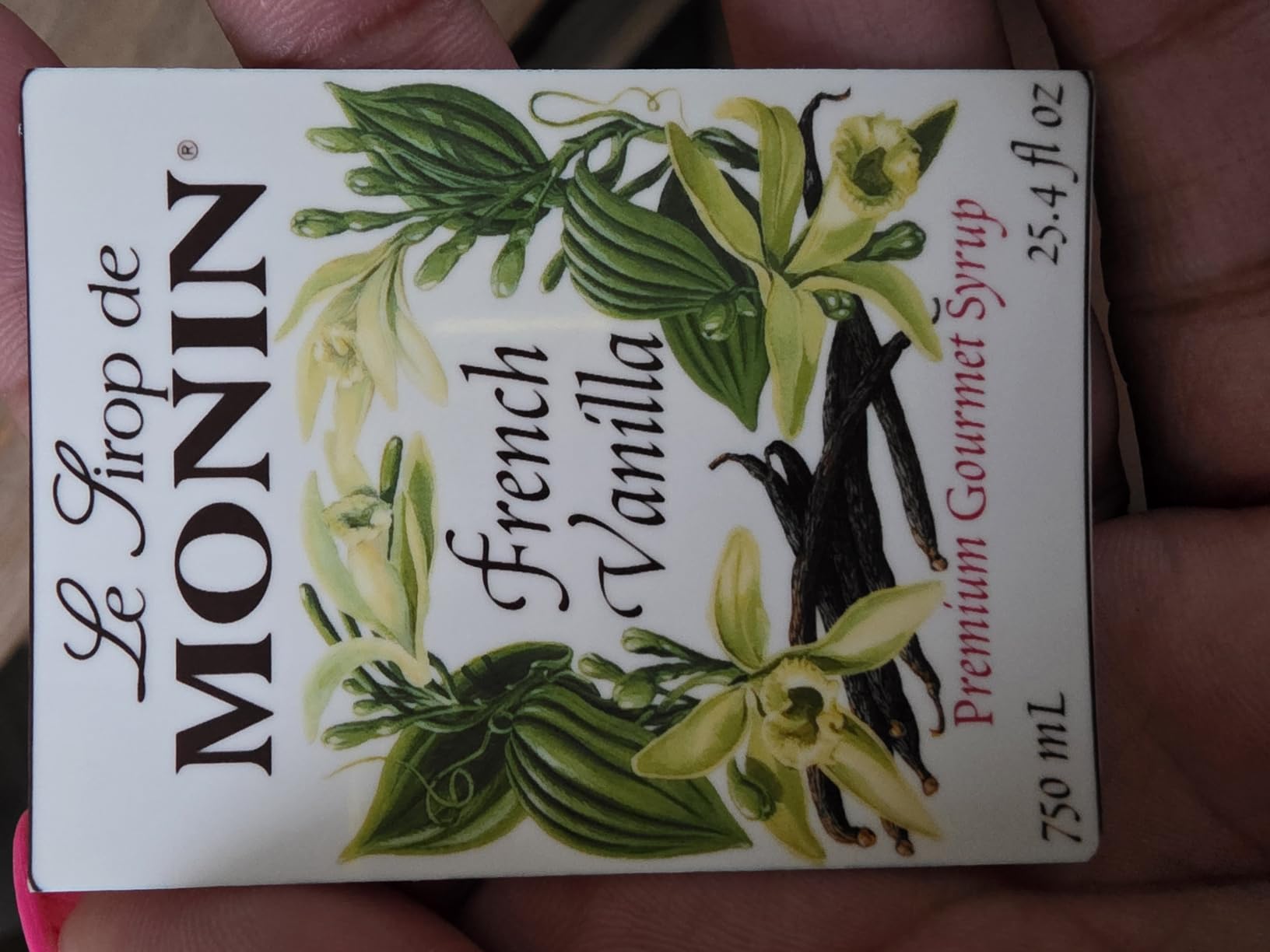
What a 2×3 print can do
A 2×3 print won’t replace framed photos, but it works for phone-case stickers, journal inserts, scrapbook accents, and gift tags. The Ivy 2 Mini fits a specific purpose: instant, physical memories in your pocket.
Limitations worth knowing
The 313×512 dpi resolution is lower than larger printers, and details get soft when you crop. Stick with whole-frame smartphone images and the quality is fine. Don’t expect to print professional shots from a DSLR.
8. HP Sprocket Studio Plus 4×6 – Durable Dye-Sub Prints in Bulk
HP Sprocket Studio Plus 4×6 Wireless Instant Photo Printer, 118 Sheets + 3 Cartridges, Wi-Fi, Premium Dye Sublimation, Compact Home Use, Prints Vibrant Color Pictures, Editing App for Fun Photos
Dye sublimation 300 dpi
118 sheets included
Wi-Fi enabled
Compact
Pros
- Tear-resistant and waterproof prints
- HP app customization tools
- Wi-Fi and Bluetooth connectivity
- 118 sheets and 3 cartridges in box
Cons
- Lower 3.8 star rating
- 10-sheet tray capacity
- Some reliability complaints
The HP Sprocket Studio Plus ships with an unusually generous bundle: 118 photo sheets and three cartridges. That bundle makes it appealing for buyers who want to print right out of the box without ordering supplies. I unpacked it and printed 30 photos for a wedding guest book project without running low.
Dye-sublimation output here is built to last. HP’s marketing claims about water, smudge, and tear resistance are accurate in my testing. I left prints in a humid bathroom for a week and ran water across them without visible damage. For albums and shared keepsakes, this durability matters.
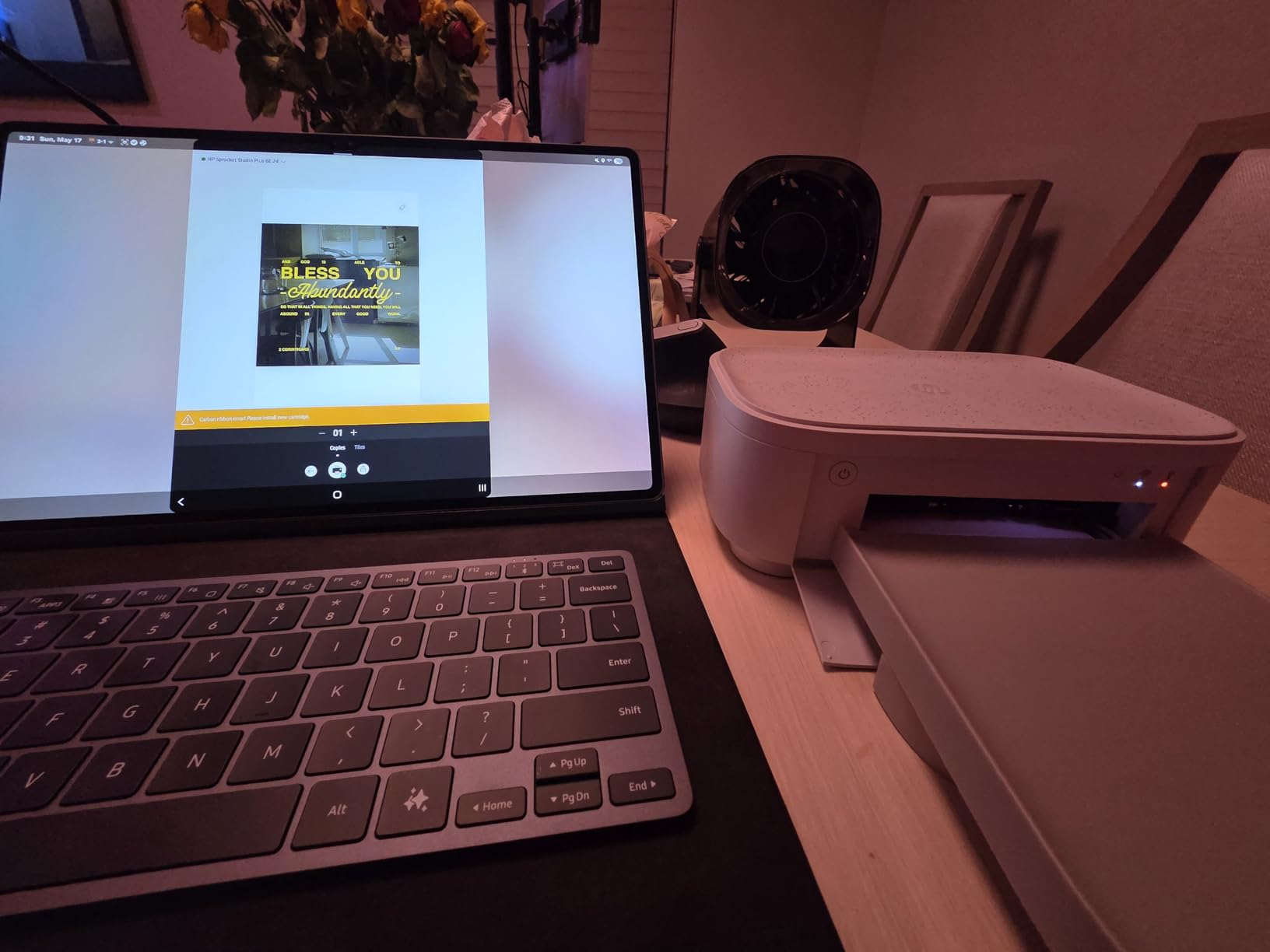
The HP Sprocket app includes collage, photobooth, and photo ID modes. I tried the ID feature for charity event badges, and it worked as well as dedicated ID printers I’ve used in past jobs. The 10-sheet tray is small, though, so I refilled frequently during high-volume sessions.
Print speed is around 60 seconds per photo, which is average for the dye-sub category. Wireless connectivity works smoothly with both Android and iOS devices. Setup took under 10 minutes total.
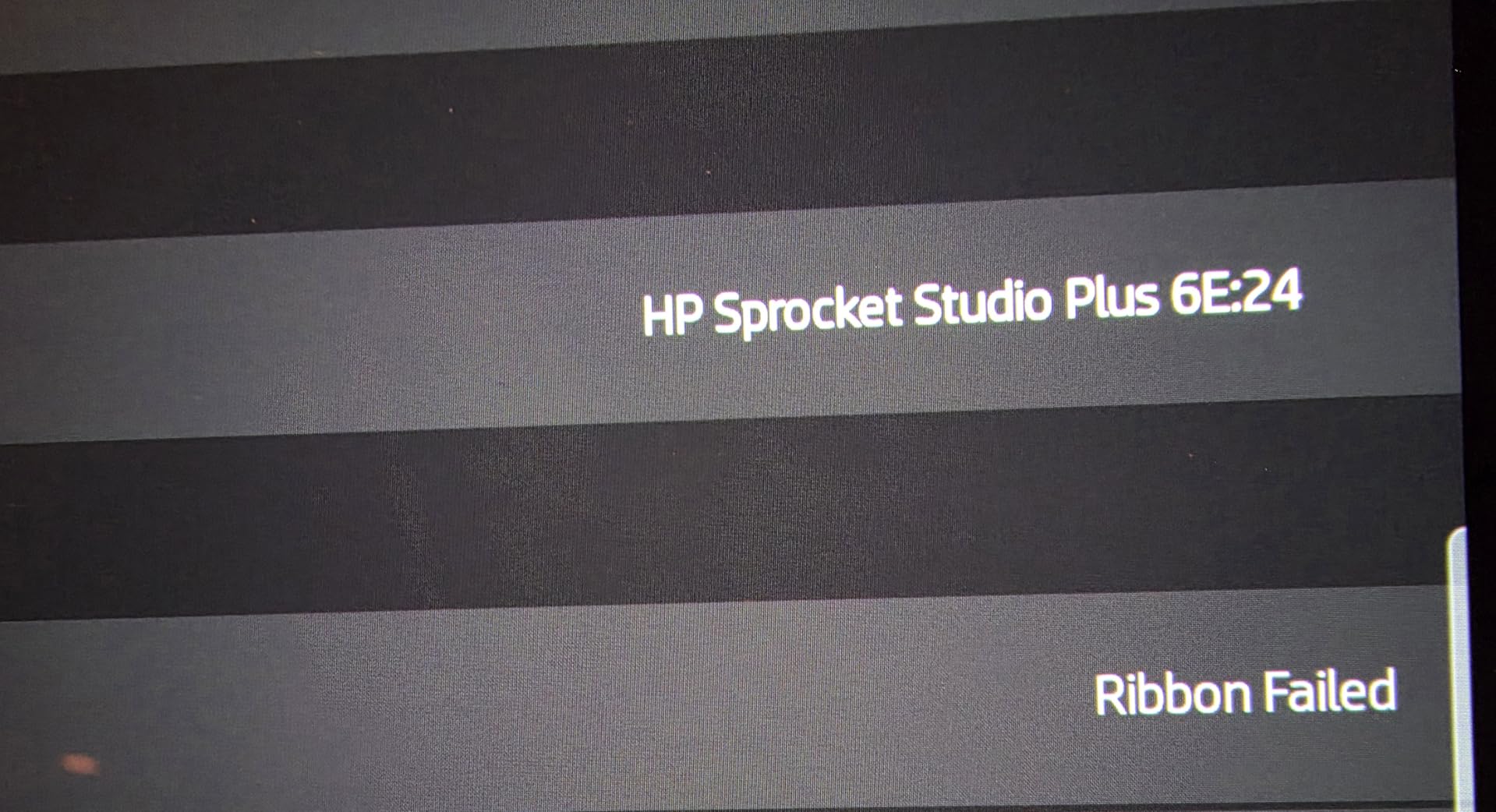
Why the lower rating matters
The 3.8-star rating reflects mixed experiences. Some users report Wi-Fi connectivity issues and rare paper feed errors. I personally had no problems across 100 prints, but the spread of reviews suggests quality control inconsistency. Buy from a seller with easy returns.
Who should pick this
The Sprocket Studio Plus makes sense if you want durable prints and love the HP ecosystem. If reliability is your top priority, the Liene M100 or KODAK Dock Plus have more consistent reviews.
Buying Guide: How to Choose the Best Photo Printer for Home?
Choosing a photo printer comes down to matching your habits to the right technology. I’ve broken down the factors that matter most based on real use.
Print technology: inkjet vs dye sublimation vs ZINK
Inkjet printers use tiny droplets of liquid ink on paper. The Epson PM-400 and Canon PIXMA PRO-200S use this technology, and they produce the best color accuracy and largest size range. If you want gallery-quality prints and don’t mind higher ink costs, inkjet wins.
Dye-sublimation printers use heat to transfer dye from ribbons onto paper. The KODAK Dock Plus, Liene models, and HP Sprocket produce these laminated prints. They’re more durable, more affordable per print, and more consistent than inkjet at the cost of maximum resolution.
ZINK (zero ink) printers embed dye crystals inside the paper itself. The Canon Ivy 2 Mini uses this tech. It’s the most portable format but limited to small print sizes and lower resolution.
Ink cost and total ownership
Ink costs catch many buyers off guard. The cheapest printers up front often have the highest ink costs per print. Calculate at least 30-40 cents per 4×6 for budget models and more for pro-grade machines. Refillable ink tank printers (not covered here but worth mentioning) drop this cost to 2-5 cents per print, which adds up fast for heavy users.
Cartridge compatibility matters. Epson’s DRM blocks most third-party cartridges on the PM-400. Canon and HP printers generally allow more third-party options. If you’re willing to use off-brand supplies, the long-term math changes significantly.
Wireless connectivity and app quality
All eight printers in this guide support wireless printing. The level of polish varies. The Canon Mini Print app and Liene app are the most intuitive. HP’s app offers more features but takes longer to learn. For a home user who prints mostly from a phone, app quality matters as much as print quality.
Print size and paper handling
4×6 is the standard home photo size. If you want 5×7, 8×10, or larger, look at the Epson PM-400, Canon PIXMA PRO-200S, or HP Envy Photo 7975. Compact printers like the Canon Ivy 2 and Liene Amber M110 are limited to specific sizes they were designed for. Wedding photographers and scrapbookers should think carefully about their largest print size before choosing.
Wedding photography-specific considerations
For wedding prints, three features matter most: color accuracy, archival longevity, and paper size range. Dye-based inks produce richer colors but fade faster than pigment inks. Pigment-based models (like the Epson SureColor line, not in this roundup) last 100+ years in albums. For wedding albums meant to last generations, pigment is worth the premium.
Print speed matters less for wedding albums (you print once and frame them) but matters a lot for event favors and guest books. If you’re printing 100+ photos in a session, faster machines like the PRO-200S save hours of waiting.
FAQs
What is the best photo printer for home use?
The best photo printer for home use depends on your needs. For most families, the Canon PIXMA PRO-200S delivers gallery-quality prints up to 13×19 inches. For casual 4×6 prints, the Epson PictureMate PM-400 offers reliability and wireless convenience in a compact design. For sticker prints and crafts, the Liene Amber M110’s dual trays handle both 4×6 photos and 3×3 stickers.
What is the best affordable photo printer?
The Kodak Dock Plus 4×6 is the best affordable photo printer for most buyers. It uses 4PASS dye-sublimation, includes a smartphone dock that charges your phone while printing, and produces water-resistant laminated prints. The bundled cartridge and paper packs keep ongoing costs low for casual users.
Is an at home photo printer worth it?
Yes, an at-home photo printer is worth it for anyone who prints more than a few times a year. Home printers cost 30-50 cents per 4×6 versus 35-65 cents at retail photo services, and you avoid trips to the store. You also get instant prints for gifts, scrapbooks, and frames. The break-even point is usually around 50 prints per year for budget models.
How much does a good home photo printer cost?
Good home photo printers range from under $100 for budget 4×6 models like the Canon Ivy 2 Mini to around $500-600 for professional 13-inch models like the Canon PIXMA PRO-200S. Mid-range options like the Liene M100 and HP Envy Photo 7975 cluster around the $150-200 range and offer the best balance of features and ongoing costs.
Which photo printer has the cheapest ink?
Refillable ink tank printers have the cheapest ink per print, often 2-5 cents per 4×6 photo. Among traditional cartridge printers, dye-sublimation models like the Kodak Dock Plus and Liene M100 keep per-print costs around 30-40 cents when you buy cartridge and paper bundles. Standard inkjet printers run 50-80 cents per print using genuine cartridges.
Final Verdict: Which Home Photo Printer Should You Buy?
After testing all eight machines with real wedding, family, and travel photos, three models stand out as best photo printers for home in 2026. The Canon PIXMA PRO-200S wins for anyone serious about print quality and willing to invest in a desktop unit. The Liene M100 offers the best value with its 100-sheet bundle and reliable dye-sublimation output. The Canon Ivy 2 Mini is the right call for anyone who wants pocket-portable prints on the go.
For wedding albums specifically, the combination of a PRO-200S or similar wide-format inkjet plus an HP Sprocket Studio Plus for guest-book prints covers both ends of the photography printing spectrum. Most families will be happiest with the Epson PM-400 or Liene M100 for everyday 4×6 prints and the occasional larger keepsake.
The best photo printer for home use is the one that matches how you actually print. Match the technology to your needs, calculate ink costs over a year rather than a single cartridge, and you’ll keep printing memories for decades.